My Custom Theme Is No Longer Applied In Sudo Nautilus?
by flippi from LinuxQuestions.org on (#4S0JZ)
I have had to in place upgrade and repair permissions prior I hastily added a chmod command guide to make an icon for something and overwrote the lot borked the installation permissions on the lot.
Any way all is good back to normal except for one appimage needs replacing.
The main issue though is when I type nautilus it looks like it should with my custom Oomox create theme applied like the image below shows:
https://i.postimg.cc/Pxt3RYbK/Screen...7-13-24-38.png
And if I type sudo nautilus it used to look like the image above but now looks like this instead?
https://i.postimg.cc/kXFykB4p/Screen...7-13-24-19.png
Can someone explain this or maybe help me utilize the custom icons and theme when using sudo nautilus


Any way all is good back to normal except for one appimage needs replacing.
The main issue though is when I type nautilus it looks like it should with my custom Oomox create theme applied like the image below shows:
https://i.postimg.cc/Pxt3RYbK/Screen...7-13-24-38.png
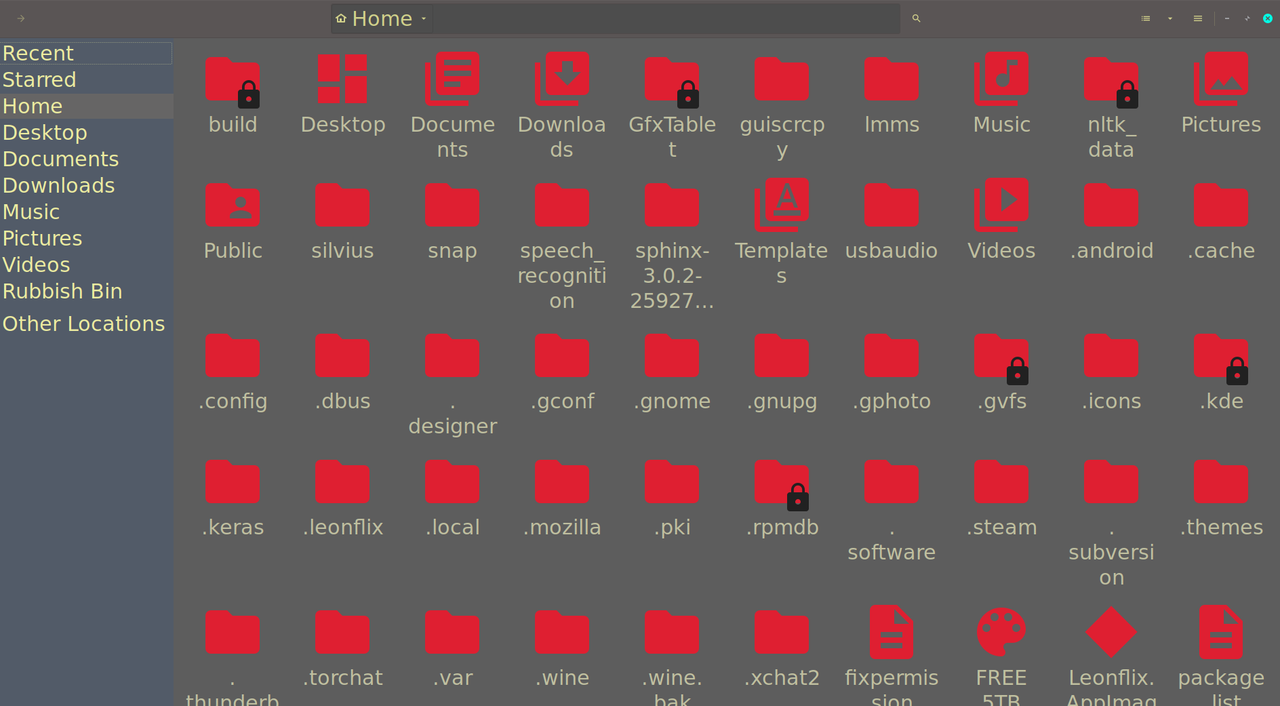
And if I type sudo nautilus it used to look like the image above but now looks like this instead?
https://i.postimg.cc/kXFykB4p/Screen...7-13-24-19.png
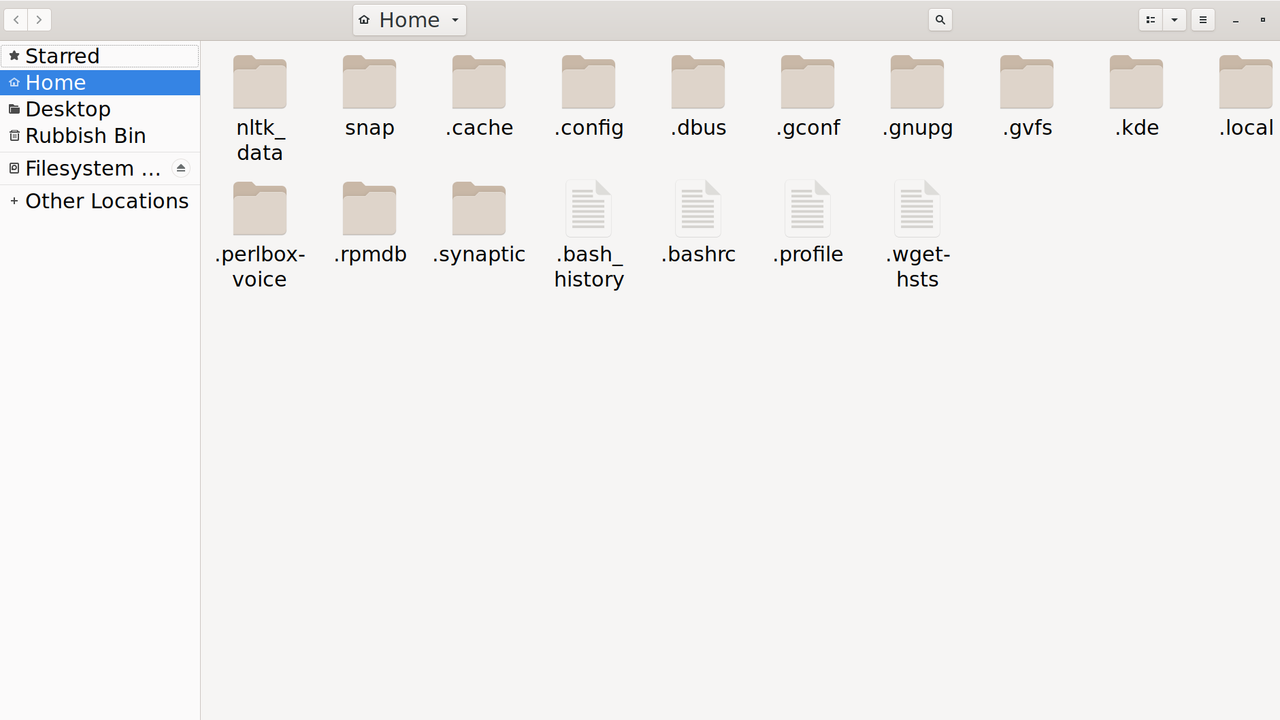
Can someone explain this or maybe help me utilize the custom icons and theme when using sudo nautilus