OnePlus 7 and 7 Pro get OxygenOS 10.0.2 update with October security patch
It also brings optimizations for standby power consumption, communications performance, and Bluetooth connectivity.
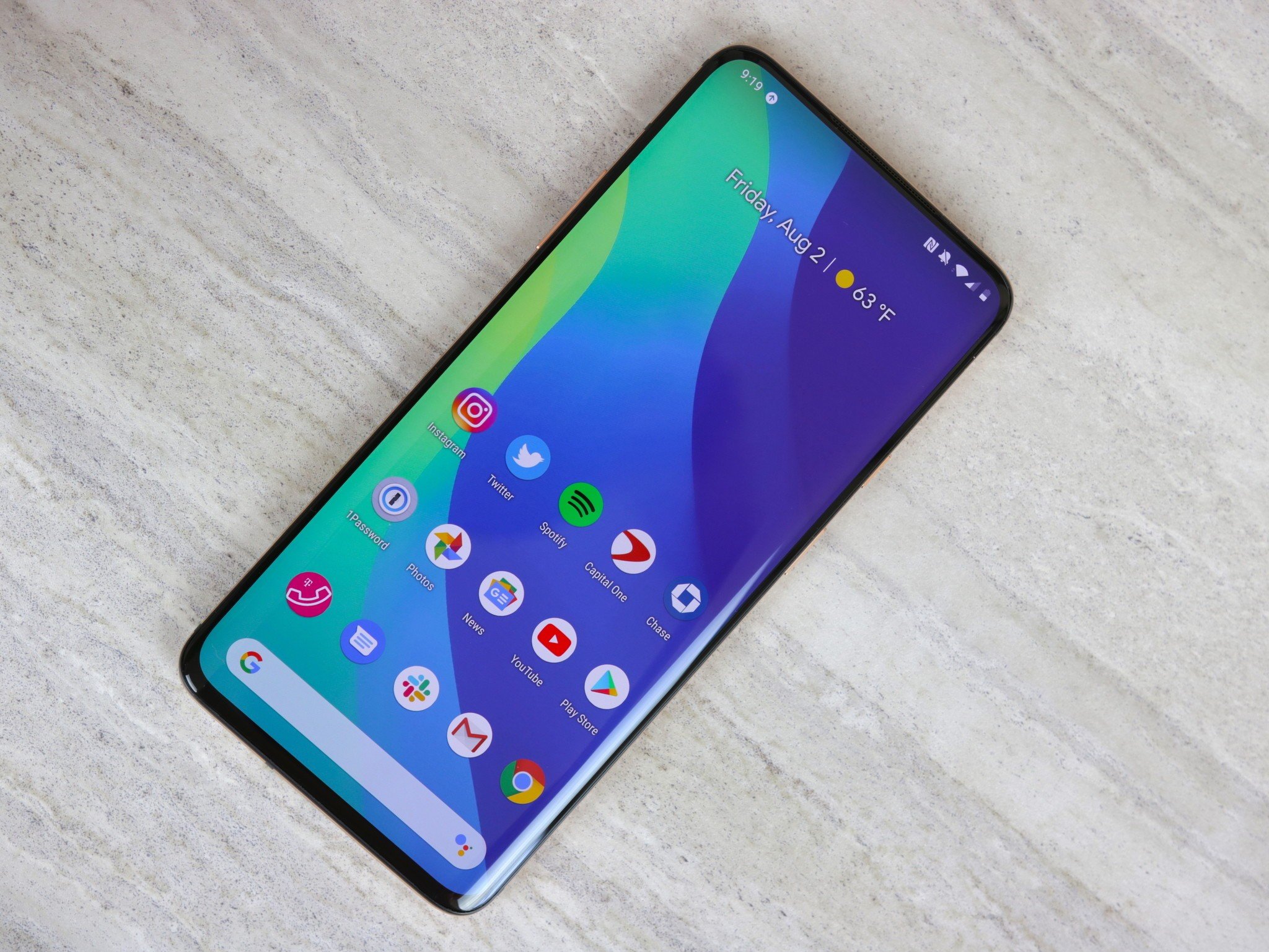
- OxygenOS 10.0.2 update is now rolling out for the OnePlus 7 and 7 Pro.
- The update brings the October security patch, several optimizations, and bug fixes.
- OnePlus is pushing out the update in stages, which means it will take a few days before it becomes available for all OnePlus 7 and 7 Pro users.
OnePlus had pushed out an OxygenOS update for its latest 7T and 7T Pro smartphones last week, bringing improvements to Bluetooth connectivity as well as optimizations for standby power consumption. The Chinese smartphone maker has now rolled out a new OxygenOS update for the OnePlus 7 and 7 Pro.
The latest OxygenOS 10.0.2 update for the OnePlus 7 and 7 Pro is currently rolling out to users across the globe. As per the folks at XDA Developers, many OnePlus 7 Pro users have reportedly received the update already.
While the previous OxygenOS 10.0.1 was a relatively minor update that didn't really bring any major changes, OxygenOS 10.0.2 comes with numerous optimizations and includes the October 2019 Android security patch. OnePlus 7 Pro owners can also expect to see improvements in video stabilization after installing the update, as it optimizes the performance of the Super Stable feature.
Here's the full changelog:
System
Optimized the standby power consumptionOptimized the expanded screenshot featureOptimized the Bluetooth connectivity in automobilesImproved the translation accuracyOptimized overall communication (network, phone calls, mobile data) performanceOptimized charging performance with third-party chargersFixed the blank screen issueFixed fingerprint icon animation issueFixed the volume issue with AirPodsFixed the black bar issue while charging or playing a videoUpdated Android security patch to 2019.10Improved system stability and general bug fixesCamera
Optimized the performance of Super Stable feature in the Video for the camera app
If you own a OnePlus 7 or 7 Pro, you can look for the update now by going to Settings > System update. Alternatively, you can also use the Oxygen Updater app to get the links to download the update.
Get More OnePlus 7OnePlus 7 Pro