How to pair an Echo Sub to an Amazon Echo speaker

You've decided to up your streaming audio game by grabbing an Echo Sub to pair with your current Echo speakers. It's a great pickup, with 100 watts of power to accentuate the deepest lows of your favorite music. Now the only thing left to do is to set up the Sub within your current setup. Let's go through how to do that now!
Products used in this guide- All about that bass: Amazon Echo Sub ($110 at Amazon)
- Classic smart speaker: Amazon Echo (3rd Gen) ($100 at Amazon)
- Open the Alexa App on your phone.
- Tap the menu button on the upper left corner of your screen.
Tap Add Device.

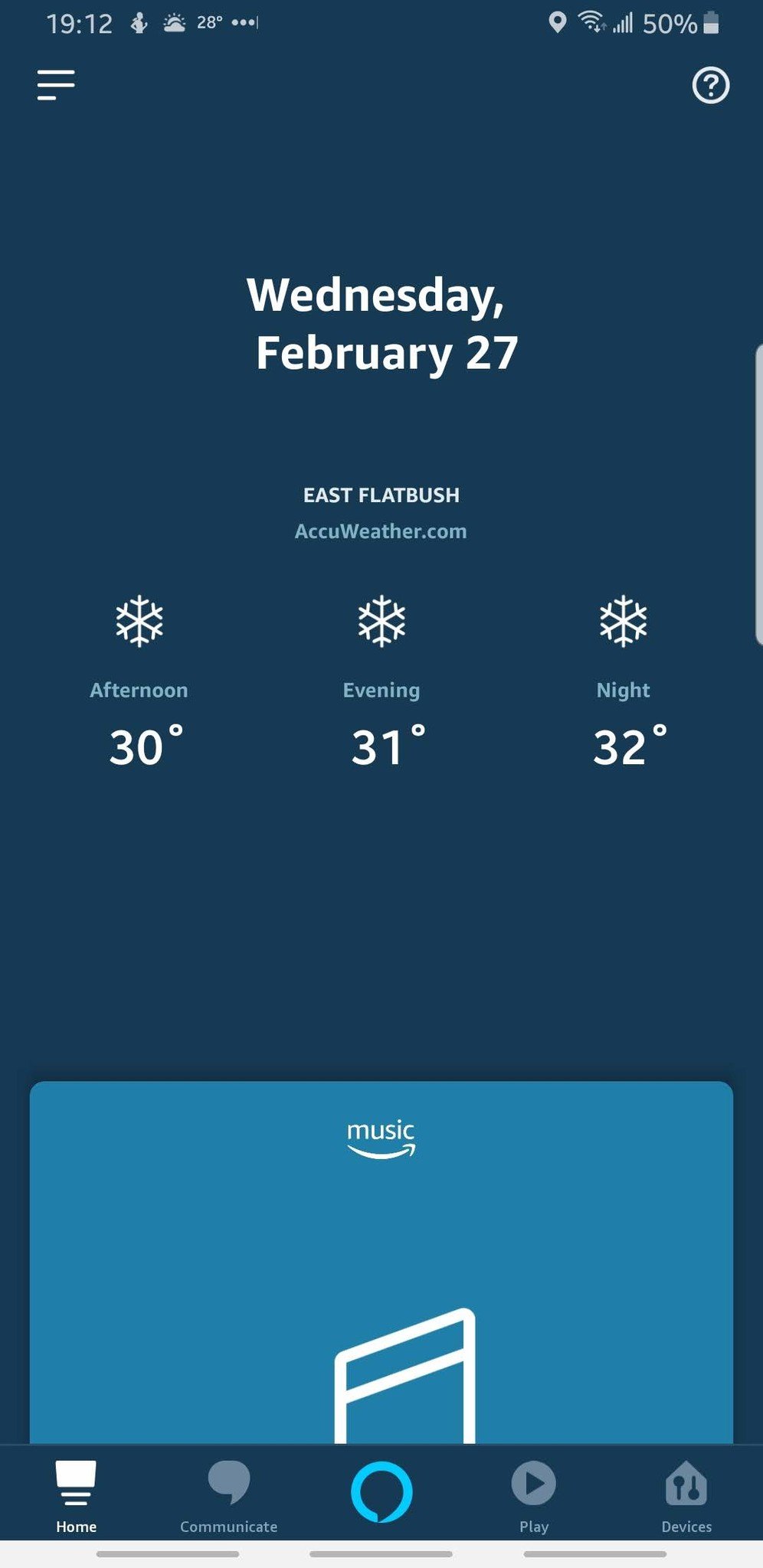

- Tap the Amazon Echo icon.
- Tap Echo Sub.
On the Select your Amazon Echo screen, select your Echo Sub. It will be named Echo Sub-XXX


- Tap the Wi-Fi network your other Echo devices are connected to.
- Once your Echo Sub is connected to your Wi-Fi, tap Continue to begin pairing your Echo Sub to your Echo speaker.
Watch the Echo Sub setup video. After the video is finished, tap Continue twice.


- Tap the Echo speaker or stereo configuration you wish to pair your Echo Sub to and tap Next in the upper right of your screen.
- Let your Echo Sub pair to your speakers.
Your Echo Sub is now successfully paired with your Echo speaker(s)!


Once finished, you'll be able to enjoy your favorite songs while feeling the deep bass from your Echo Sub. It's the perfect complement to your Echo speaker set up, or even a pair of Echos for 2.1 stereo streaming audio.
Our top equipment picksMain EventerAmazon Echo (3rd Gen)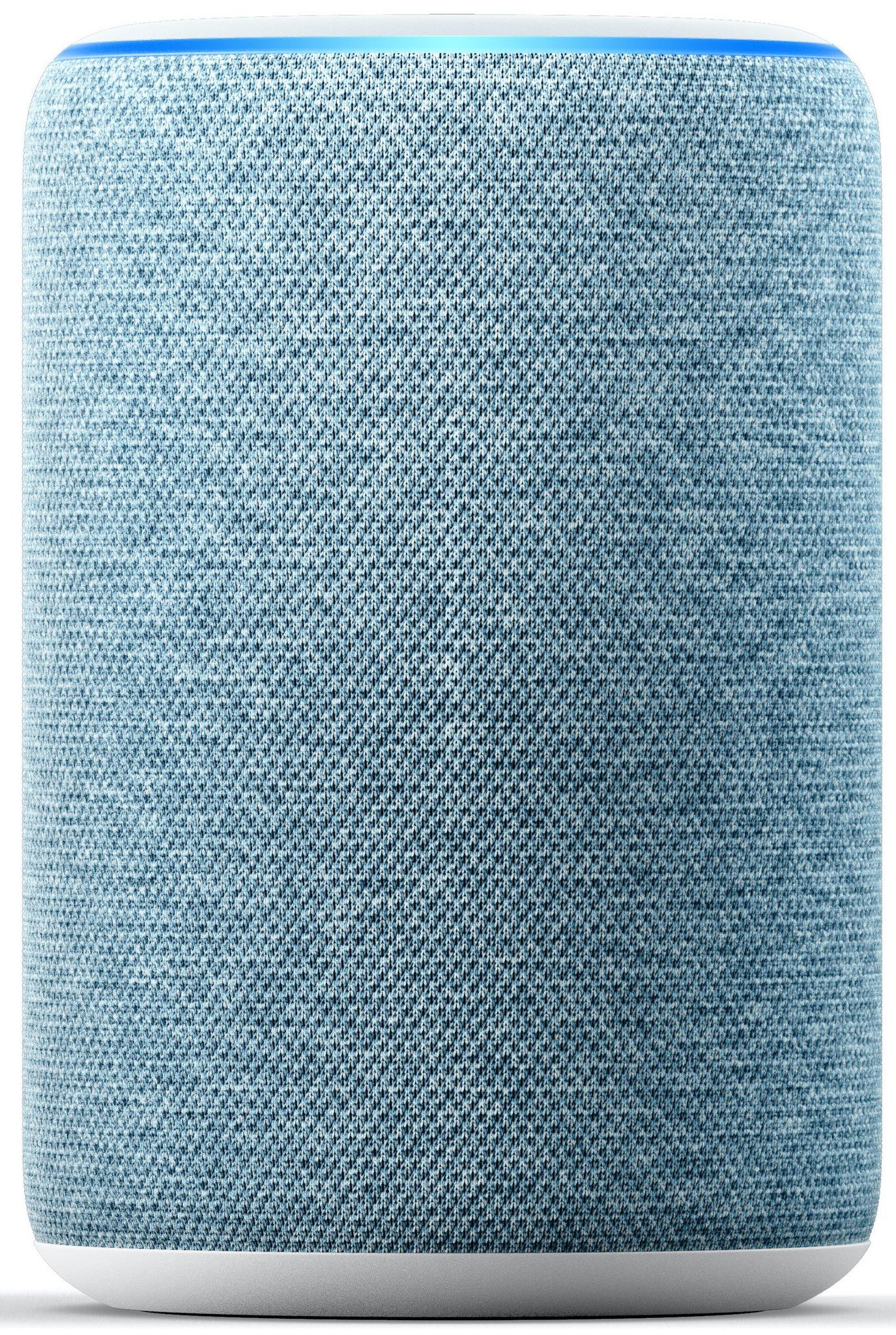
$100 at Amazon $100 at Best Buy
The classic smart speaker with a clean look.
Having one speaker is nice, but two or three is twice (thrice?) as nice, with the ability to group more than one speaker for multi-room audio.
The Amazon Echo (3rd Gen) is an solid option for families looking to ease into the smart speaker space. Being able to pair two for a stereo setup allows for 2.1 stereo sound, giving you high quality streaming audio with home assistant capabilities.
That extra oomphAmazon Echo Sub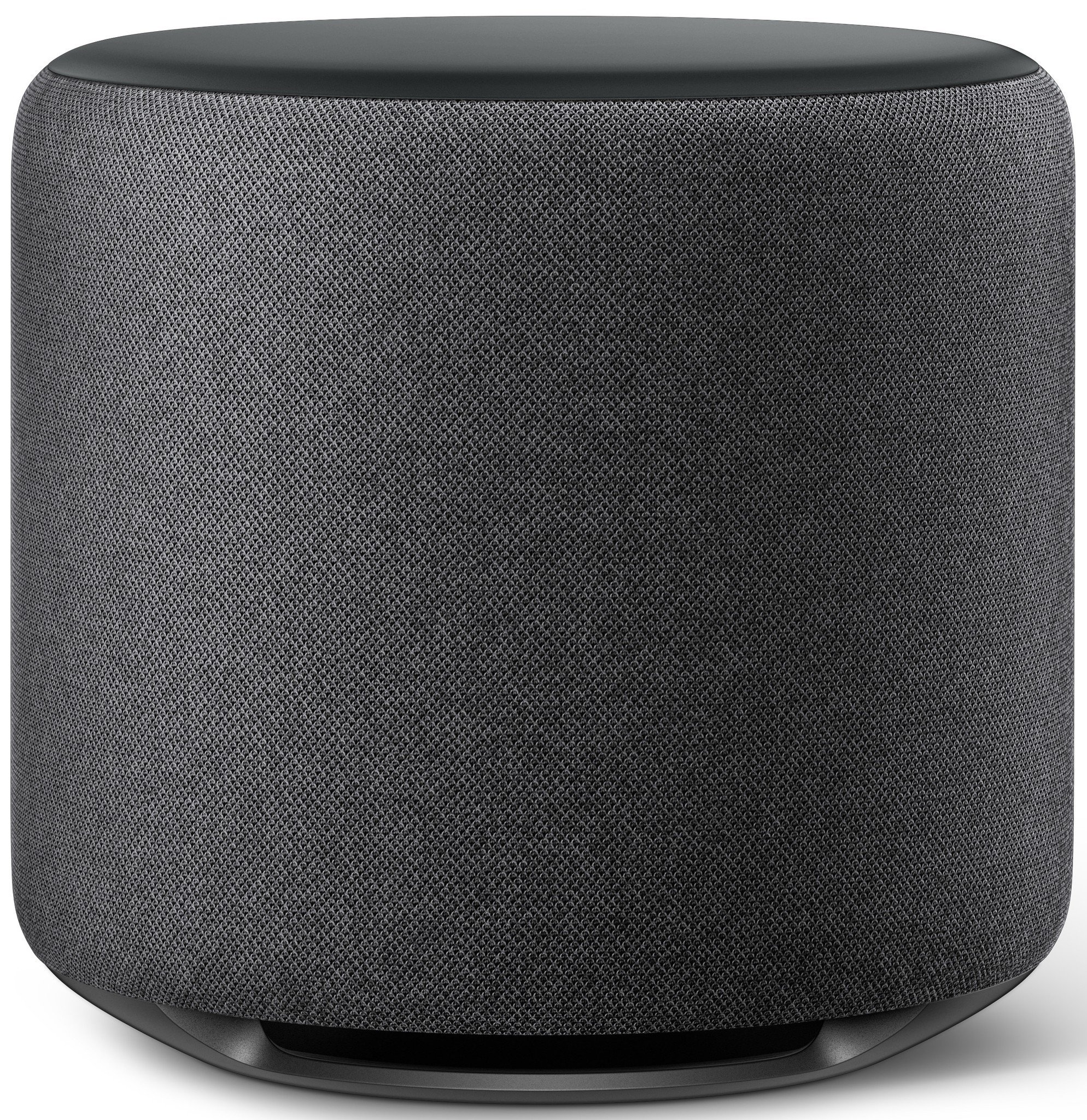
When audio is important.
$130 at Amazon $130 at Best Buy
Pairing the Echo Sub with your Amazon Echo speakers will bring out the crisp lows in a lot of your favorite songs.
Additional equipmentAmazon Music
Amazon Music Unlimited offers over 40 million songs, special exclusives, and tailored playlists and stations. If you're a Prime member you can get a few bucks per month off of your membership!
Amazon Echo Dot (3rd Gen)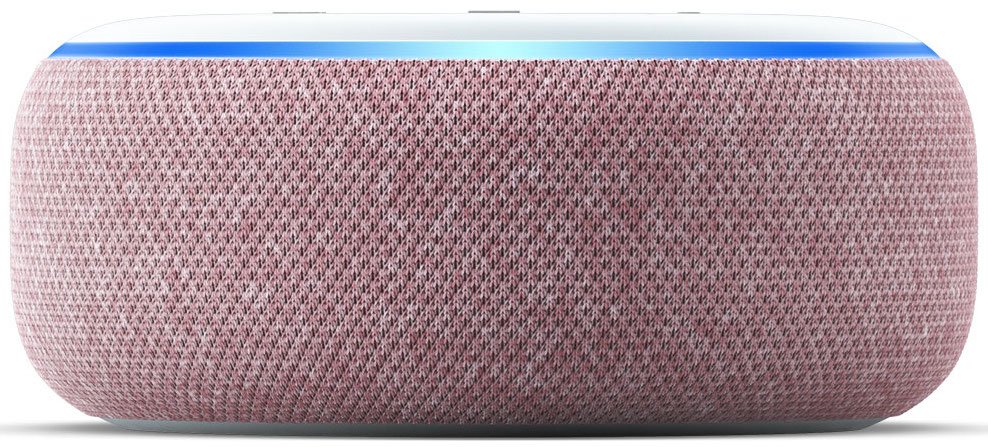
A cheaper alternative to the Amazon Echo, the Echo Dot's speaker upgrade makes it a viable speaker and home assistant for anyone on a budget.