Best Chromebook Deals for Black Friday 2019 [Updated]
If you don't already have a Chromebook, it's time to change that. Black Friday brings a bunch of great discounts to products that you've probably had your eye on during the year. There are a bunch of Chromebook options available, so you're going to want to know what you're looking for from a Chromebook so you can help yourself buy the right one. Whether you need a new laptop for work or want to try out a Chromebook before you get one for your kids, here are the Chromebooks you can grab on sale right now!
Best Black Friday Chromebook deals- Lenovo Chromebook C330 ($180 at Best Buy)
- Acer Chromebook 715 ($330 at Walmart)
- HP Chromebook x360 14-da0011dx ($350 at Best Buy)
- ASUS Chromebook C425 ($320 at Amazon)
- HP Chromebook 14-db0050nr ($209 at Amazon)
This deal sold out earlier in the week, but it looks like Best Buy got some more stock in, which is excellent news for you fine folks because if you want a Chromebook that you'll want to use and enjoy using for less than $200, the C330 is your winner. The C330 was our Best Chromebook for several months this year - and was only just succeeded by its successor, the C340-11 - which is also on sale at Costco.
This 11.6-inch touchscreen Chromebook is the run-and-gun workhorse machine I used as my daily driver for most of this year because it is light enough to slip in my backpack whenever I head to the theme parks. The battery can last me 10 hours easily while I juggle 8-12 tabs and occasionally slip into my Android apps for some light reading or Pyramids in the Microsoft Solitaire Collection. And thanks to an extended support life, the C330 will should Chrome OS updates until June 2025.
Lenovo Chromebook C330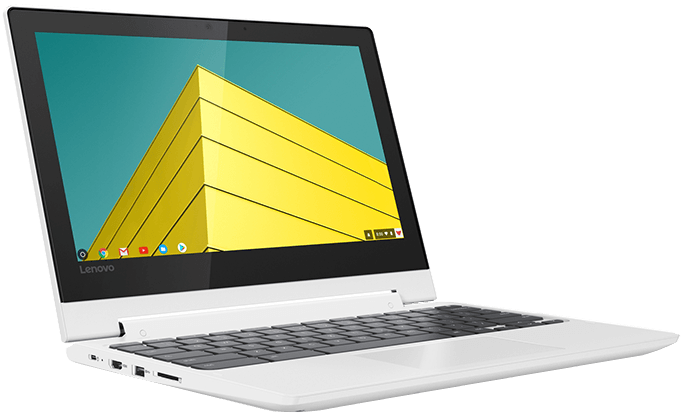
Last year's Lenovo is still a great pick on sale.
This zippy little touchscreen Chromebook can last 10 hours and won't weigh down your backpack during an all-day excursion. This is the 32GB version, so I recommend using a bit of your savings on an SD card to expand that, but otherwise, this is the perfect buy for kids and adults looking for a fun little browsing-on-the-go laptop.
Acer Chromebook 715This touchscreen Chromebook has a ton of internal storage, a full keyboard with a number pad for when you need to input PINs, calculate stats or input an entire month's grades during your lunch hour, and a rock-bottom price this Black Friday. The 15.6-inch touchscreen is 1080p, and the battery can last a full school day and then some. At 4 pounds, this isn't a Chromebook. You'll want to carry it all-day every day unless you've got a light backpack with thick foam straps, but for around the house or enshrined at the office, this is a nice big Chromebook without a nice big price tag.
Acer Chromebook 715
This is one of the only Chromebook models with a number pad on its keyboard, and with an i3 processor, 128GB of storage, and a 15.6-inch touchscreen, this machine is ready for grading term papers or super-sized solitaire.
HP Chromebook x360 14-da0011dxThis 14-inch 2-in-1 Chromebook is almost half off and ready for long days of work and relaxing evenings with some videos and games. With a Core i3, 8GB of RAM, and 64GB of storage, this is not a budget Chromebook by any means and should be able to handle any Android app or Linux app you can throw at it with ease.
HP Chromebook x360 14-da0011dx
With a long support life, powerful processor and plenty of RAM, this Chromebook is ready to work and play all day with over 12 hours of battery life on a single charge. It also comes in two colors: gold and blue.
ASUS Chromebook C425Chrome eats RAM like yummy holiday fudge, and more RAM is always better. However, finding 8GB RAM models of Chromebooks for less than $500 has been even more difficult than a needle in a haystack. This is the one to grab if you want a powerful laptop that doesn't try to masquerade as a tablet. The 14-inch screen is great for multitasking, but I wish it were a touchscreen like the C434. Just be aware that when the lid swings out for use, the hinge forces the back of the keyboard up, so rather than lying flat on your desk, it'll be balancing on the bottom edge of the screen and the bottom pads on the base.
ASUS Chromebook C425
With the same great screen, polished build, and powerful internals as the ASUS Chromebook Flip C434, you can save hundreds by opting for this sturdy clamshell over the 2-in-1 form factor.
HP Chromebook 14-db0050nrNow at its lowest price in history, the HP Chromebook 14-db0050nr is equipped with a dual-core AMD A4-9120 processor, 4GB RAM, and a flexible hinge that allows for up to 180-degree rotation. With an AUE date of June 2026, this Chromebook could last your seventh grader until they graduate high school, just make sure you're okay skipping the touchscreen experience. There are some Black Friday bundles being offered for the HP Chromebook 14 that include a sleeve and a wireless mouse, but you could buy a cuter sleeve and mouse for less than the $60 it adds to the price.
HP Chromebook 14-db0050nr
This 14-inch Chromebook is great for split-screening homework and that Twitch stream - I mean research and notes! This Chromebook should last you a good while and uses USB-C charging.
What is a Chromebook?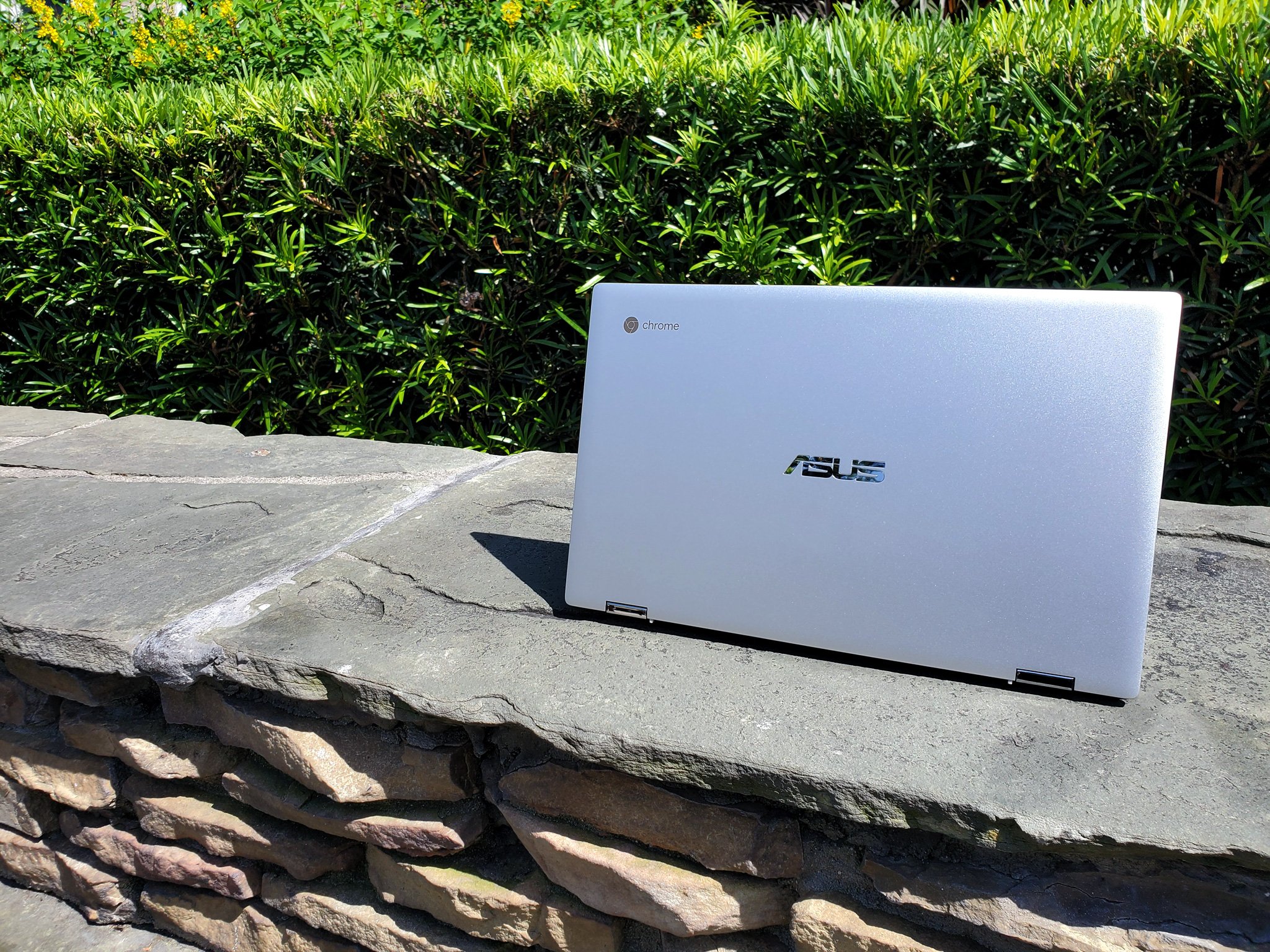
Chromebooks are laptops that run Chrome OS, an operating system designed and managed by Google. It's the more polished and stable version of the open-source Chromium Project, which Google also develops and maintains. There are a lot of misconceptions surrounding Chrome OS because it began as a web-centric client that couldn't do much when outside of a Wi-Fi network, but this doesn't hold true anymore. These days, Chrome OS can run both Android apps and Linux apps, allowing it to do most if not all of the tasks you'd need to do on a laptop day-to-day.
What makes Chromebooks especially enticing is that Chrome OS is optimized to run well even on lower-spec'd machines. While most Windows laptops under $400 will feel and perform like pudding after six months, even $250 Chromebooks like the Lenovo C330 still run just as well as they did fresh out of the box. This also means that when you put Chrome OS on a more powerful Chromebook like the Intel M3-powered Asus C434 or the i5-powered Pixelbook, you get a lightning-fast computer that can handle all the Chrome tabs and Android apps you could throw at it.
Chromebooks are becoming more and more popular in schools and businesses because of how well Chrome OS runs on value machines, as well as how stable, and secure Chrome OS is. Google hosts a bounty program that pays developers when they discover and submit vulnerabilities to be patched, including a $150,000 standing bounty for a vulnerability that can compromise a Chromebook while in Guest Mode. Chromebooks also get updated every few weeks directly from Google, meaning that no matter which brand Chromebook you buy, they'll all look, act, and get updates the same way.
Who should buy a Chromebook?For people who mainly use a laptop to read emails, check social media, pay your bills, write the occasional screenplay in Google Docs, and blow time watching videos, a Chromebook is perfect. Chromebooks are great for work or play so long as your services either have a website or an Android app, which in 2019 is pretty standard. I've been working full-time on a Chromebook for two years, and the only thing I ever miss is full Photoshop for batch photo editing my review photos.
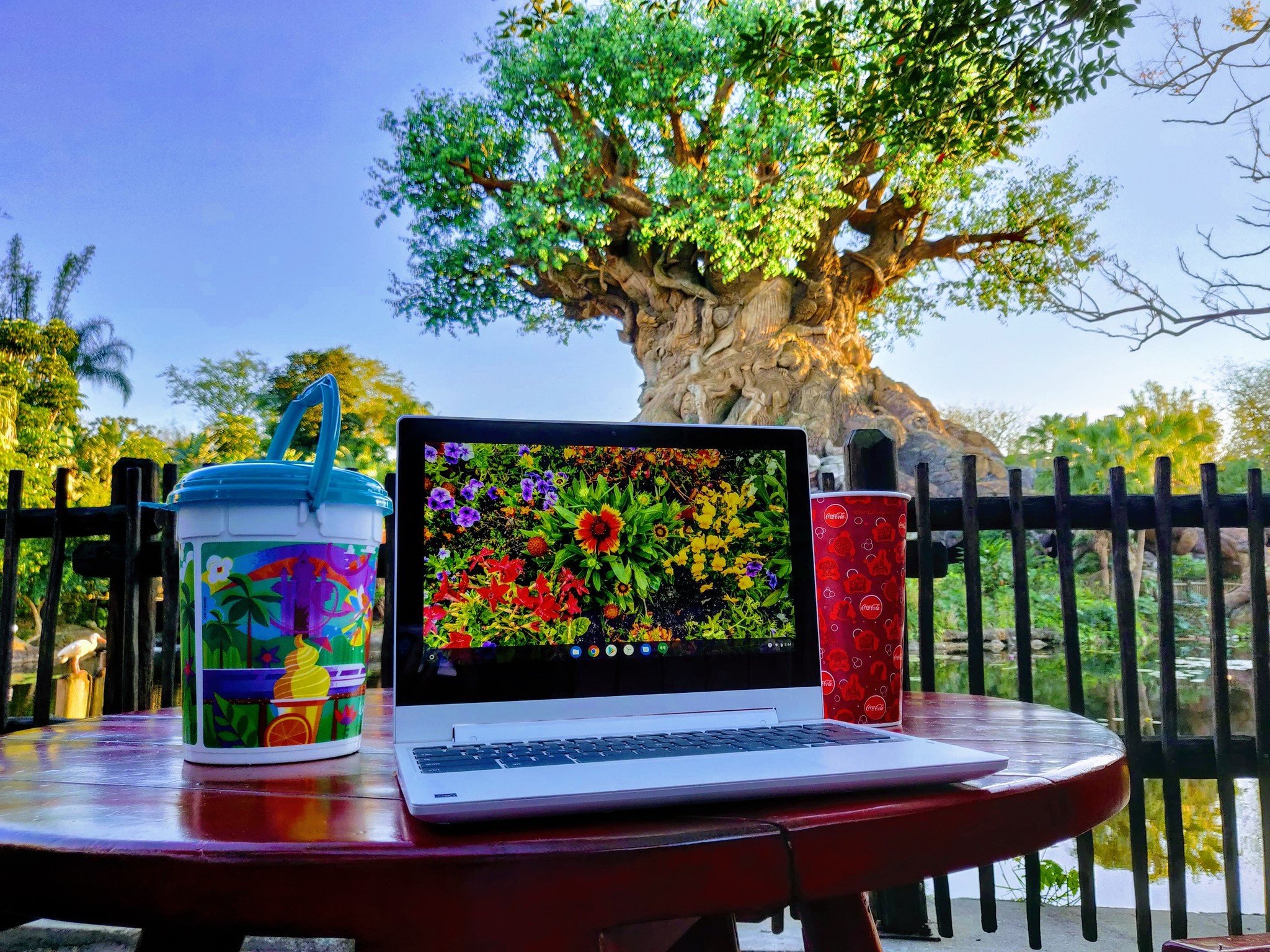
What I honestly love best about my Chromebook is that it's an "it just works" computer with absolutely zero maintenance. Updates are downloaded and installed automatically in the background while you work, and Google Play handles app updates. The Files app ties directly into Google Drive, you can keep everything synced and work out of the cloud, but you can still keep your files offline in Downloads for when you need to finish that book report on the bus to school.
Chromebooks are especially great for younger users for several reasons, including but not limited to:
- Because of the way Chrome OS is designed, it's much harder to corrupt or break the system compared to Windows.
- Most Chromebooks are designed to pass Google's Chromebooks in Education durability standards, meaning that most can withstand drops, have re-inforced ports, and either a spill-resistant or pick-resistant keyboard.
- The lower case letters on Chromebook keyboards are easier to use for kids who are just learning to read and write.
- Touchscreen Chromebooks allow kids to interact with educational sites through touch while still giving them an attached keyboard to type out notes and homework quickly.
- Most Chromebooks last over 8 hours on a single charge, long enough to get through the school day.
Chromebooks can't install traditional programs to the core system - like you would on a Mac or Windows PC - but they can install Android apps via the Google Play Store. While not every single app on Google Play is compatible with Chromebooks, there are millions of apps you can install, from productivity apps like Microsoft Office and Google Keep to entertainment apps like Netflix and Disney+ to millions of gaming apps.
Chromebooks are the easiest laptops to download videos for offline playback for services like Disney+ and Google Play Movies that don't have desktop apps for Mac or Windows but do have Android apps. The Android apps allow you to download videos just like you would on your phone, but enjoy them on a larger screen without killing your phone's battery on that cross-country flight.
Can you play games on a Chromebook?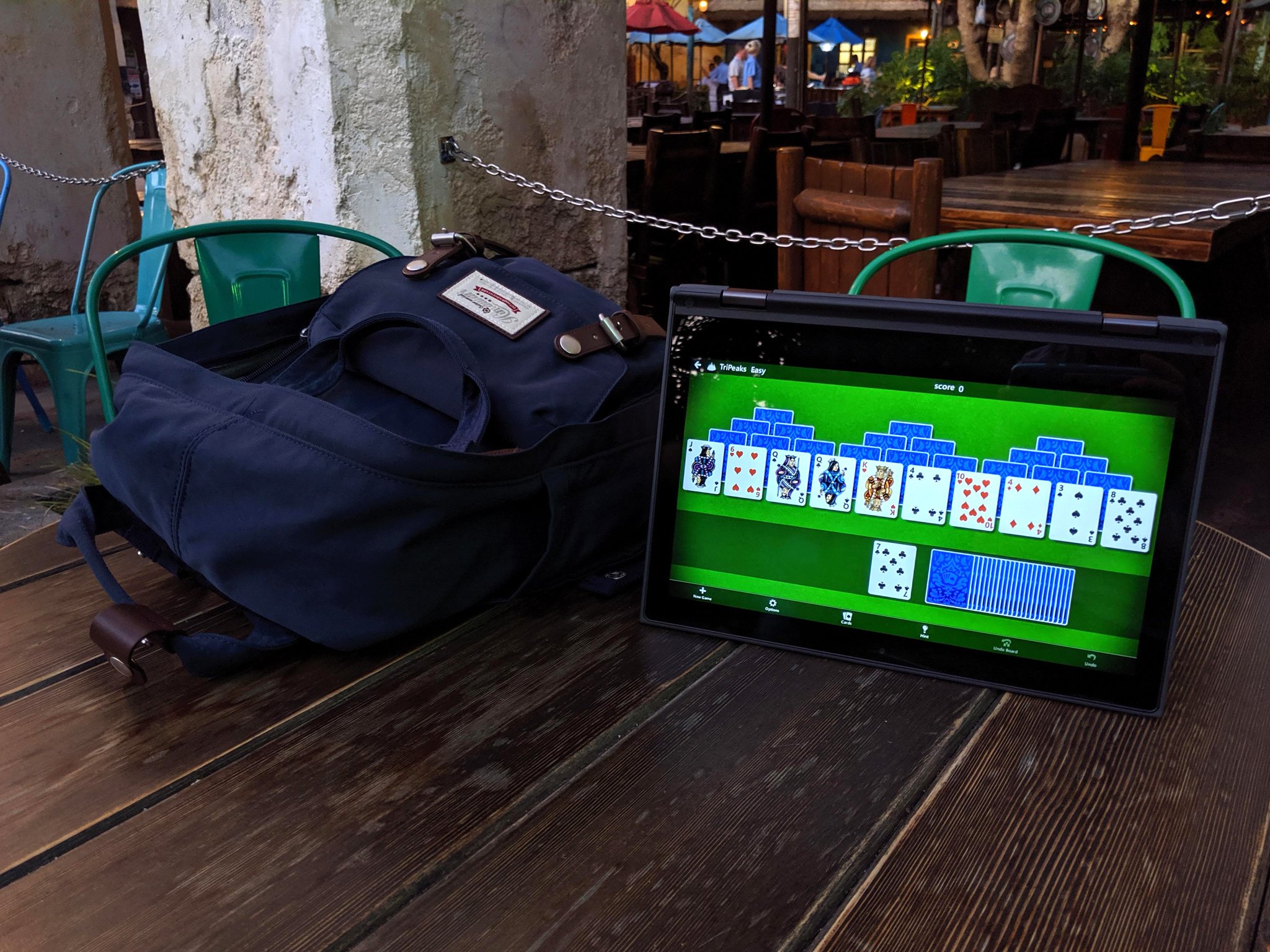
Most games available on Android are available on Chromebook, so you'll be able to enjoy most casual gaming on your Chromebook with ease. In fact, if you're coming from a Windows computer, you'll even be able to keep your favorite game: Microsoft Solitaire Collection works great on Chromebooks and helps me get a quick fix when my Pyramids addiction flares up.
What about Fortnite? Steam games? PC games? Chromebooks can't install Windows or MacOS programs, and the ability to install Linux apps like Steam isn't available for every Chromebook - nor are Linux apps on Chromebooks as user-friendly as Android apps. Gaming options on a Chromebook are getting better, but it's not what you're going to want to get a hardcore gamer.
Chromebook Buyer's ChecklistThere are five things you need to consider any time you're looking to buy a Chromebook, and there are two features you especially need to pay attention to during Black Friday when Chromebooks of every size, shape, and age are on sale.
- Get a touchscreen - Chrome OS's touch optimization is getting better every month, and since most of the Android apps Chromebooks can install via Google Play are optimized for touch, make sure you get a touchscreen model. Touchscreen models are not much more expensive in 2019, and they are 110% worth it.
- Pick your size - In general, the bigger the size of your Chromebook, the more you can potentially fit on the screen, but it will also be less portable and shorter in battery life. Smaller, more portable models can suffer from lower resolution screens, though Chrome OS's display zoom and font adjustments somewhat offset it.
- What features matter to you? - Chrome OS has the same features, UI, and functions on basically all models, which means that you'll need to focus on specific hardware features to help you narrow down your search. Do you prefer a 2-in-1 or a classic clamshell? Do you want a big, bright screen for movies, or do you need a battery that will go all day? Families with younger kids - or travelers that are prone to slips, spills, and accidents - might want to look to the growing number of Chromebooks with military-grade MIL-STD 810G durability or spill-resistant keyboards.
- Memory and storage - While "more memory is always better" holds as true for Chromebooks as it does for any laptop, 4GB of RAM is fine for a Chromebook in 2019. 8 GB is better, but 4GB is fine. As far as storage goes, 32 GB of storage is workable, but I'd recommend going with a model with at least 64 GB of storage.
- Always check the expiration date! - Google updates Chrome OS for all Chromebooks. Still, Google doesn't want to be stuck supporting every random budget chipset and driver set forever, so each Chromebook has a shelf life and an expiration date, just like the milk in your fridge! This is the Auto Update Expiration date, and it can be found for every single model on this handy dandy support page, which you should check for every Chromebook you look at.
- The Best Black Friday Deals
- Find Your Black Friday Deal: All Deals Updated Live, Sortable By Category
- Nintendo Switch Deals
- Best Phone Deals
- Best iPad Deals
- Best Chromebook Deals
- Black Friday VPN Deals: ExpressVPN, PIA, NordVPN, & more