You can now download screenshots and videos from Google Stadia

That took a while.
What you need to know- Google Stadia is a game streaming service.
- It's getting a lot of interesting games in the coming weeks to months.
- You can now download and save your in-game screenshots and videos through the website.
- You can purchase a Stadia bundle for $130 through the Google Store.
Ever since Google Stadia was announced, users have been asking the company to add the ability to save screenshots and videos through your browser. It's March and you can finally do that. Today, Google surprised everyone by saying that you can "download and save your in-game screenshots and videos on the web to show off your legendary gear, brutal finishers, or just some scenic views."
The latest Stadia update is live! Our game capture library is now available on https://t.co/AoYhdVnzGu
- Stadia (@GoogleStadia) March 3, 2020
Download & save your in-game screenshots and videos on web to show off your legendary gear, brutal finishers, or just some scenic views.
It's great to see that Google is listening to customer feedback and incorporating highly-requested features at a fast pace.
Do you use Stadia? What do you think of the service? Let us know.
Everything you needStadia: Premiere Edition
A good way to start
This bundle includes everything you need to get started with Stadia. It includes the controller, Chromecast Ultra, Destiny 2, Samurai Shodown, and three months of the Stadia Pro subscription for you and a friend. It's a great way to begin your game streaming journey.
Pick up the partsChromecast Ultra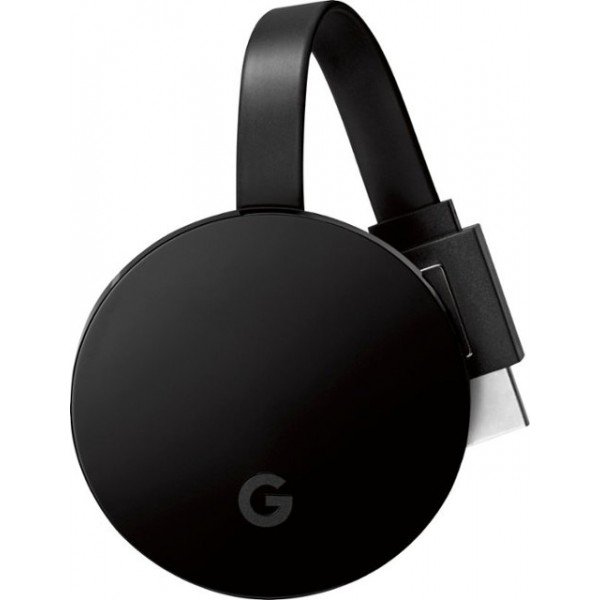
High-quality streaming
You can buy everything together or you can get just the basics for Stadia. The Chromecast Ultra is available to purchase now and lets you stream 4K TV as well as play games.
All you needStadia Controller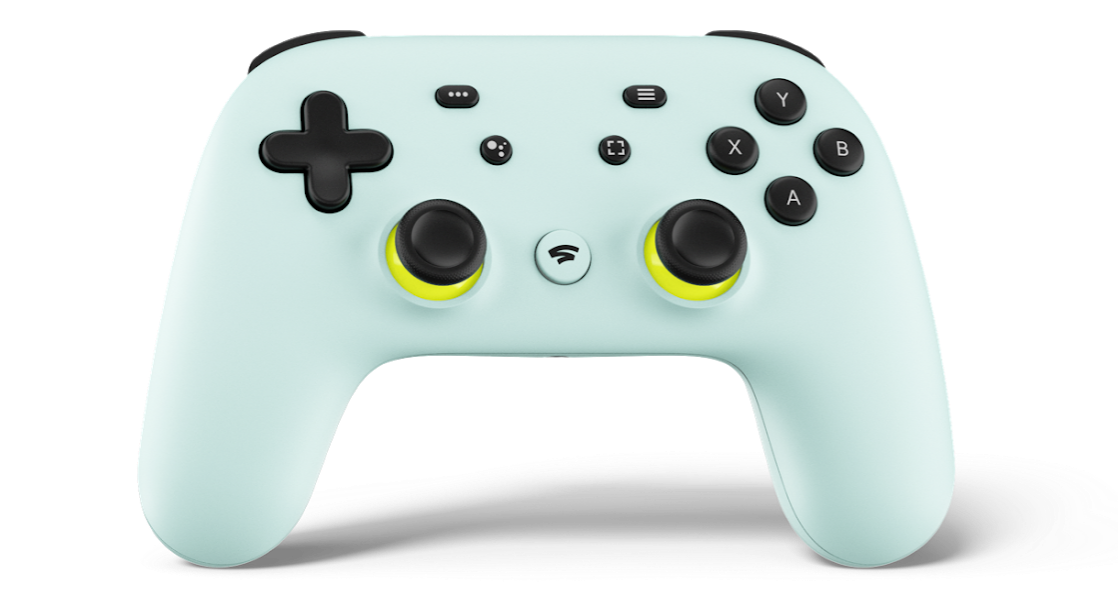
A firm grip on what's needed
The Stadia Controller is all you need to use Stadia if you already have the Chromecast Ultra. You can also use it on your other devices. Get the Wasabi colored one, it's gorgeous.