How to See Your iPhone's Battery Percentage All the Time Again
by Jake Peterson from Lifehacker on (#62AQZ)
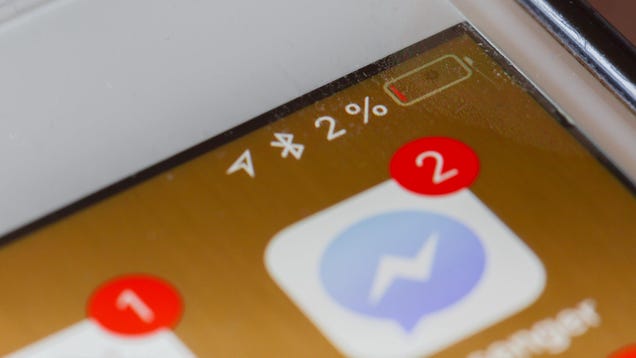
When you look at the battery icon on your iPhone, you get a rough enough idea of how much battery life you still have to work with. But if you want to know exactly where you stand, you need to swipe down from the top right into Control Center, where Apple has hidden away the battery percentage for years.