I ended up using the Huion Note E Android tablet a lot more than I thought I would

Join Namerah Saud Fatmi as she explores the cool, quirky, and sometimes downright odd world of smartphone accessories, gadgets, and other nerdy toys every week.
Slowly but surely, Huion has been expanding its focus outside of professional-grade drawing tablets and graphics tablets. I tested the Kamvas Slate 11 for amateurs and hobbyists and was quite pleased with its performance. A newer, more compact tablet has now joined the brand's Android tablet portfolio.
The Huion Note E is an Android 15 tablet that came out on May 20, 2026. Fresh out of the oven, this 8.4-inch tablet comes with a paper-like IPS LCD that has an anti-glare coating on top, designed to imitate paper or E Ink.
Priced at $369 on Amazon, this-stylus bearing tablet isn't the cheapest budget tablet. But it's shockingly adept and carves out a niche for itself, overlapping with both cheap Android tablets and E Ink tablets in a way.
It's not an E Ink tablet, but feels non-distracting like one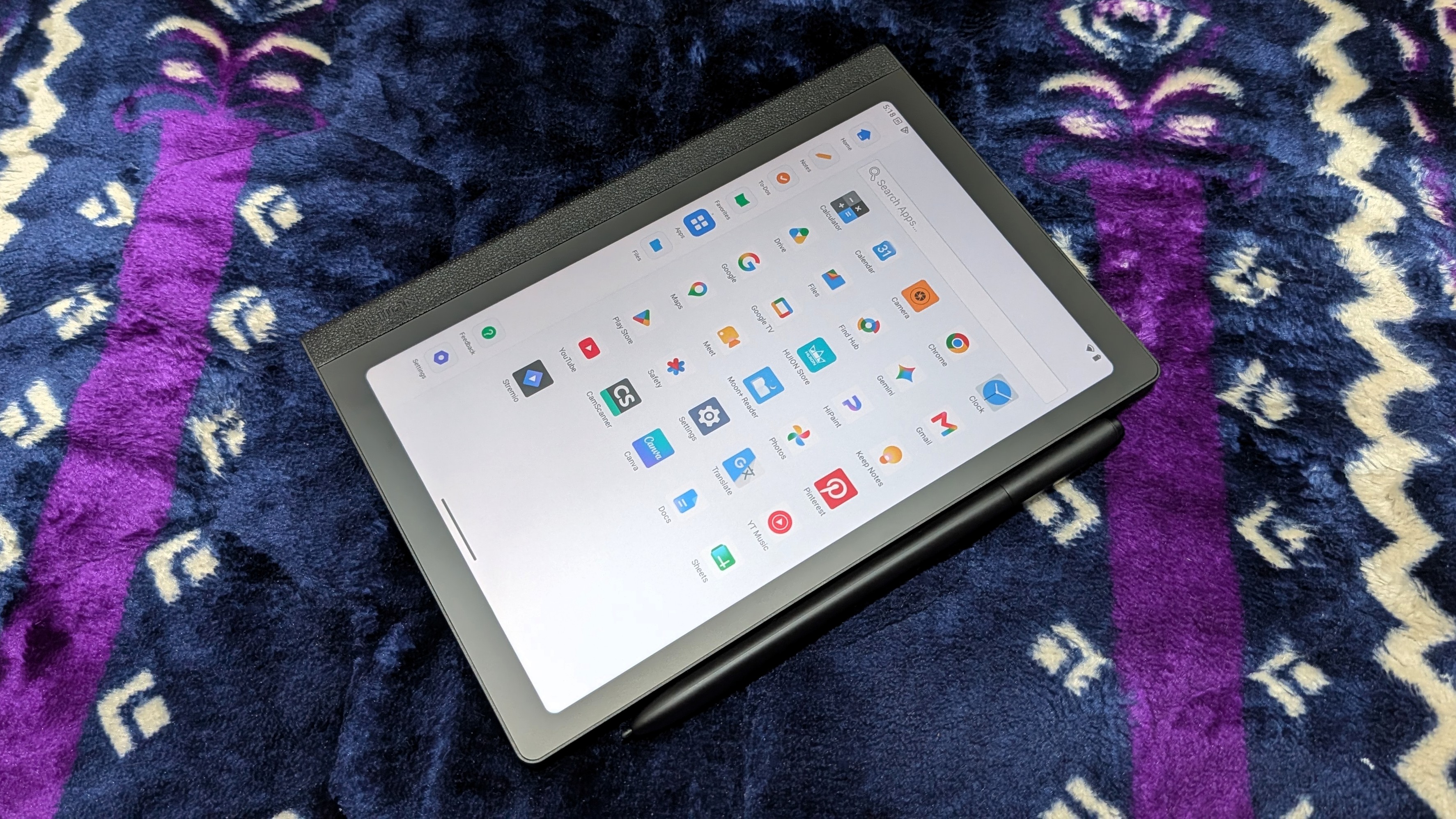 Namerah Saud Fatmi / Android Central
 Namerah Saud Fatmi / Android Central
 Namerah Saud Fatmi / Android Central
 Namerah Saud Fatmi / Android Central
While you get full access to Android 15 and the Play Store, users need to manually register their Huion Note E on the Google Device Registration website to enable Play Protect. Do this as soon as you set up the tablet, and you'll have zero issues with apps. I installed all the usual Google apps - Chrome, Drive, Docs, YouTube, Photos, etc. - as well as others like Goodreads, Pinterest, Stremio, Moon+ Reader, and CamScanner.
Not once did an app crash on me, nor did multitasking give me trouble, though I admit I did not try gaming. The 6nm Mediatek Helio G99 processor paired with 6GB RAM and 128GB storage delivers reliable everyday performance for daily usage. Based on the chipset's popularity with budget phones, I'd say light gaming should be smooth sailing as long as you're not expecting anything extravagant.
 Namerah Saud Fatmi / Android Central
 Namerah Saud Fatmi / Android Central
 Namerah Saud Fatmi / Android Central
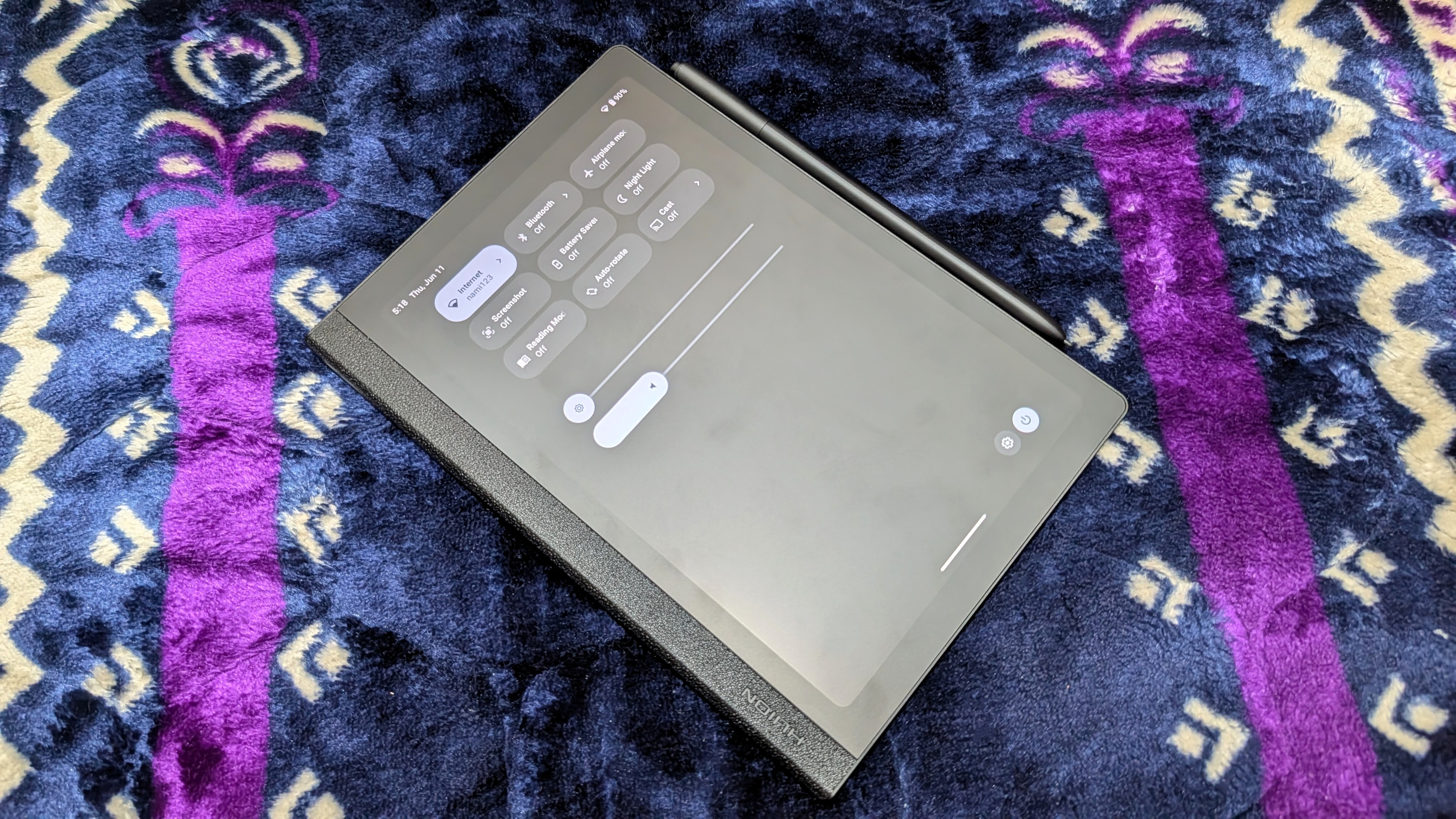
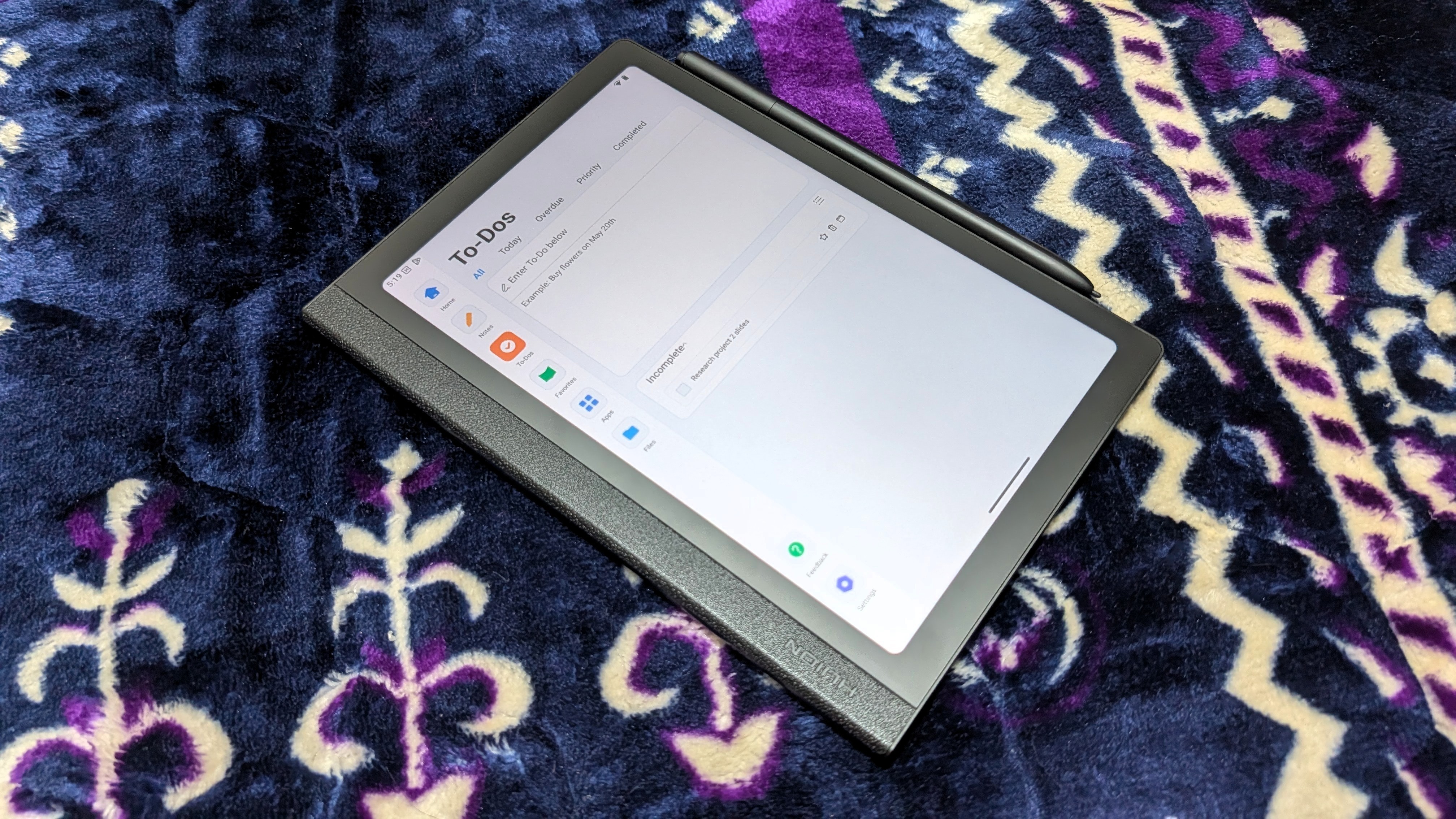
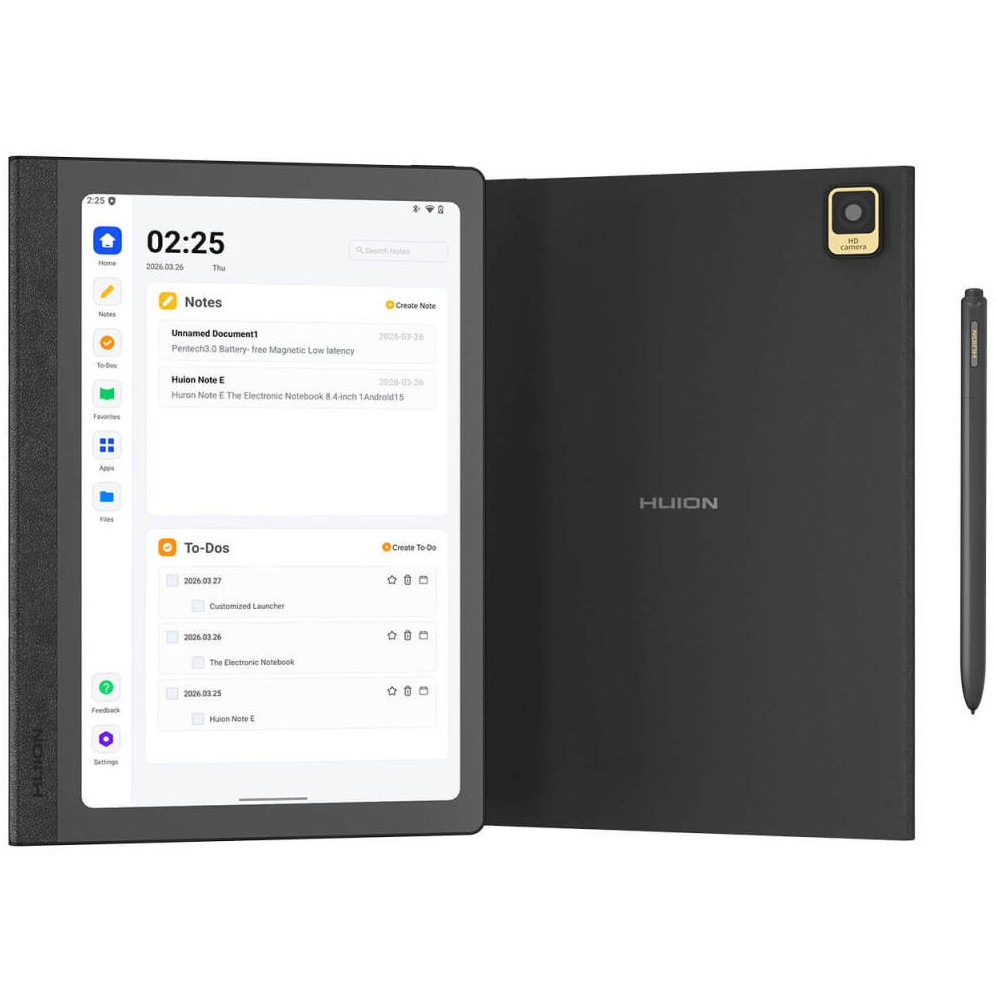
Apart from swiping or using buttons to navigate or access quick settings, the layout of the Note E isn't typical for an Android tablet. There's a bar on the left with shortcuts for Home, Notes, To-Dos, Favorites, Apps, Files, Feedback, and Settings. You can add apps of your choosing to Favorites. It reminded me very much of an Onyx Boox tablet.
Notes is basically the native Huion Notes app seen on other Huion tablets, like the Kamvas Slate 11. It has cloud sync and backup, as well as useful features like OCR, image uploading, and drawing.
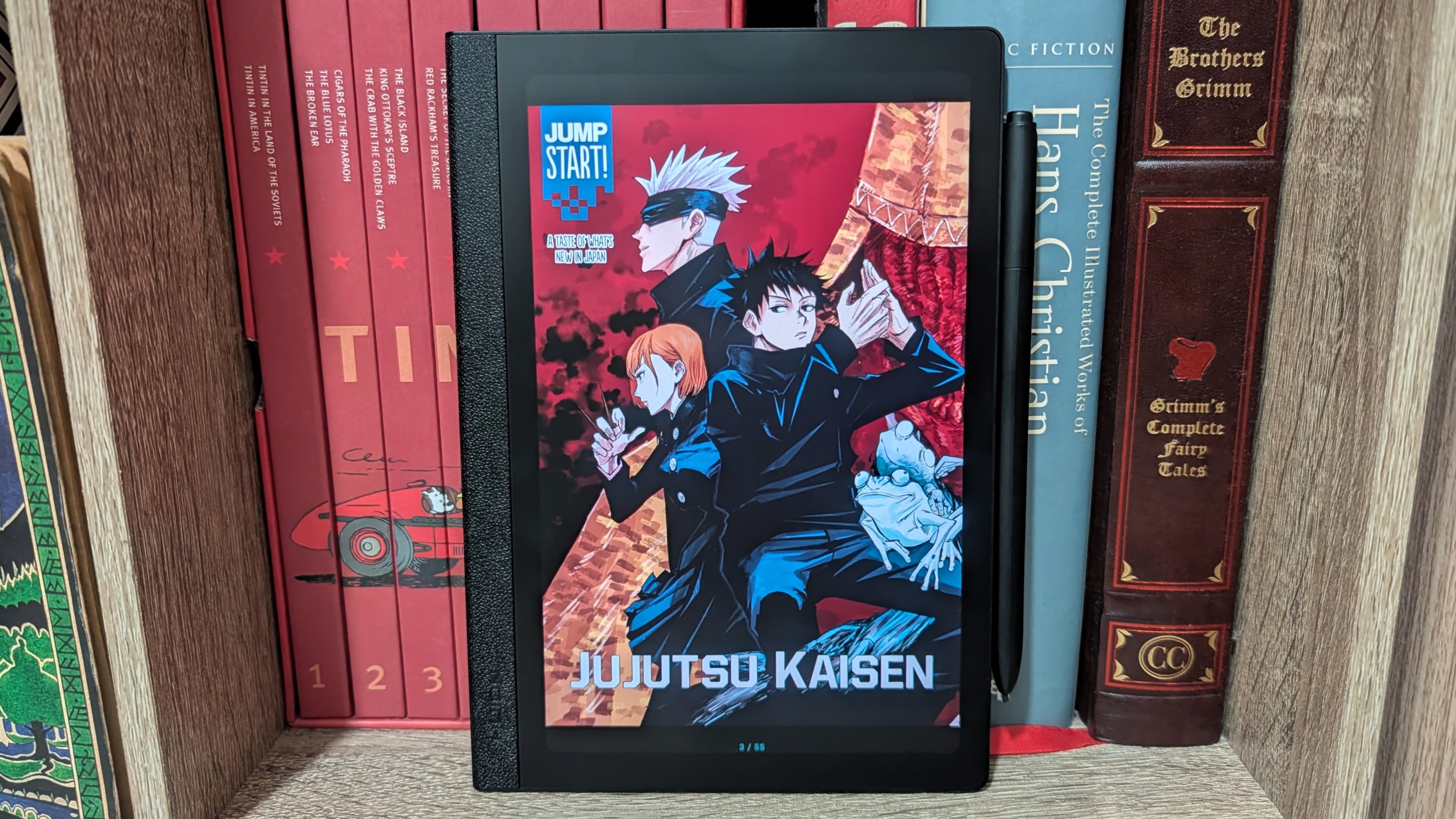
You also get Huion's HiPaint drawing app preloaded, which I found very easy to draw on. The matte 60Hz screen produces 16.7 million colors and 300 nits of brightness, so the color production is accurate but doesn't feel washed out. This makes annotating, highlighting, and sketching a blast. Comics also look spectacular.
 Namerah Saud Fatmi / Android Central
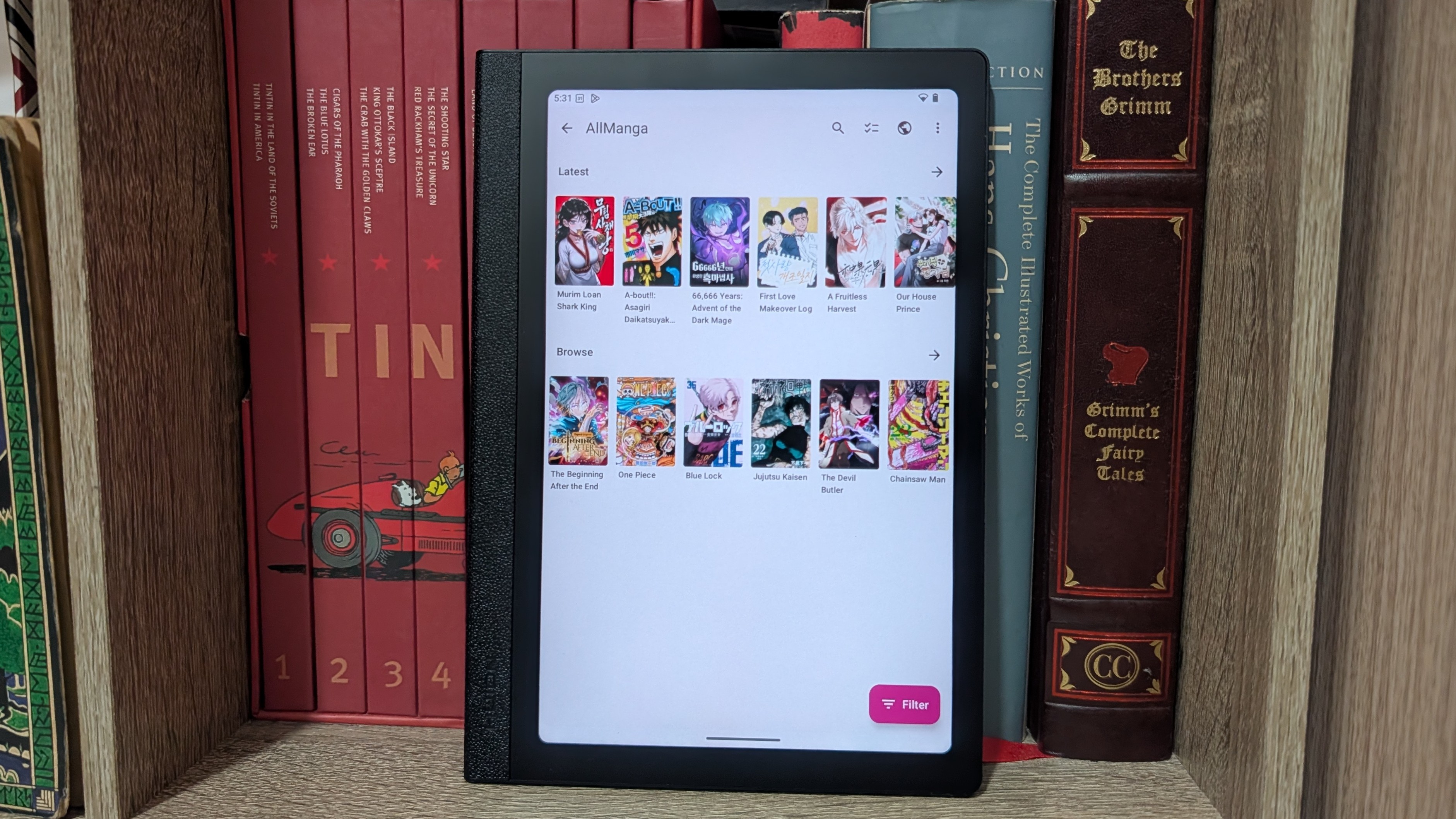 Namerah Saud Fatmi / Android Central
As an avid reader who prefers E Ink displays, I was not expecting to use the Huion Note E as much as I actually ended up using it. Huion is focusing more on the note-taking aspect rather than drawing or reading, with a bigger emphasis on the former. You can write directly into any text field, and the native OCR does a fine job, even with my wonky cursive.
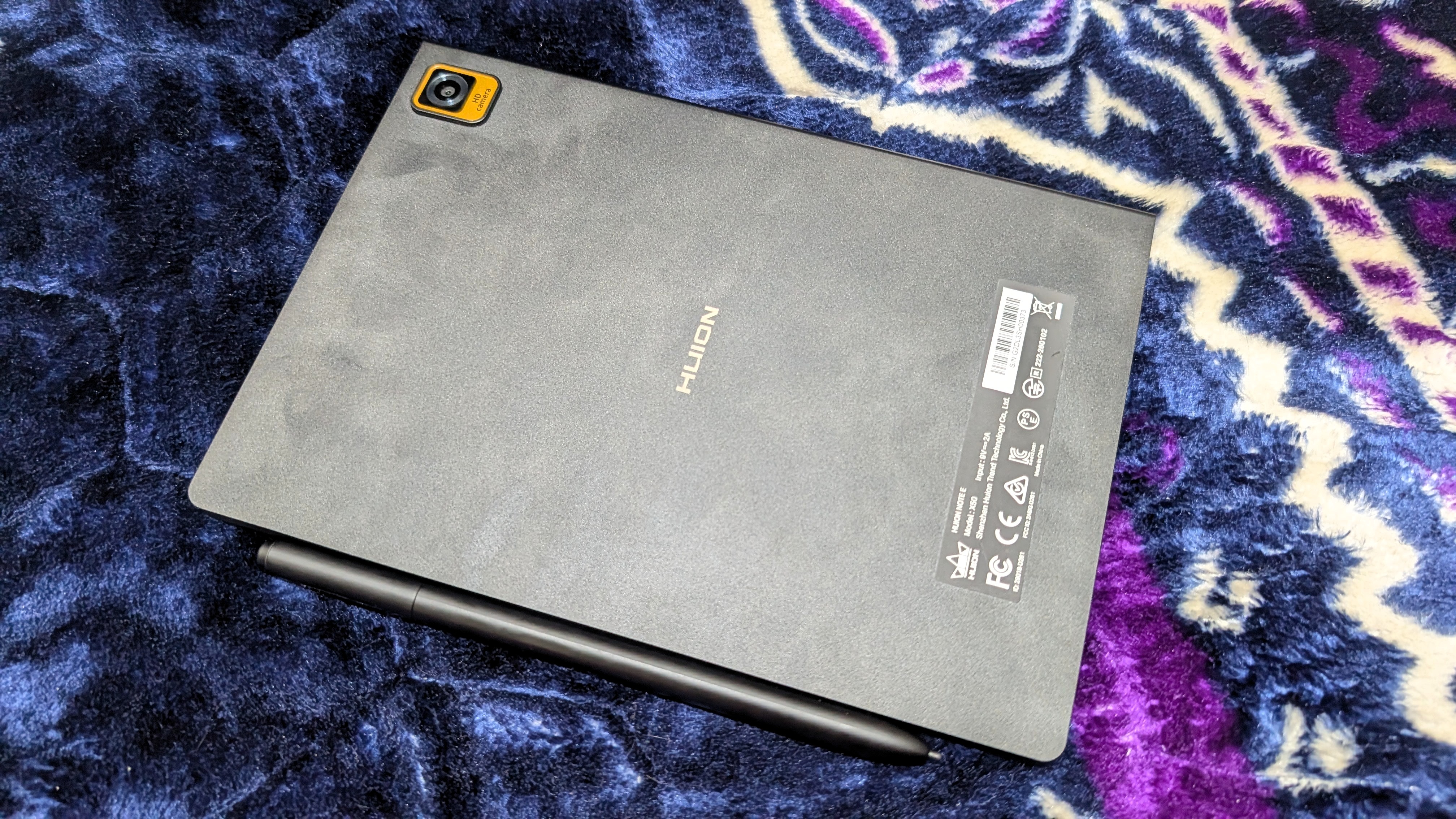
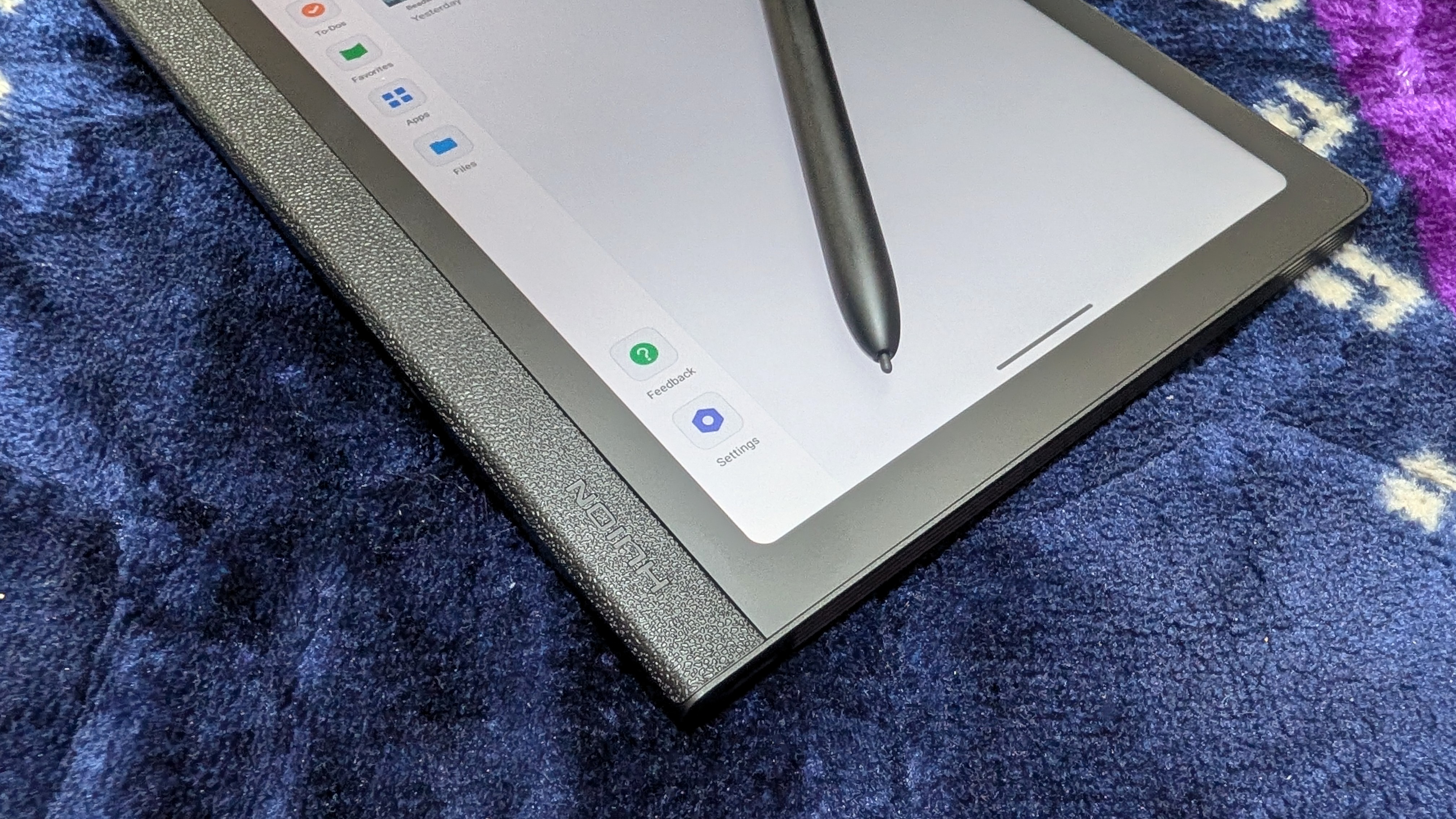
Thanks to the battery-free EMR stylus powered by PenTech 3.0, the writing experience is charming. The paper-like display mimics the scratchy, calming sensation of etching on paper with the stylus. The stylus can detect 8,192 levels of pressure, and it attaches to the side of the tablet magnetically. Huion also provides a free case with stylus storage.
Huion could improve some aspects of the Note E tablet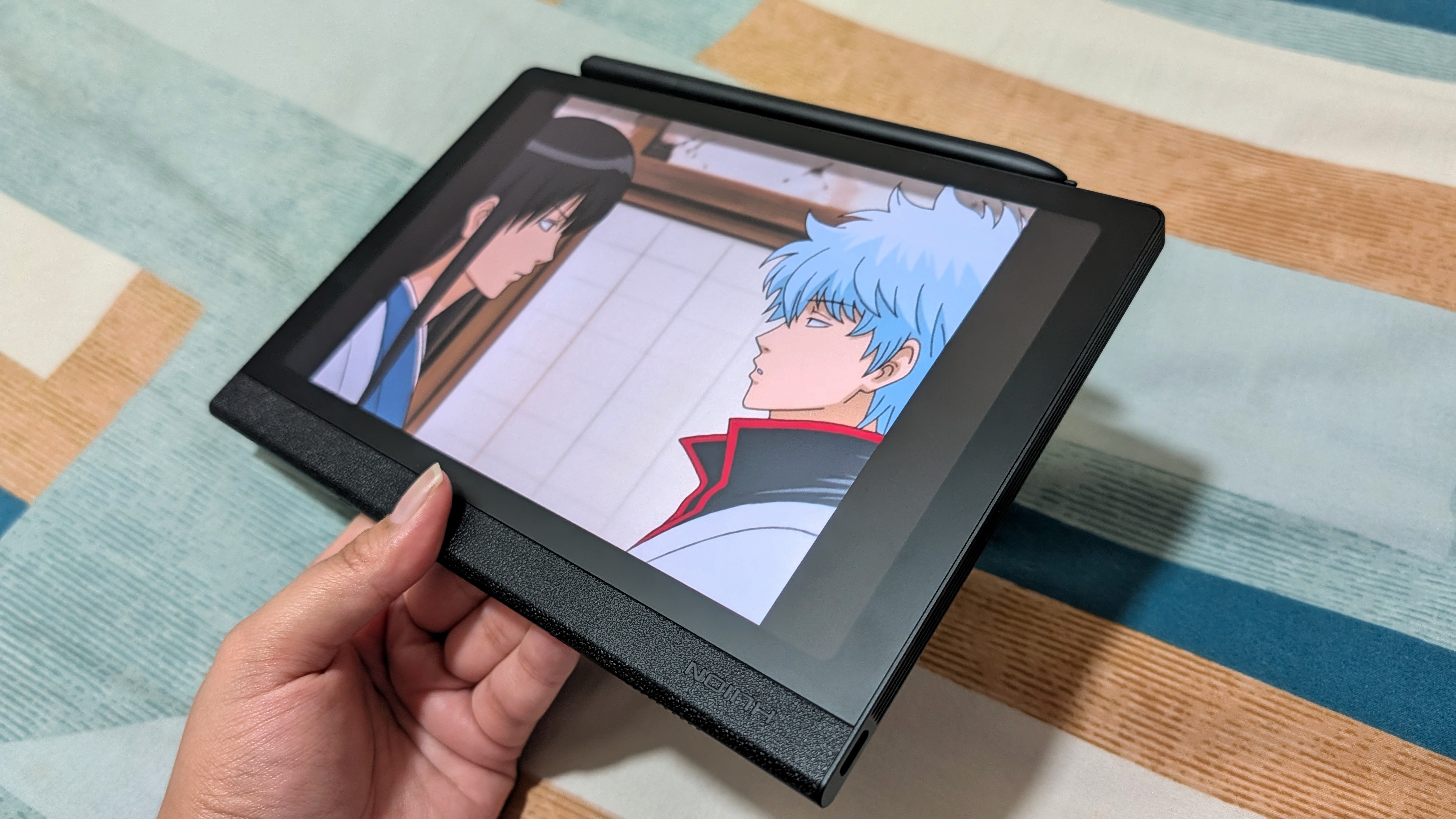 Namerah Saud Fatmi / Android Central
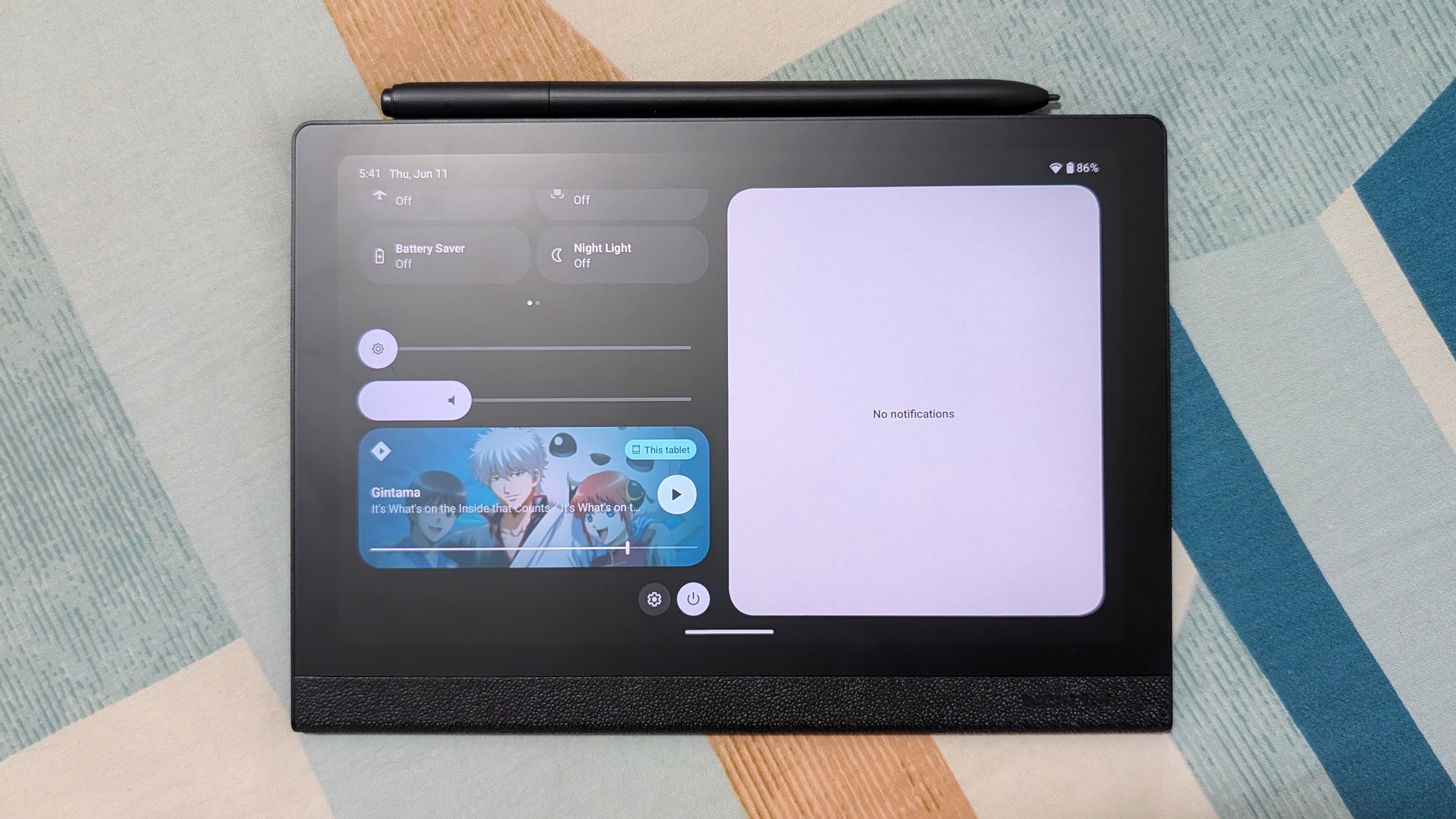 Namerah Saud Fatmi / Android Central
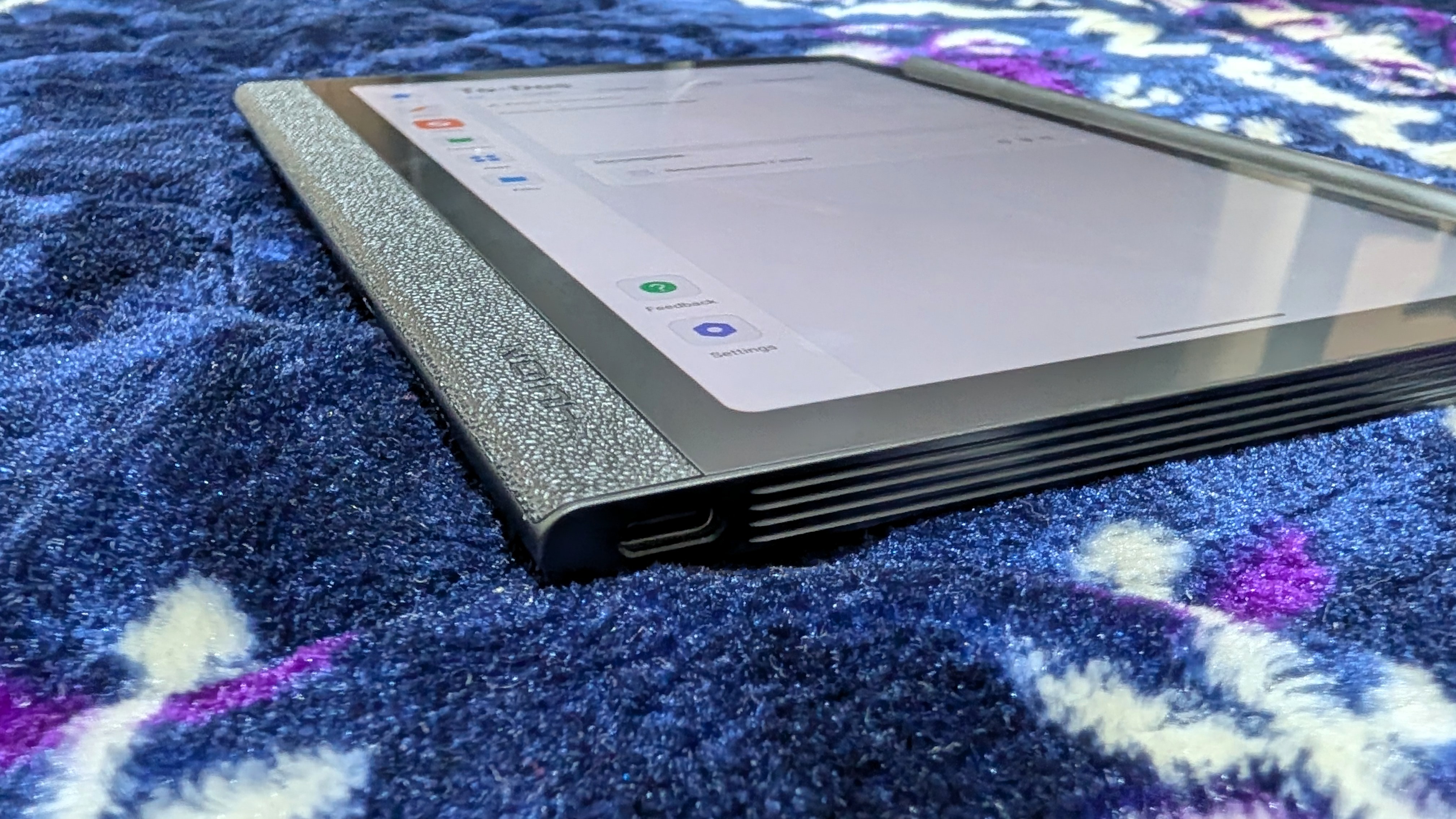
There is no physical volume button, and the stereo speakers are easily put to shame by any budget Android phone in terms of both loudness and clarity. However, a pair of Bluetooth earbuds or a speaker can fix that.
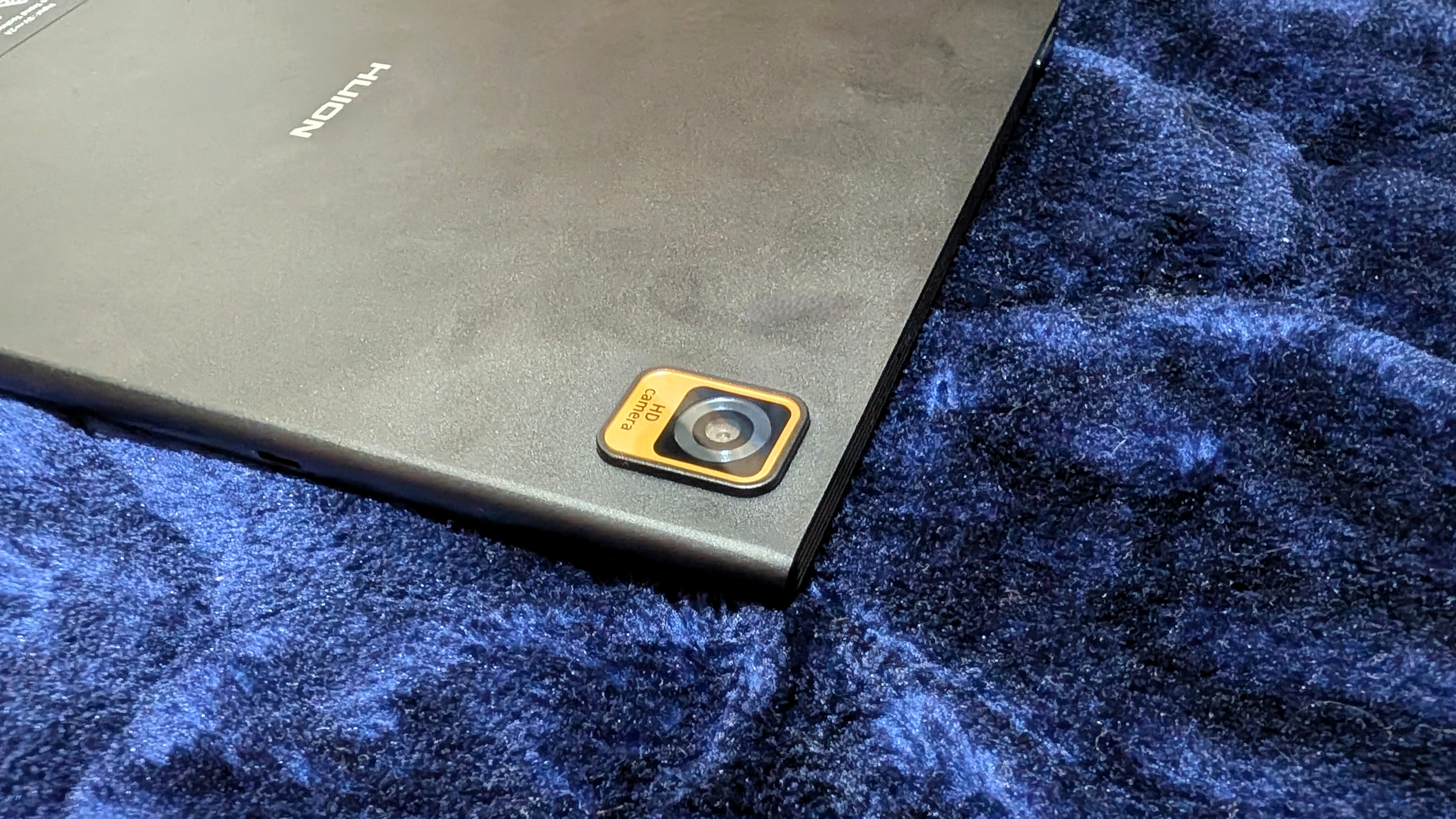
The Huion Note E also has an 8MP camera, which is sufficient for scanning documents, but I don't recommend it for much else unless you're in a pinch. Here's a sample photo taken in the daytime with plenty of natural and artificial light:
Huion Note E camera sample (Image credit: Namerah Saud Fatmi / Android Central)
Notice how dull and grainy the image is. Still, the textures of the dress are captured, so it's not too shabby.
The 4,500mAh battery delivers about 6.5 hours of screen time. I found that with a few hours of use every day, the tablet easily lasted for two to three days. The 18W "fast" charging is, however, comparable to a snail's pace, and it takes two hours to fully recharge the Note E.
How does it compare to an E Ink tablet?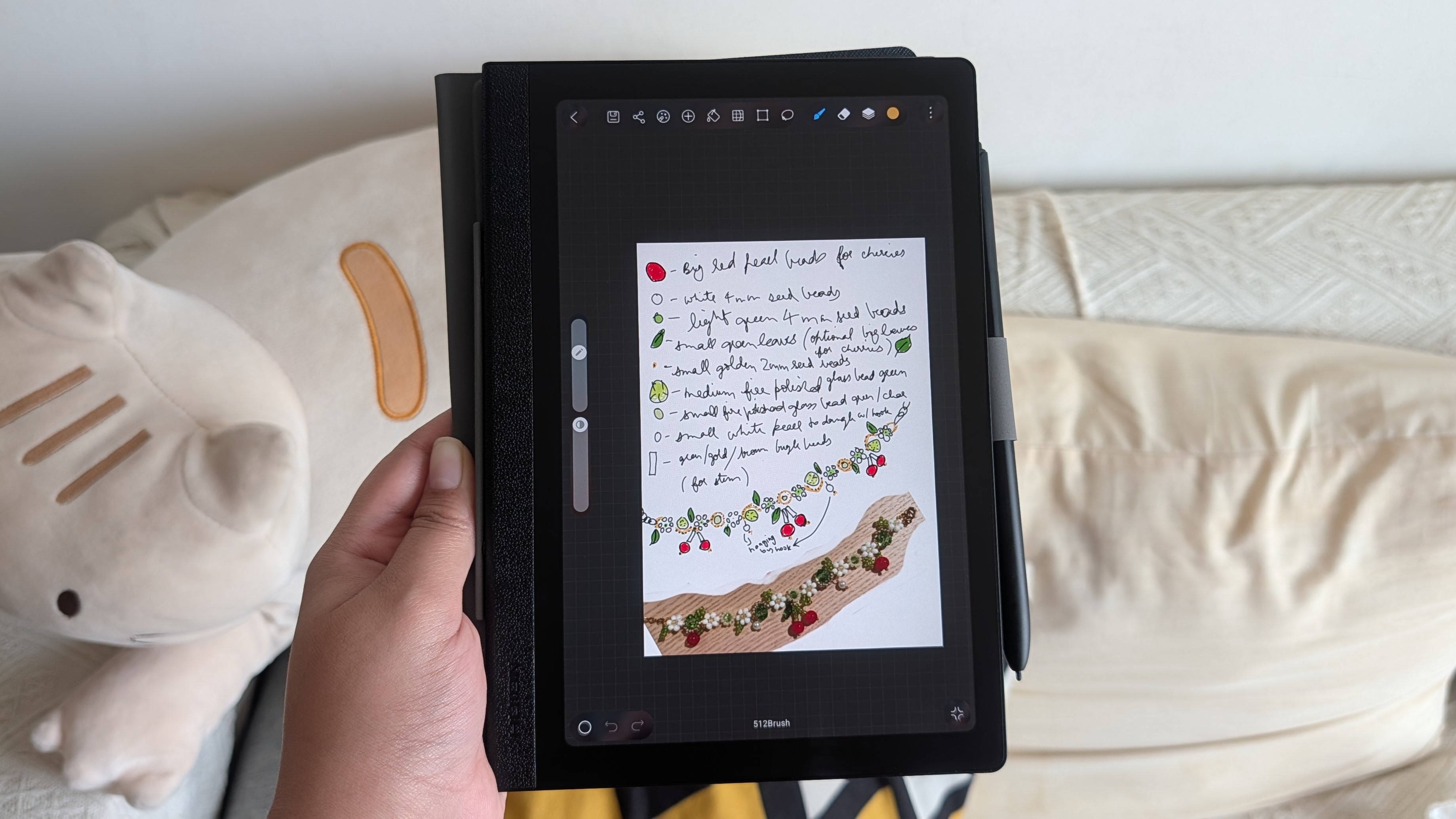 Namerah Saud Fatmi / Android Central
 Namerah Saud Fatmi / Android Central
As I mentioned, I ended up using the tablet every day. Funny enough, I didn't read for very long on it. Compared to an excellent E Ink tablet that runs Android like the Onyx Boox Note Air 5 C, I can spend hours reading on the Boox, but the Huion gave me a headache after an hour. The eye comfort of an E Ink display cannot be beaten by a typical LCD.
What I did find superior, however, was the snappy refresh rate compared to an E Ink tab. Despite having the layout of an e-paper tablet, it responds instantly and has no ghosting. Multitasking is fluid, video playback is dynamic, and even writing is snappier. This is a drawback of E Ink devices as a whole. Drawing or writing in color is so much more appealing on an IPS display as opposed to a color E Ink screen. Naturally, the Note E shines in comparison.
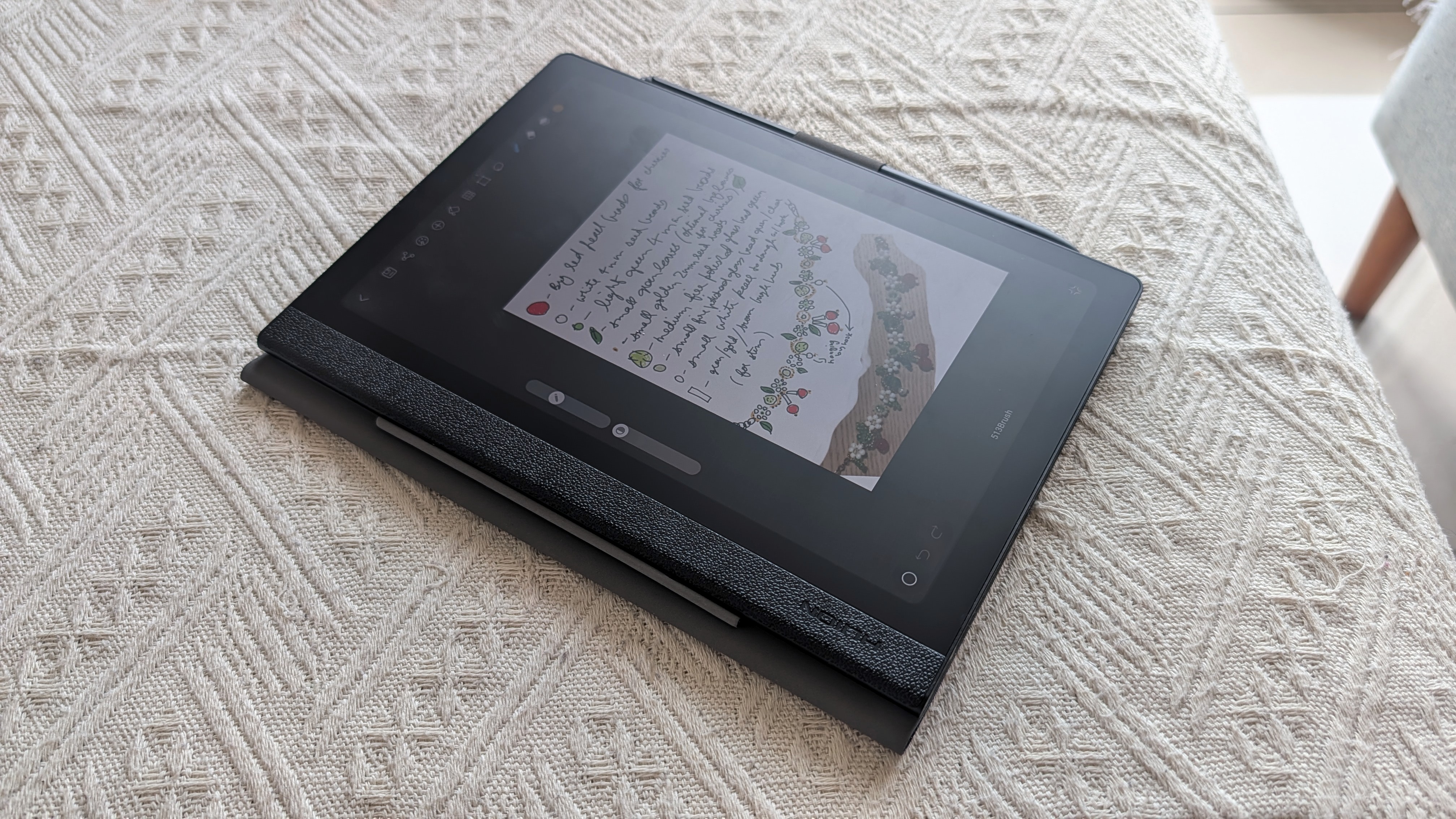
I have picked up crafting and beaded jewelry making hobbies lately, and the Huion Note E has been a boon. I can swipe through designs and ideas on Pinterest, download them, and then add the file to HiPaint and create my own templates or tutorials.
Sometimes when I'm lazy, I just sketch the design quickly in the Notes app. I have a smooth workflow now, and because I'm honing my craft daily, I'm using the Note E every day too.
Is the Note E tablet worth your interest?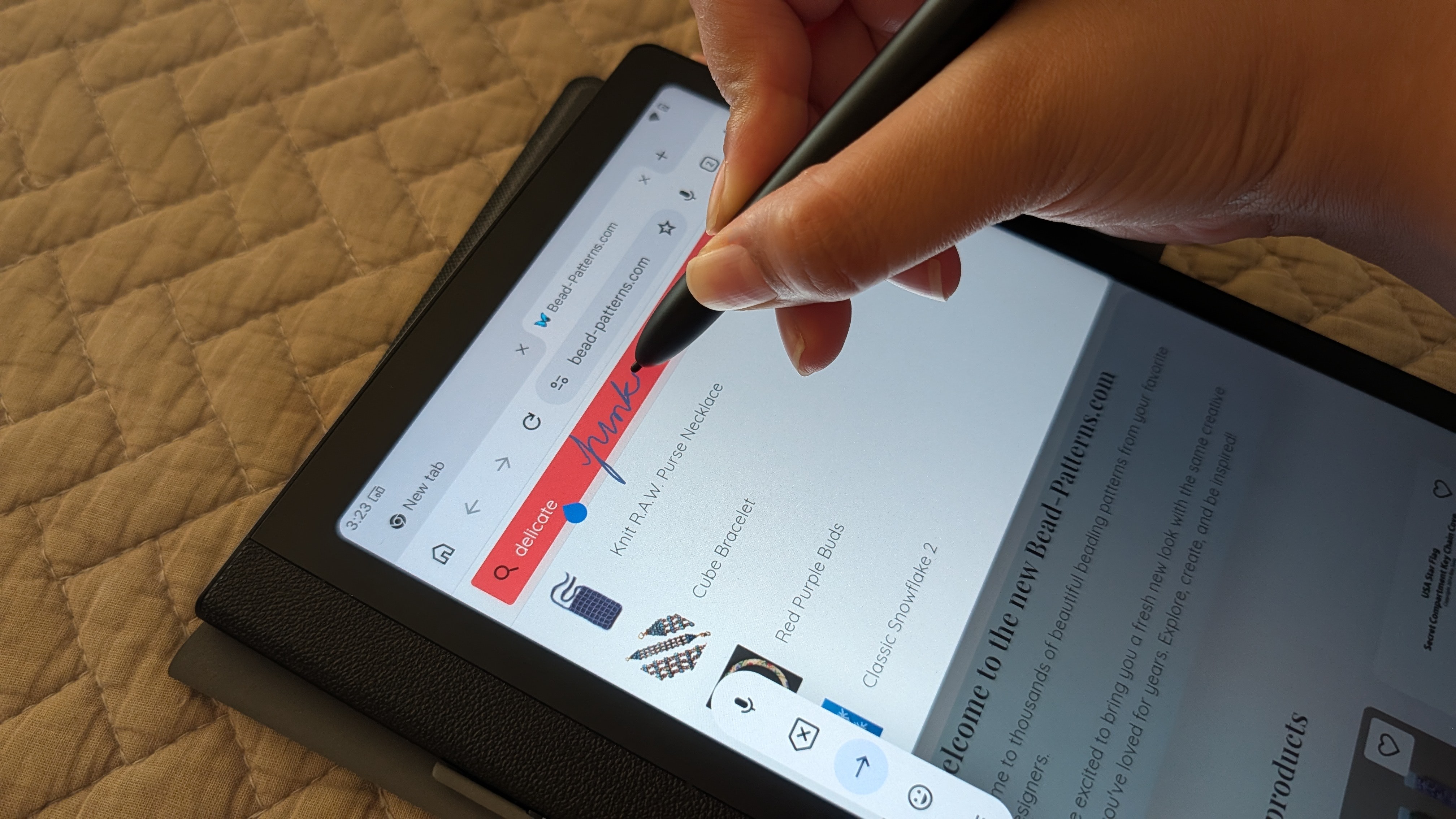
I can see students benefiting greatly from a tablet like the Huion Note E. The tablet is perfect for note-taking, studying, drawing, and sketching. You can download any app, like a university or school's learning management app, like Moodle. From its stylus support to its UI layout, it is a true blue digital notebook that makes studying easier at all levels.
And unlike E Ink tablets, video playback is possible. Apps like Canva and Camscanner are also much easier to use on a snappy tablet like the Note E as opposed to the Onyx Boox.
Of course, there are cheaper alternatives out there, like the Xiaomi Pad 7 or the Amazon Fire Max 11. There are also bigger, more powerful tablets with better productivity features, like the Samsung Galaxy Tab S11 Ultra.
But Huion offers something unique that's definitely worth your interest: a non-distracting tablet that's almost like an E Ink tablet, offers better eye comfort, has fantastic stylus support, but doesn't have the limitations of an E Ink tablet. It is easily one of the best tablets for students.
A likeable digital notebook
The Huion Note E is an Android tablet that stands out as a digital notebook. It's layout is designed to be non-distracting and the stylus support combined with native OCR, making it an excellent studying companion.