How Android privacy threats are evolving — and how Bitdefender helps keep control in your hands
Android phones are exceptionally capable these days, but they are also more deeply connected to everyday life. Banking, shopping, messaging, travel bookings, work accounts and even smart home controls now live inside the same device people carry everywhere.
All this integration has changed the nature of Android security threats and moved risks beyond the category of suspicious pop-ups or obviously malicious downloads.
Fake parcel delivery texts arrive through SMS, phishing links spread through messaging apps, and harmless-looking apps can quietly request access to photos, microphones, contacts or location data without users fully realising what they're agreeing to.
At the same time, Android remains one of the most flexible mobile platforms available, which is part of its appeal. The ability to sideload apps, customise devices and install software outside traditional app stores gives users more freedom, but it can also create additional opportunities for bad actors to exploit.
That's why mobile security in 2026 increasingly focuses more on reducing exposure in the background before problems escalate, which is exactly where Bitdefender Mobile Security for Android can help you.
TL;DR
Bitdefender Mobile Security for Android focuses on the risks Android users increasingly face every day, including malicious apps, phishing links, risky permissions, and unsafe public Wi-Fi networks. Its protection tools work across apps rather than just in browsers, with background scanning helping to reduce exposure without constantly interrupting normal phone use.
Android threats no longer live inside the browserMany modern Android threats now appear inside everyday apps rather than through traditional desktop-style malware attacks.
Phishing attempts increasingly arrive through WhatsApp messages, Instagram DMs, Telegram chats and fake delivery texts designed to look legitimate at first glance. In some cases, users may never even open a web browser before exposing personal information.

Fake Android app updates have also become more convincing, with some imitating banking apps, streaming platforms or productivity tools closely enough to fool users into downloading malicious software or entering login credentials into cloned interfaces.
Sideloading remains another area where Android users need to stay alert. Installing APKs outside official storefronts can sometimes provide access to useful apps unavailable elsewhere, but unofficial downloads may also contain hidden malware, spyware, or aggressive advertising software that runs silently in the background.
This is where modern mobile security increasingly shifts towards prevention rather than reaction. Instead of waiting for a device to become obviously compromised, Bitdefender Mobile Security for Android proactively identifies suspicious activity, risky downloads and malicious links before they cause wider problems.
What are risky Android permissions - and why do they matter?App permissions control what software can access on an Android device, including microphones, cameras, contacts, files and location data. The problem is that many users grant permissions automatically without questioning why an app needs them in the first place.
A photo-editing app requesting permanent location access or a flashlight app asking to read contacts may not sound too risky, but permissions can potentially expose far more personal information than you think.
Android has significantly improved permission transparency in recent years, with clearer controls and better visibility into what apps access behind the scenes. That said, permission requests have become so common that many people automatically tap Allow," creating opportunities for malicious actors to quietly collect unnecessary data over time.
Bitdefender's Mobile Security for Android can help users identify suspicious behaviour patterns without requiring deep technical knowledge or overwhelming them, and by simplifying decision-making while keeping people in control of their devices.
Web protection now needs to work across appsThe way people use the internet on Android has changed dramatically over the past few years. Many users now spend more time inside apps than traditional web browsers, which means phishing protection can no longer focus solely on browser-based threats.
Malicious links are increasingly spreading through messaging platforms, social media apps, QR codes, and SMS conversations. A fake delivery notification, concert ticket update or password reset request can appear convincing enough to encourage users to click before questioning its legitimacy.
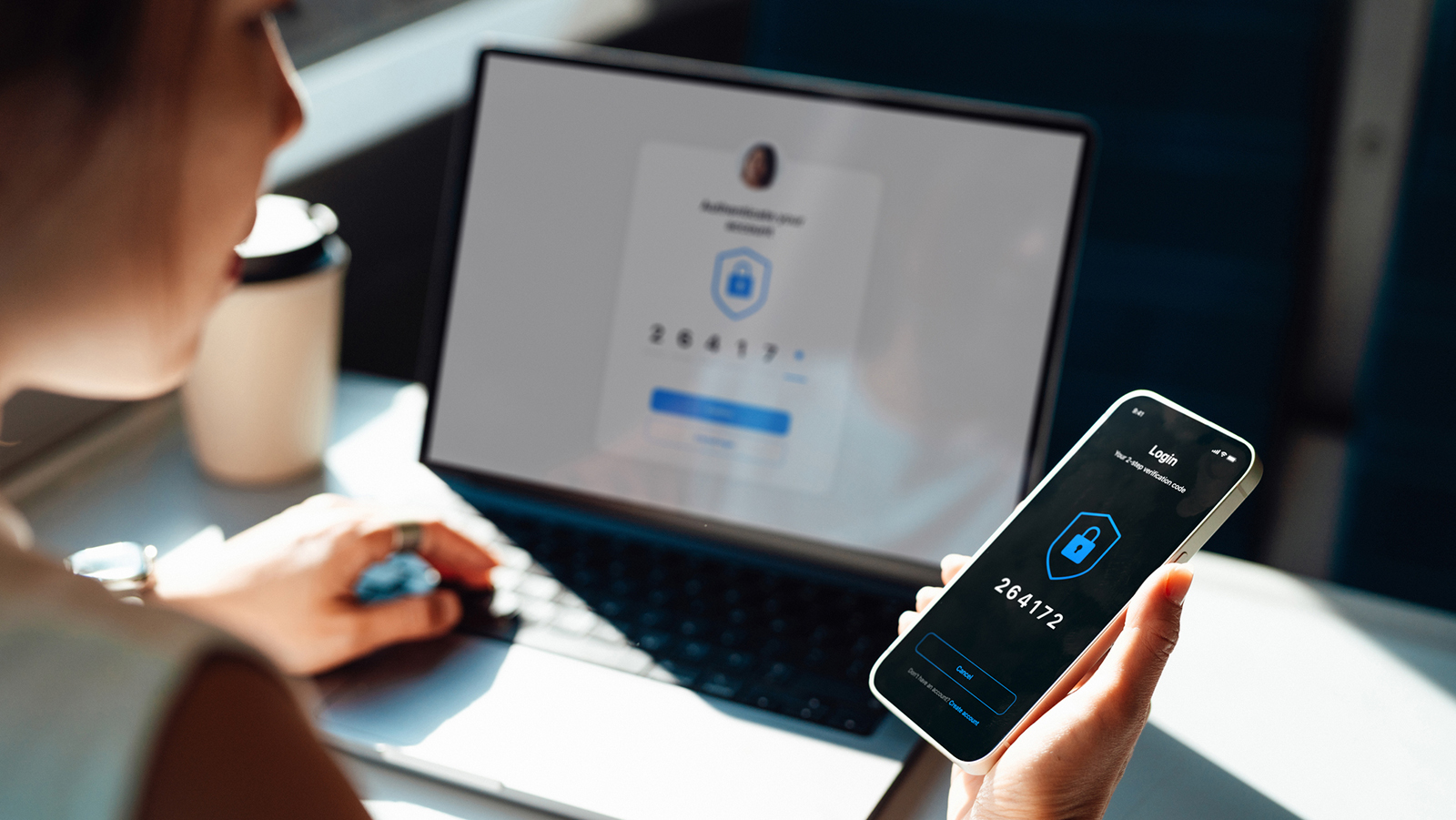
This is one reason why cross-app web protection has become increasingly important for Android security platforms.
A dedicated solution for your mobile phone, such as Bitdefender Mobile Security for Android or a Bitdefender multi-platform security solution, can detect suspicious links across multiple apps and services, reducing exposure wherever a potentially harmful link appears.
Background protection matters because modern phishing attempts often rely on speed and distraction rather than sophisticated hacking techniques.
Android security works best when it stays out of the wayThe best mobile security tools are often the ones users barely notice day to day. Constant warnings, intrusive pop-ups and complicated settings menus can quickly lead people to disable protections altogether, particularly on personal devices used for work, travel and entertainment throughout the day.
That's why many modern Android security platforms now prioritise quieter background monitoring designed to reduce friction during normal usage. Background scanning, malicious app detection, and automated web protection enable security tools to operate continuously without forcing you to constantly manage alerts.
This is especially beneficial for families or households with several Android devices, like shared tablets and family phones, where not all users may be able to recognise risky download suggestions or suspicious links.
Fortunately, Bitdefender's system can manage this automatically, operating in the background without requiring users to surrender control over their privacy settings and permissions.
Why public Wi-Fi still creates privacy risksWhile public Wi-Fi remains convenient, it's also a security risk for mobile users. Airports, cafes, hotels and train stations all rely on shared wireless networks, yet users often have limited visibility into how secure those connections actually are.
In some situations, attackers may attempt to intercept unsecured traffic, impersonate legitimate networks, or redirect users to malicious login pages designed to steal credentials or payment details.

Mobile devices are particularly exposed because they frequently connect automatically to previously used networks, sometimes without users realising it.
For Android users who regularly work remotely or travel with sensitive personal information stored on their devices, Bitdefender's secure browsing remains an important way to reduce exposure on unfamiliar networks.
Does Android still need antivirus software?Android is considerably safer than it was a decade ago, thanks to stronger built-in protections, stricter app store policies and improved permission management. That said, modern mobile threats have evolved alongside the platform itself.
Rather than focusing solely on traditional viruses," many attacks now target phishing, account theft, malicious links, fake apps, and data-harvesting techniques that rely heavily on user behaviour rather than technical exploits alone.
As Android devices increasingly replace laptops for banking, shopping, communication and work, the amount of sensitive information stored on phones continues to grow.
That's why modern mobile security tools increasingly focus on broader privacy and exposure reduction rather than simply scanning devices for malware signatures.