MSI MAG Z890 Tomahawk Wifi II motherboard review: Loses features from the original, but shaves a few dollars off the price
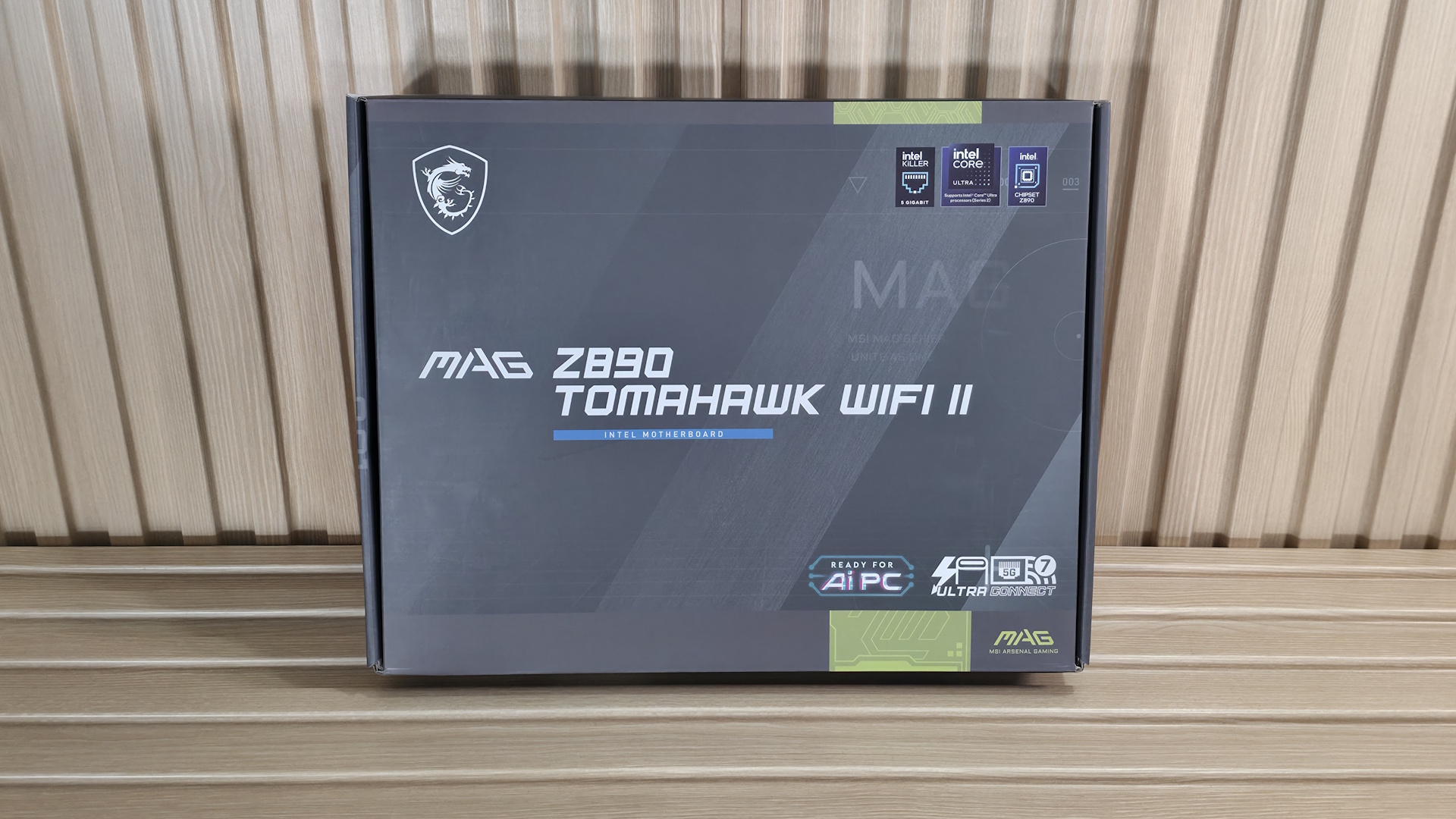
The latest board from the budget side of the Z890 lineup to land on our test bench is the MSI MAG Z890 Tomahawk Wi-Fi II. This updated Intel board is a streamlined revision of the original, optimized for Intel's Core Ultra 200S Plus processors. It retains the same aesthetic, core power delivery, and DIY-friendly features, but has two connectivity downgrades: a single TB4 port (down from two) and reduced Wi-Fi 7 speeds. It's a decent budget motherboard; it's just that the feature-reduction refresh is a bit curious to me.
Currently listed at $229.99, the Tomahawk Wi-Fi II costs roughly the same as the original Z890 Tomahawk. Aside from the two downgrades, it also tweaks some header locations and, minimally, the aesthetics. Hardware-wise, you still get nearly everything from the original, including capable power delivery (19 phases, 90A MOSFETs), two Type-C ports (one TB4/40 Gbps) and seven Type-A USB ports on the rear IO. There's also Wi-Fi 7 and 5 GbE networking, a last-gen audio solution, along with MSI's EZ DIY and EZ Overclock features.
Performance on the Tomahawk II was good overall with the MSI Performance setting, landing somewhere in the middle among the boards tested. In short, it's competent across a wide variety of PC activities, including gaming, rendering, encoding, and office-type work. There's nothing to worry about on the performance front.
Below, we'll examine the board's performance and other features to determine whether it deserves a spot on our list of the best motherboards. But before we share test results and discuss details, here are the specifications from MSI.
Socket | LGA 1851 |
Chipset | Z890 |
Form Factor | ATX |
Voltage Regulator | 19 Phase (16x 90A SPS MOSFETs for Vcore) |
Video Ports | (1) HDMI (v2.1) |
USB Ports | (1) TB4 Type-C (40 Gbps) |
Network Jacks | (1) 5 GbE |
Audio Jacks | (2) Analog + SPDIF |
Legacy Ports/Jacks | |
Other Ports/Jack | |
PCIe x16 | (1) v5.0 (x16) |
PCIe x8 | |
PCIe x4 | |
PCIe x1 | |
DIMM Slots | (2) DDR5-9200+ MT/s (OC), 256GB Capacity |
M.2 Sockets | (1) PCIe 5.0 x4 (128 Gbps) / PCIe (up to 80mm) |
SATA Ports | (4) SATA3 6 Gbps |
USB Headers | (1) USB v3.2 Gen 2x2 (20 Gbps) Type-C (USB PD 27W) |
Fan/Pump Headers | (8) 4-Pin (Accepts PWM and DC) |
RGB Headers | (3) 3-pin ARGB headers |
Diagnostics Panel | (1) EZ Debug LED |
Internal Button/Switch | |
SATA Controllers | |
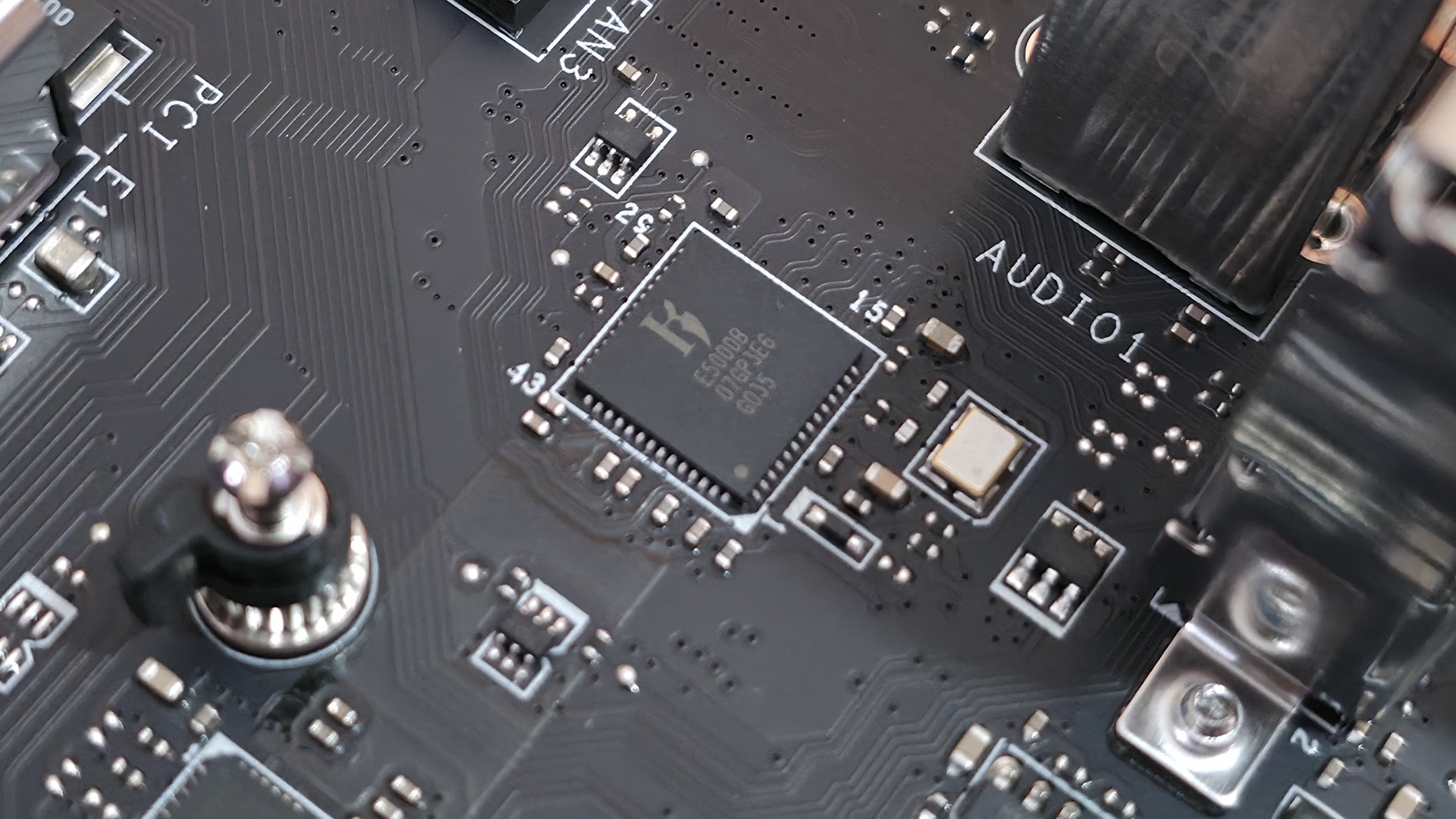
Ethernet Controller(s) | (1) Killer E5000 Realtek RTL8125 (2.5 GbE) |
Wi-Fi / Bluetooth | Intel MediaTek Wi-Fi 7 - Up to 2.9 Gbps, 160 MHz, 6 GHz, 5.8 GHz, BT 5.4 |
USB Controllers | Genesys Logic GLG3253 |
HD Audio Codec | Realtek ALC1200P |
DDL/DTS | / |
Warranty | 3 Years |
Inside the box, MSI includes a few accessories to help get your system running, hopefully, without a trip to the store. You get the typical array of guides and EU notices, a 1 to 3 EZ Conn-Cable (V2), Wi-Fi antenna, EZ M.2 clip remover, (2) EZ M.2 Clips II, and two SATA cables. There isn't much here, but it is similar to other budget boards.
Design and Features of the Tomahawk Wifi II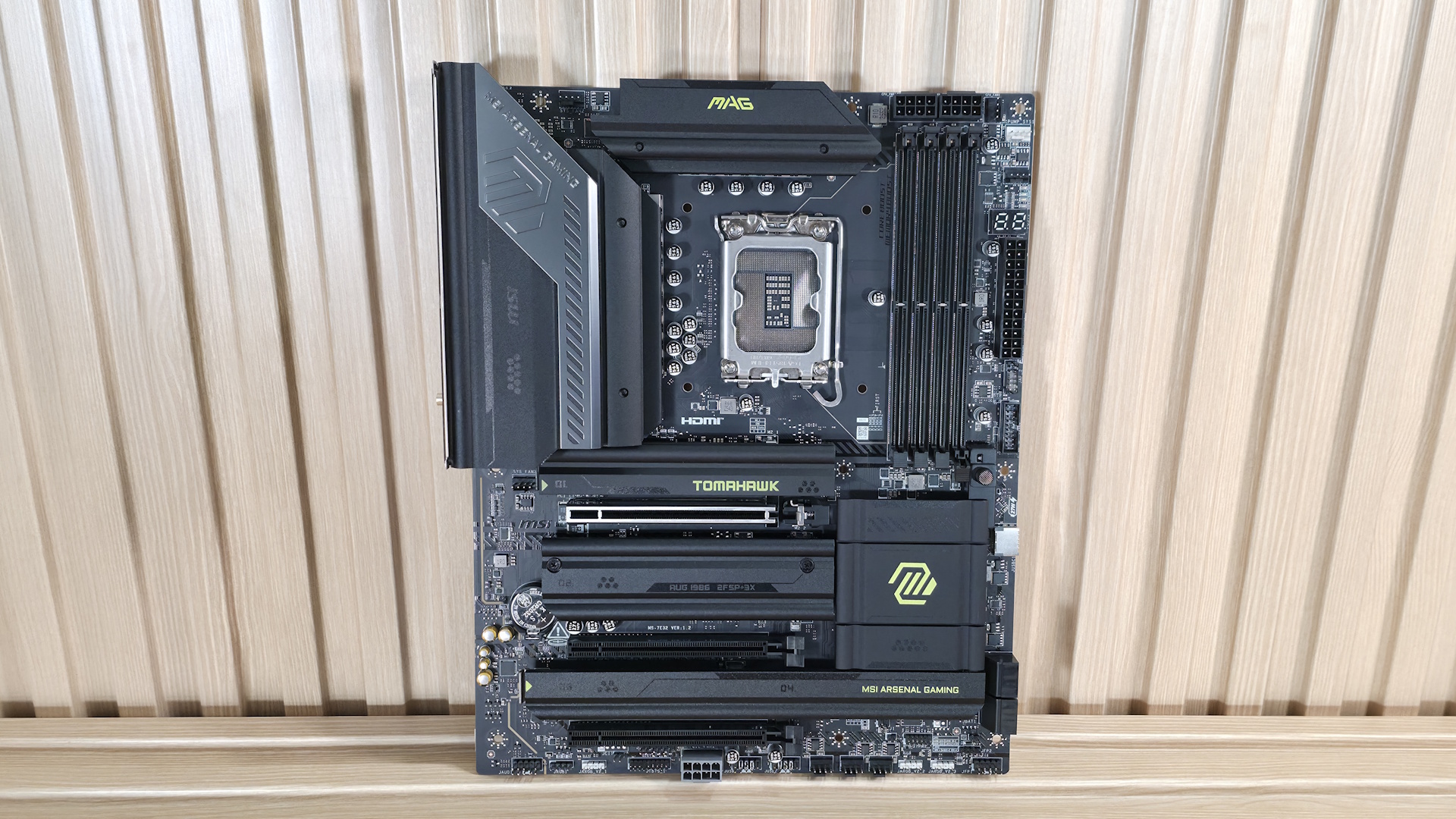 Future
 Future
 Future
 Future
 Future
 Future
 Future
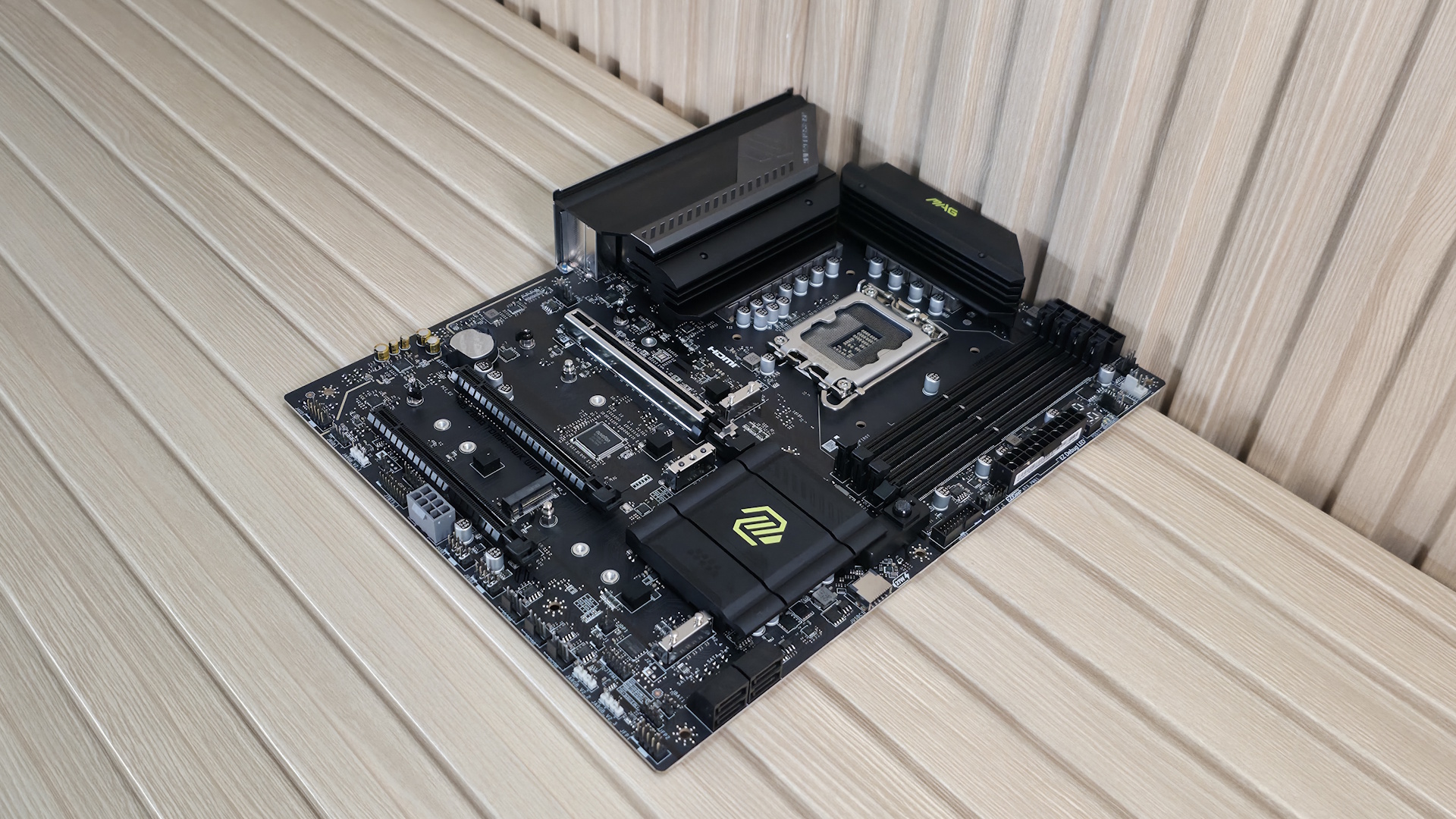
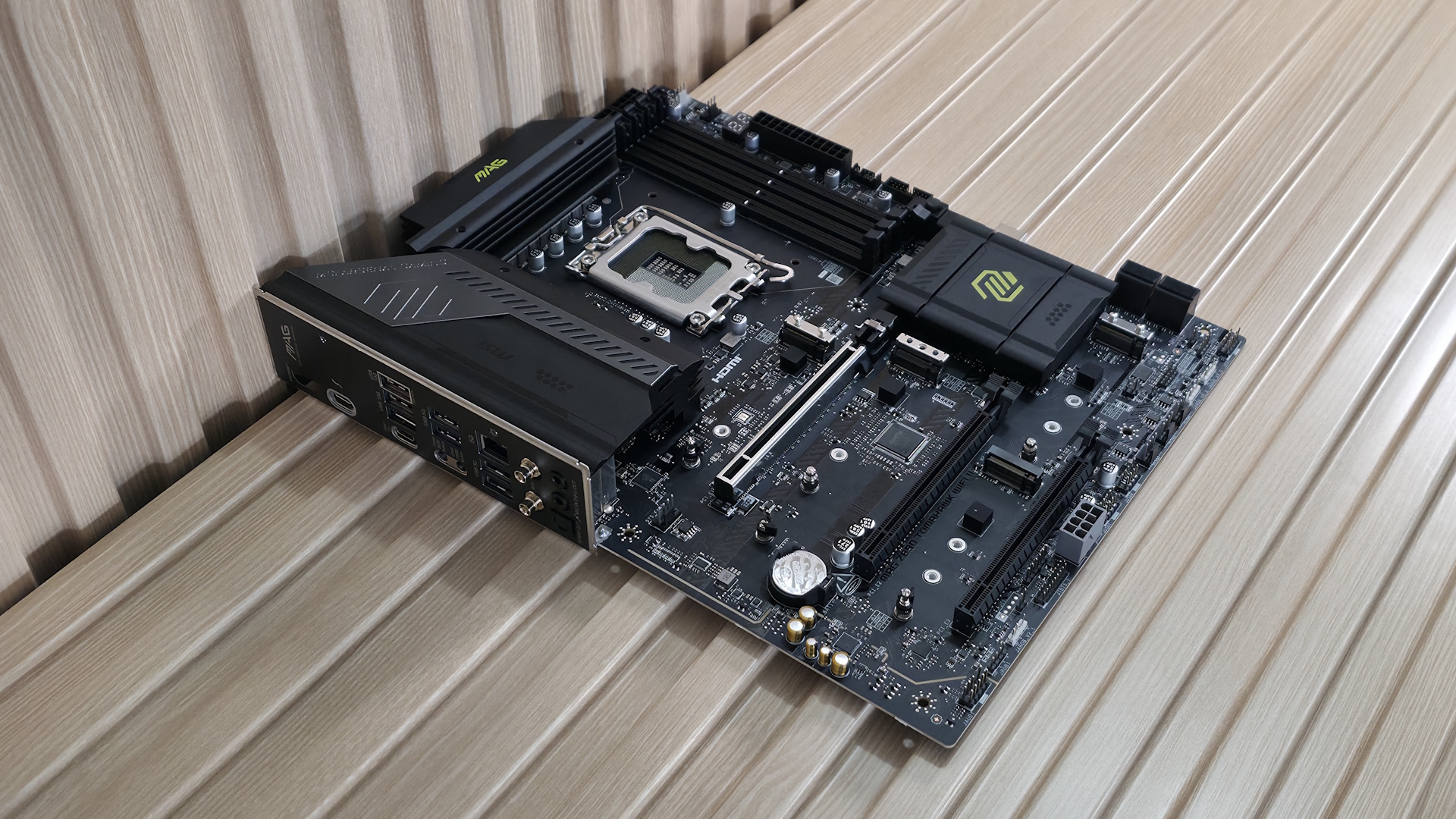
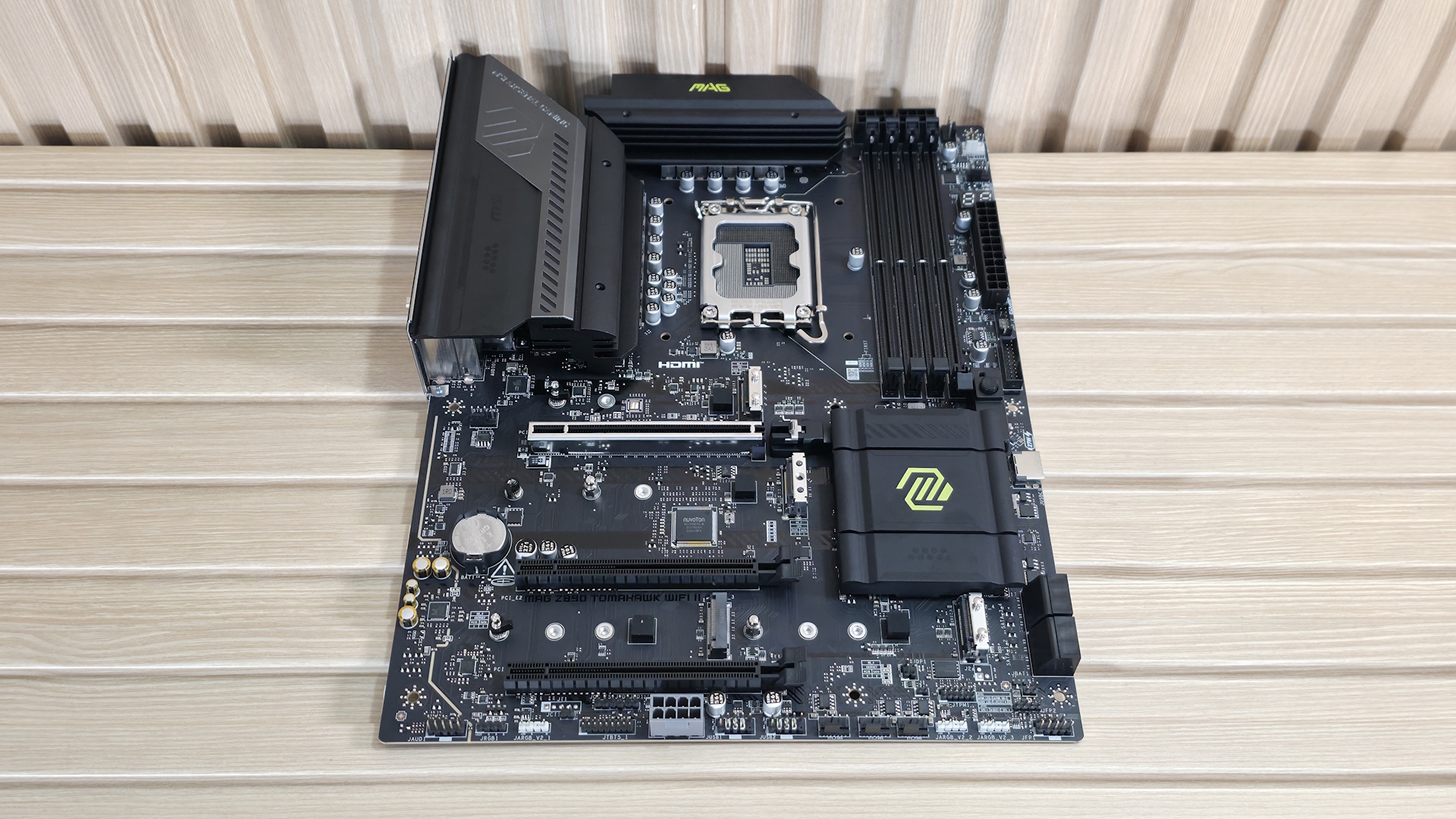
Looking at the Z890 Tomahawk II, it's tough to discern any aesthetic changes versus the original. It sports an all-black 6-layer, server-grade PCB design with black heatsinks all around. There are bright yellow/green branding accents on the chipset heatsink, the primary M.2 heatsink (for which I wish to see a larger one for the PCIe 5.0 M.2 socket underneath), and the top VRM heatsink. As for RGB lighting, the Tomahawk II, like the original, doesn't include RGB lighting, though it does have multiple headers to connect your own. It's not begging to be the showpiece of the build, but it surely looks good with a black build theme.
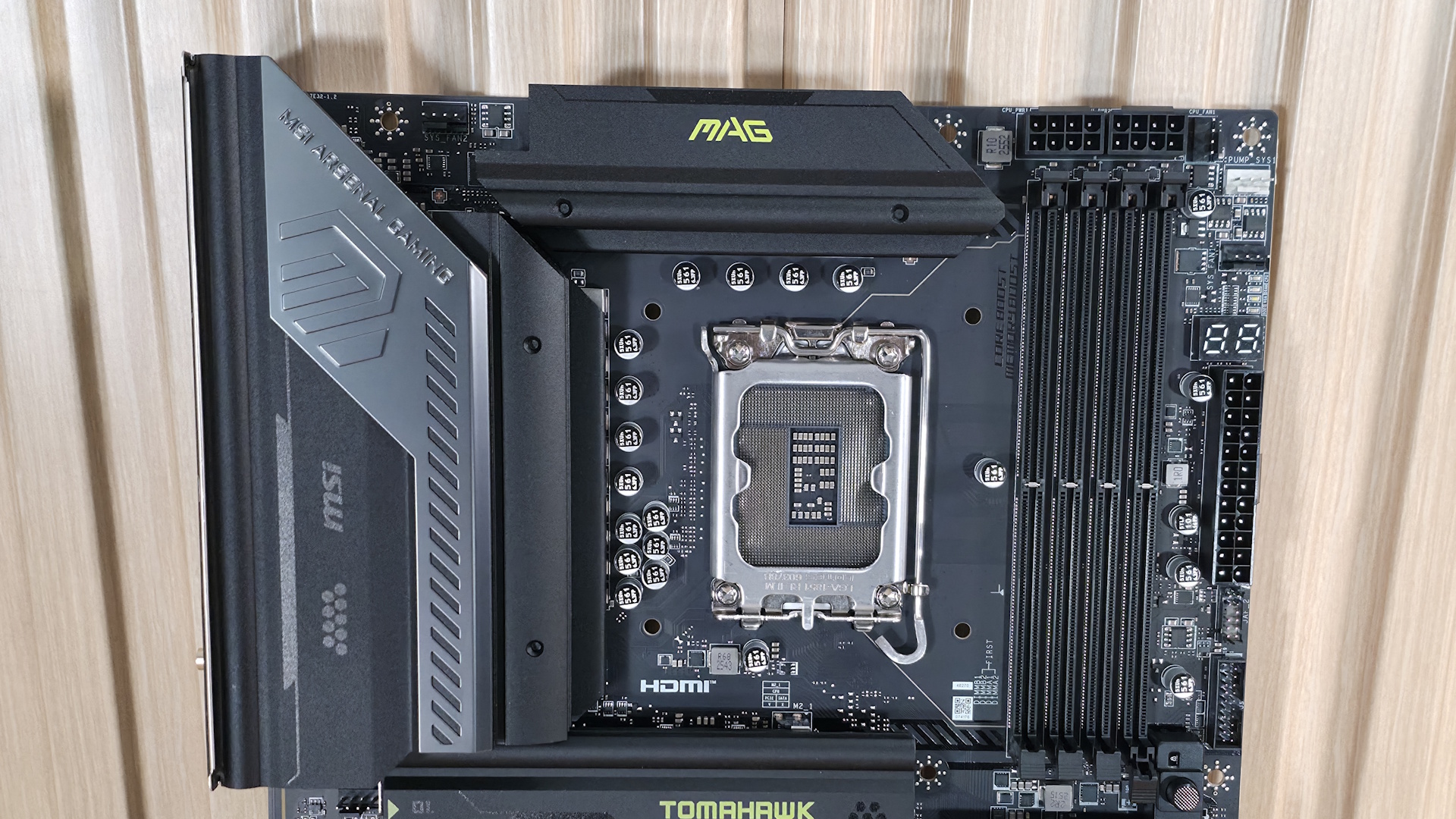
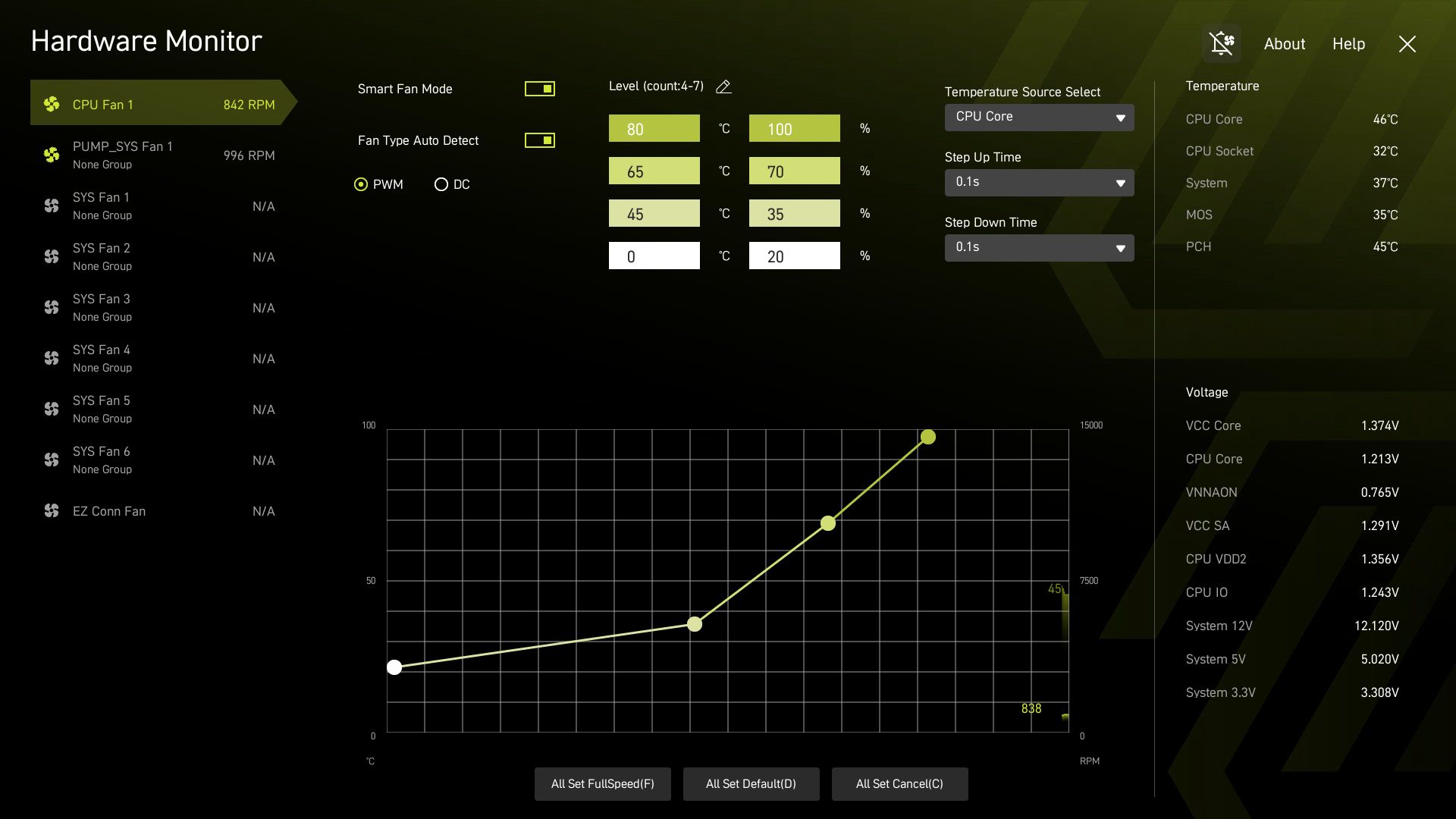
Focusing on the top half of the board, we get a better look at the capable VRM heatsinks and socket area. What is different on this board compared to many others is that the two 8-pin EPS connectors (one required) are above the DRAM slots instead of above and to the left of the VRM heatsinks. In its place is the first (of seven) 4-pin fan headers. Each header supports PWM and DC devices, with current/power ratings ranging from 1A/12W (SYS_FAN1-6) to 2A/24W for the CPU_FAN1 and 3A/36W for the PUMP_SYS1 header. There's plenty of power to go around. Header control is managed via the BIOS or MSI's Control Center software.
Below the EPS connectors are the four DRAM slots, each with a single locking mechanism at the bottom. With the CPU power leads so close above, it makes sense to have them on the bottom, where there is more room to access them. The board supports up to DDR5-9200 MT/s, which is plenty fast for the platform. Our own testing showed the board worked fine at DDR5-8800 MT/s with a 2x24GB kit, so there's some headroom left with 2x16GB sticks to reach the listed peak.
In the upper-right corner and along the edge, we spy three more 4-pin fan headers, along with the EZ debug (4 LEDs, basic troubleshooting) and the 2-character EZ Digi-Debug LED, which offers more details on POST issues and doubles as a temperature display once booted.
Below that is the JAF_2 EZ-Conn-header V2, which allows you to connect ARGB LED strips, fans, and USB 2.0 devices (with the included adapter cable), saving space on the motherboard. Last but not least, on the top half is a front-panel USB 3.2 Gen 1 (5 Gbps) connector.
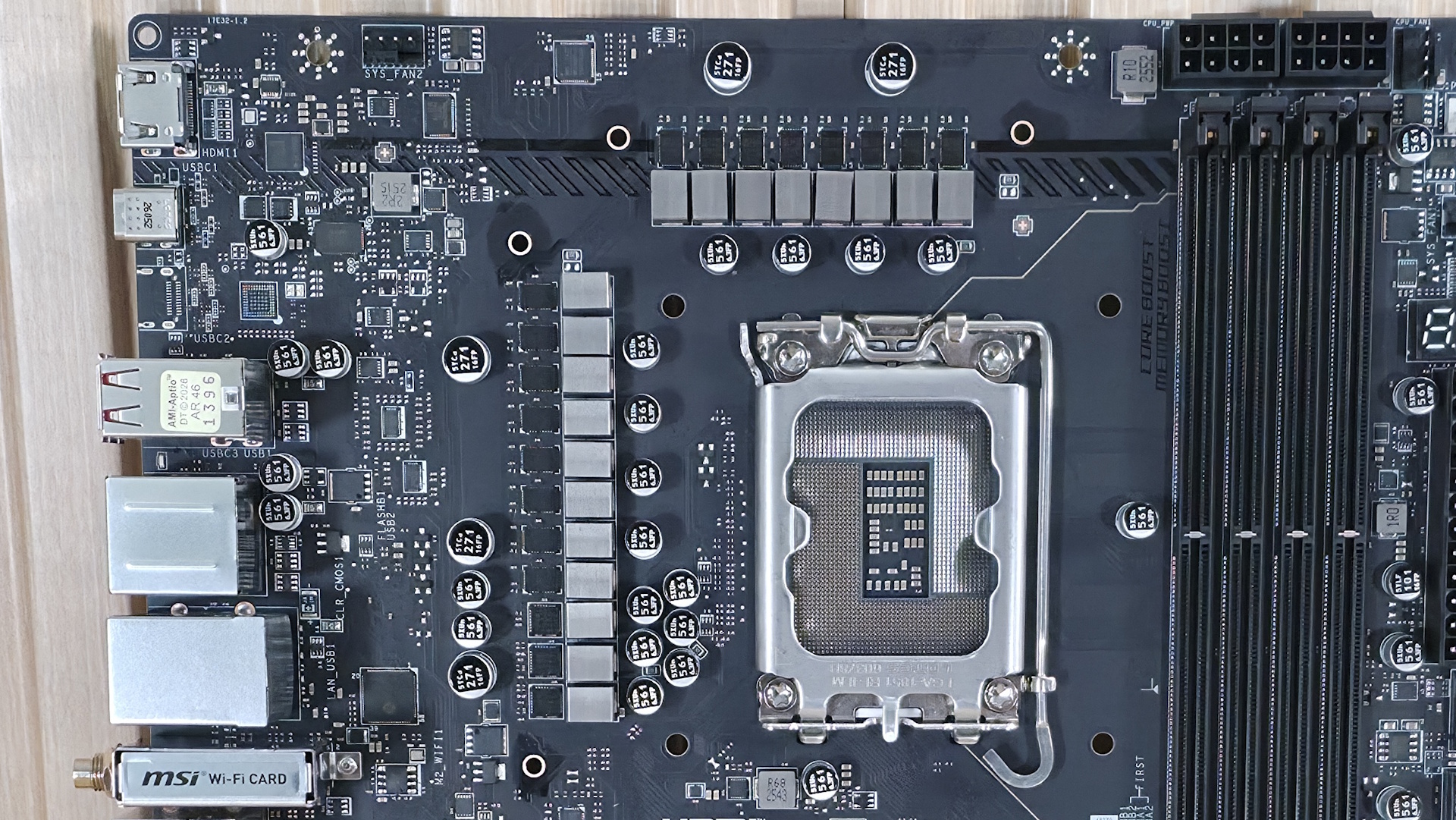
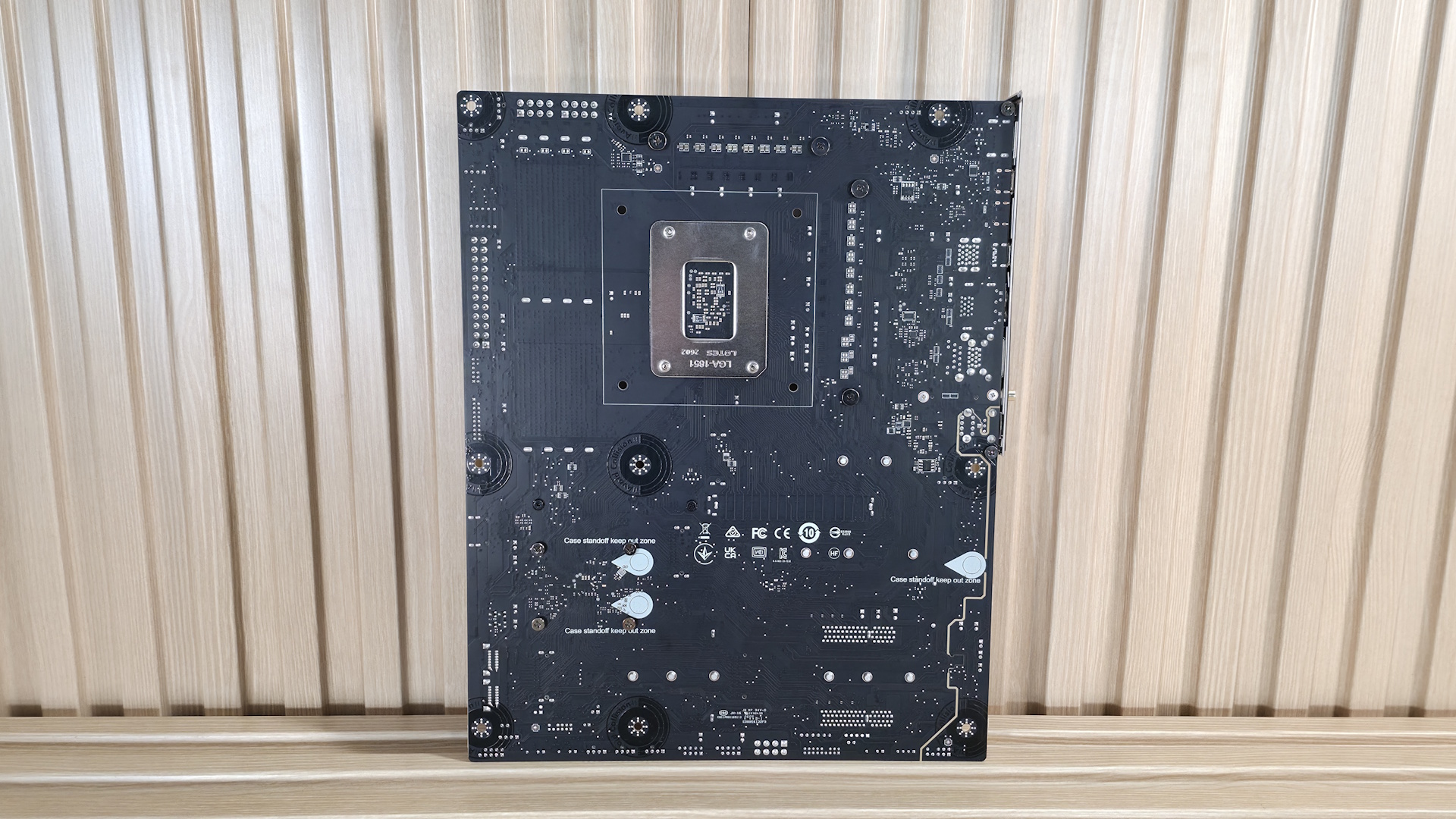
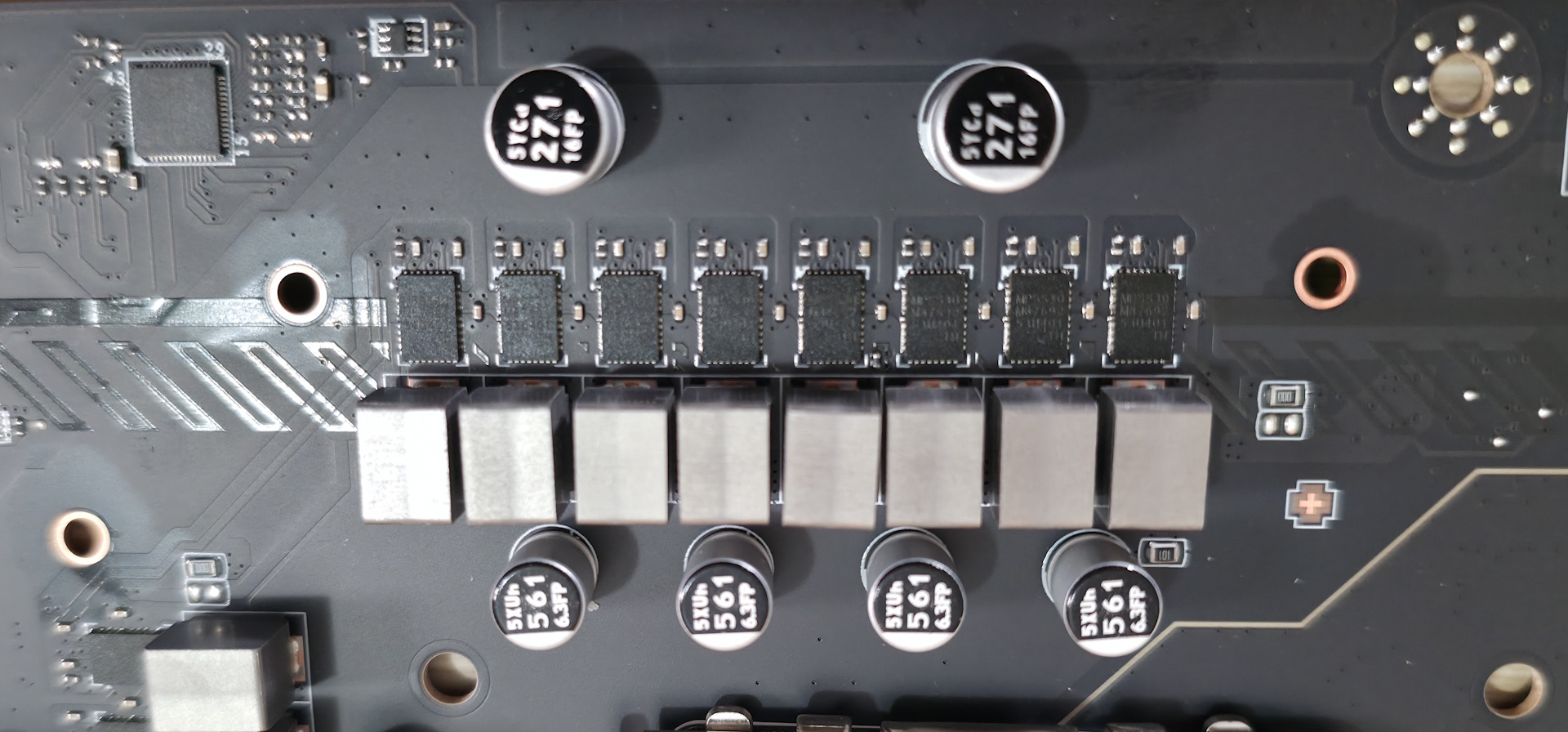
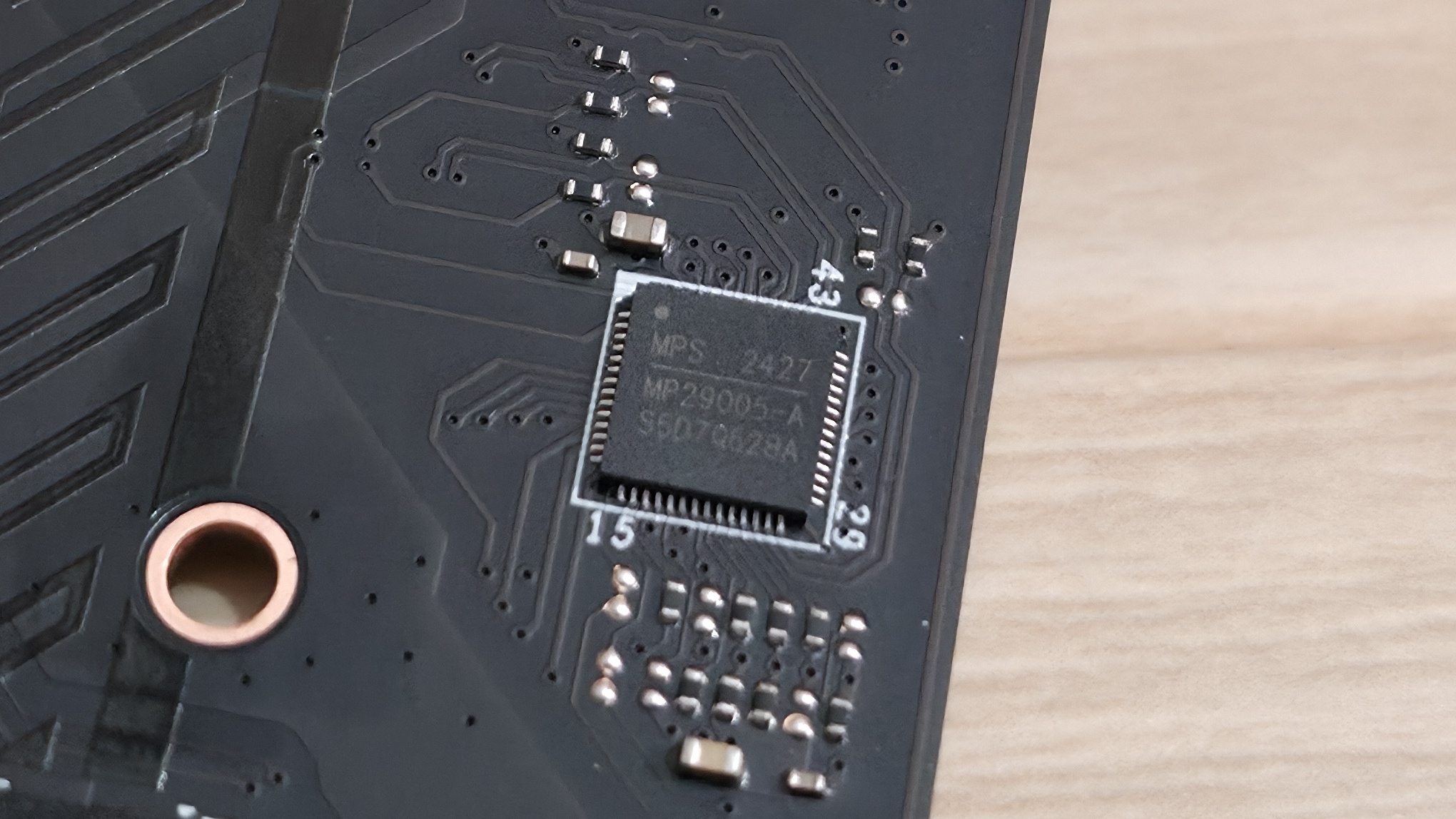
Power delivery on the Tomahawk II is capable and appropriate for this class of motherboard. It has 19 phases, 16 of which are dedicated to Vcore. Power is supplied to the Monolithic Power Systems (MPS) MPS2477 controller. From there, it heads to 16 MPS 90A SPS MOSFETs. The 1,440A available can handle the Core Ultra 7 270K Plus, the Core Ultra 5 250K Plus, and even the Core Ultra 9 285K, even with overclocking. Just be sure to keep air flowing in your chassis, as the components here will get warm with sustained heavy use.
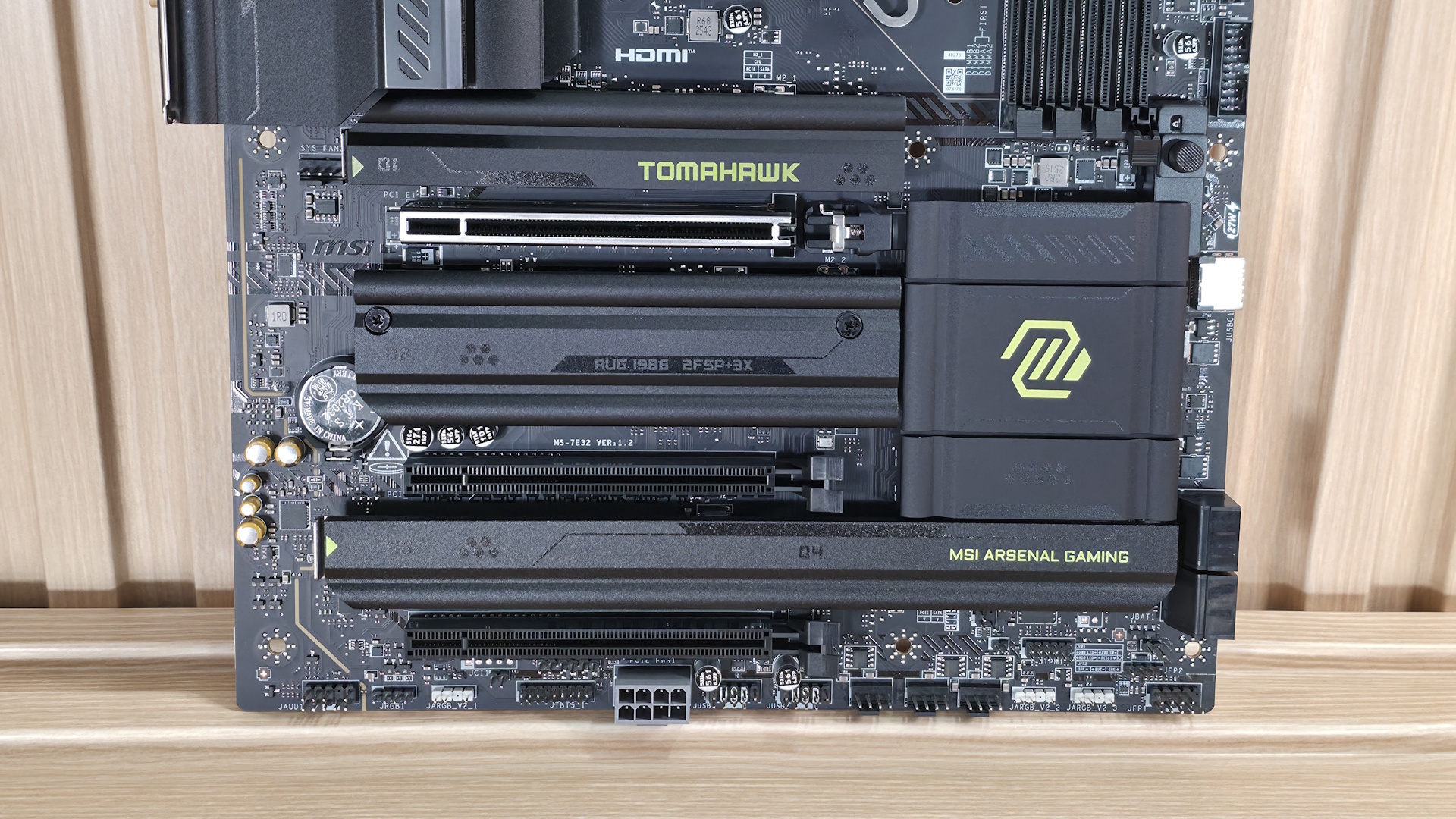
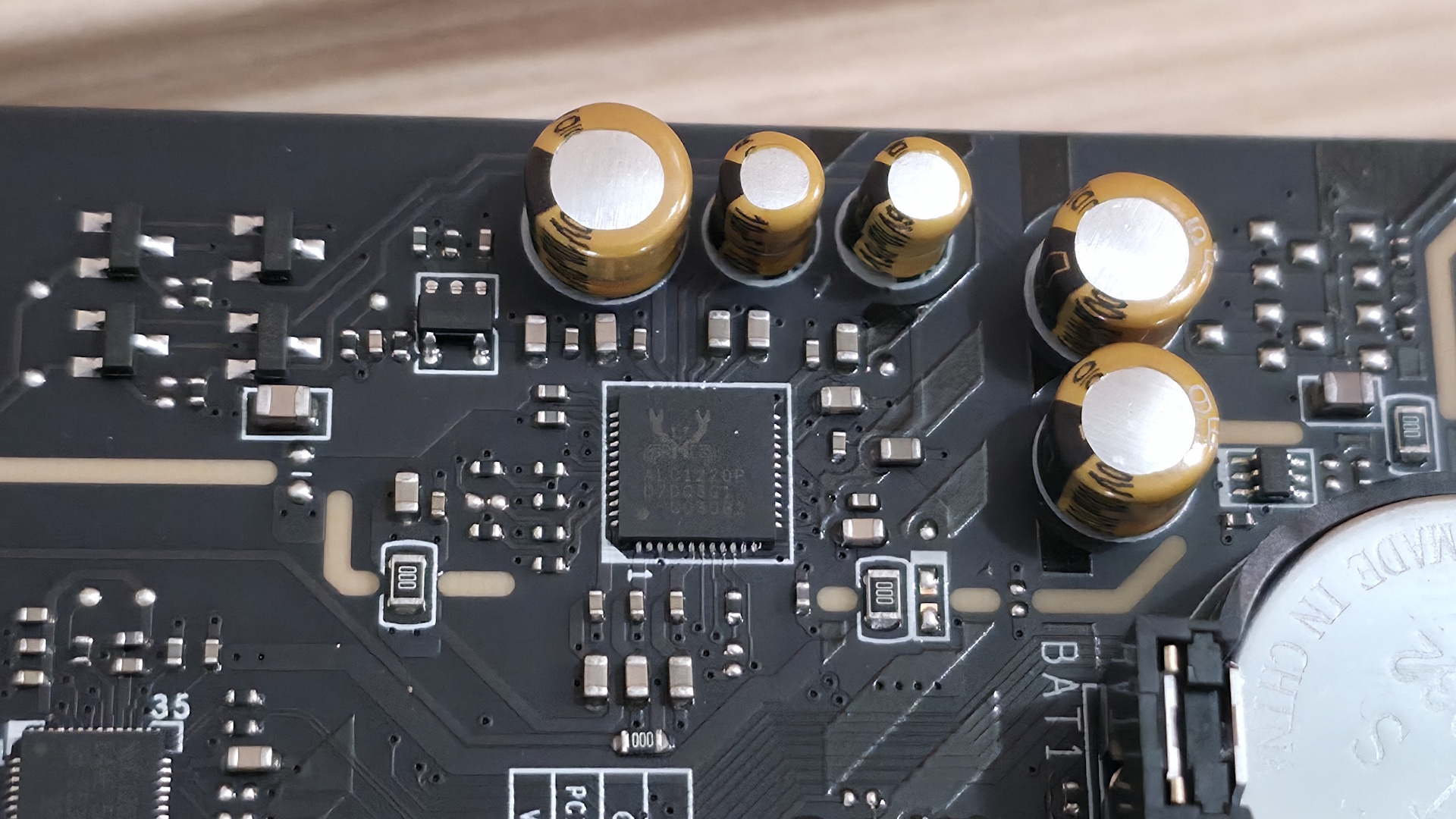
On the bottom half of the board, we'll start on the left with the audio section. There, we see a couple of dedicated audio capacitors and the last-gen flagship codec, the Realtek ALC1220P. While this isn't the latest/best audio codec available, it's a good one and makes sense for most budget-class motherboards. You should still be happy with it, as it's difficult to tell them apart without seeing the actual specifications anyway.
In the middle of the board are three full-length PCIe slots and four M.2 sockets. Starting with PCIe, the topmost slot has reinforcement, which MSI calls Steel Armor II. It is your sole PCIe 5.0 x16 slot and connects through the CPU. The bottom two slots connect via the chipset and support PCIe 4.0 x4. The top slot does not bifurcate, if you're wondering.
Among and around the PCIe slots are four M.2 sockets. The top socket, M.2_1 (above the top PCIe slot and under the heatsink that, again, I wish were larger), is your CPU-connected PCIe 5.0 x4 (128 Gbps) socket. The other three M.2s all connect through the chipset and run at PCIe 4.0 x4 (64 Gbps), with M.2_4, the bottom-right socket, also supporting SATA-based M.2 devices. All sockets support up to 80mm modules and can run RAID 0/1/5 modes for redundancy and/or increased speed (RAID is not a backup). Between the PCIe slots, M.2, USB, and SATA ports, there is no lane sharing. You can fill all the slots and sockets and still receive the full bandwidth from each.
Finally, moving past the chipset heatsink to the right edge, are two of the four SATA ports (supporting RAID 0/1/5/10). The other two are mounted vertically along the bottom edge.
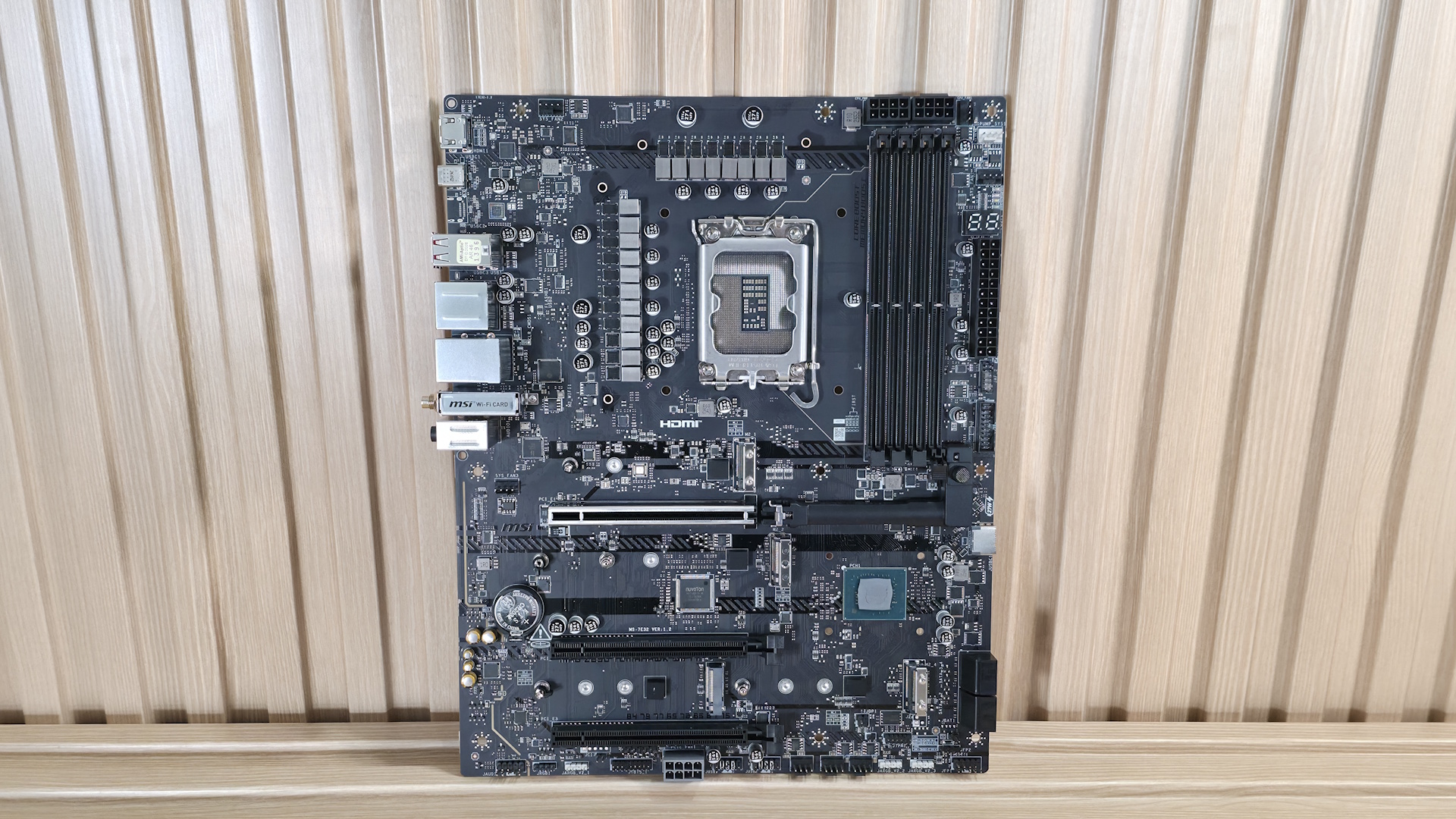
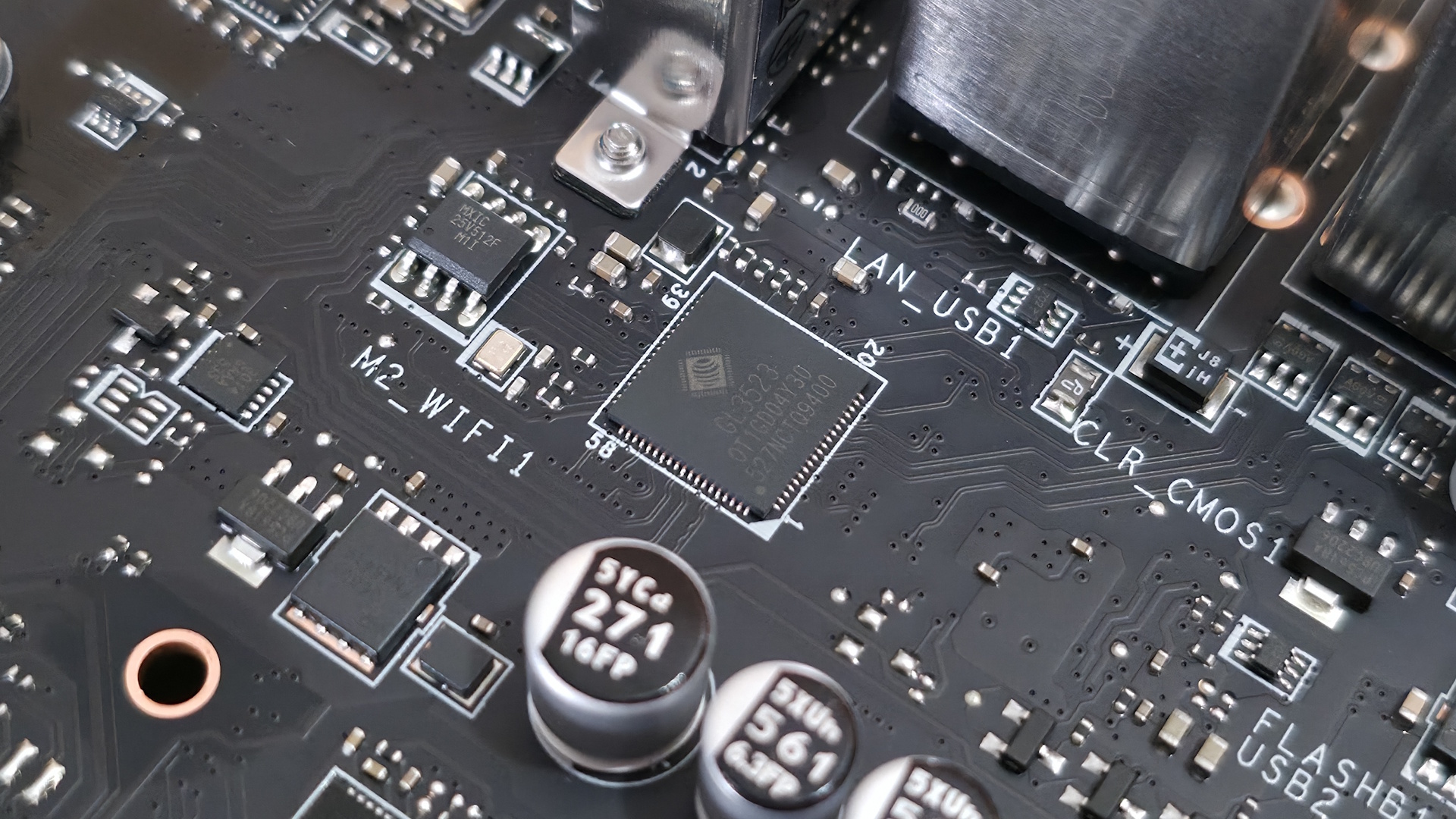
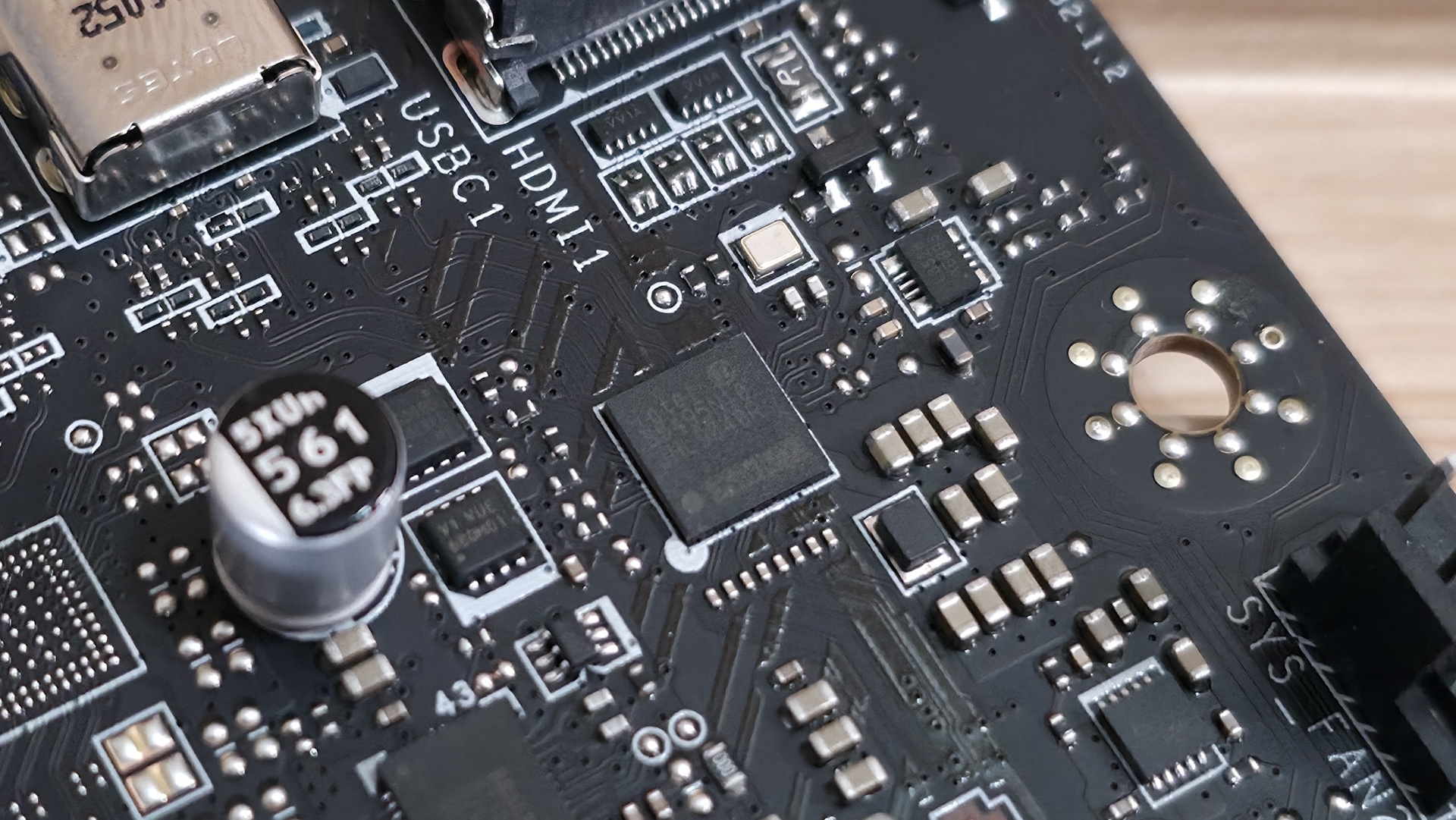
We've also captured several images of the IC's used to make this motherboard work consisting of a mix of Genesys Logic for a USB hub, Killer/Intel Ethernet, Realtek audio, and Monolithic Power Systems MOSFETs.
 Future
 Future
 Future
 Future
 Future
 Future
At the bottom of the board is a slew of headers. It offers your typical set of connectivity in this area, with nothing missing or worth a specific mention. Below we've listed all the connections across the bottom of the board.
- Front panel audio
- 4-pin RGB header
- 3-pin ARGB header
- 2-pin chassis intrusion header
- TB5 AIC header
- 8-pin PCIe connector
- (2) USB 2.0 (380 Mbps) headers
- (3) 4-pin system fan headers
- (2) 3-pin ARGB headers
- TPM header
- 2-pin Clear CMOS header
- Front panel headers
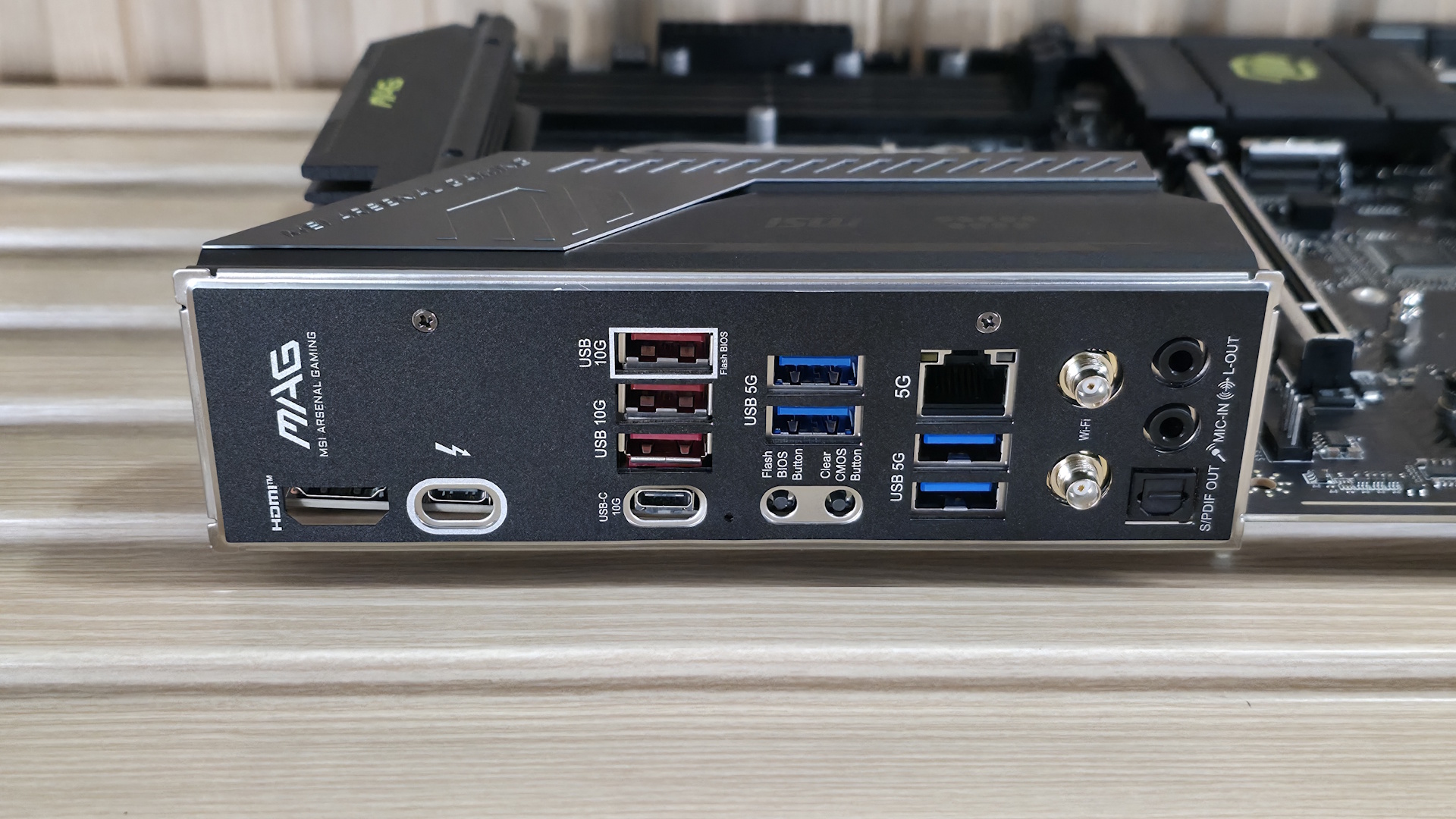
Flipping the board around to the rear IO, the Tomahawk II provides basic connectivity for the platform. You get everything, but compared to the original Tomahawk, you get one less Thunderbolt (40 Gbps) Type-C port. On the left, there's the HDMI (v2.1) output and the TB4/DisplayPort Type-C port, both of which work with integrated video. Next to that is a 10 Gbps Type-C port, while above that are the seven Type-A ports (3x 10 Gbps, 4x 5 Gbps). Below the USB ports are two buttons (BIOS Flashback and Clear CMOS). Next is the Killer 5GbE, the EZ antenna quick-connect for the slower (2.9 Gbps) Wi-Fi 7 connections, and the 3-plug (2x 3.5mm and SPDIF) audio stack. The next stack holds the 40 Gbps Thunderbolt Type-C port and the only USB 3.2 Gen 2 (10 Gbps) port. Next to that are four USB 2.0 ports, and the Realtek-based 2.5 GbE port stacked on top. Rounding out the USB ports back here are two USB 3.2 Gen 1 (5 Gbps) ports.
There's nothing particularly notable here, just a difference in TB4/40 Gbps port count (now one).
MORE: Best Motherboards
MORE: How To Choose A Motherboard
MORE: Best Motherboard Deals
MORE: Best Motherboard Combo Deals
MORE: All Motherboard Content
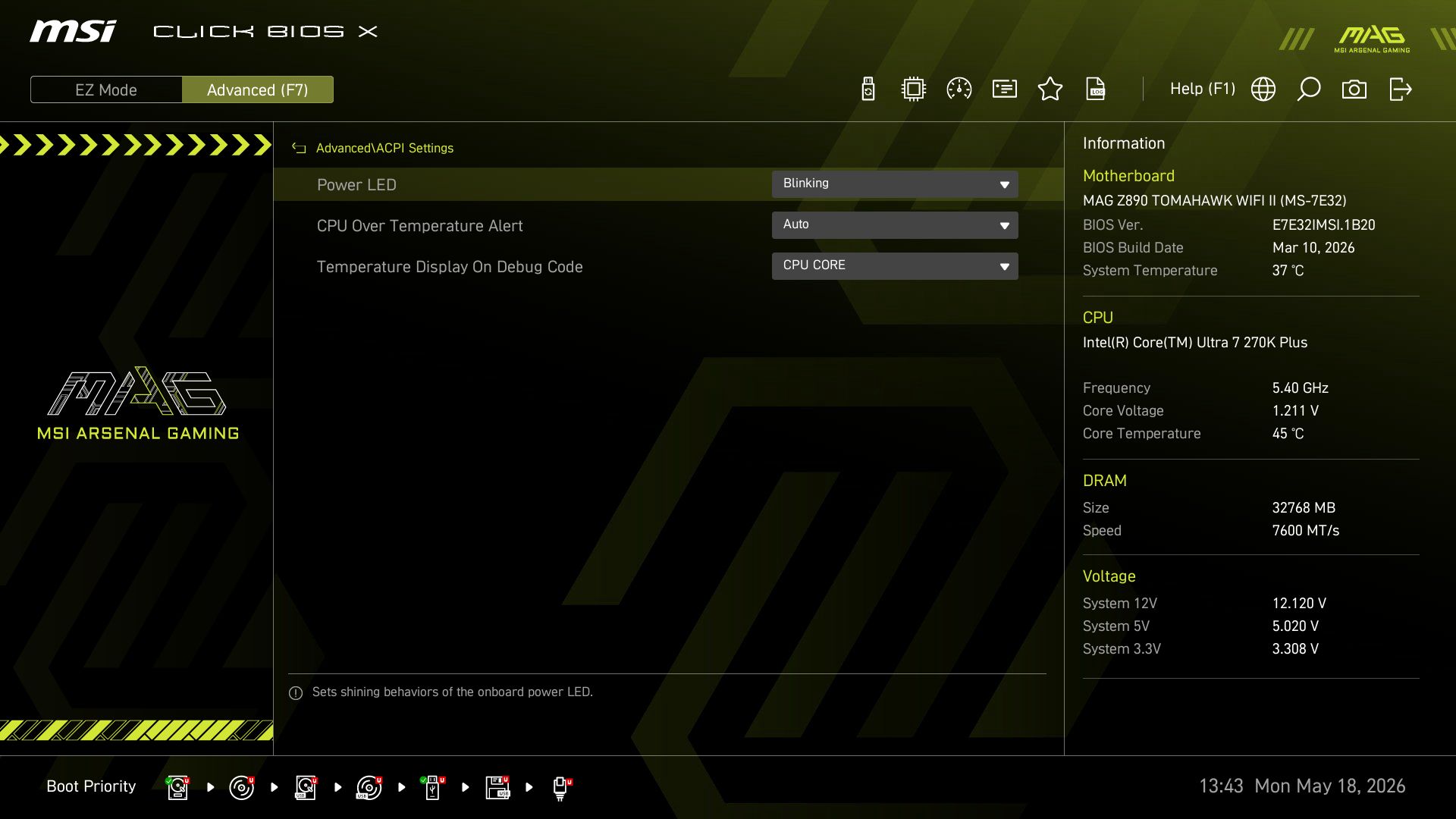
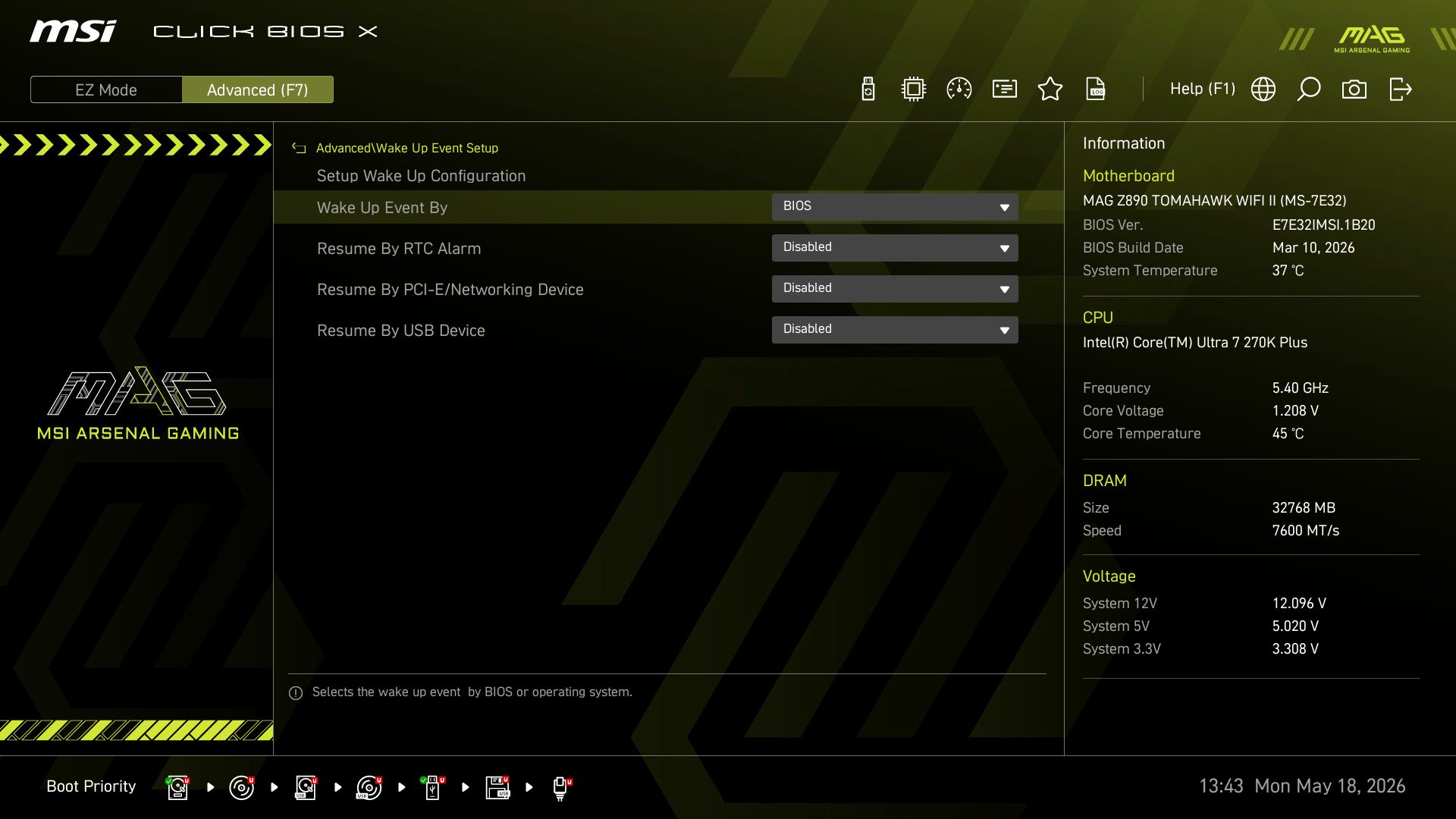
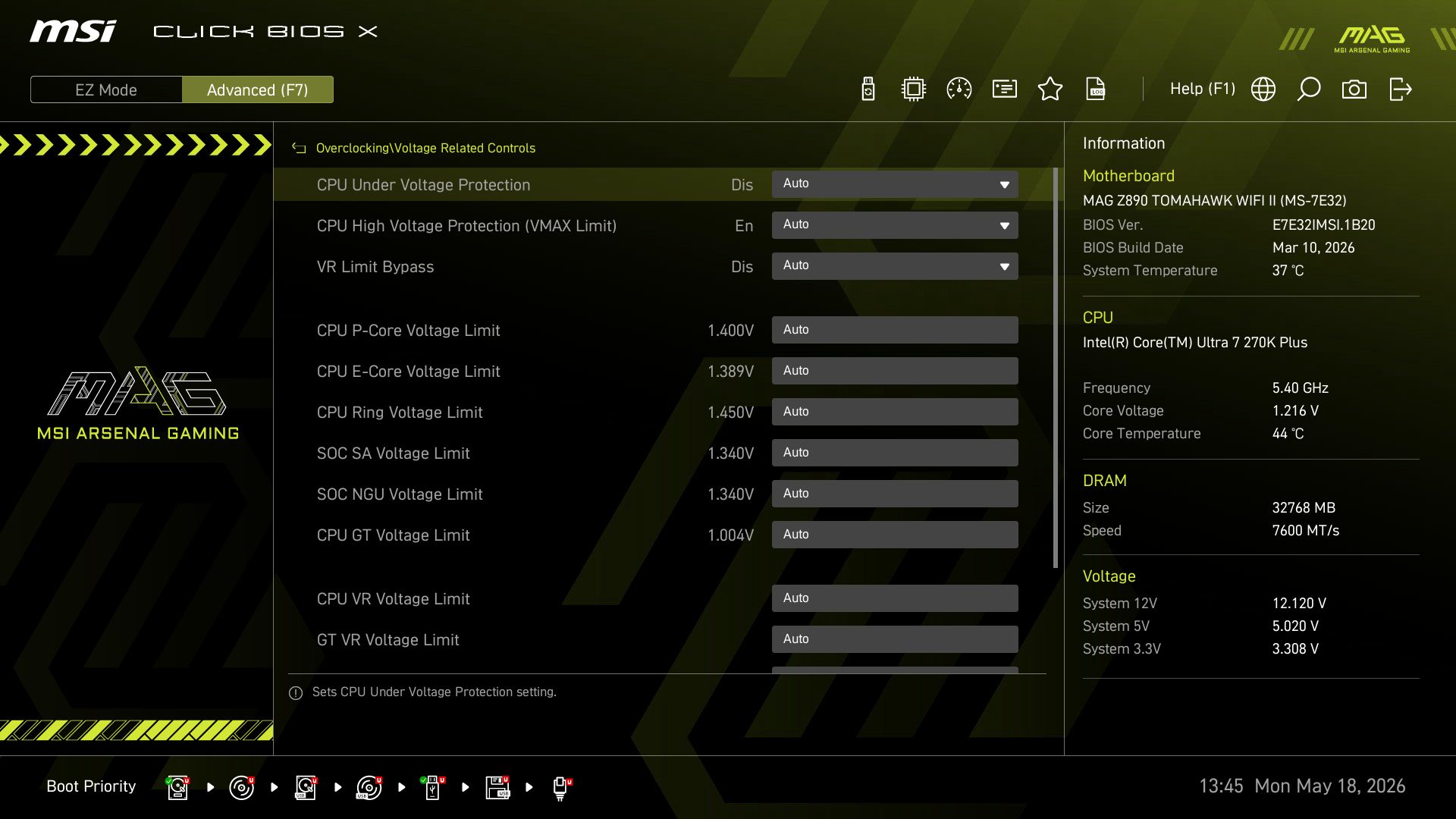
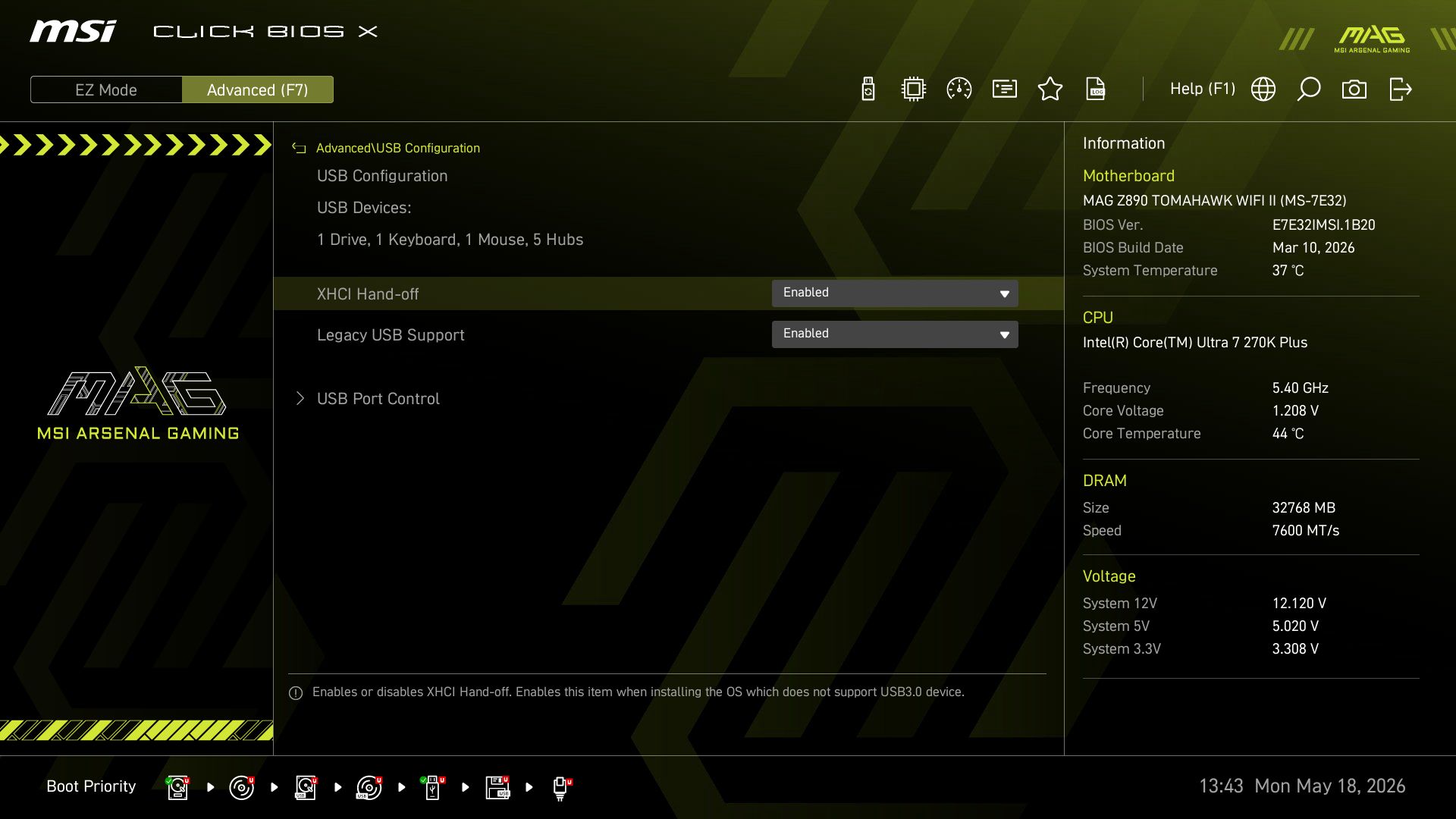
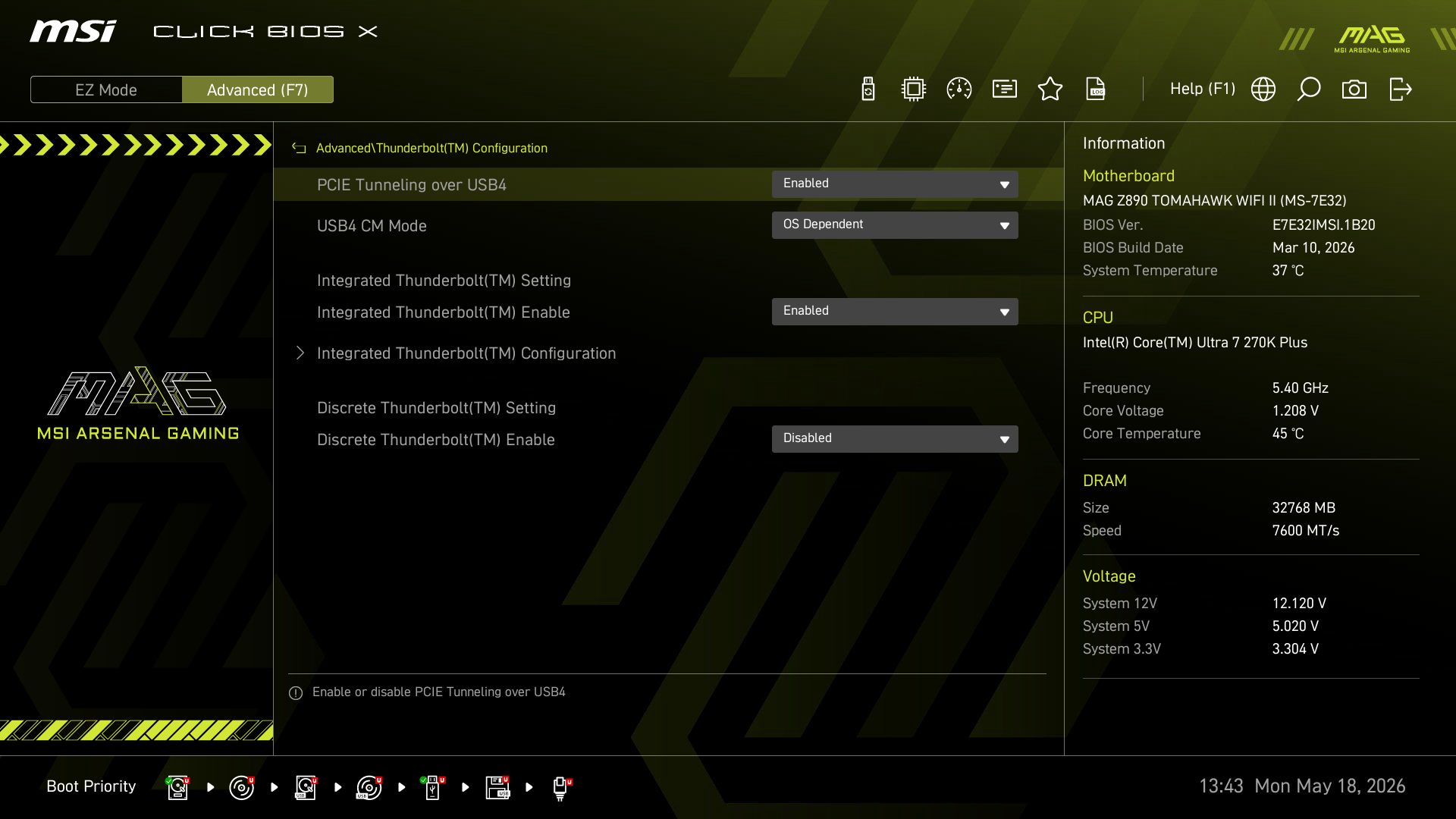
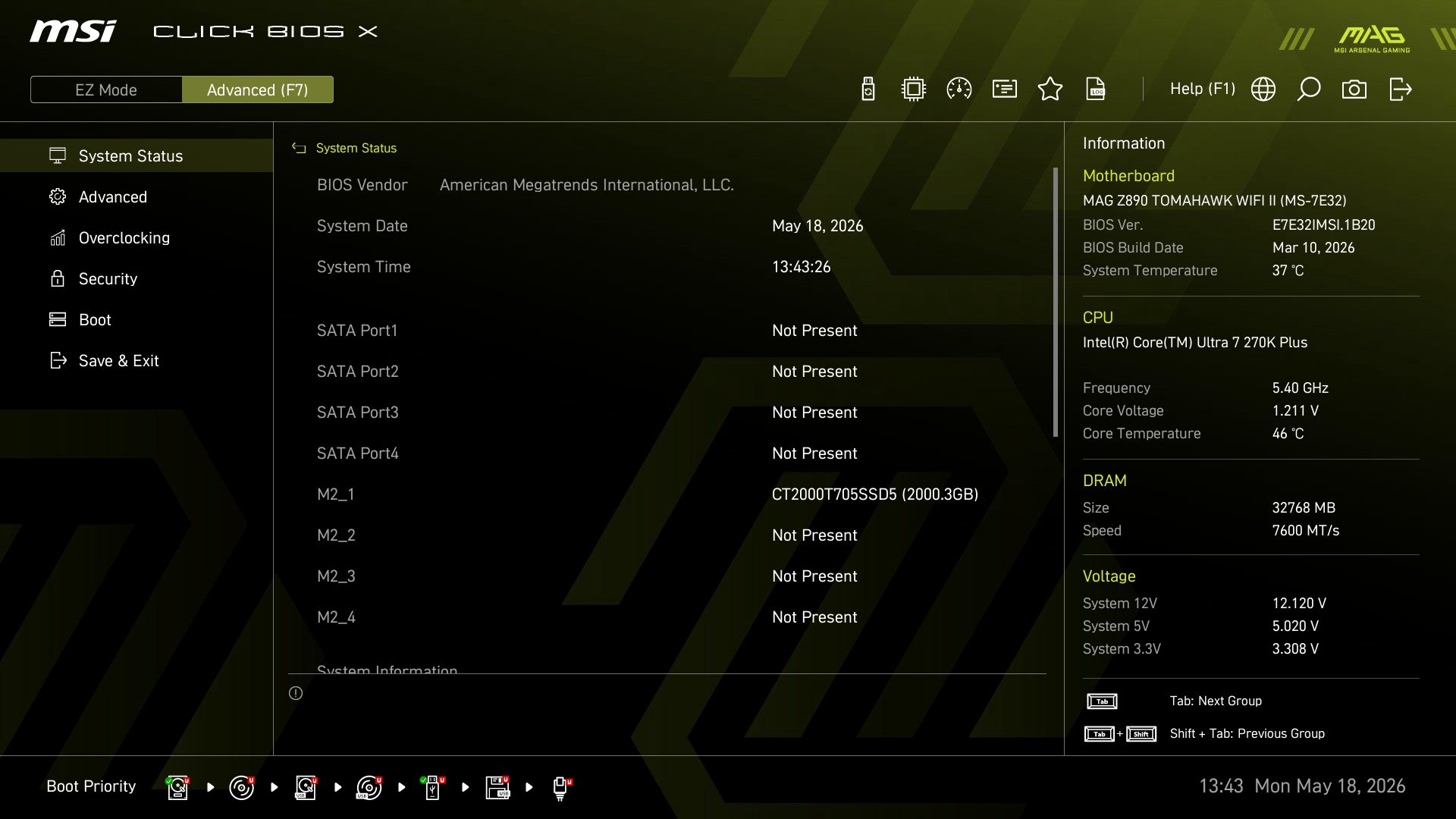
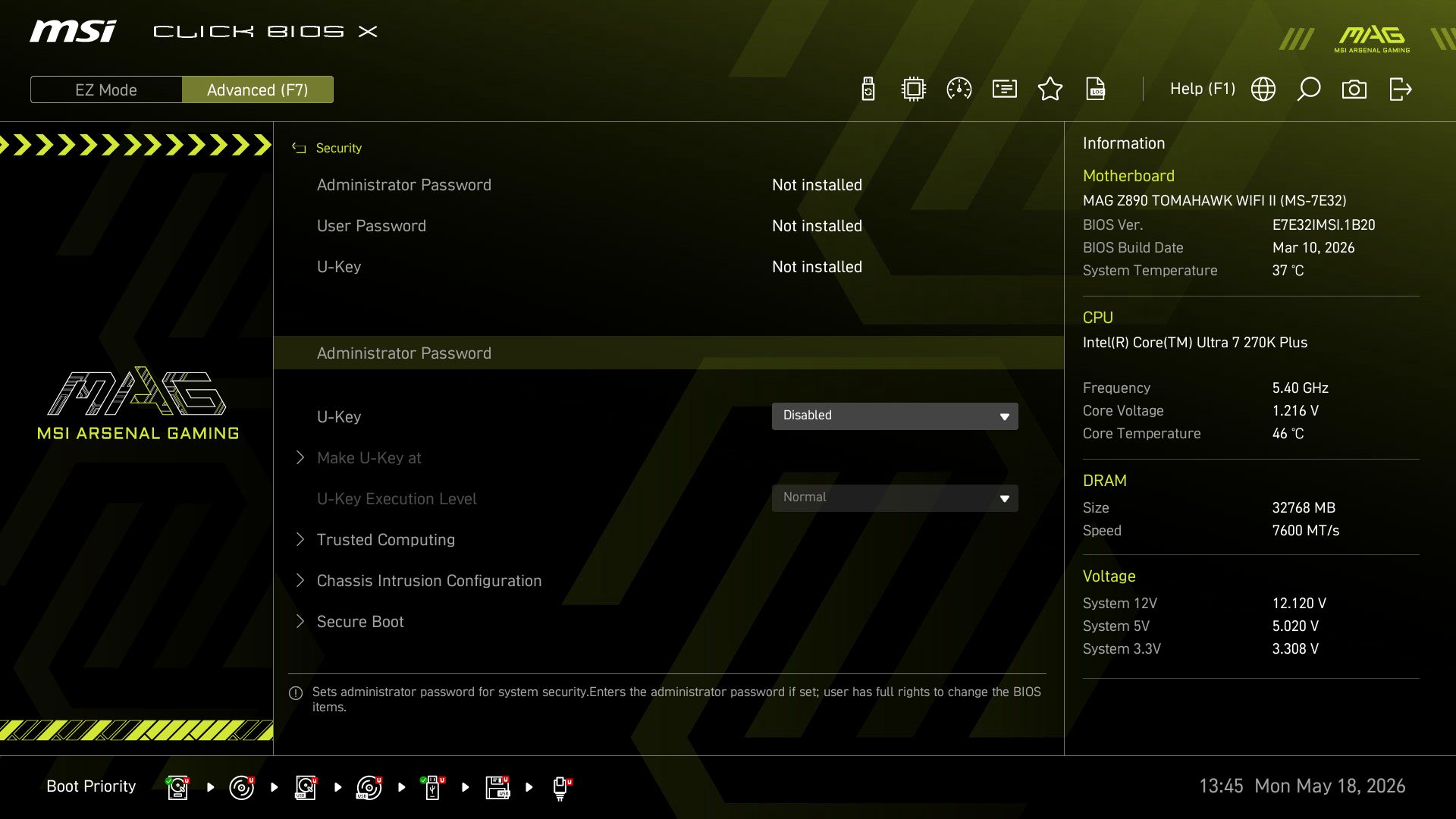
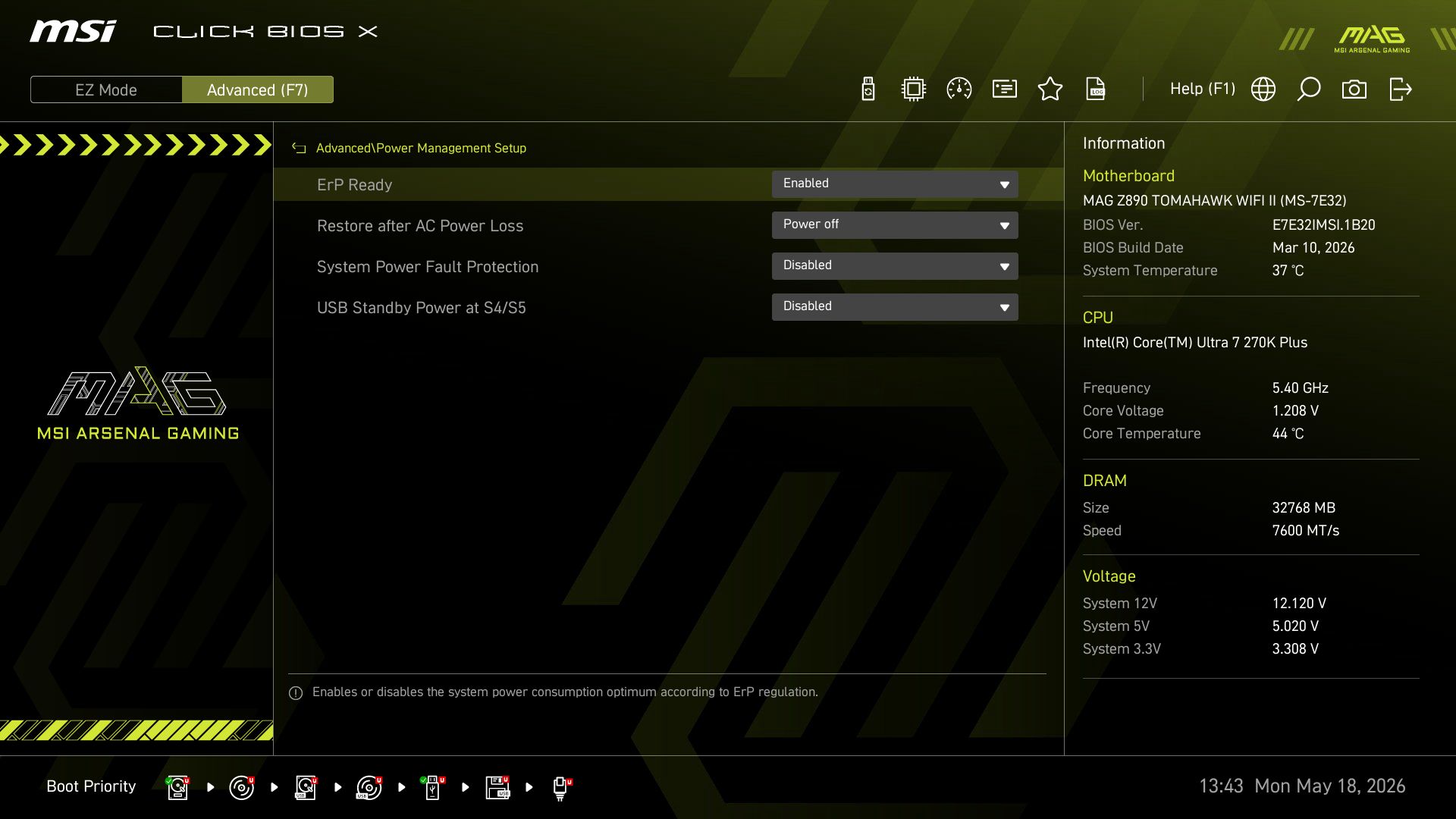
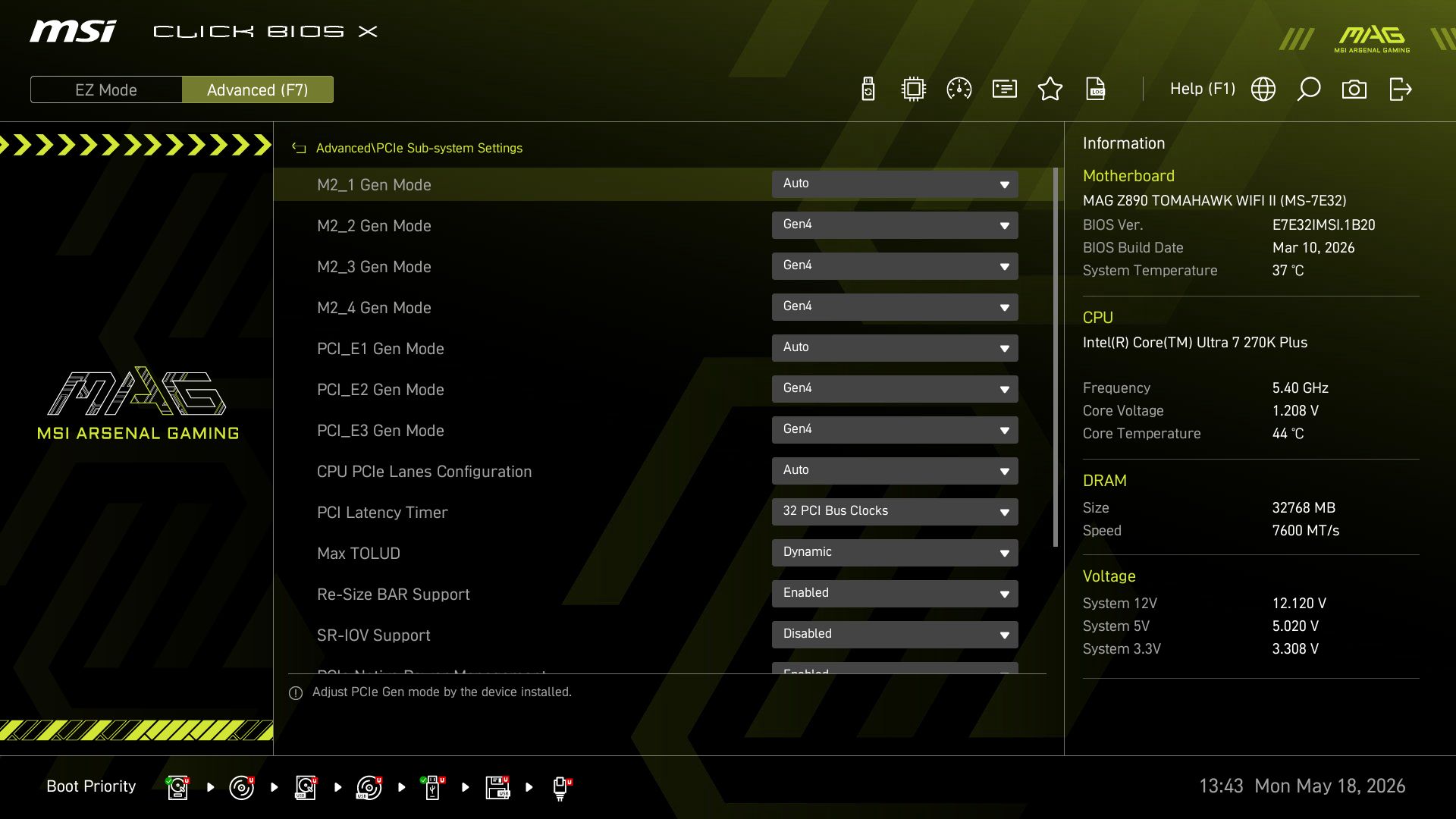
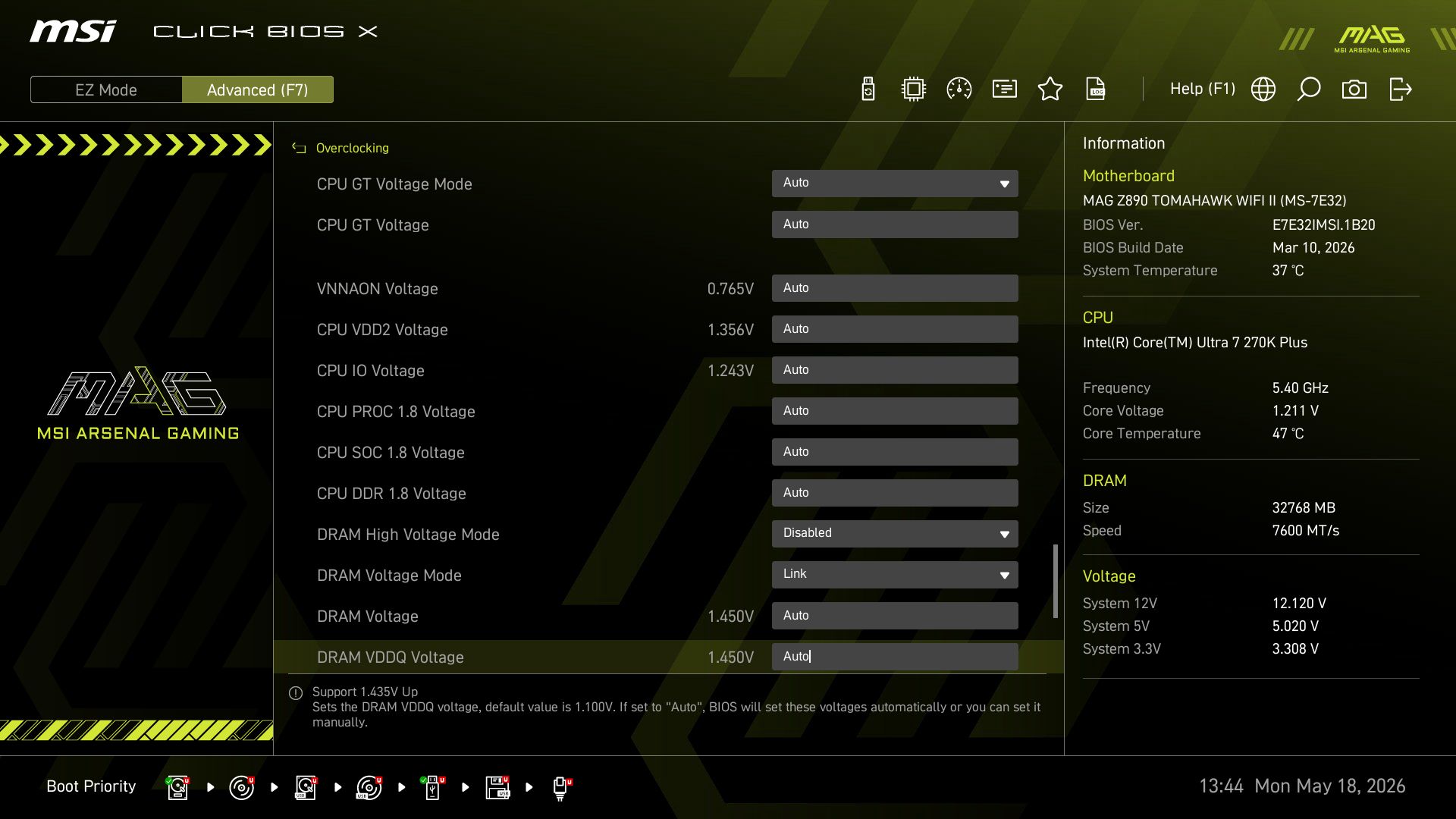
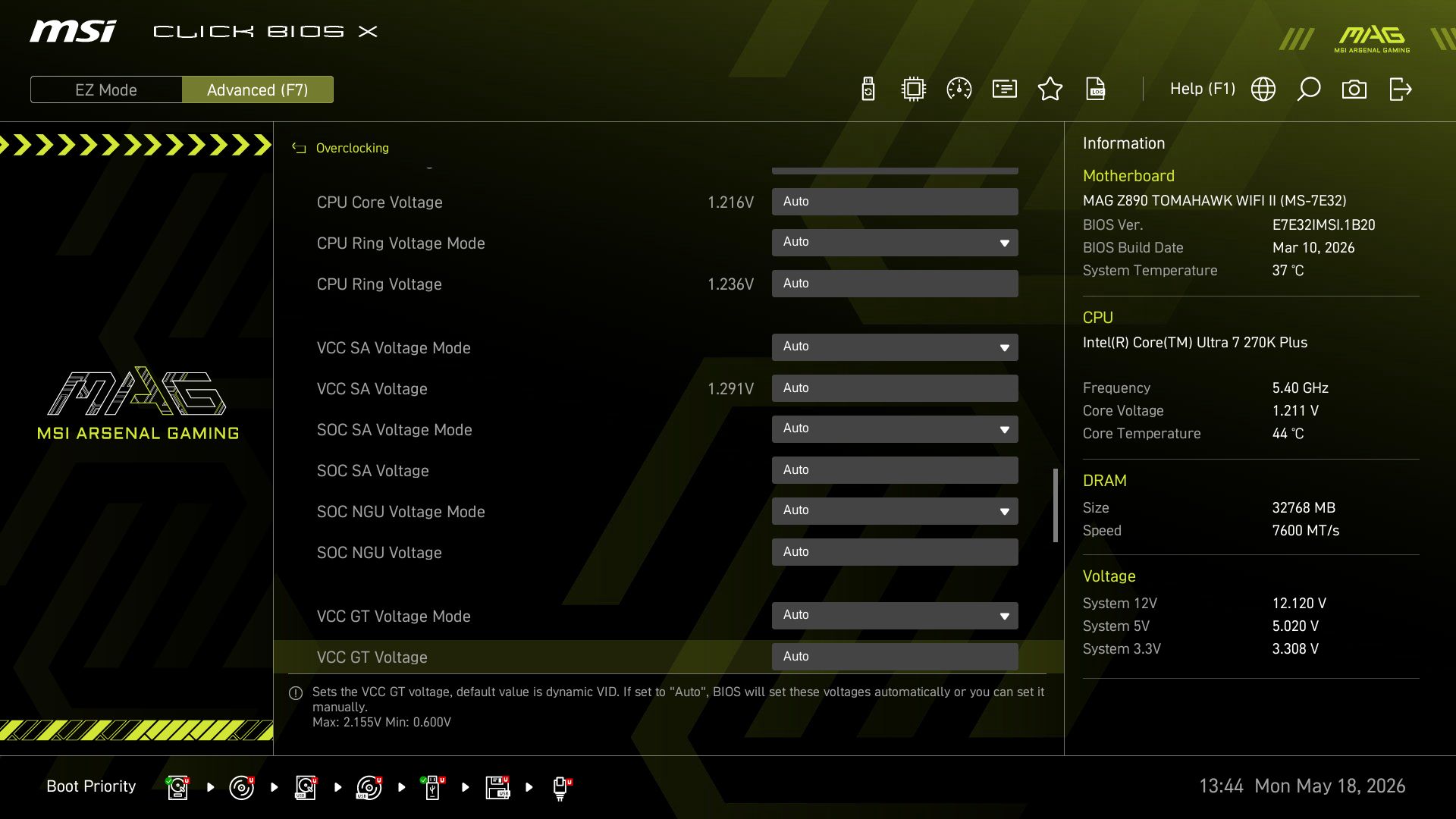
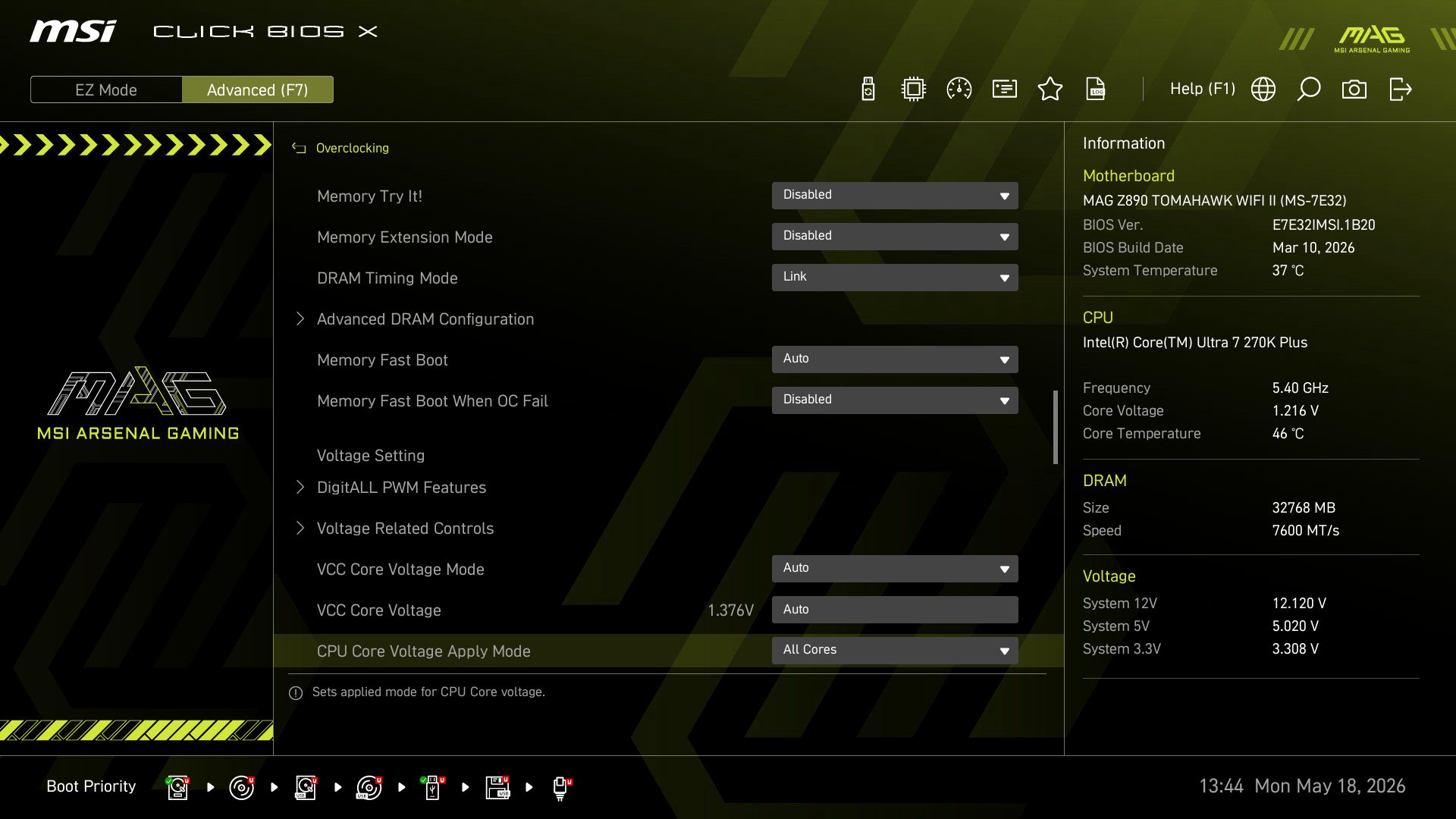
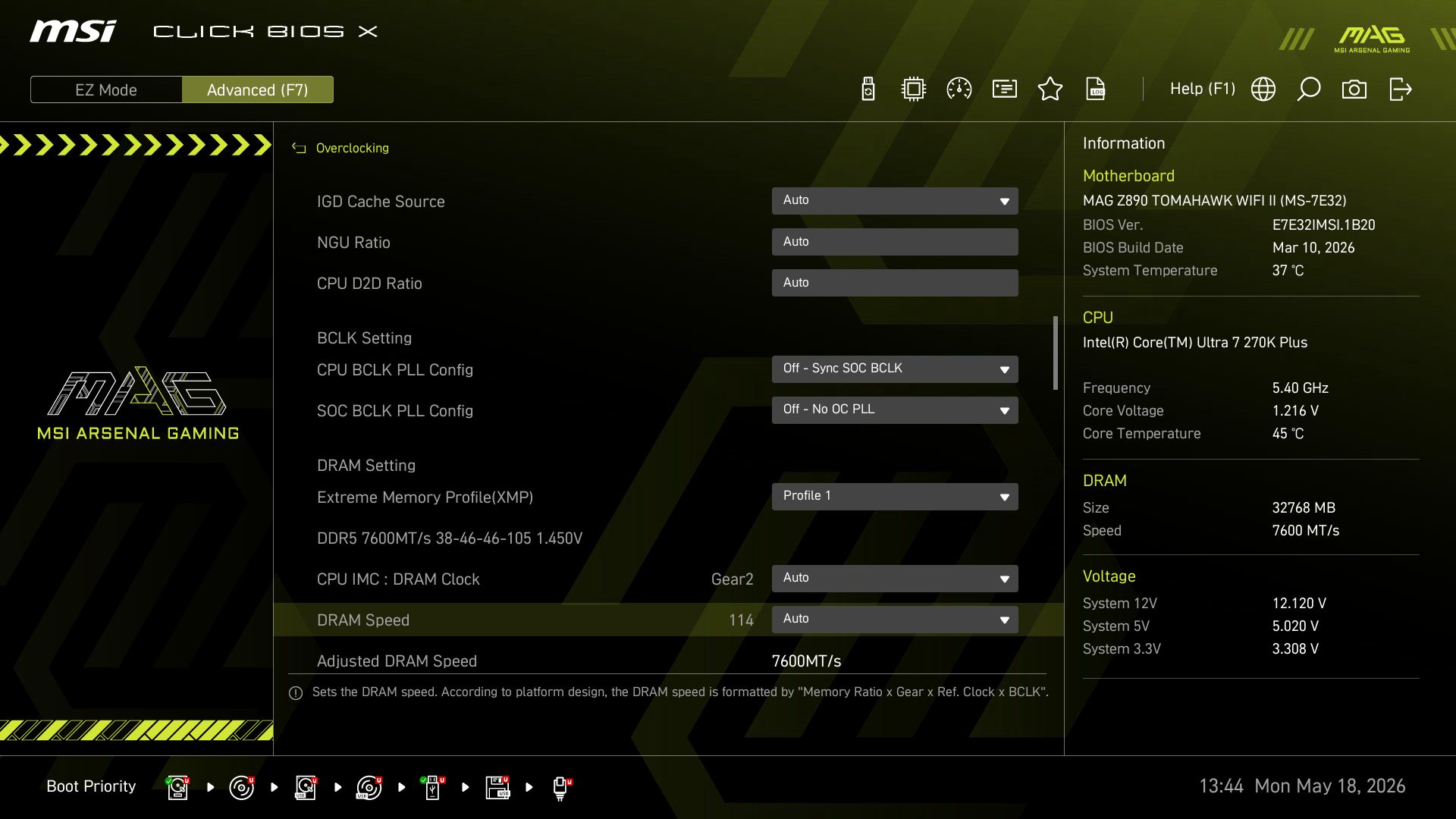
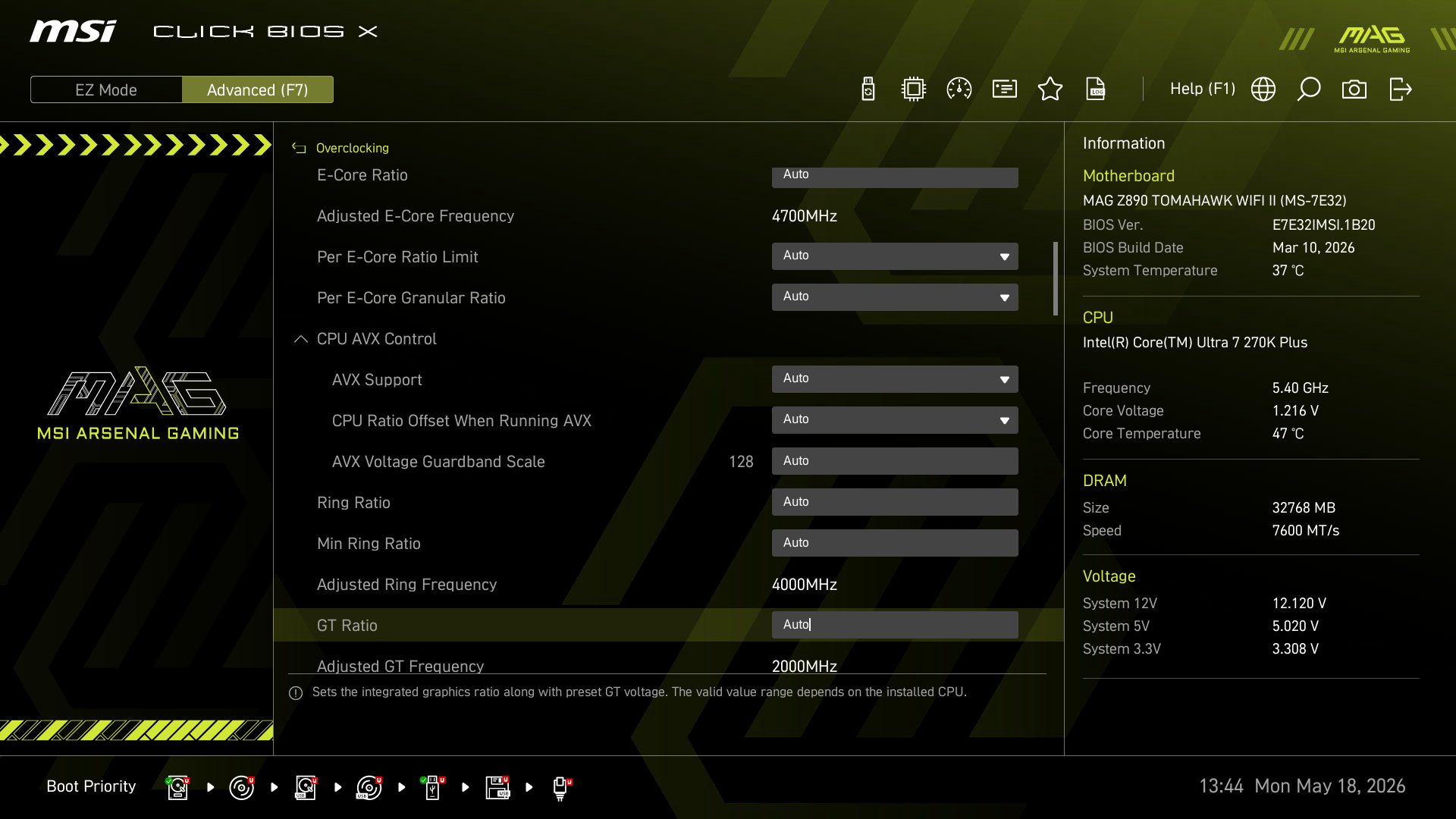
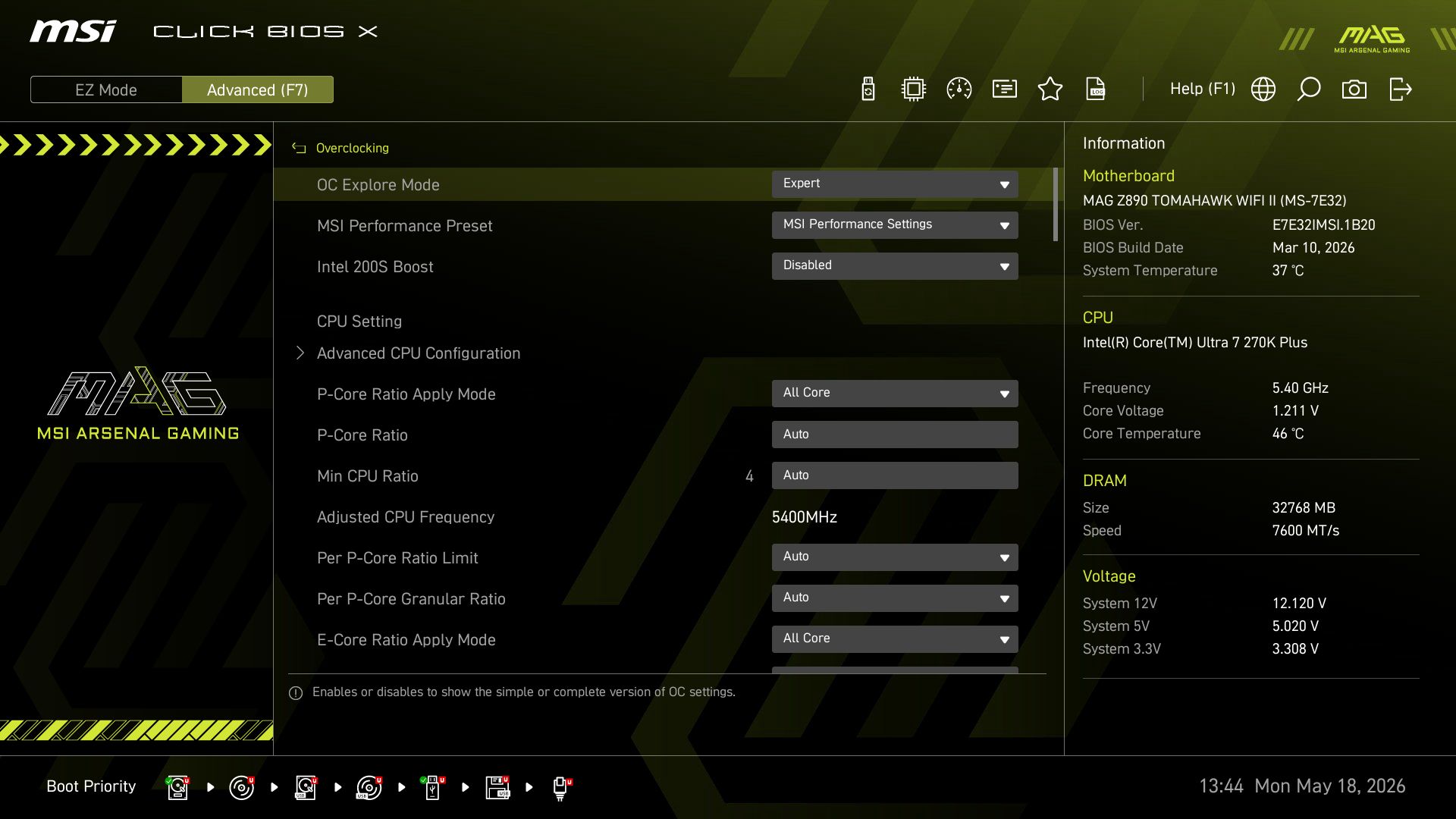
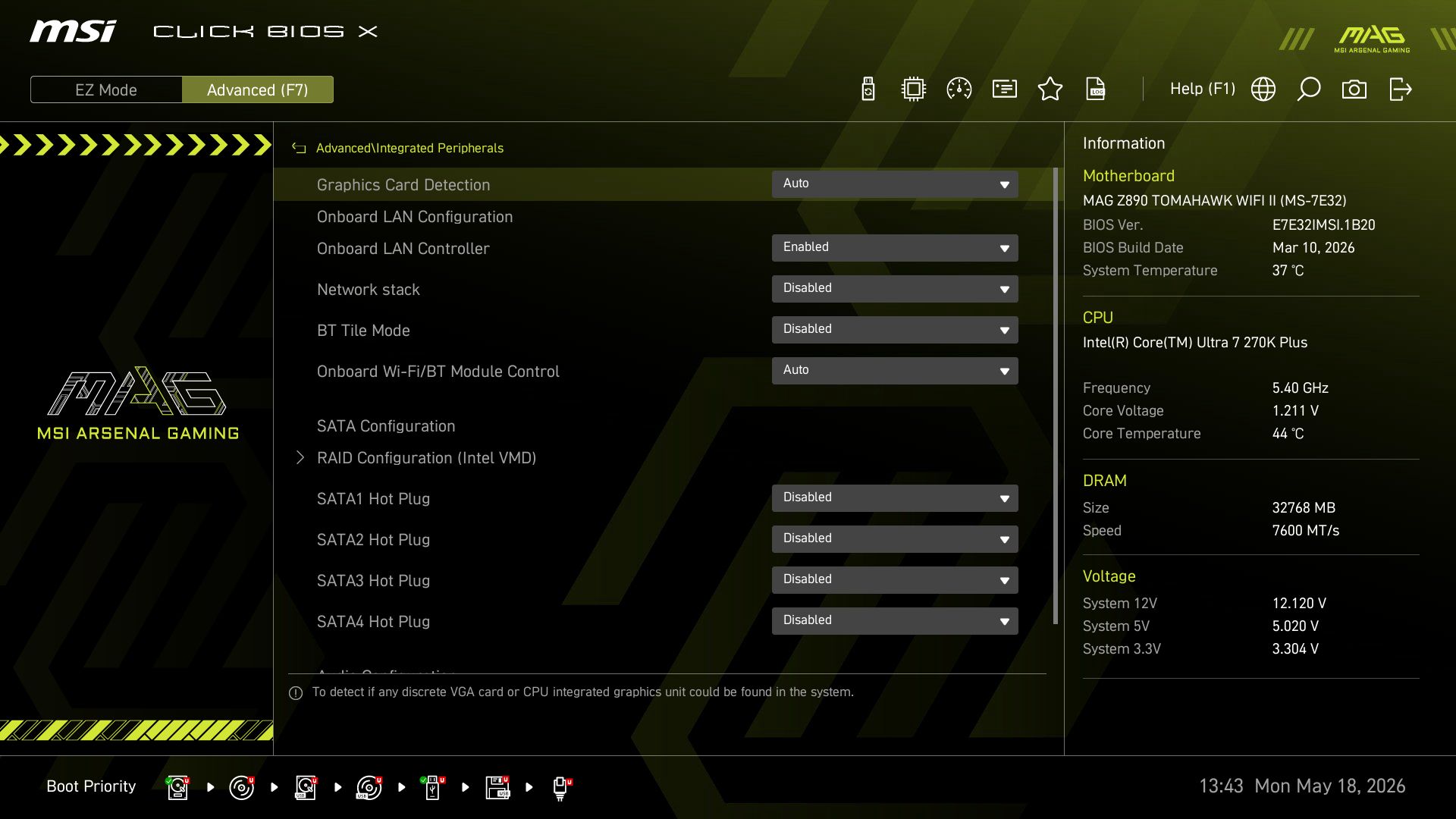
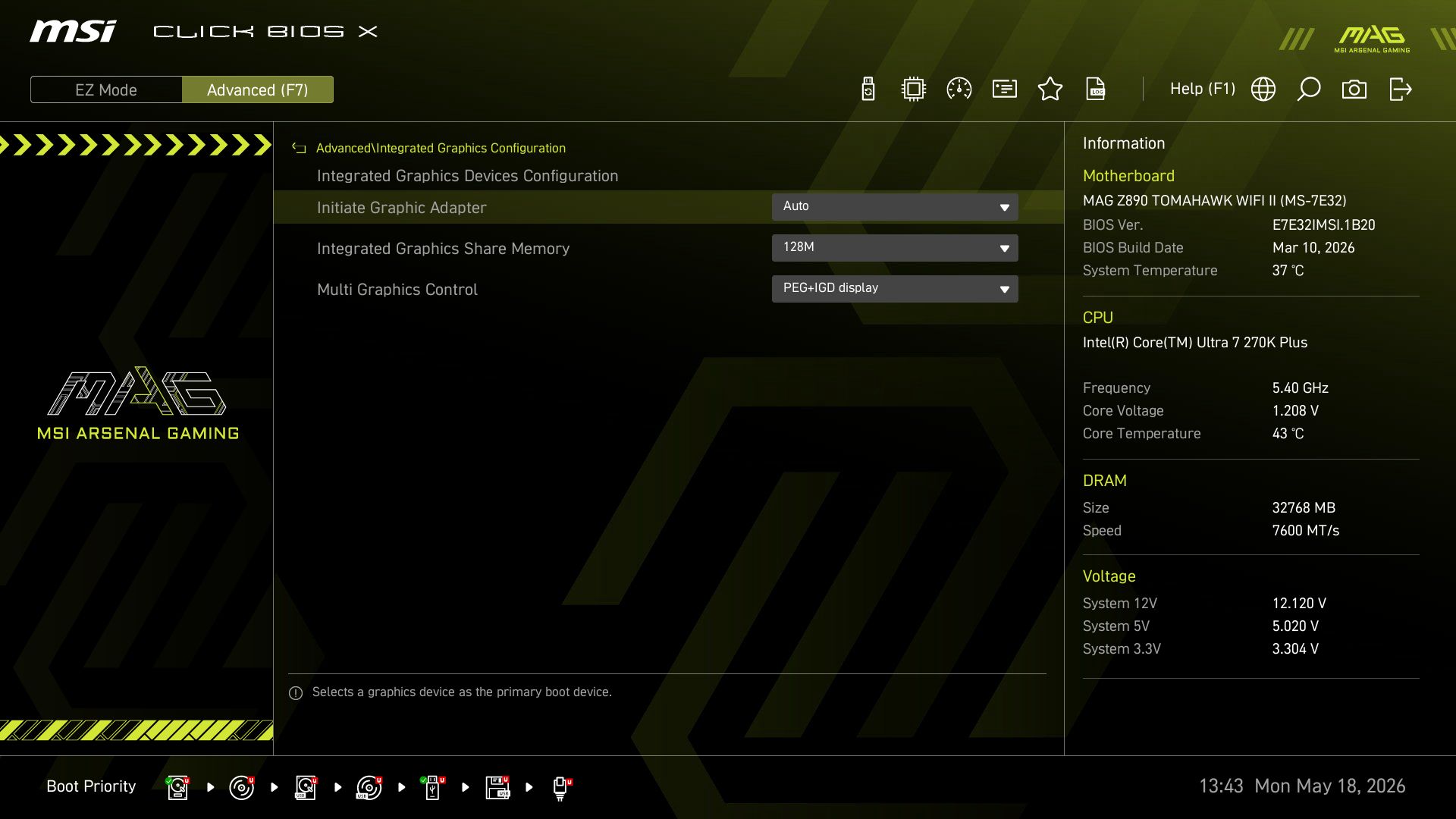
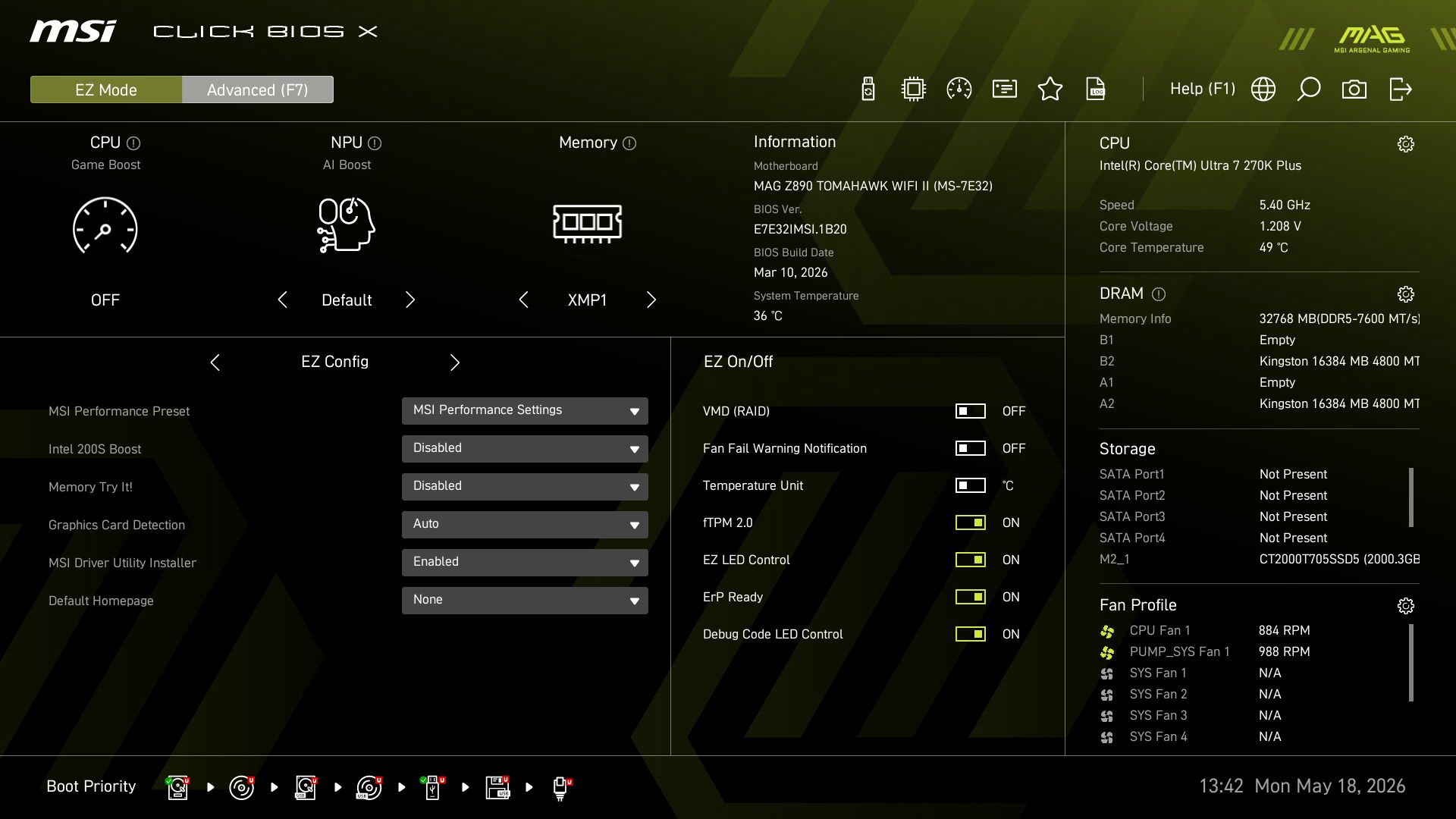
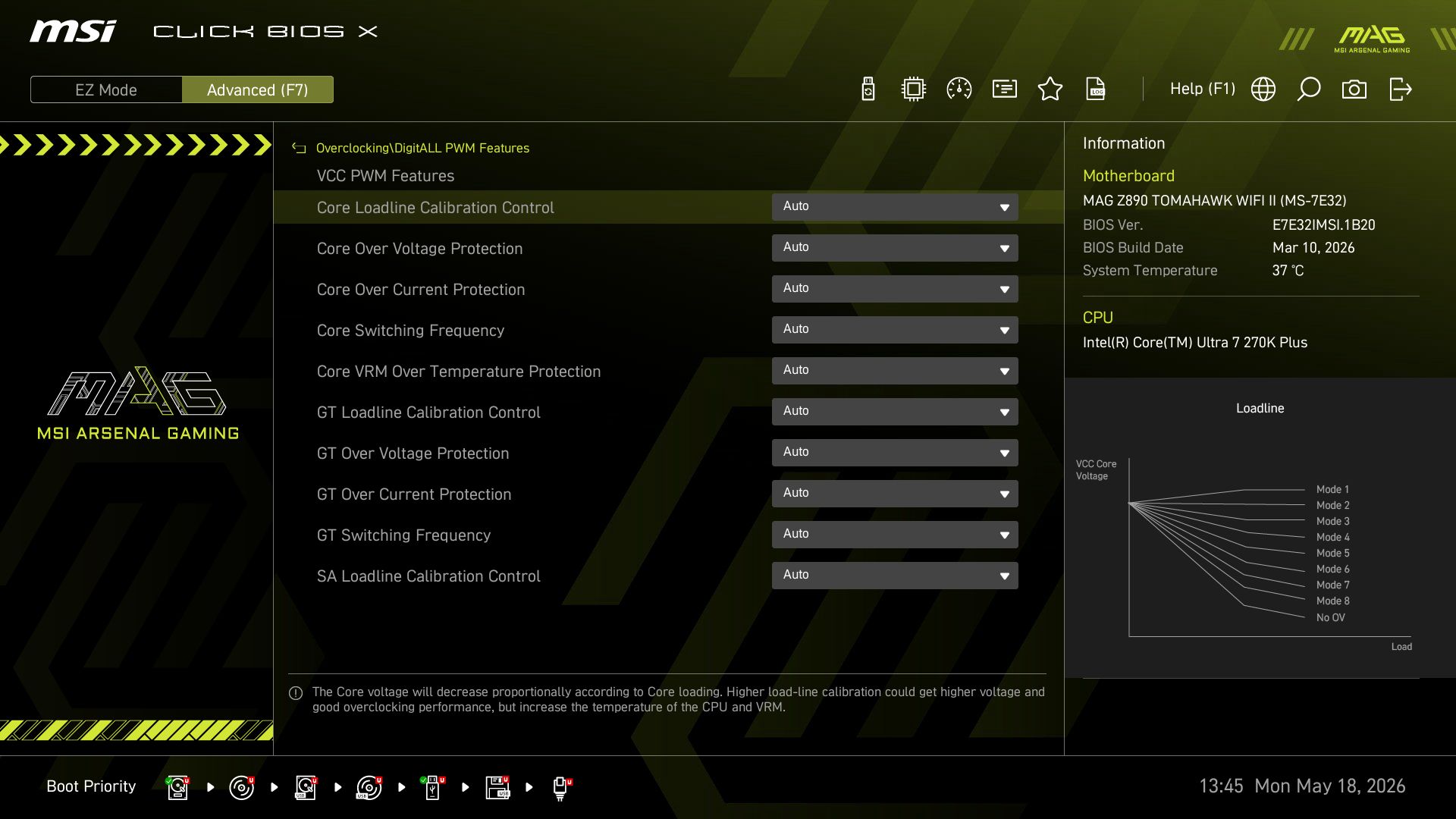
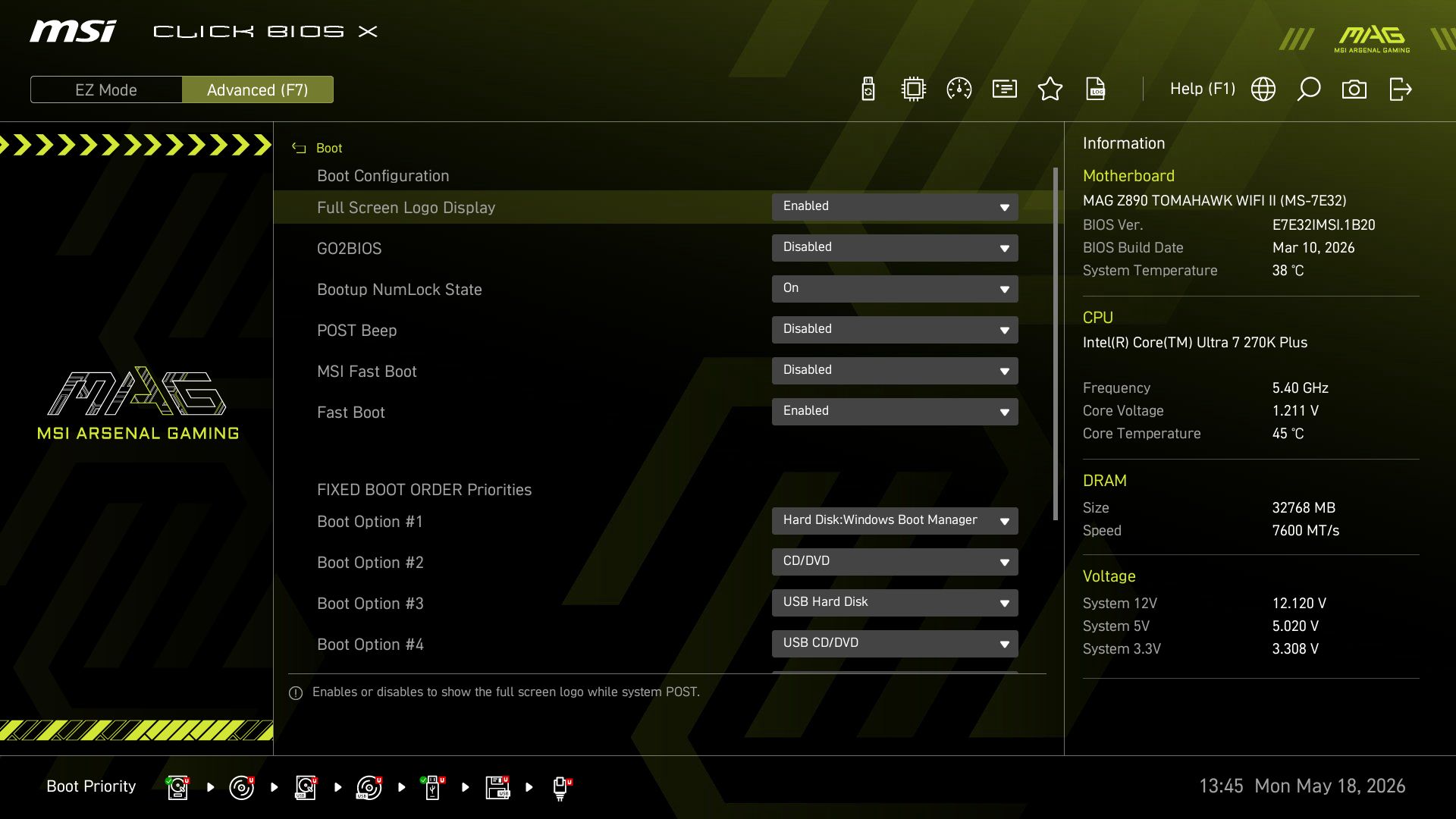
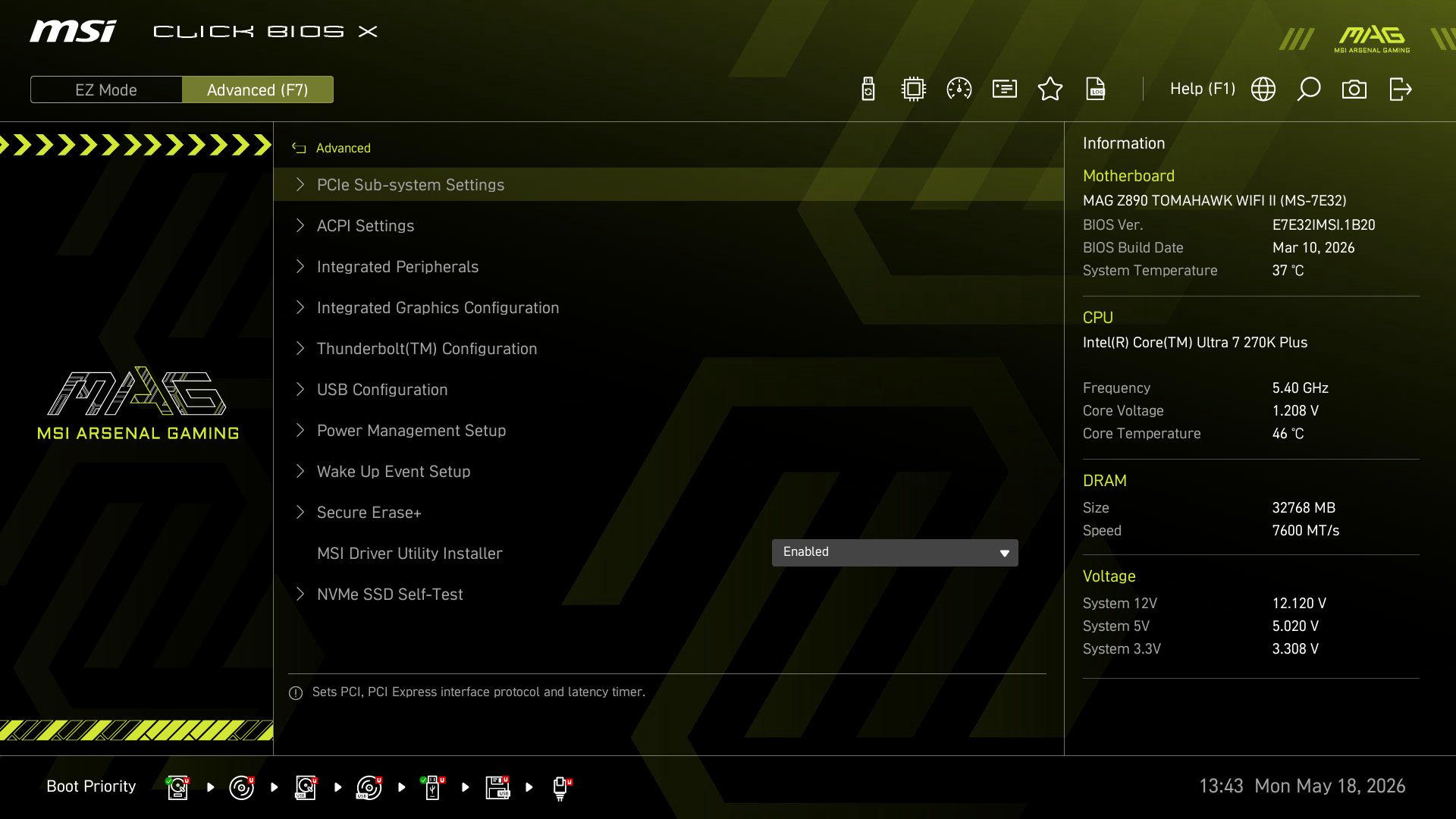
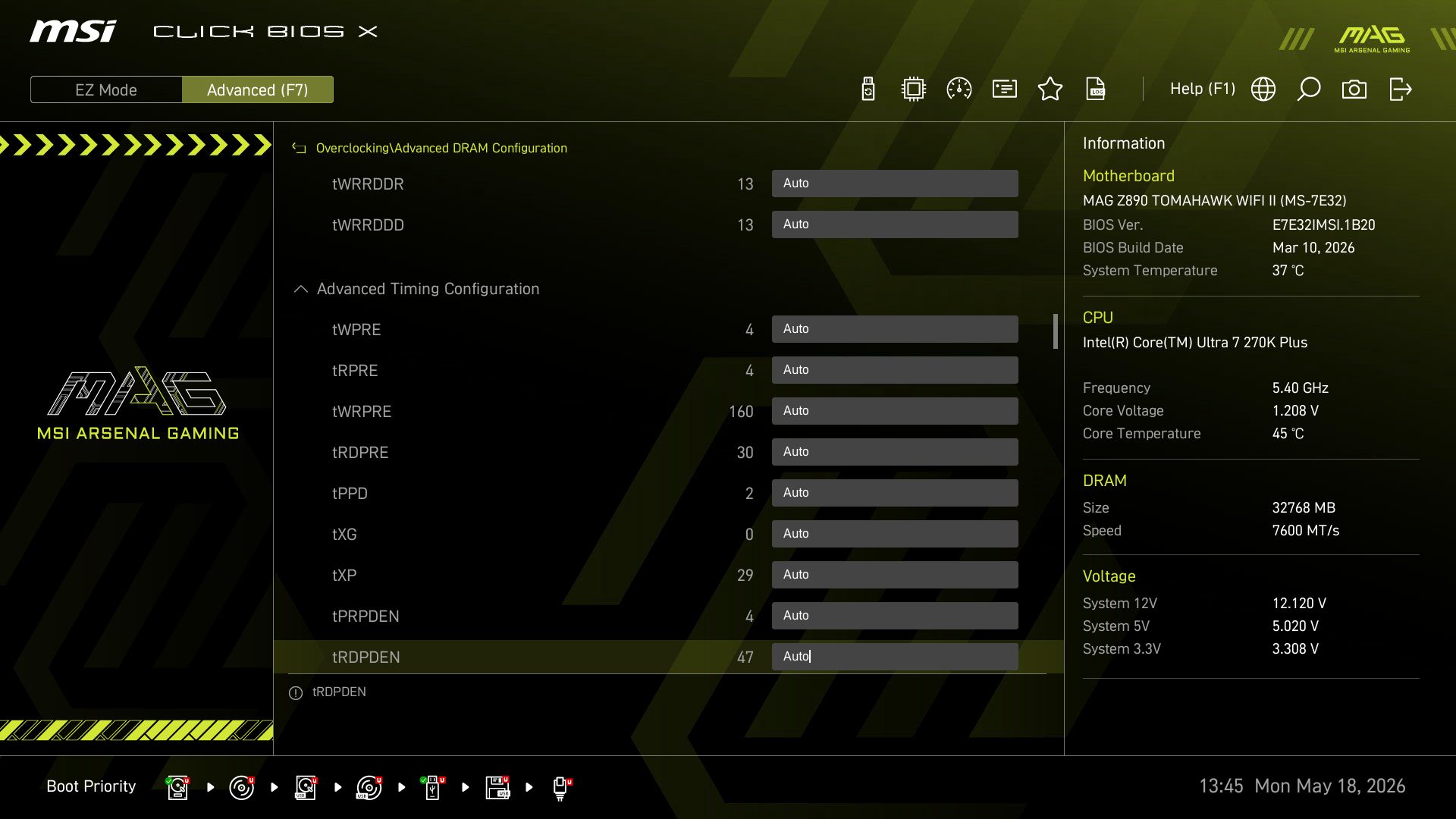
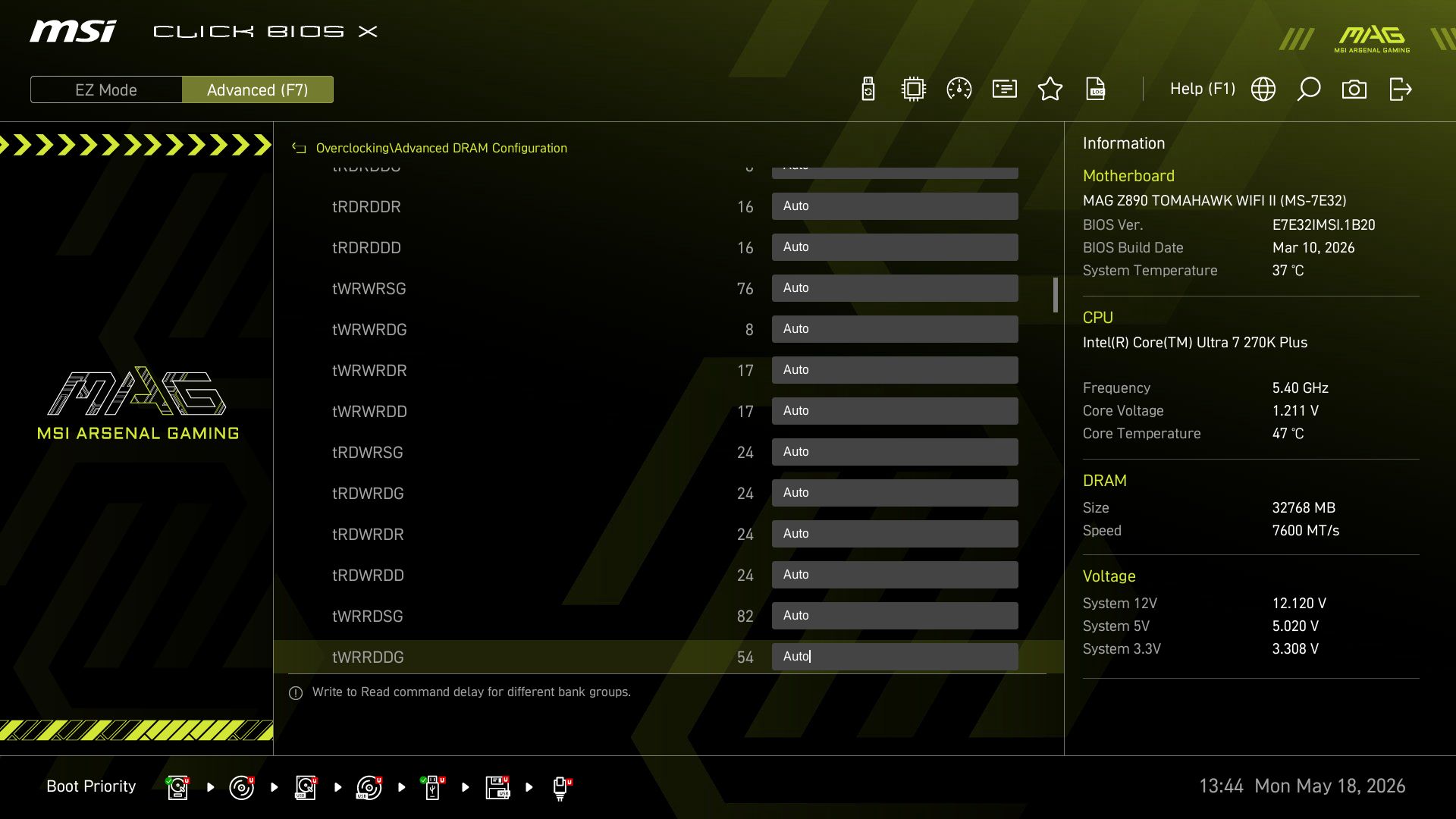
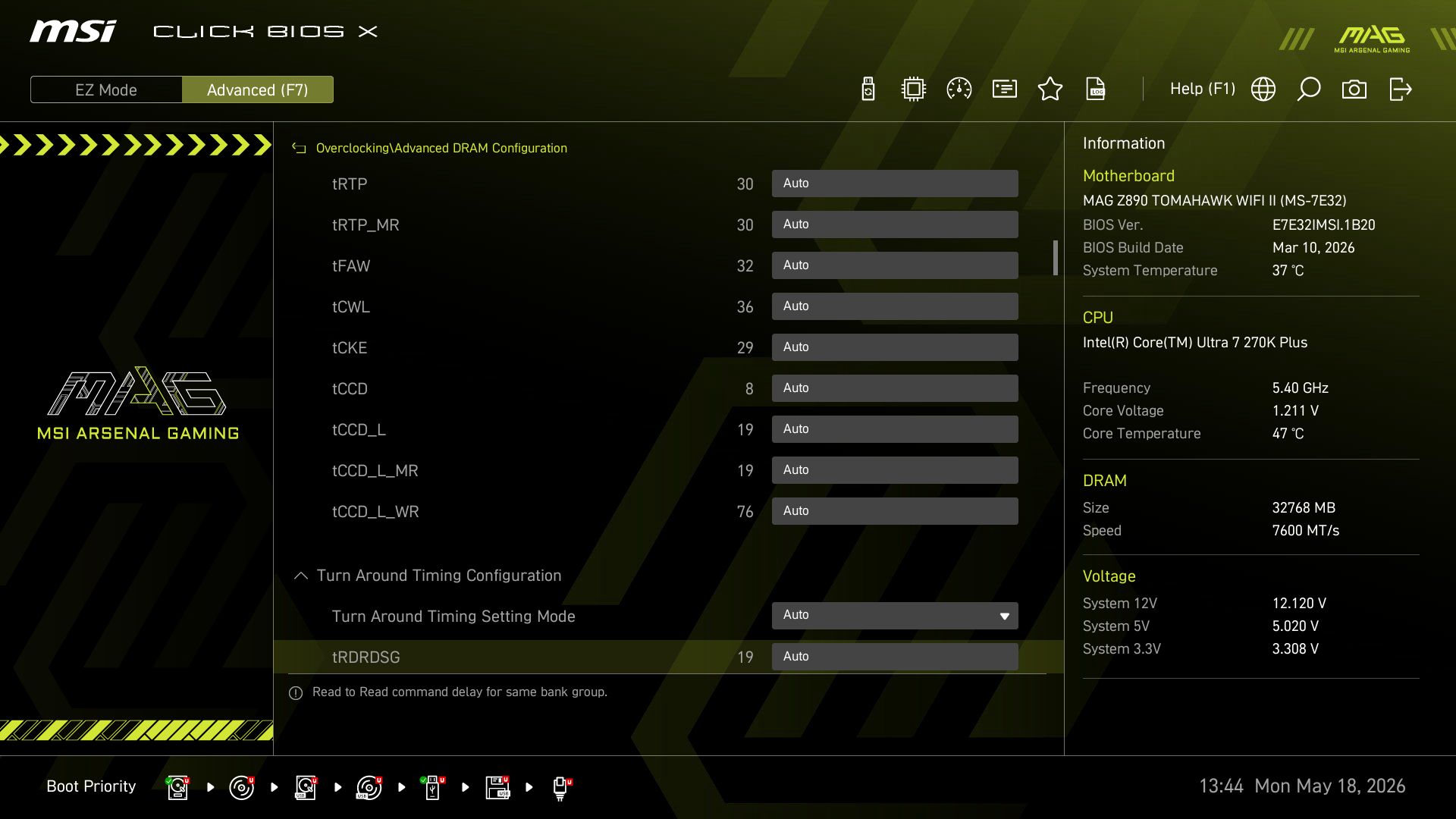
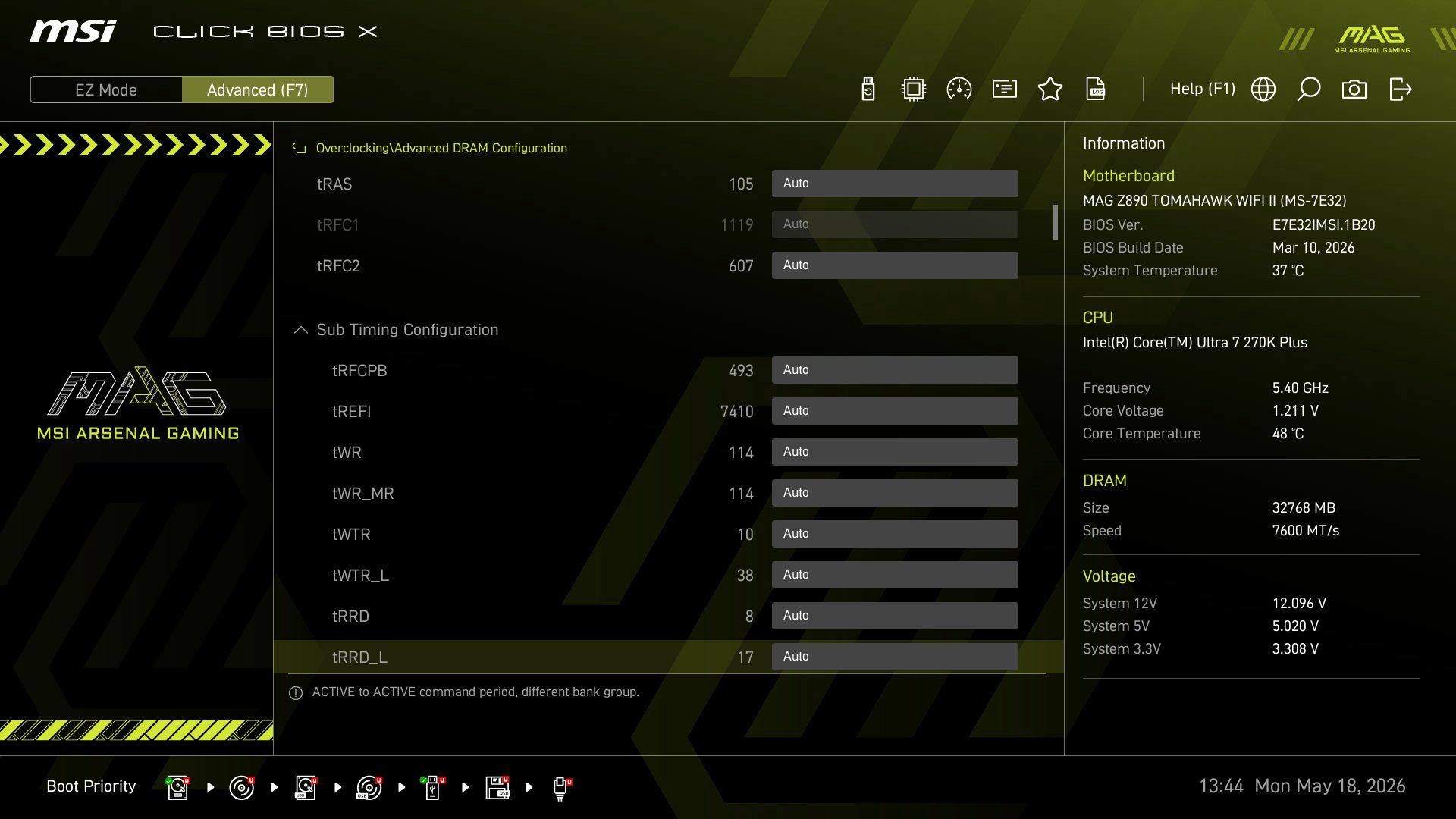
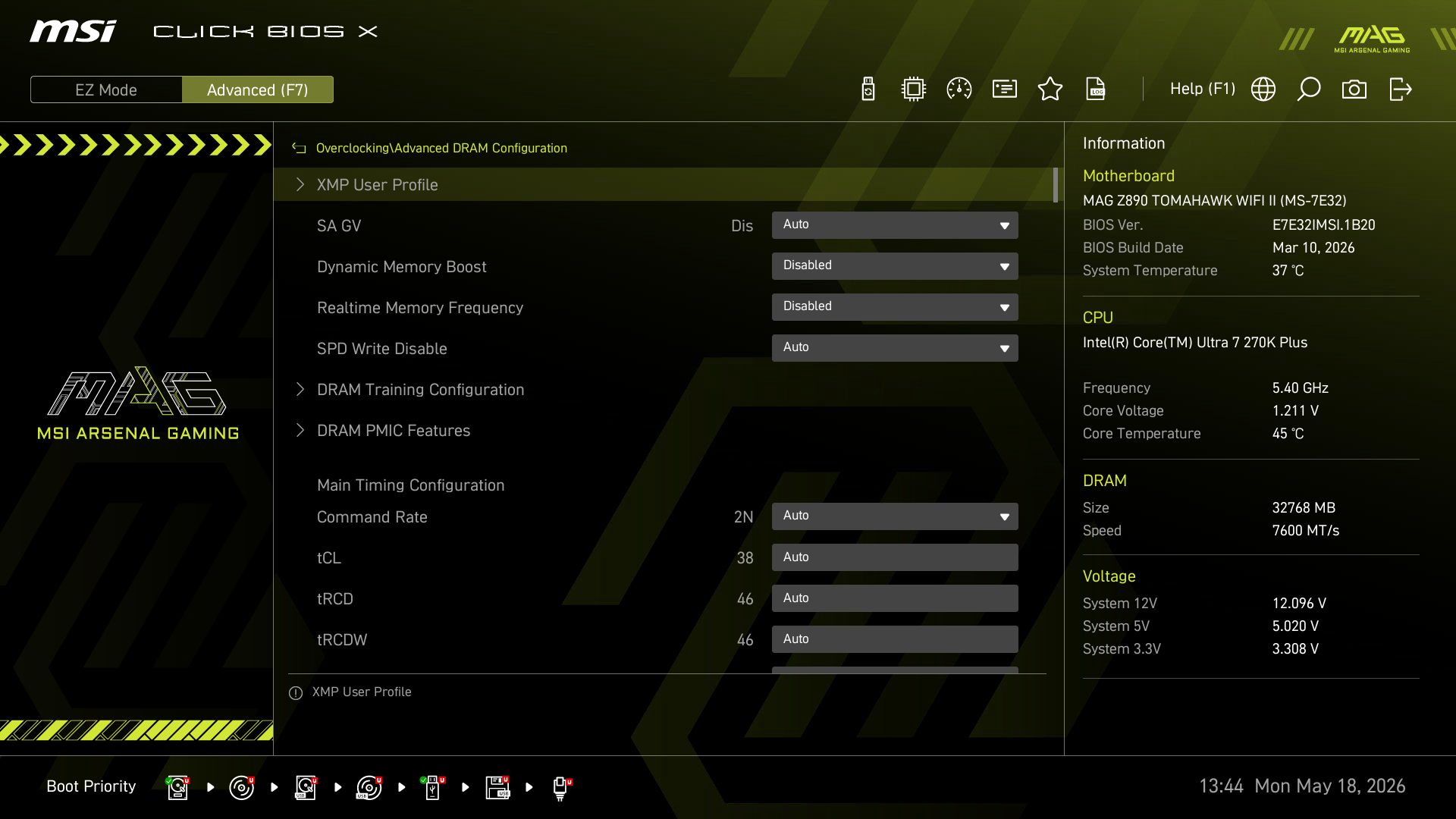
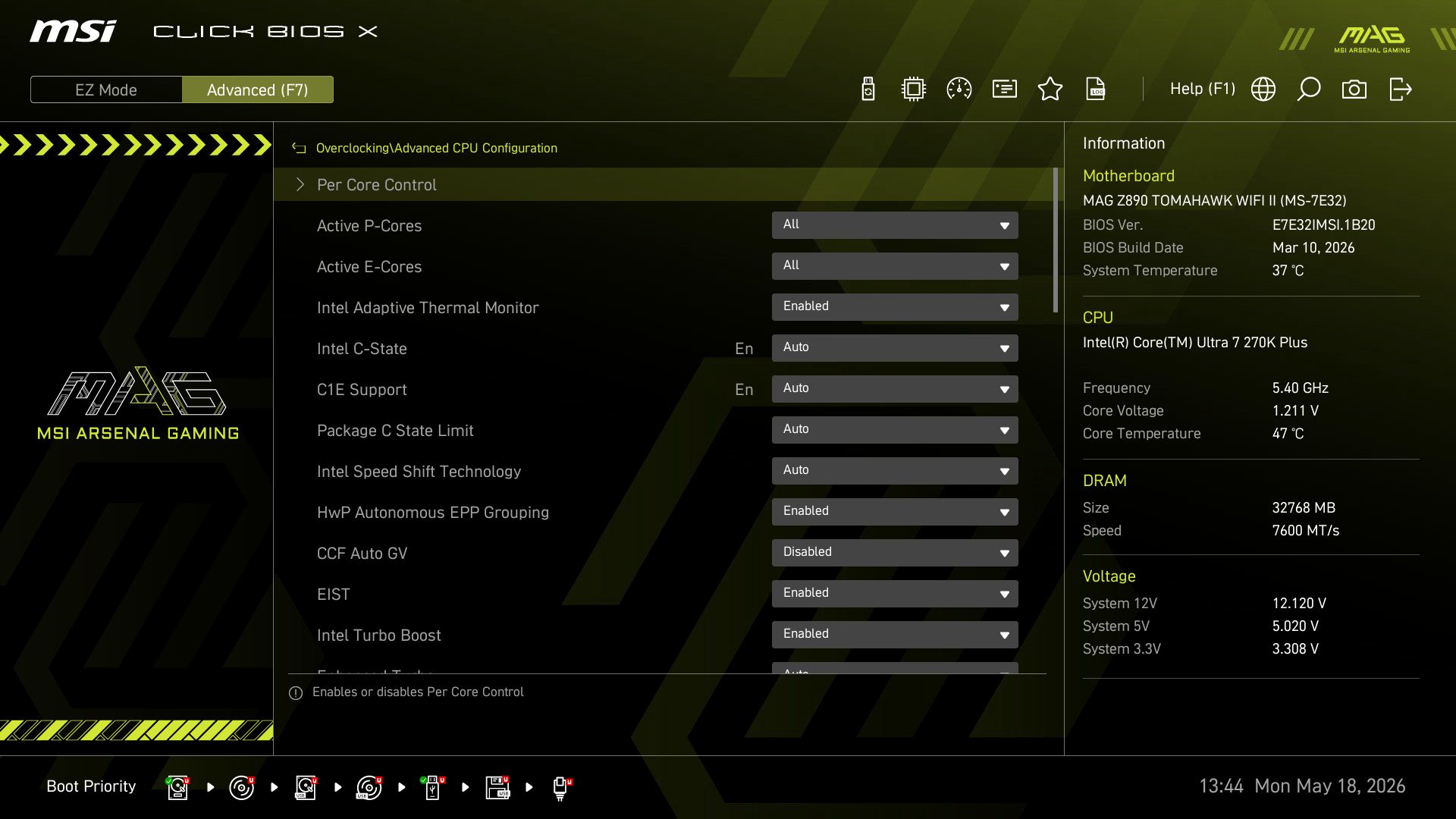
MSI has updated its BIOS and renamed it Click BIOS X." It arrives with improved aesthetics and functionality. The company changed the format to left-aligned headings, middle-aligned details, and right-aligned system status information, and it's all logically laid out. Like most other board partners, it features an informational EZ Mode that offers high-level functionality, including access to Game Boost, PBO, XMP profiles, and more. The Tomahawk uses a black background with a yellow highlighting theme and is easy to read.
Overall, we like the layout (it's one of my favorites), and maneuvering around is intuitive after a short time, though it does take some getting used to.
 Future
 Future
 Future
 Future
 Future
 Future
 Future
 Future
 Future
 Future
 Future
 Future
 Future
 Future
 Future
 Future
 Future
 Future
 Future
 Future
 Future
 Future
 Future
 Future
 Future
 Future
 Future
 FutureSoftware
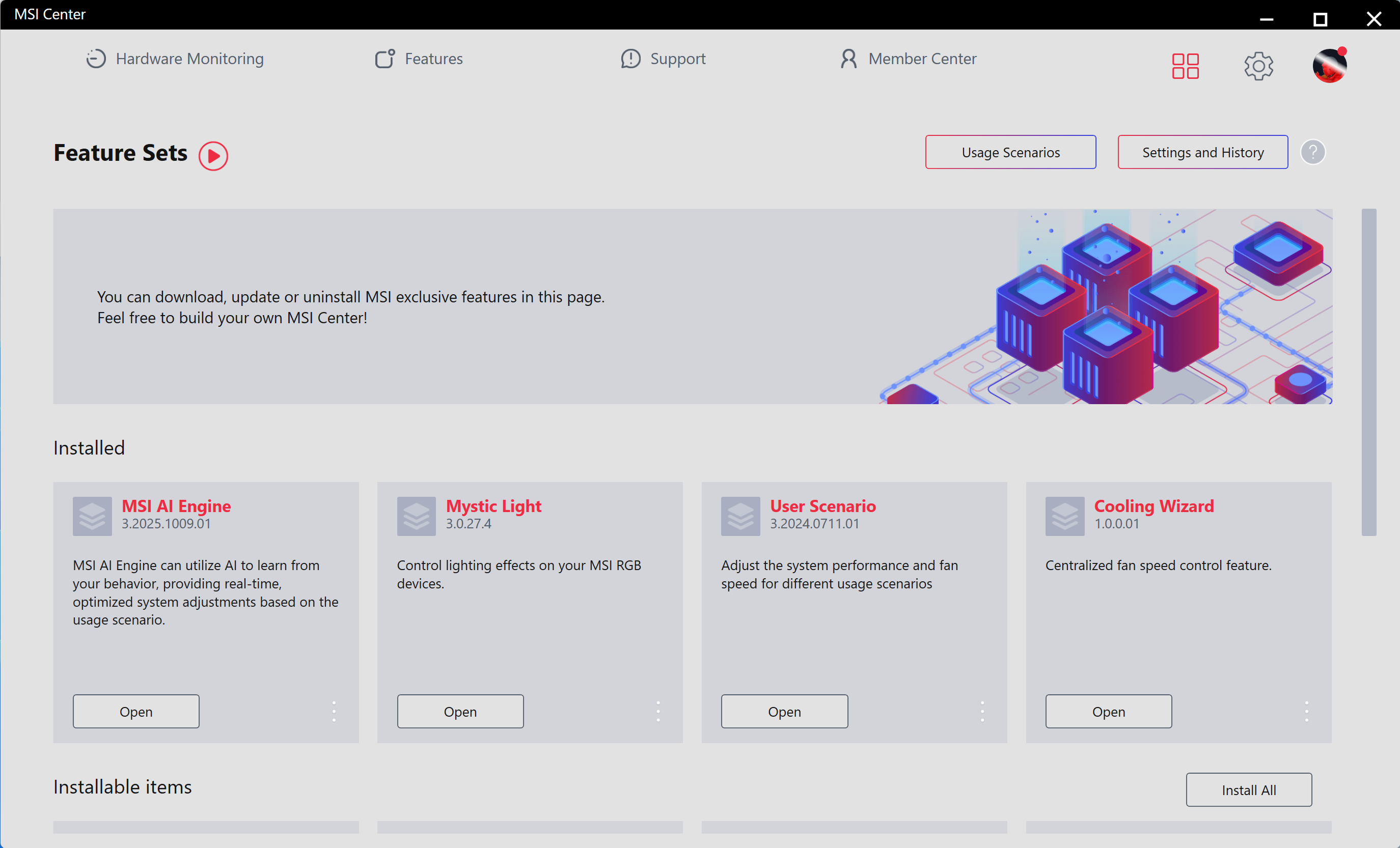
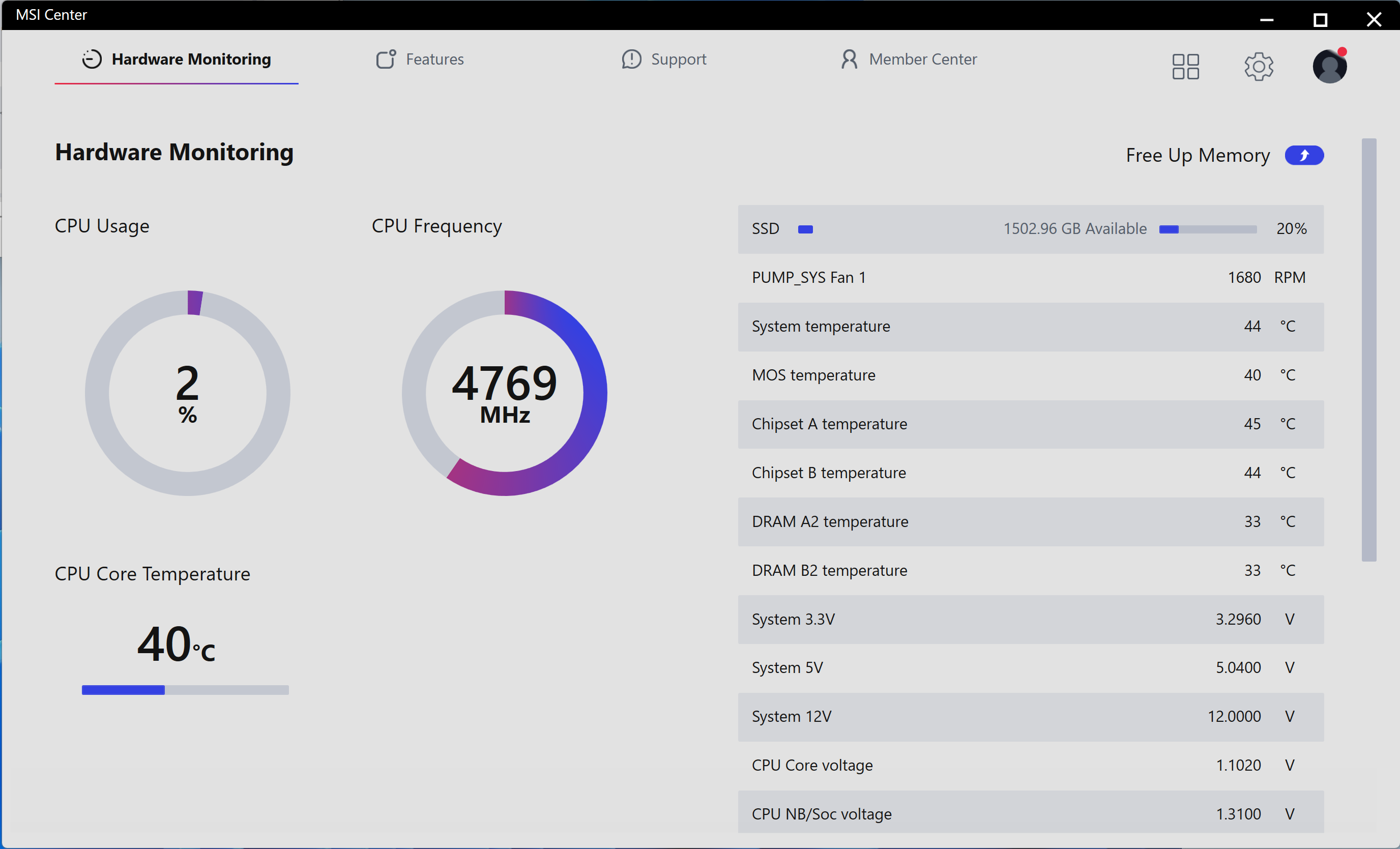
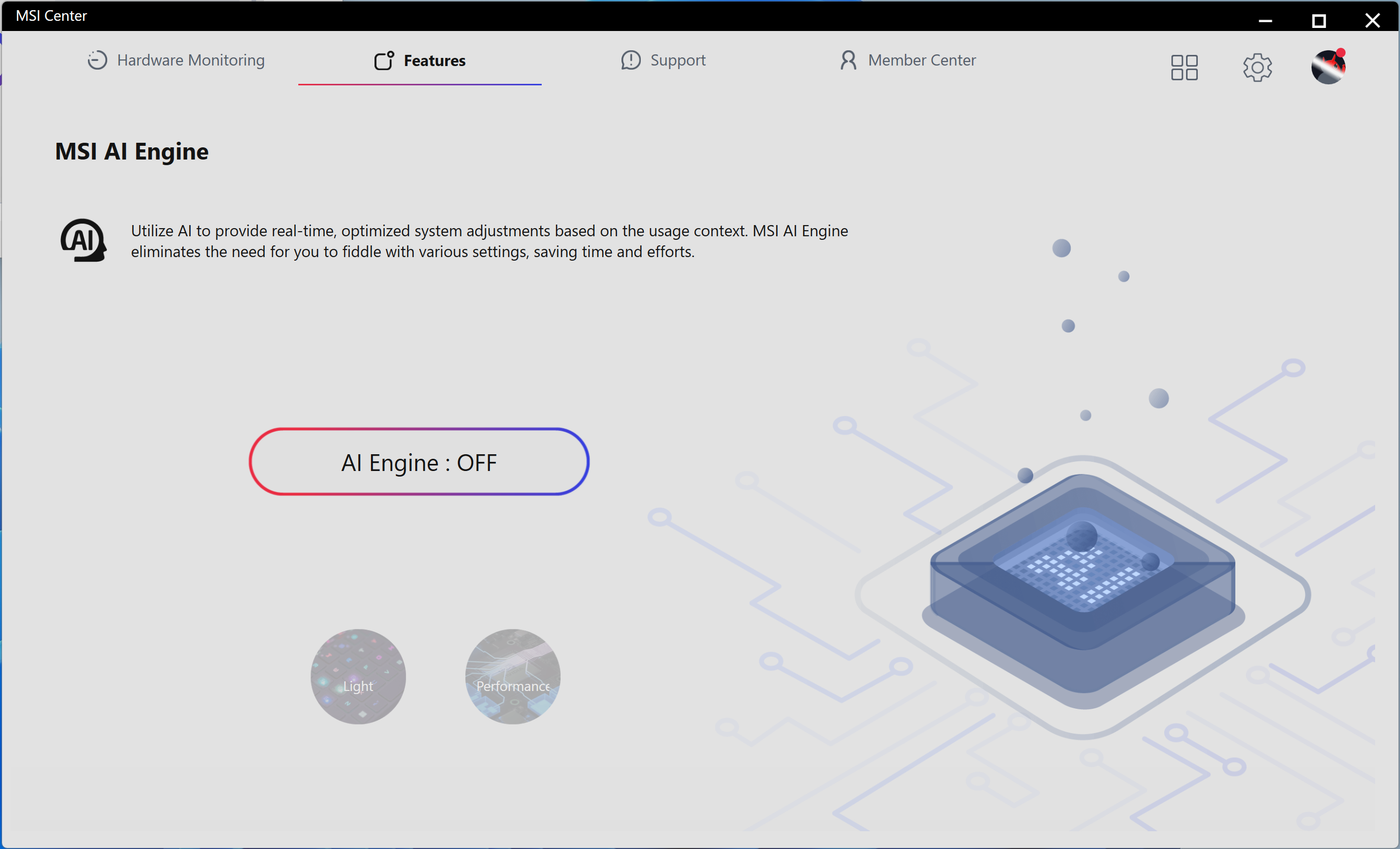
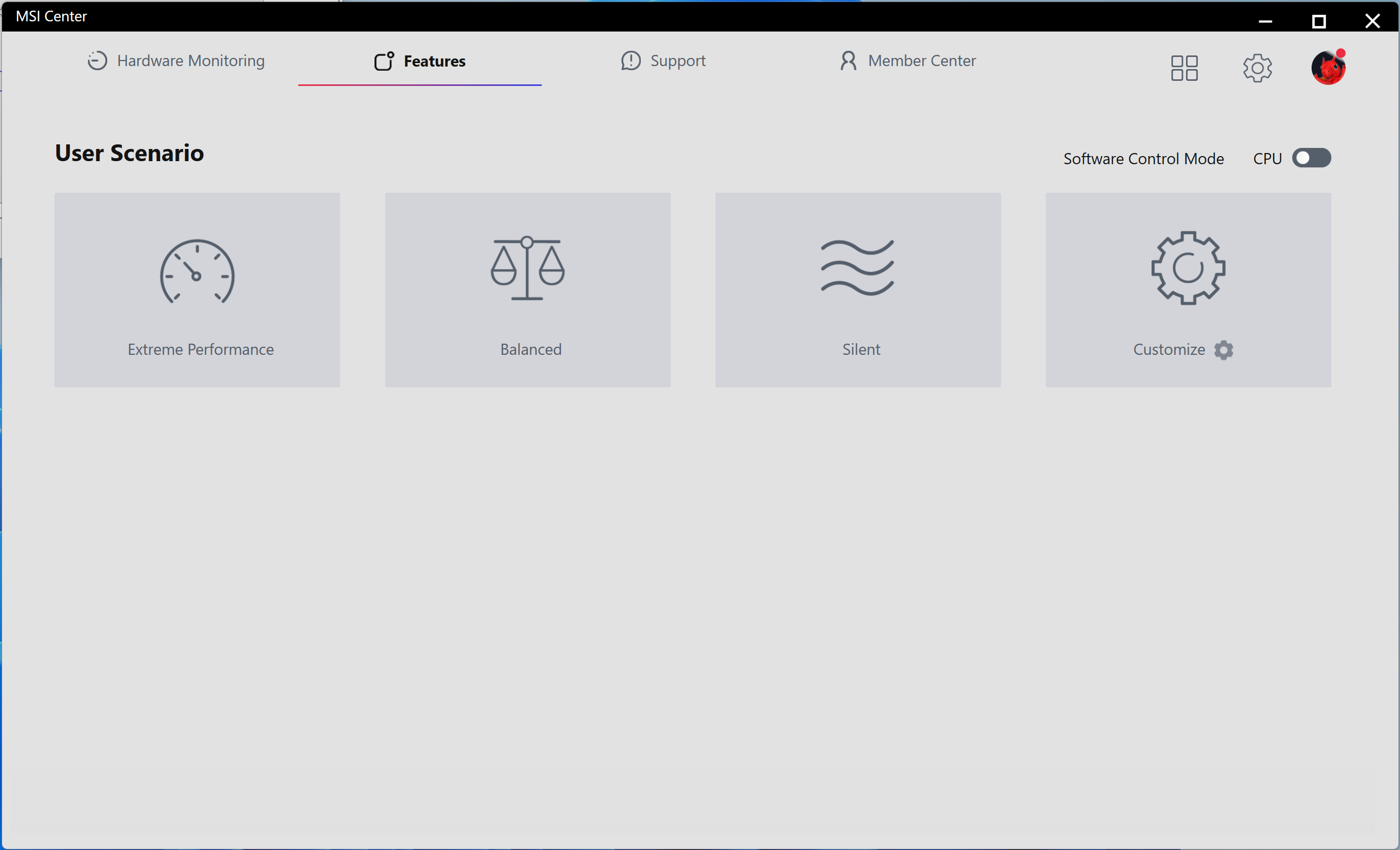
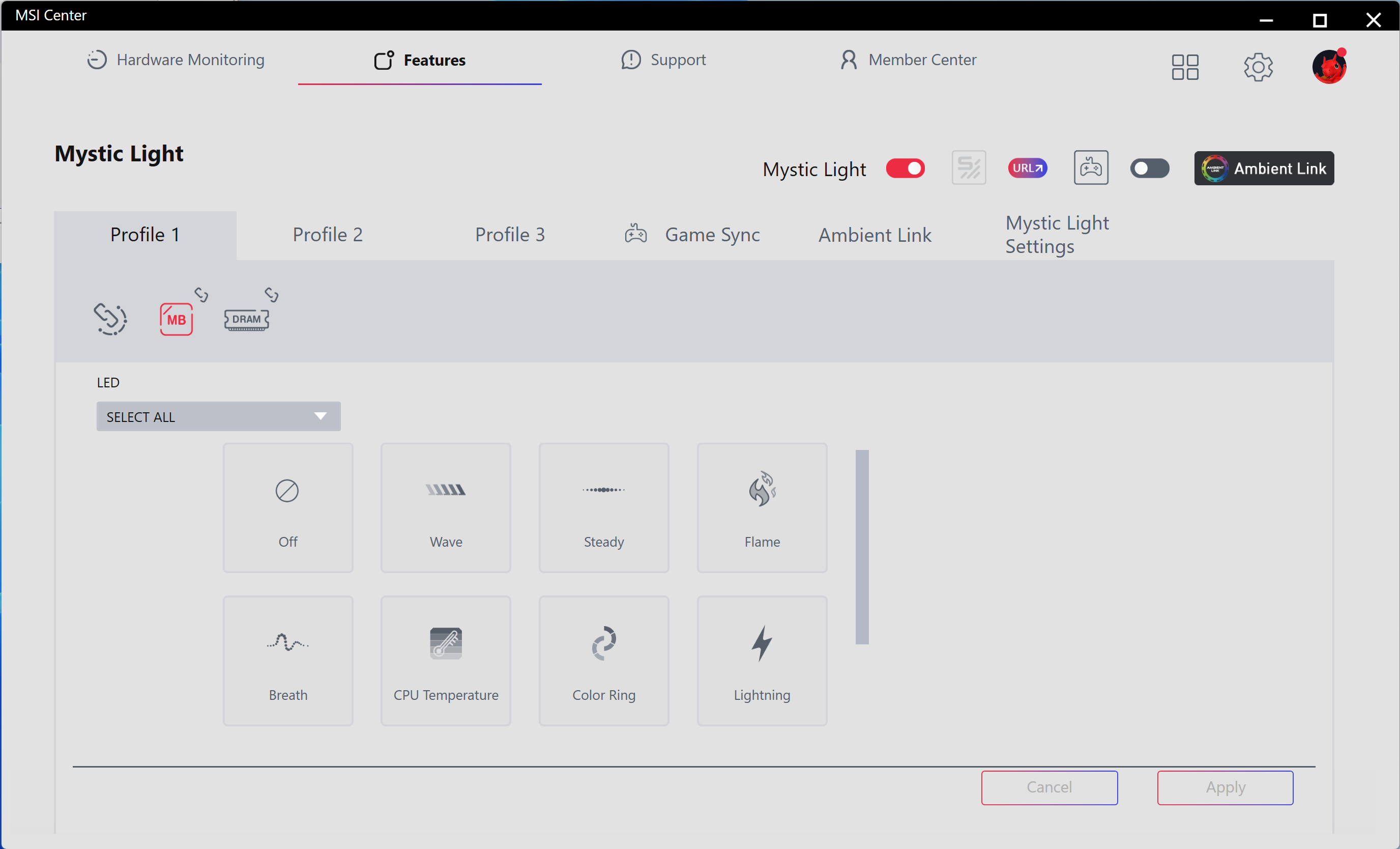
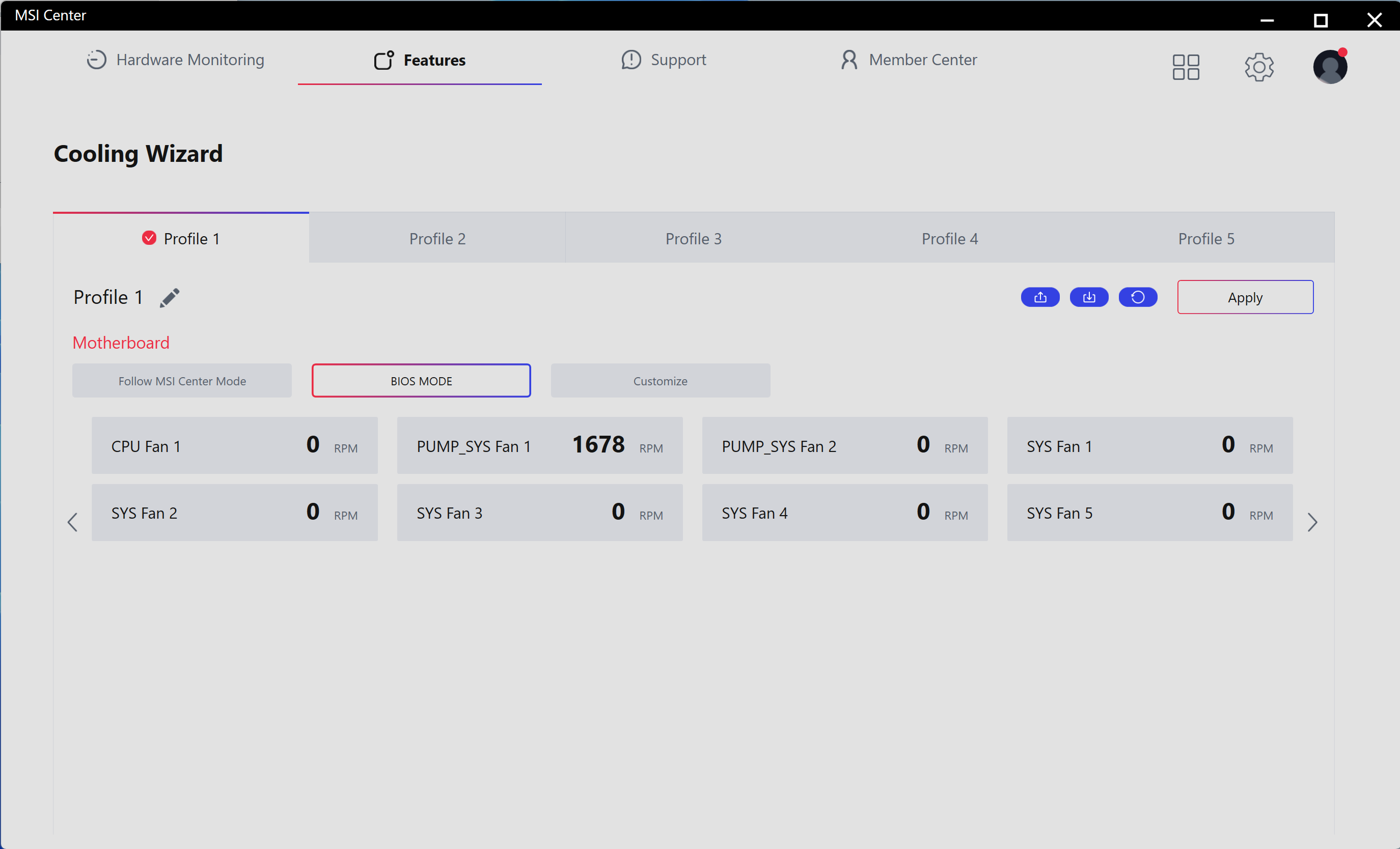
MSI Center is a single utility that offers a wide range of functionality. From hardware monitoring to RGB control with Mystic Light, the software has many applets and is a one-stop shop for downloading other utilities, including overclocking and fan control. Those looking to use the Gamebar feature, Super Charger, or any other utilities MSI offers will find them all in MSI Center. This is the latest version from early 2026.
 Future
 Future
 Future
 Future
 Future
 Future
 FutureTest System / Comparison Products
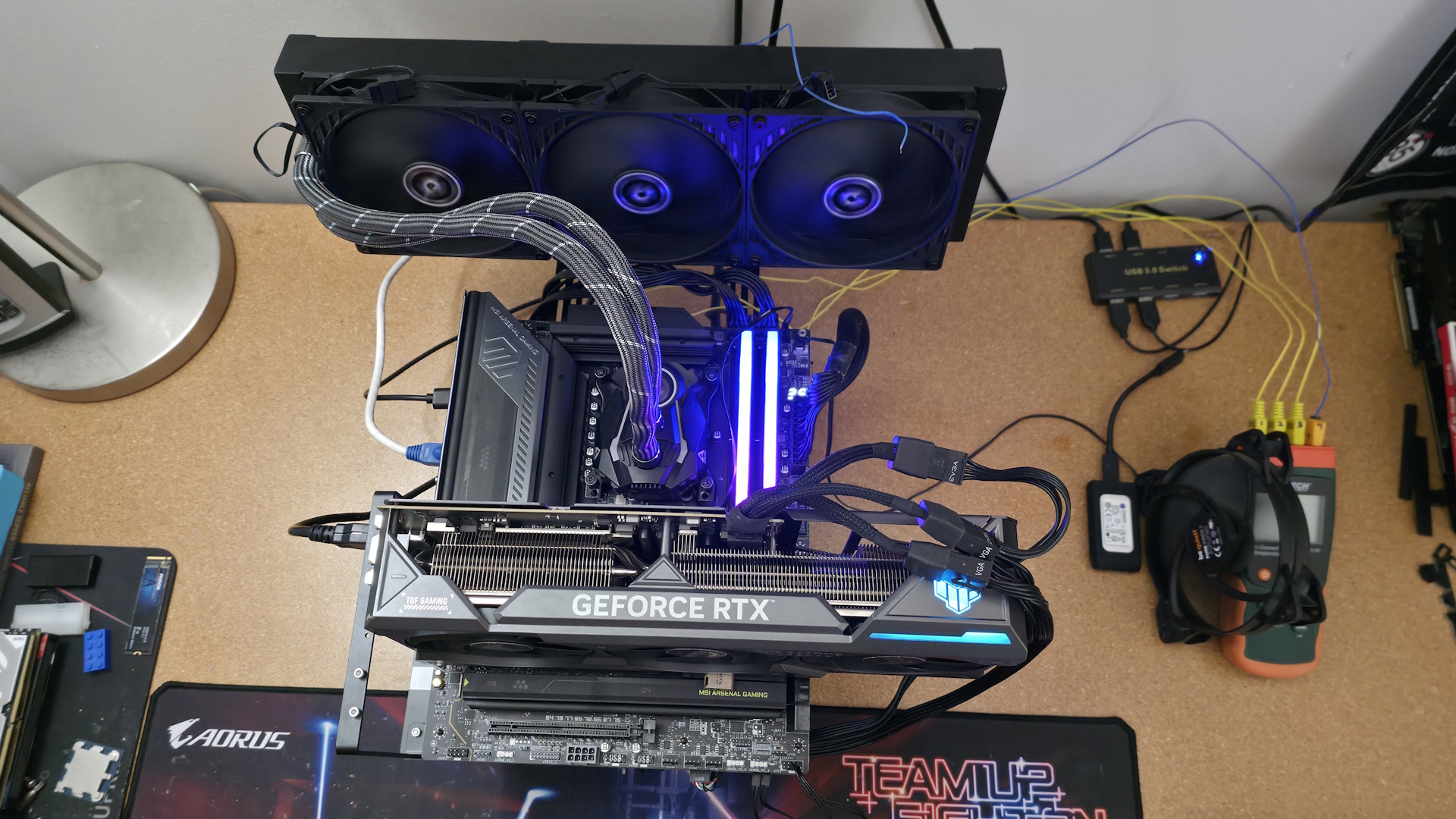
We've updated our test system to Windows 11 (25H2) 64-bit OS with all updates applied as of late April 2026. On the hardware front, we've updated the RAM kits to ones appropriate for the platform. Peripherals, including cooling, storage, power supply, and graphics cards, remain unchanged. We also use the latest publicly available BIOS unless otherwise noted. The hardware we used is as follows:
TEST SYSTEM COMPONENTS:
- CPU - Intel Core Ultra 7 270K Plus
- Cooling - Arctic Liquid Freezer II 420
- Storage - Crucial 2TB T705 M.2 PCIe 5.0 NVMe SSD
- RAM - Kingston Fury Renegade - 32GB DDR5-7600 CL38 (KF576C38RWAK2-32)
- RAM - G.Skill Trident Z5 CK - 32GB DDR5-8200 CL40 (F5-8200C4052G24GX2-TZZ5CK)
- RAM - V-Color 256GB (2x128GB) DDR5-8000 CL64 (TECQ5128G80Q864K)
- GPU - Asus TUF RTX 4080 16G
- PSU - EVGA Supernova 850W P6
- Windows 11 64-bit (25H2 - 26200.8037)
- NVIDIA Driver 595.97
Sound | Integrated HD audio |
Network | Integrated Networking (GbE to 10 GbE) |
Graphics Driver | GeForce 595.97 |
Synthetic Benchmarks and Settings | |
Procyon | Version 2.8.1352 64 Office 365 |
Pugetbench | v1.4.20 |
3DMark | Version 2.29.8294.0 64 Speed Way and Steel Nomad (Default) |
Cinebench R26 | Version 2026.1.0 |
Blender | Version 5.0.0 |
Application Tests and Settings | |
LAME MP3 | Version SSE2_2019 Mixed 271MB WAV to mp3: Command: -b 160 --nores (160Kb/s) |
HandBrake CLI | Version: 1.11.0 Sintel Open Movie Project: 4.19GB 4K mkv to x264 (light AVX) and x265 (heavy AVX) |
Corona 10 | Version 10 Default benchmark |
7-Zip | Version 26.00 Integrated benchmark (Command Line) |
Game Tests and Settings | |
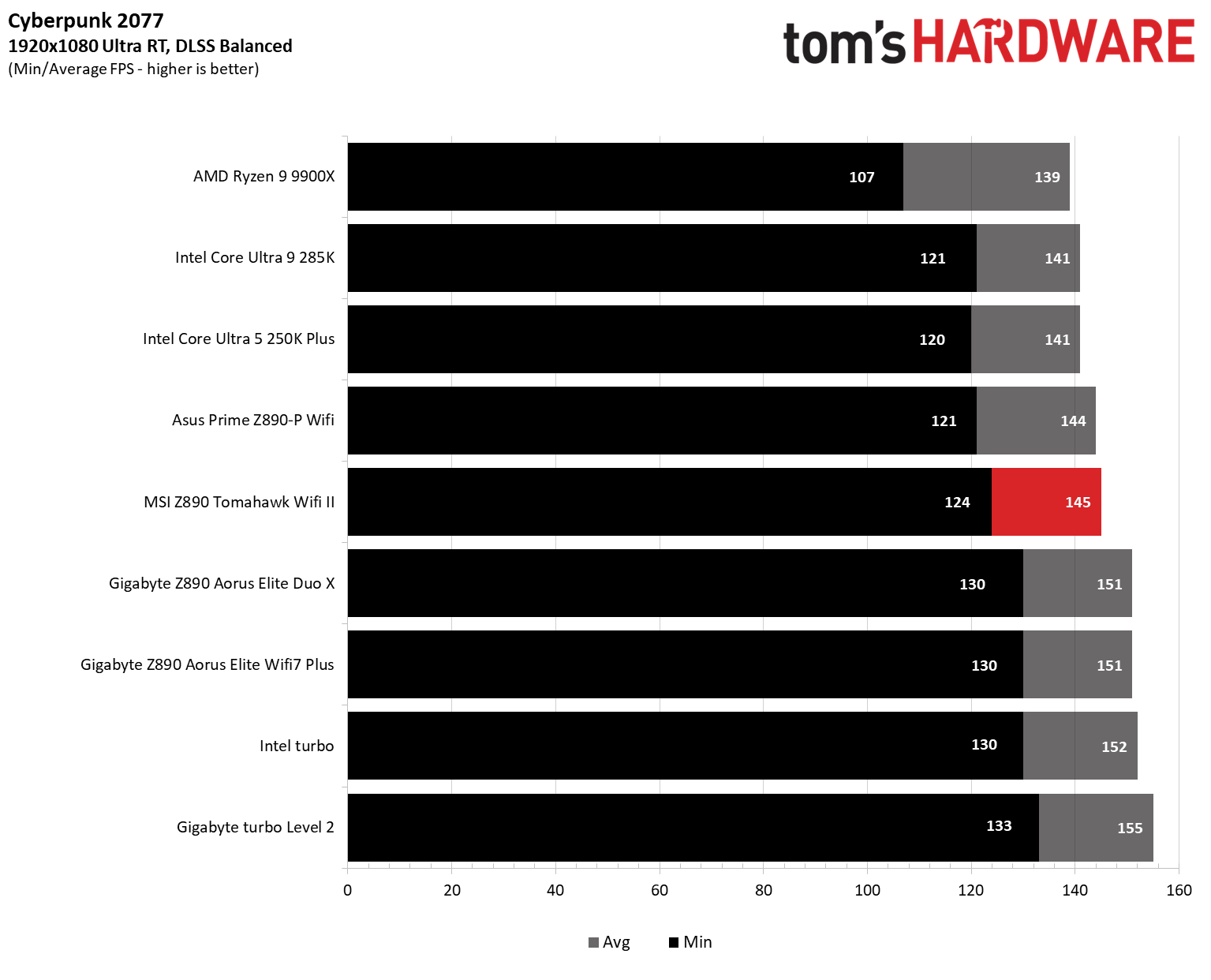
Cyberpunk 2077 | Ultra RT: - 1920 x 1080, DLSS - Balanced. |
F1 2025 | Ultra High Preset - 1920 x 1080, 16xAF/TAA, Texas (Clear/Dry), FPS Counter ON |
MORE: Best Motherboards
MORE: How To Choose A Motherboard
MORE: Best Motherboard Deals
MORE: Best Motherboard Combo Deals
MORE: All Motherboard Content
Our standard benchmarks and power tests are performed using the CPU's stock frequencies (including any default boost/turbo) with all power-saving features at default. We set optimized defaults in the BIOS, then set the memory by enabling the XMP profile. If there are boosts enabled by the BIOS by default, it runs like that. The Windows power scheme is set to Balanced (default) for this baseline testing, so the PC idles appropriately.
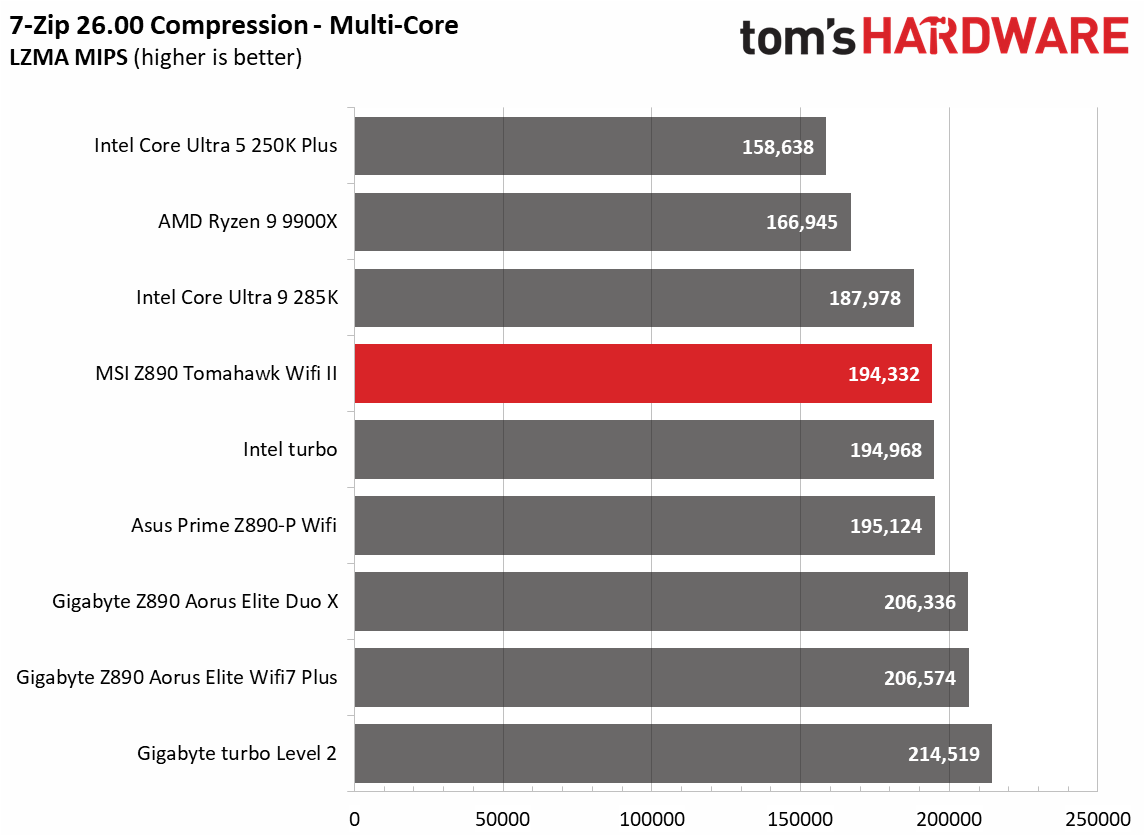
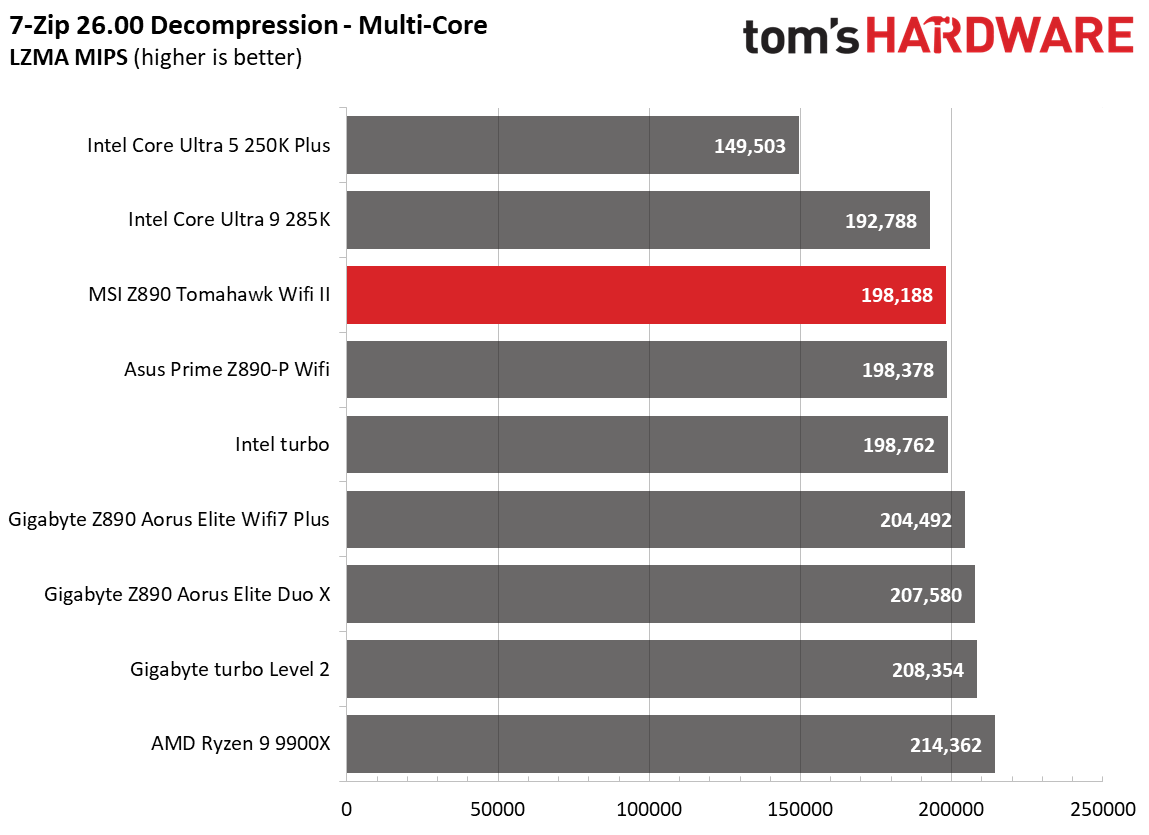
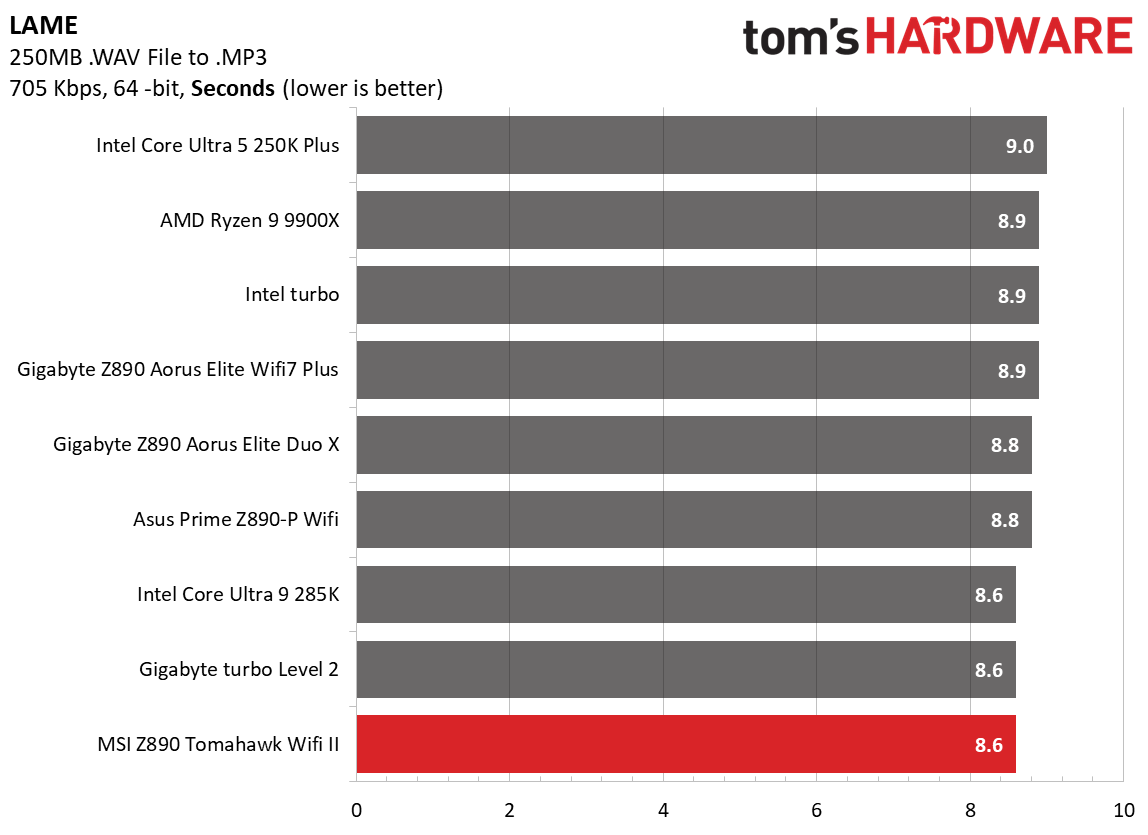
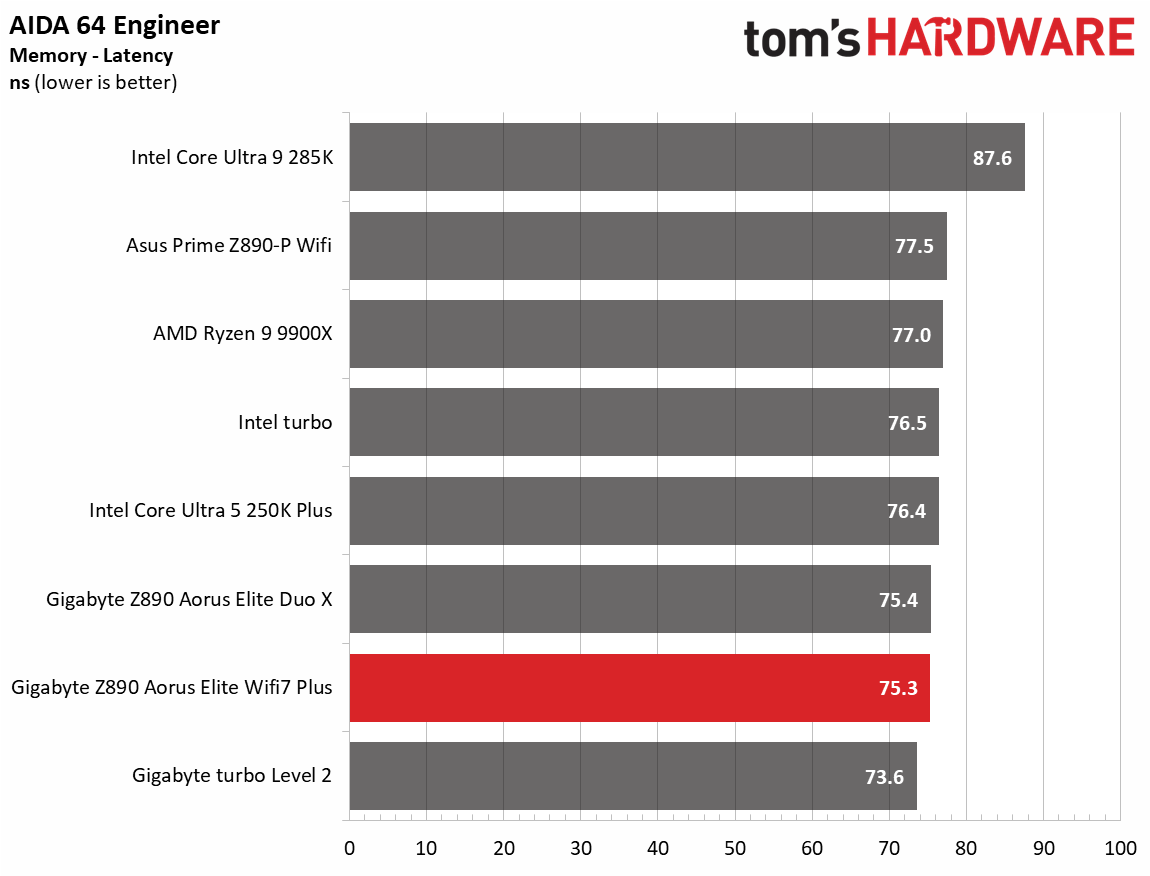
Synthetic Benchmarks and Real World ApplicationsSynthetics offer a valuable method for evaluating a board's performance, as identical settings are expected to yield similar results. Turbo boost wattage and advanced memory timings are areas where motherboard manufacturers can still optimize for stability or performance, though, and these settings can impact specific testing scenarios. We've also combined our previous timed' benchmark applications into this section.
 Future
 Future
 Future
 Future
 Future
 Future
 Future
 Future
 Future
 Future
 Future
 Future
 Future
 Future
 Future
 Future
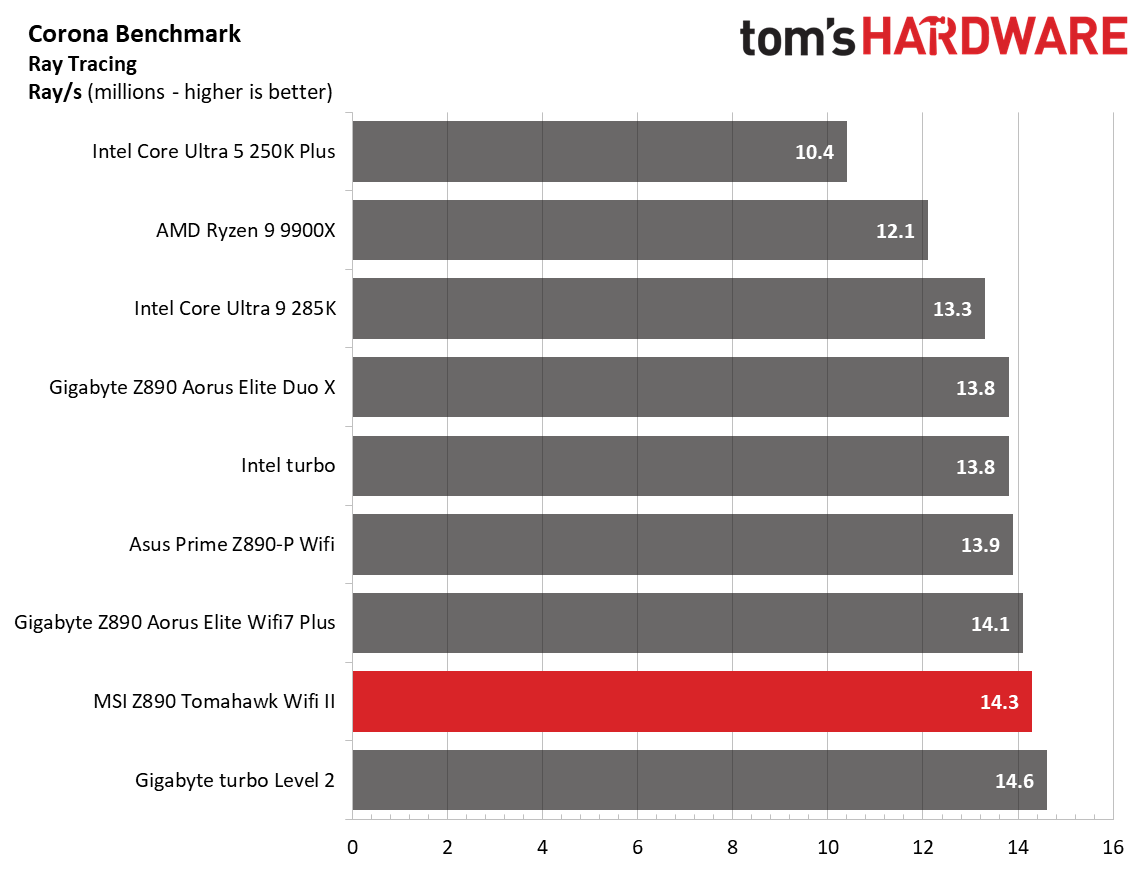
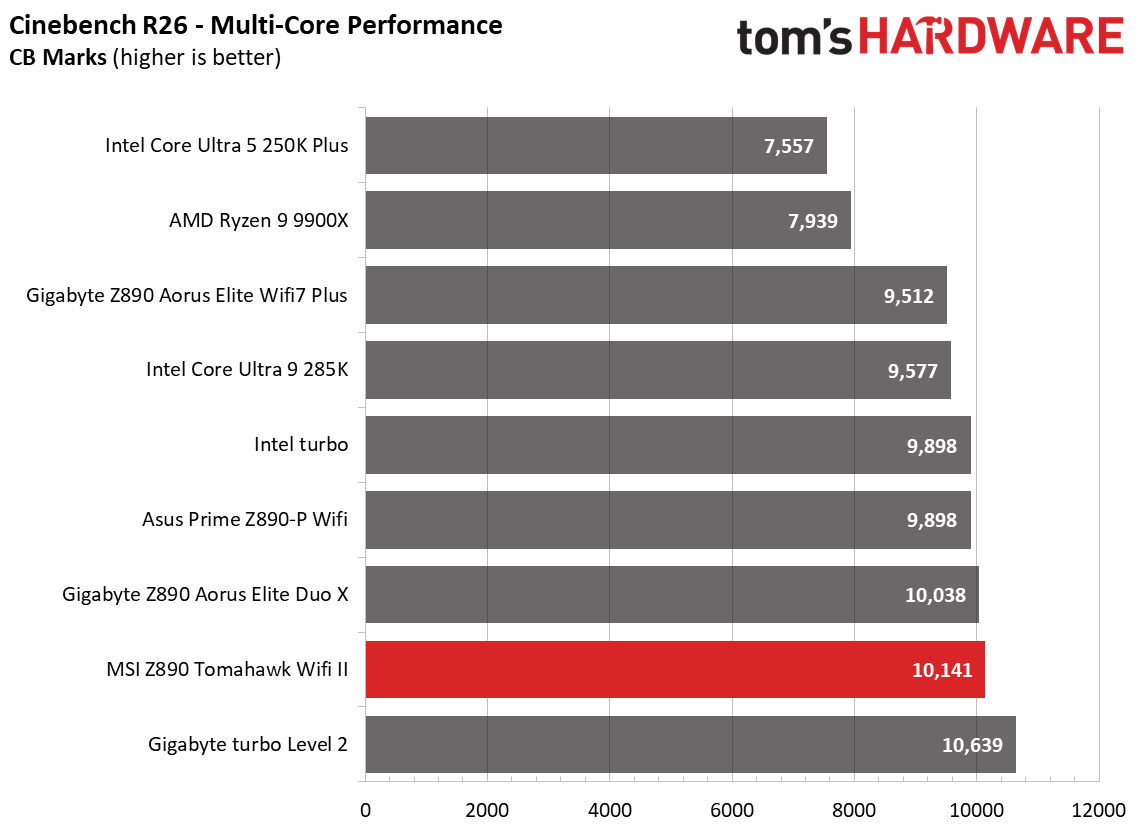
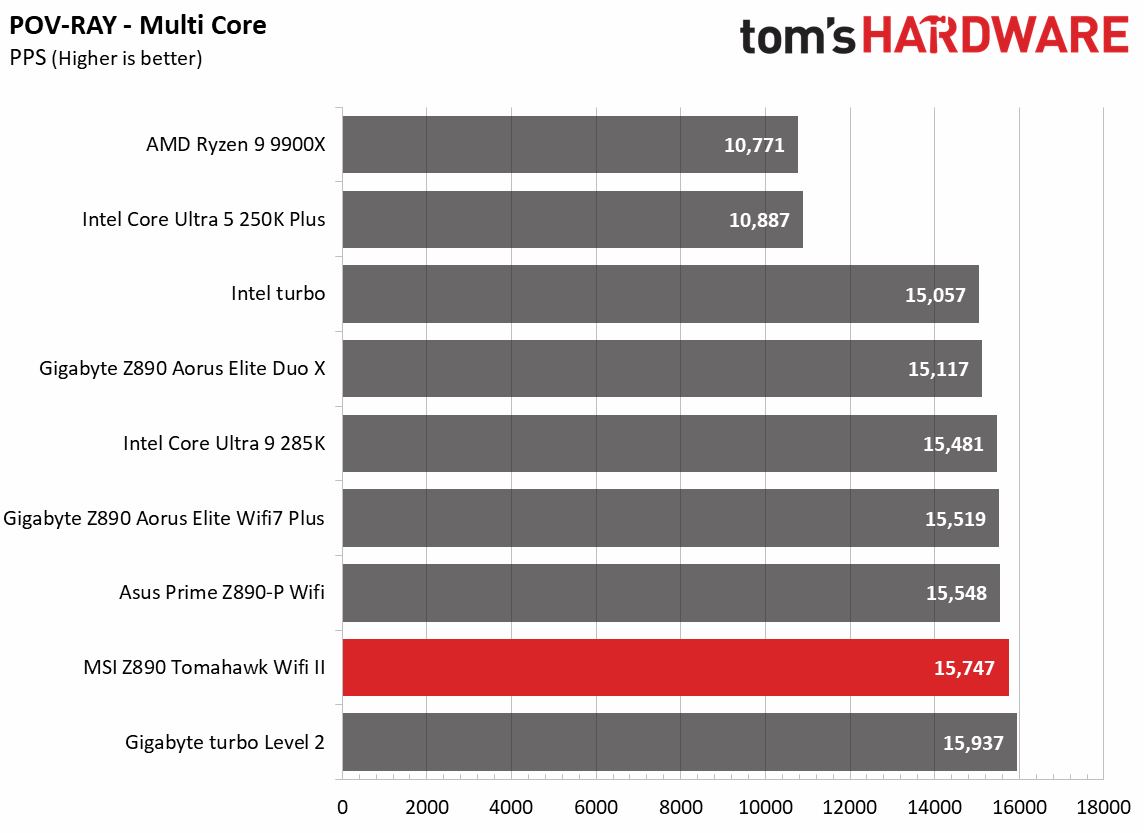
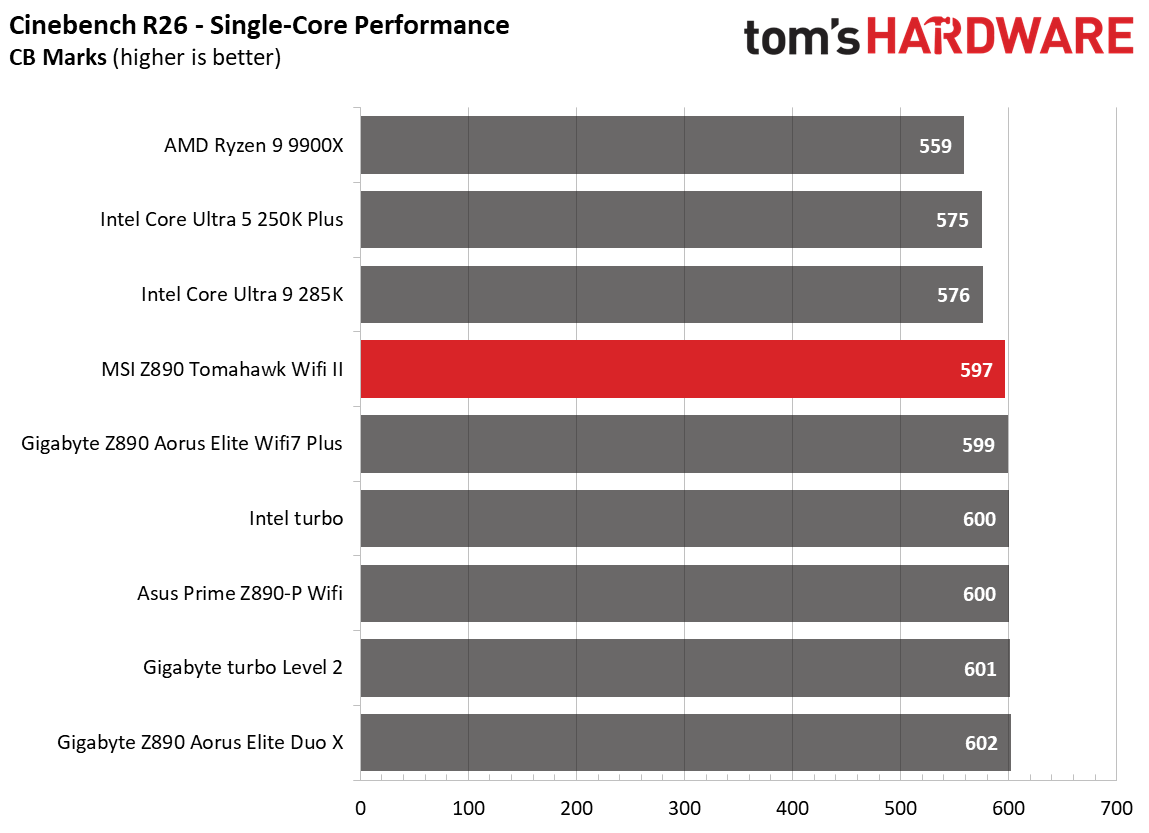
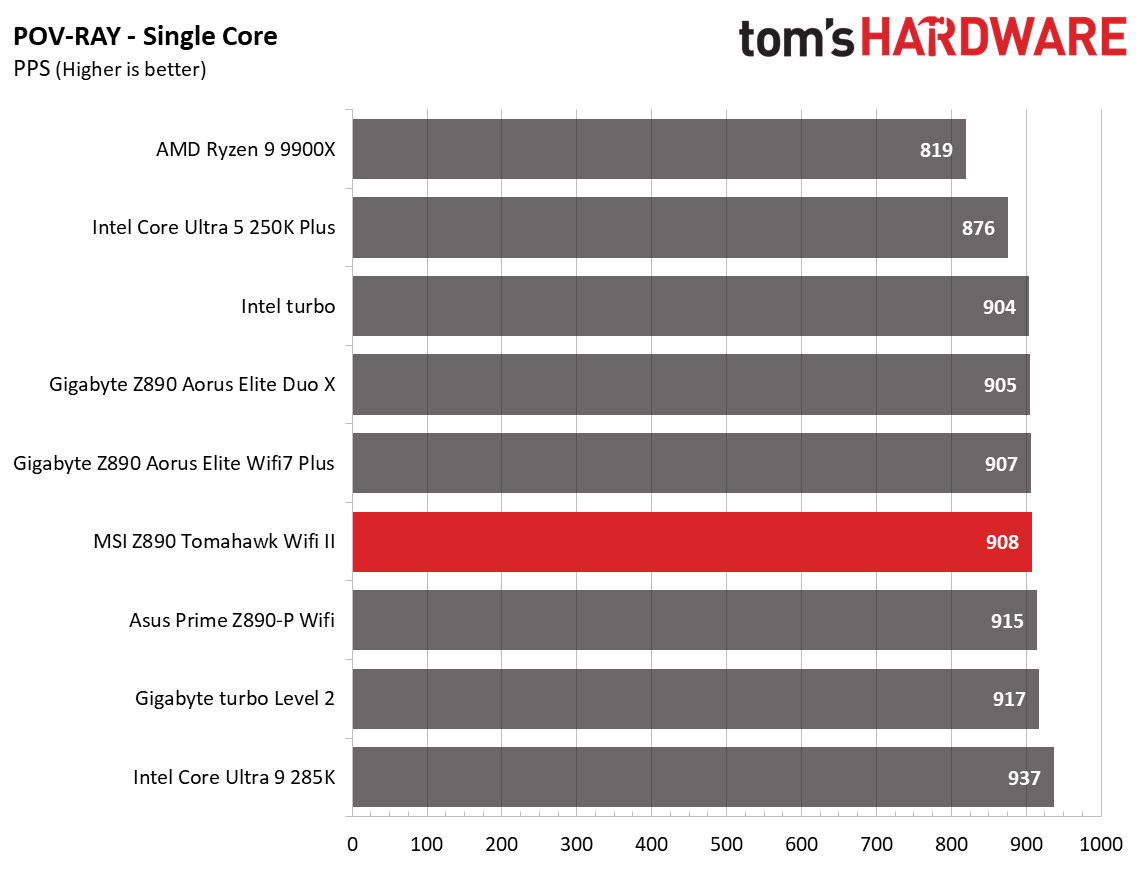
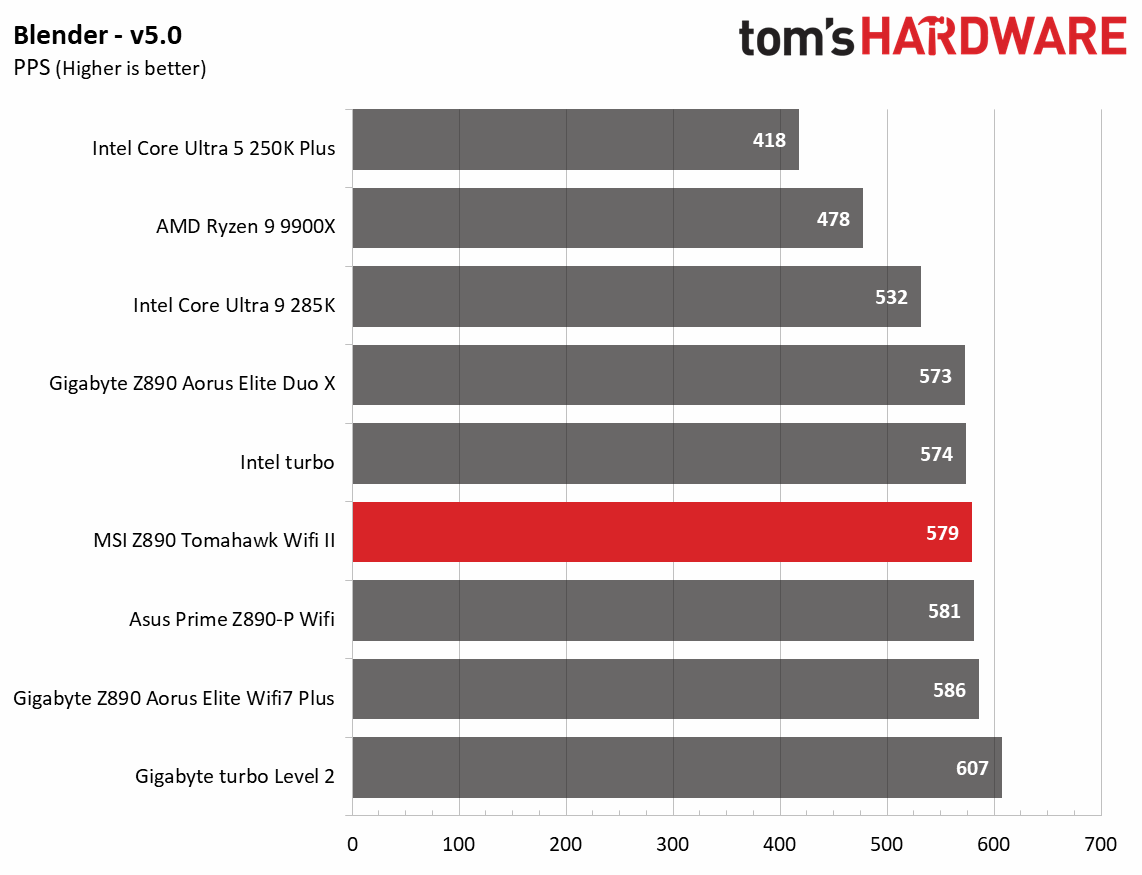
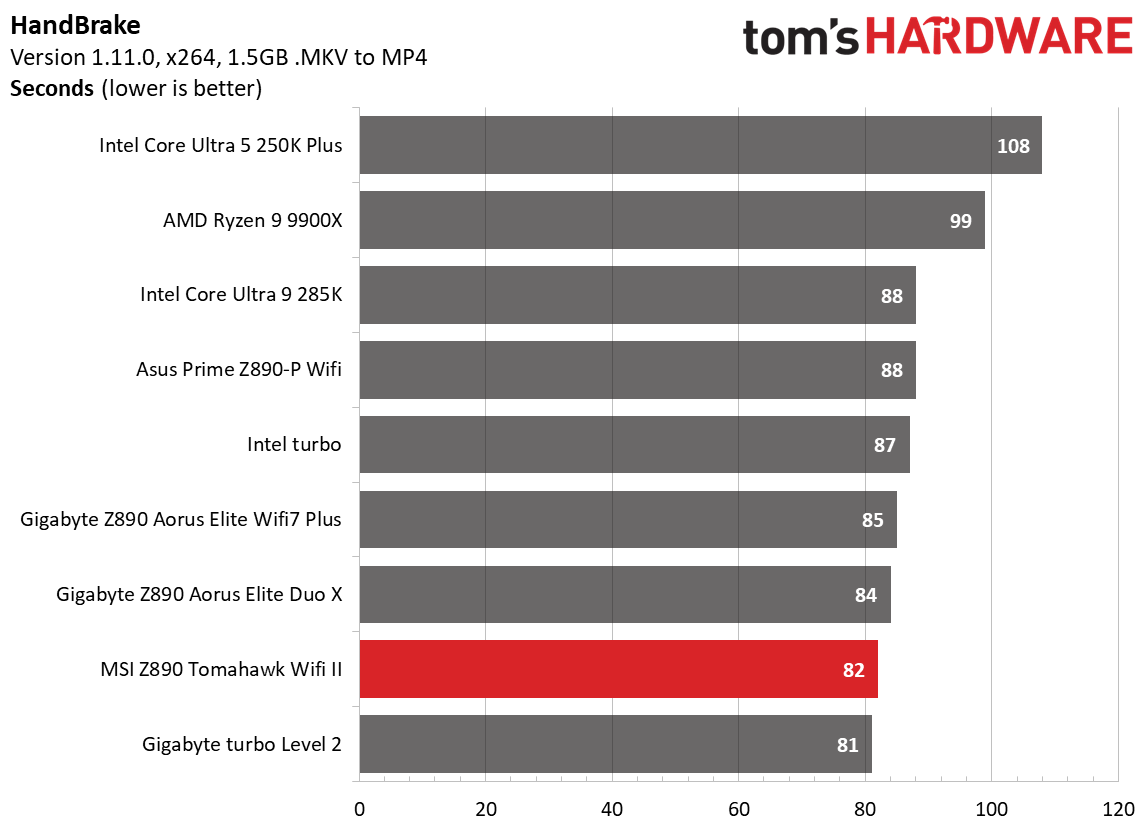
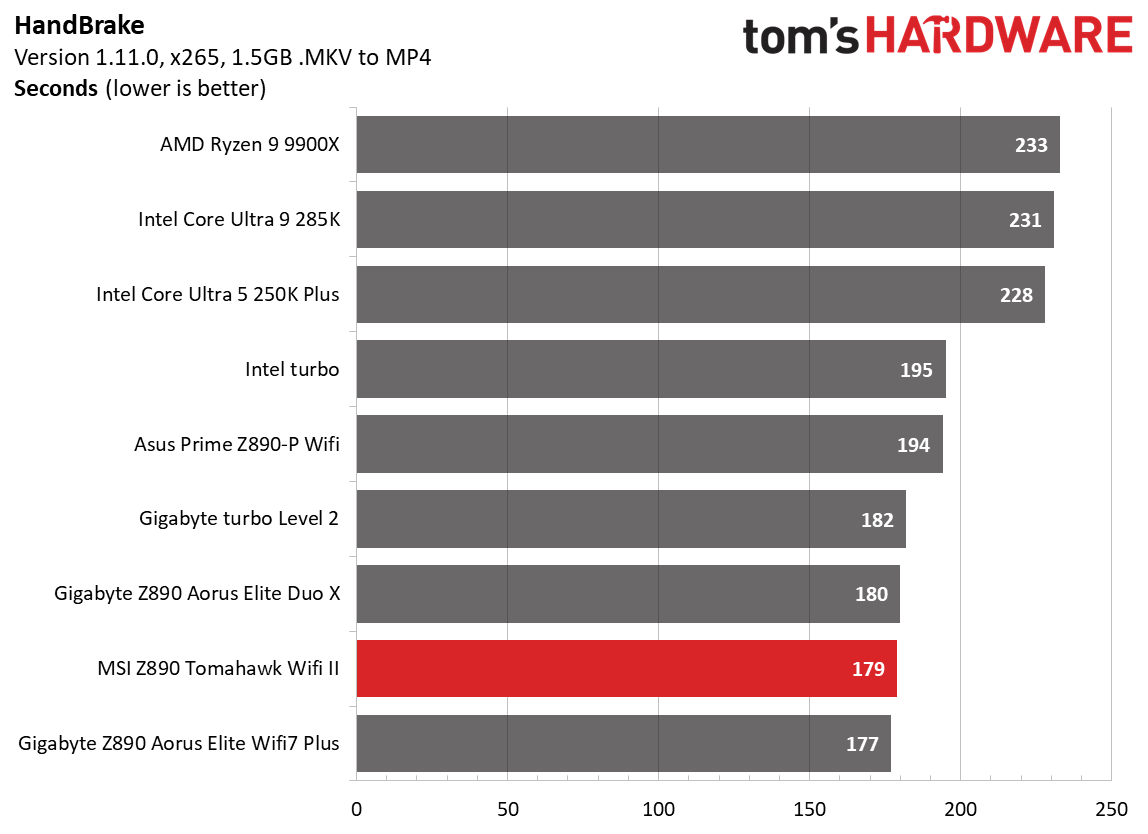
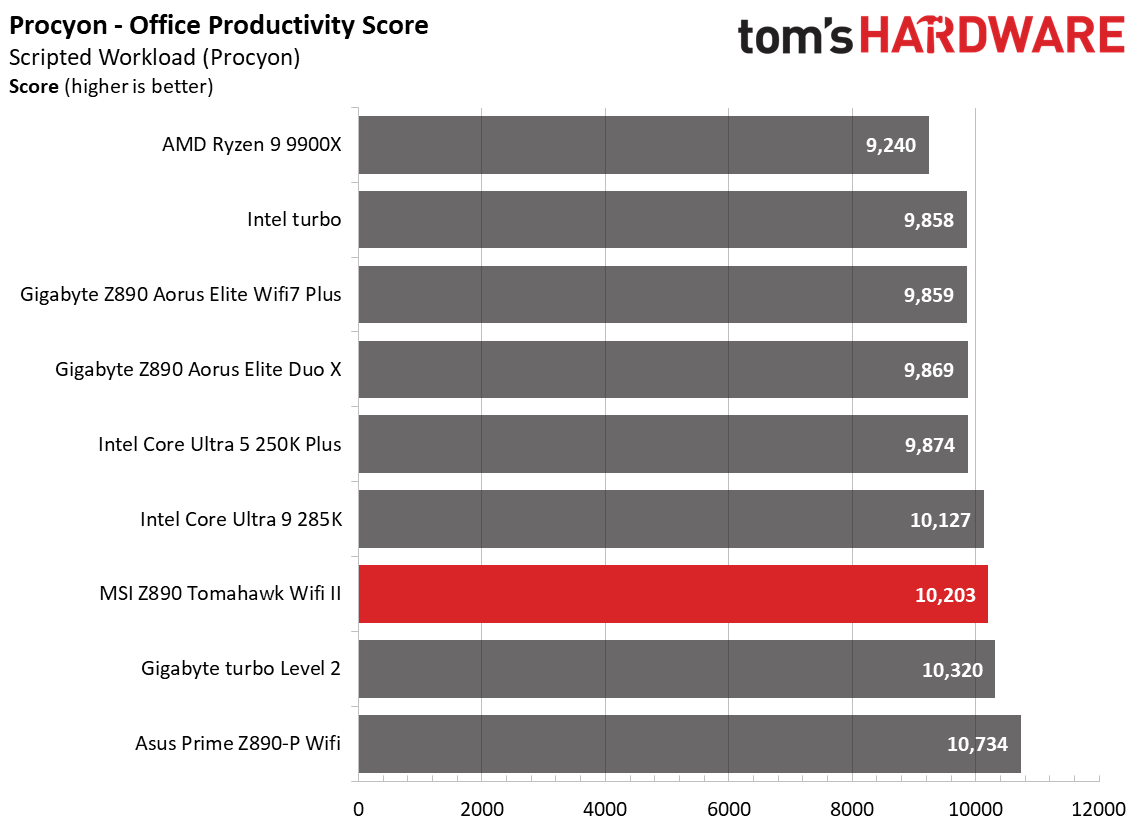
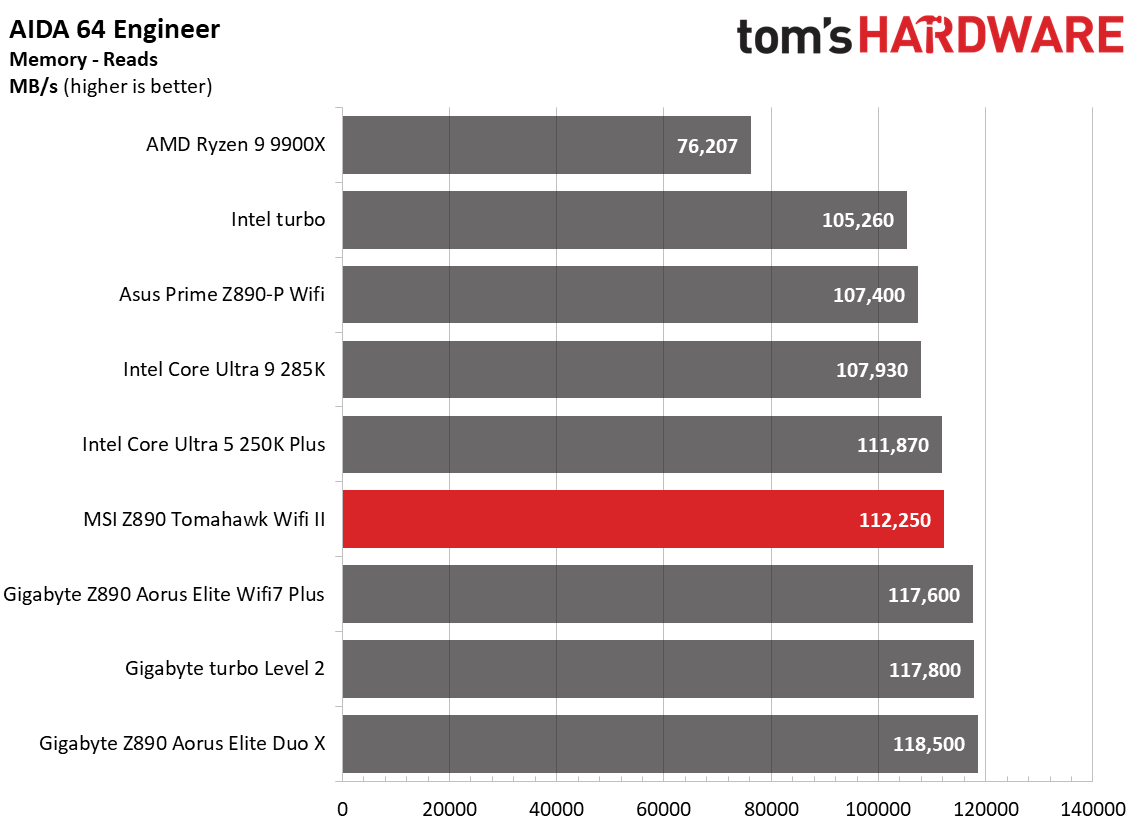
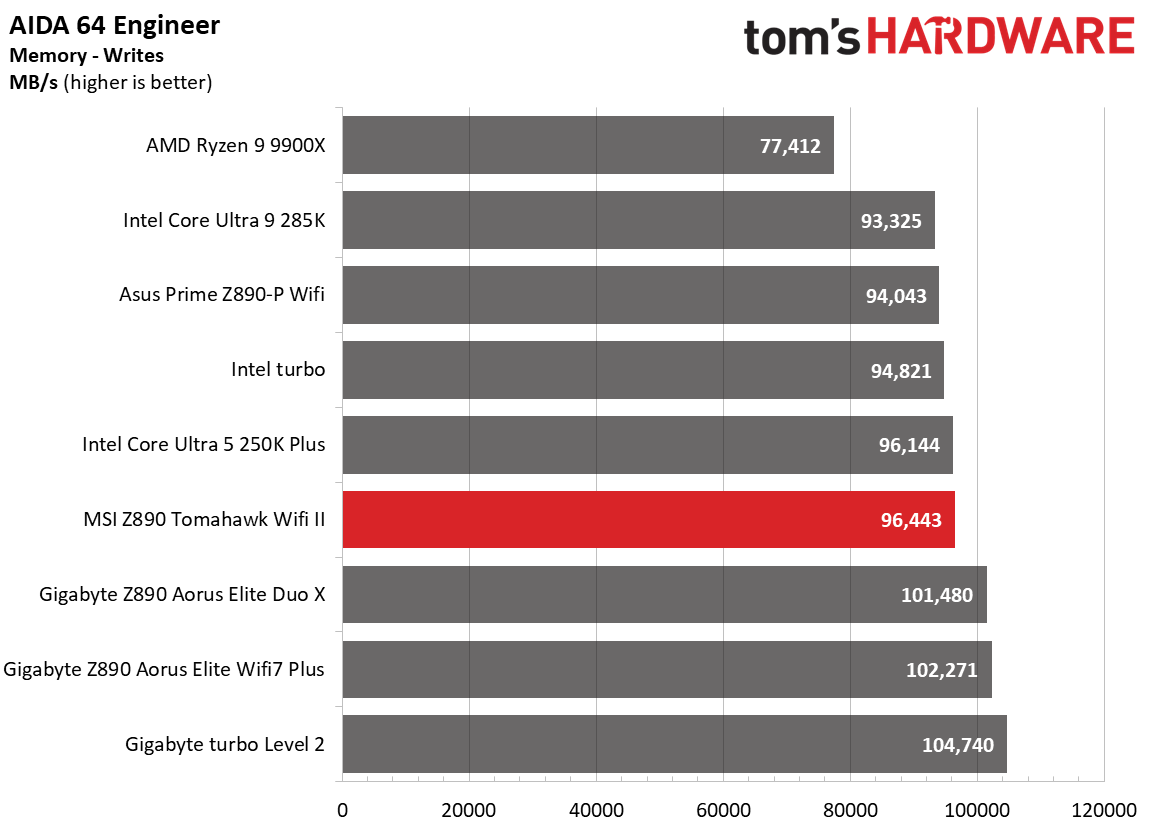
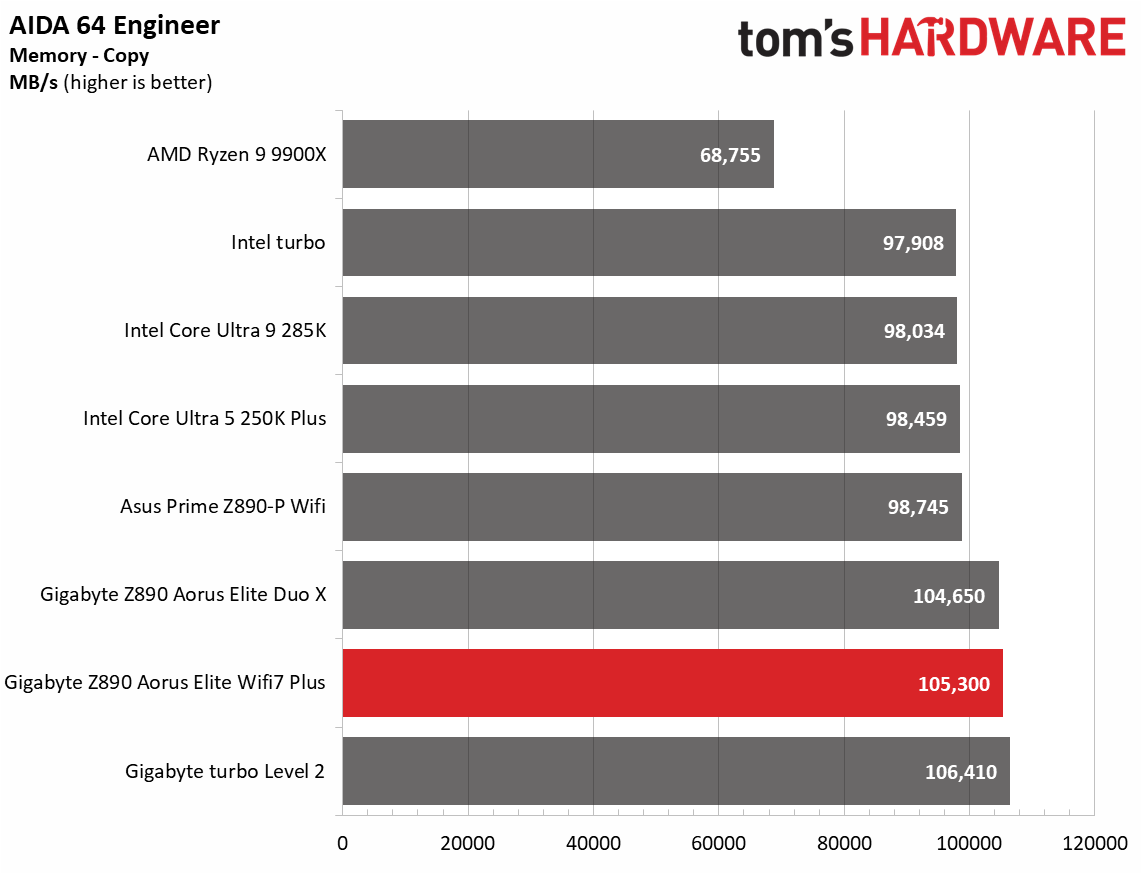
Performance on the Tomahawk Wifi II was average among the tested boards. Nothing really stood out either way in this set of benchmarks.
3D Games and 3DMark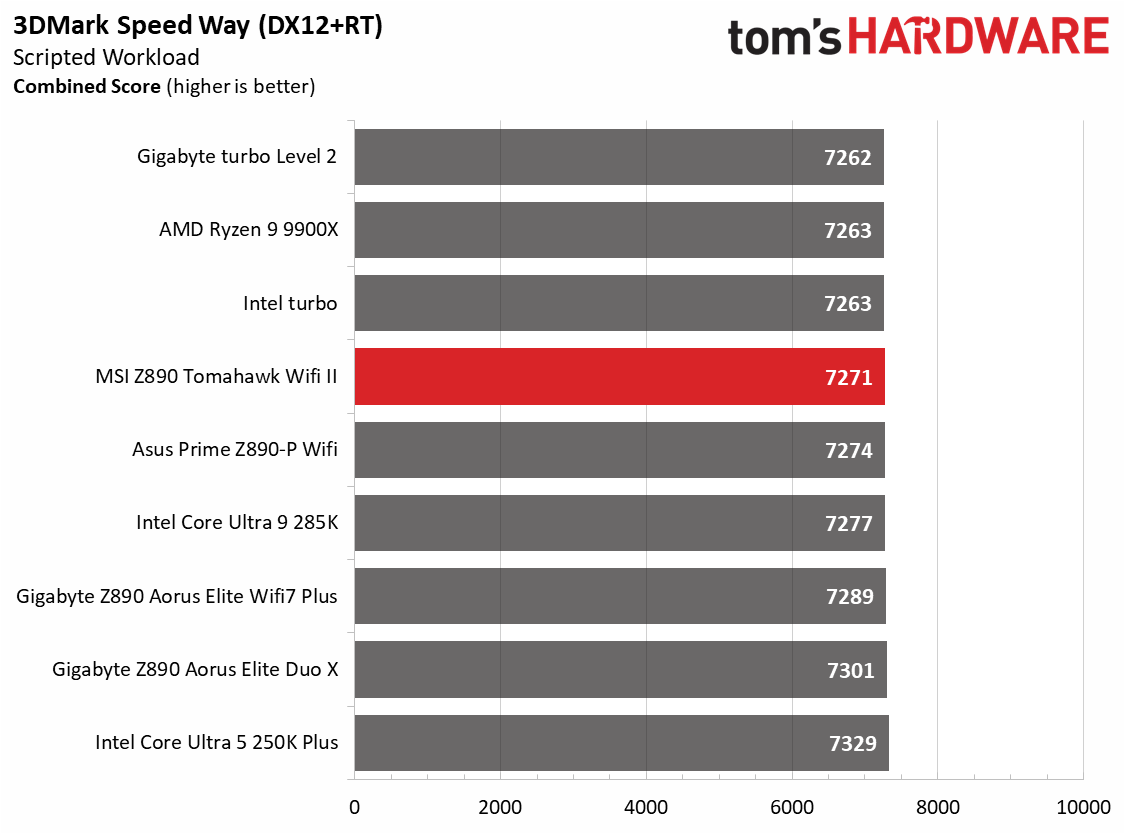 Future
 Future
 Future
 Future
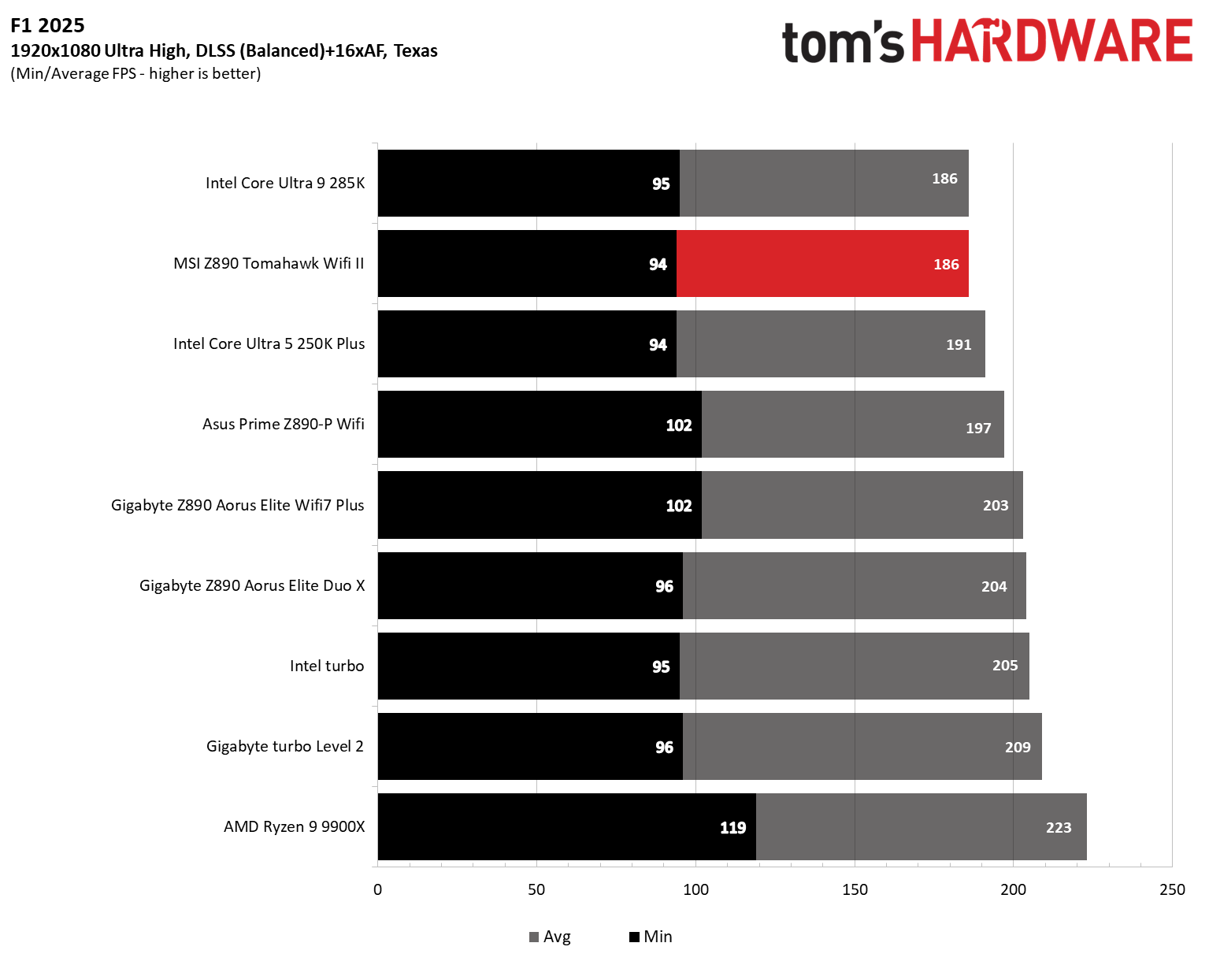
Starting with the launch of the Arrow Lake refresh chips, we've updated our game tests. We're keeping the F1 racing game but have upgraded to F1 25. We'll continue with the ever-popular and aesthetically pleasing Cyberpunk 2077. We run both games at 1920x1080 resolution using the Ultra preset (details listed in the table above). Both games are set to use DLSS.
The goal with these settings is to determine if there are differences in performance at the most commonly used (and CPU/system-bound) resolution with settings most people use or strive for (Ultra). We expect the difference between boards in these tests to be minor, with most falling within the margin of error. We've also added a minimum FPS metric, which can affect your gameplay and immersion.
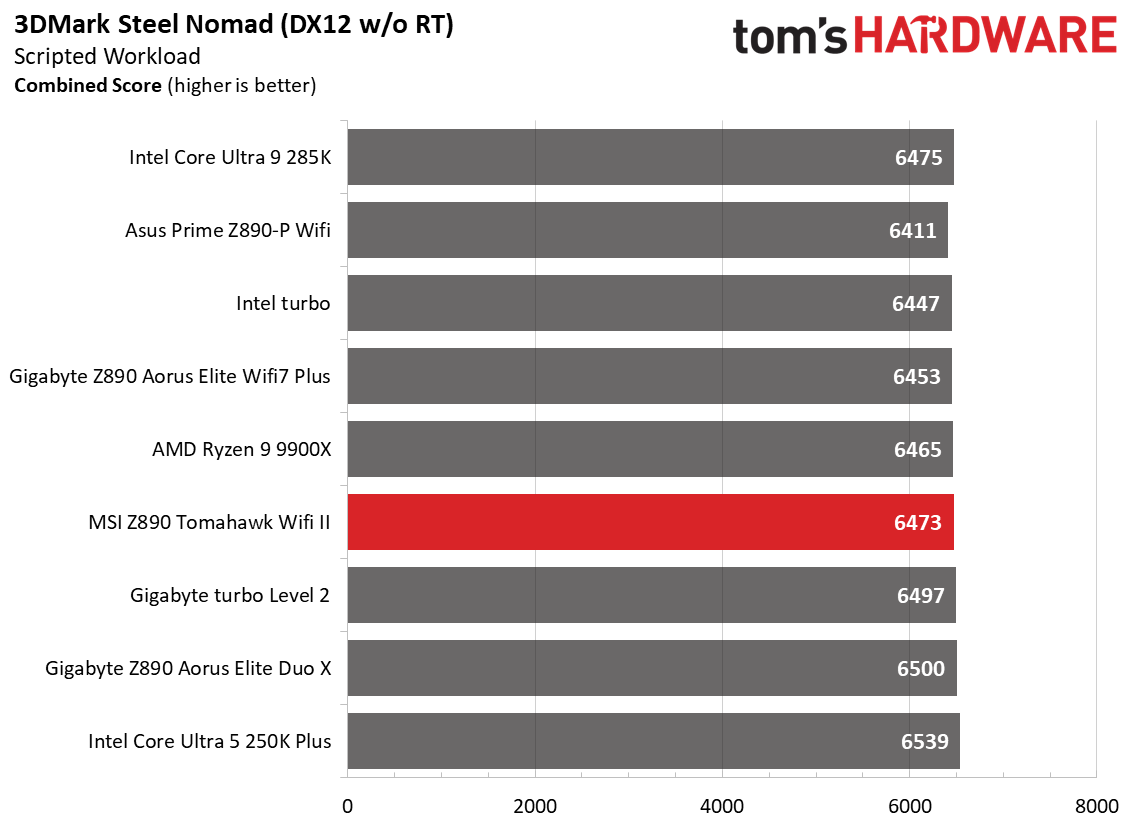
As has been the case with previous motherboards and CPUs, the 3DMark tests don't show much separation from worst to first, and we see that again across our varied datasets. 3DMark scores were fine, and gaming results were also comparable, although F1 25 was a bit slower and matched the previous-gen 285K for some reason. Still, it's a performant board, just like the others. Whether you're using the machine for office productivity, rendering, encoding, or gaming, the results are on par with others.
OverclockingOver the past few CPU generations, overclocking headroom has been shrinking on both sides of the fence, while out-of-the-box performance has increased. For overclockers, this means there's less fun to have. For the average consumer, you're getting the most out of the processor without manual tweaking. Today's motherboards are more robust than ever, and an overwhelming majority support power-hungry flagship-class processors, so we know the hardware can handle them.
There are multiple ways to extract even more performance from these processors: manually adjust the settings or use some of the fancy AI overclocking board partners have been touting. Results will vary and depend on the CPU's cooling and quality. In other words, your mileage may vary. Considering the above, we're not overclocking the CPU for these review articles. However, we will try out our different memory kits to ensure they meet the specifications.
 Future
 Future
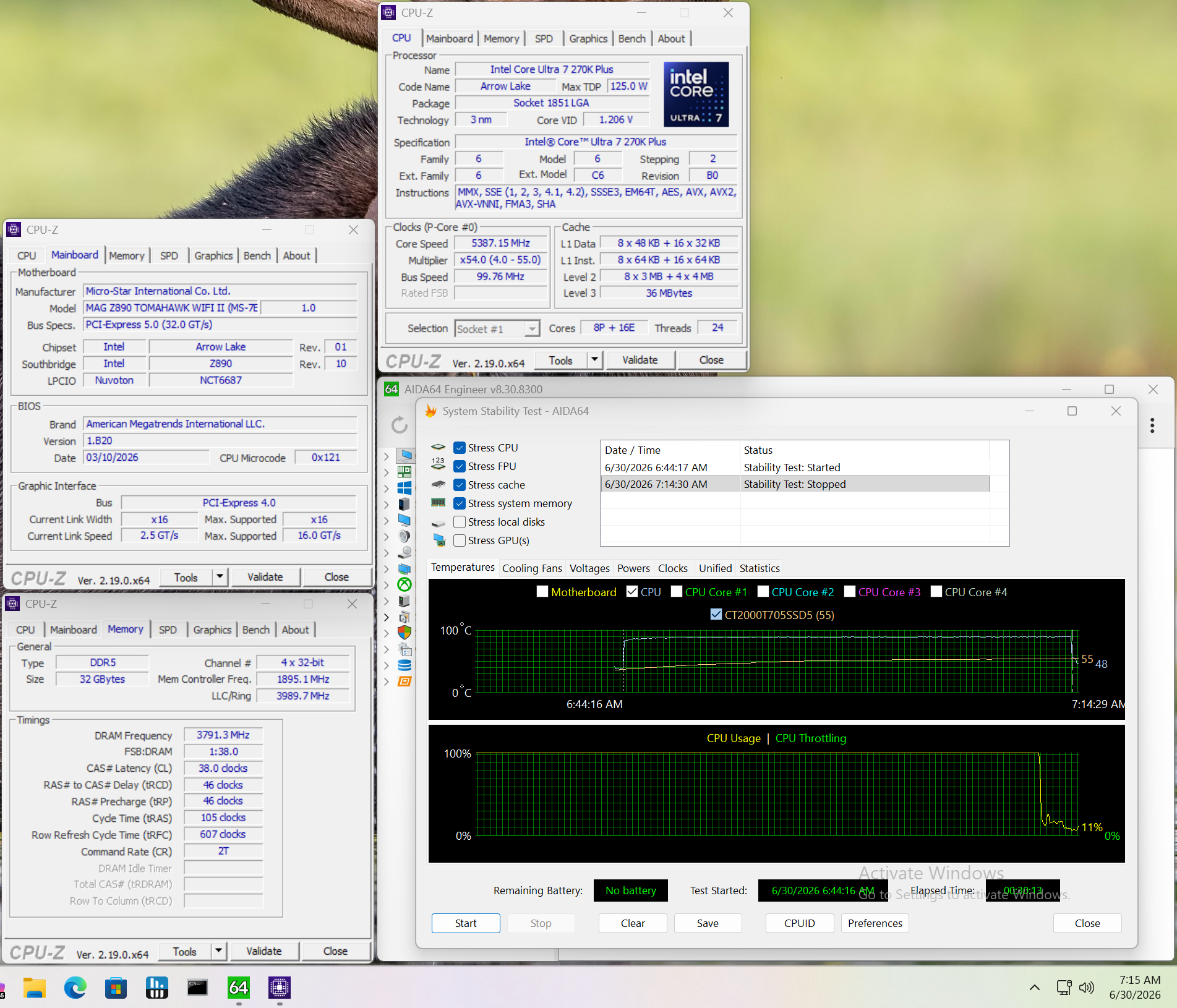
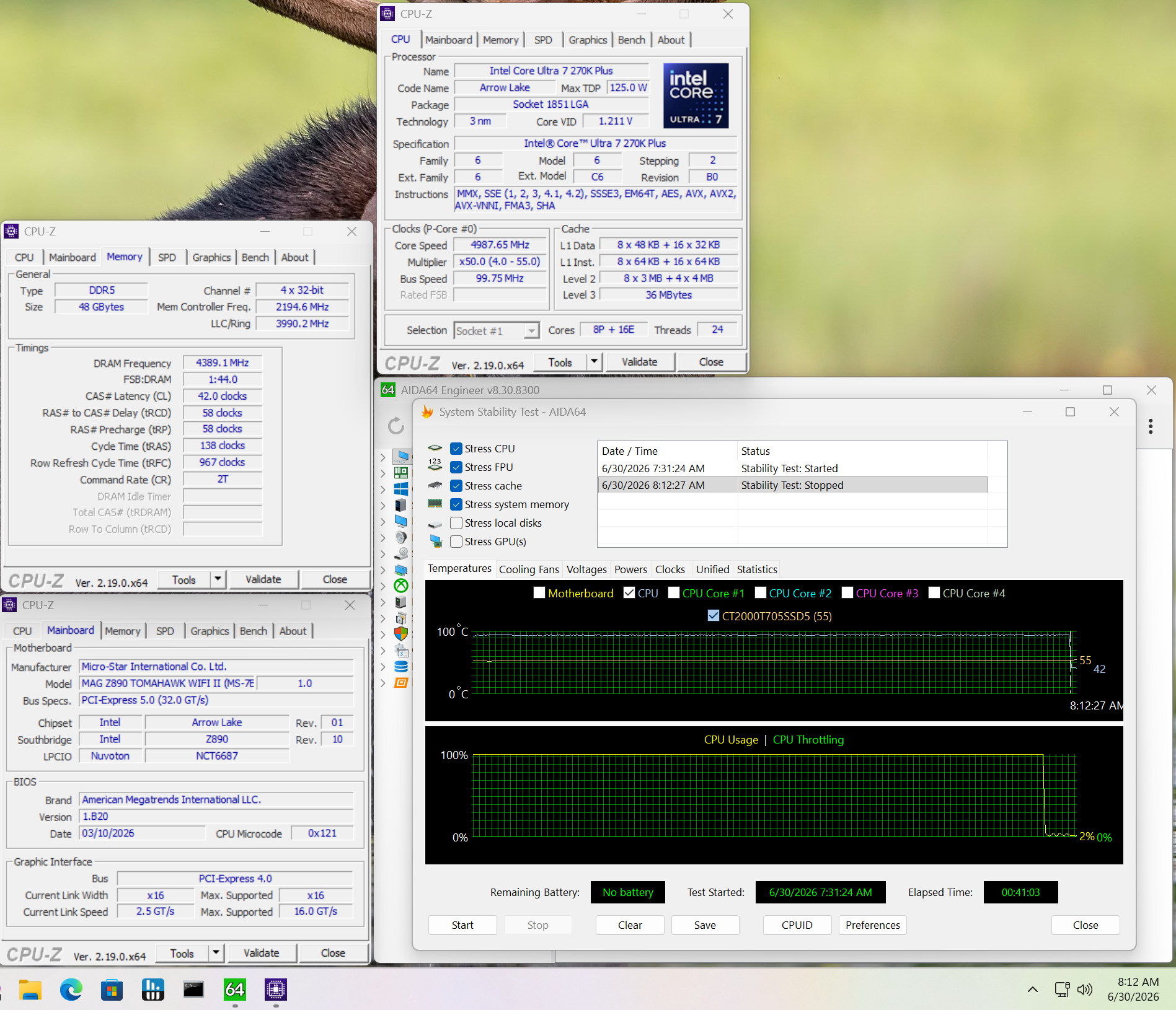
Memory testing went without issue. The board was stable with the DDR5-7600 kit, and we went all the way up to our (new) fastest kit, Kingston Fury Beast 48GB DDR5-8800, without issue during our 30-minute stress test.
Power Consumption / VRM Temperatures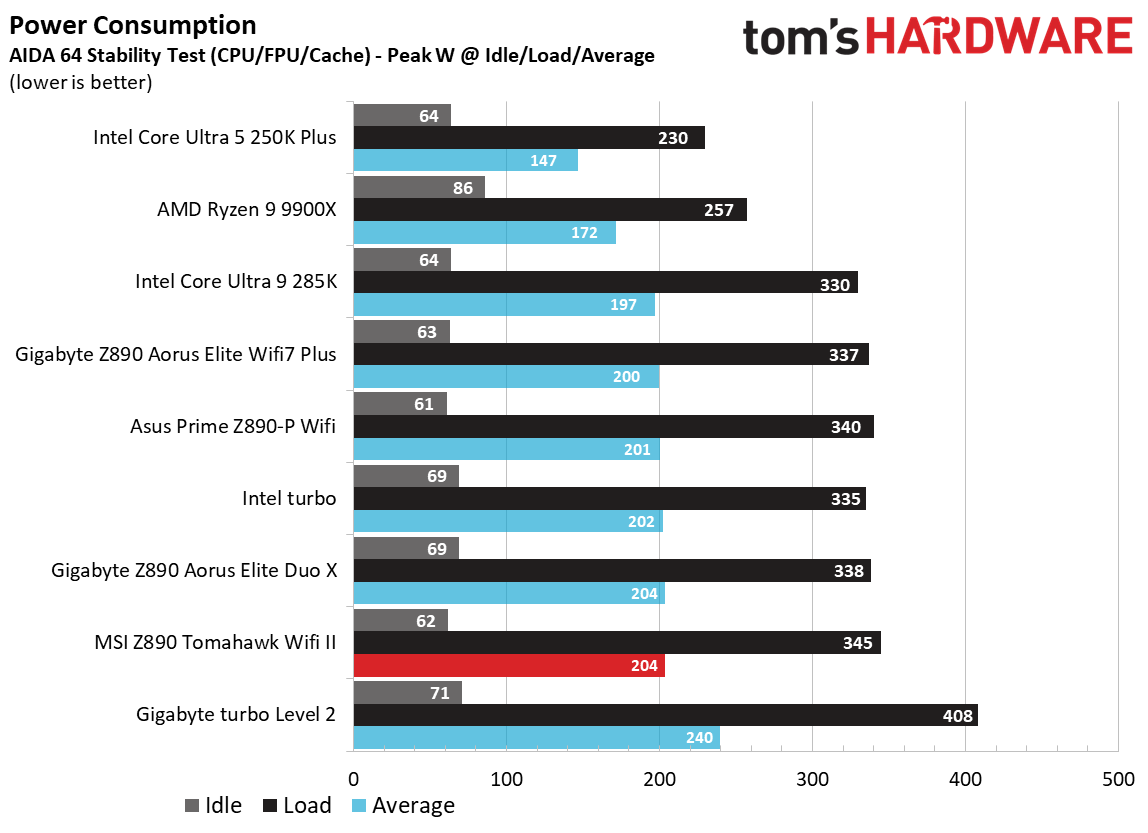
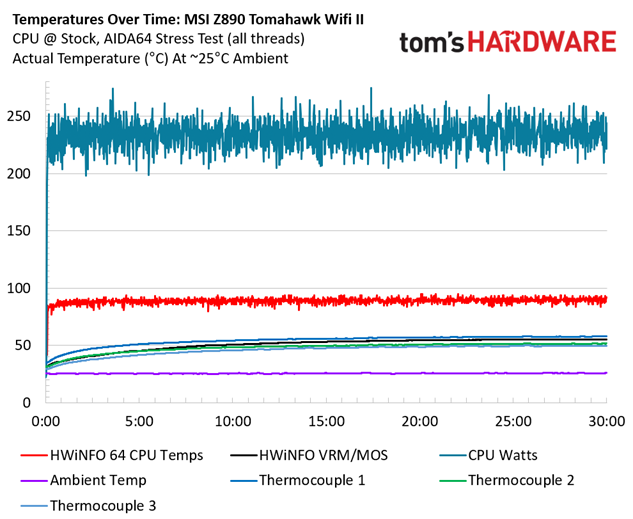
We used AIDA64's System Stability Test with Stress CPU, FPU, cache, and Memory enabled for power testing, using the processor's peak power consumption value. The wattage reading is obtained from the wall via a Kill-A-Watt meter, capturing the entire PC (excluding the monitor). The only variable that changes is the motherboard; all other parts remain the same. We have moved to using only the stock power use/VRM temperature charts, as this section aims to ensure the power delivery can handle flagship-class processors.
Stress testing with our flagship-class 270K Plus and the Team Group DDR5-7600 kit at stock yielded a peak of 345W at the wall, which aligns with other boards. The Tomahawk II used 61W at idle. There's nothing noteworthy, otherwise.
 Future
 Future
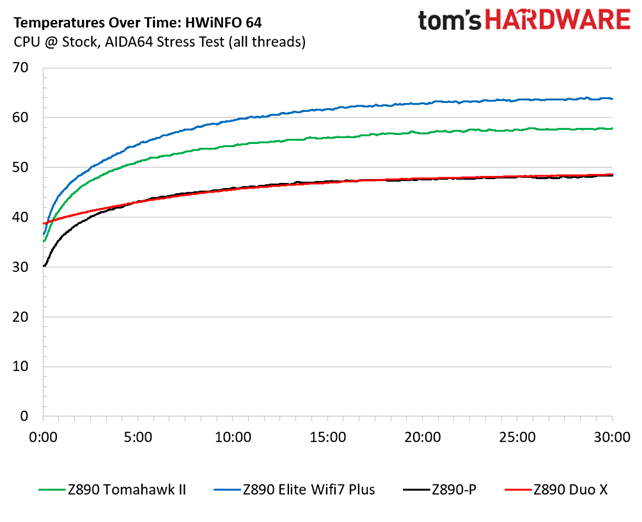
VRM temperatures ran warm, but are not a concern on this board. Throughout the 30-minute test, the system (excluding the monitor) averaged 233W, and our sensors on the back of the board, directly under the MOSFETs, recorded temperatures peaking at 58 degrees Celsius, while Hwinfo and the internal sensor showed temperatures peaking a couple of degrees lower at 56 degrees Celsius. That value is well within specification for the MOSFETs doing all the work below. We're confident that the power delivery can handle anything you throw at it. Chances are, the CPU temperature will limit you before the board does, but always maintain good airflow to keep temperatures down.
Bottom LineThe Z890 Tomahawk II is an interesting new iteration compared to the original. For all intents and purposes, it's the same board with native Core Ultra 200S Plus support. However, the II moves away from the Killer-based 320MHz Wi-Fi 7 to the slower (less expensive?) Intel/Mediatek Wi-Fi 7 solution and moves to a single TB4/40 Gbps Type-C port. The Wi-Fi speed is something most can overlook, as few have a Wi-Fi 7 ecosystem in the first place. And, again, for the overwhelming majority, it's fast enough and supports plenty of concurrent connections. I still would like to see the second Thunderbolt port, though. Most users don't have two devices that can each utilize 40 Gbps bandwidth, either. So while this likely doesn't affect many, it's still a small step back from the original - only a problem if you're one of the few who need it.
Currently (at the time we published the article) priced at $229.99 (was just on sale for $199.99, so keep an eye out!) on Newegg, it's on shelves alongside the Asus Prime Z890-P ($229.99 and recently reviewed), Gigabyte's Z890 Gaming X Wifi7 ($219.00), and the ASRock Z890 Lighting Wifi at $211.99. If we look at the specs of competitors at a similar price point, we see that the Tomahawk II is similarly equipped, if not better. It's the only one with 5 GbE, and all of these have one Thunderbolt 4/40 Gbps port. The Wi-Fi, you ask? These boards have a mix of Wi-Fi 6E and the even faster Wi-Fi 7.
So while we're disappointed the Z890 Tomahawk II took a step back in some areas (one of the only reasons it didn't make our best motherboards list), it isn't effectively any different than the more expensive competition. At the current sub-$230 price point, it doesn't stand out from most others, and the original is still available for $229.99. If you need faster Wi-Fi 7 and an additional Thunderbolt/40 Gbps port, stick with the original Tomahawk. If you don't need those features, the Tomahawk II is the preferred option if you can find it cheaper than the original Z890 Tomahawk.
MORE: Best Motherboards
MORE: How To Choose A Motherboard
MORE: Best Motherboard Deals
MORE: Best Motherboard Combo Deals
MORE: All Motherboard Content