QIDI Plus5 3D printer review: The best one yet
The QIDI Plus5 goes toe-to-toe with Bambu Lab's H2 series for nearly half the price. At first glance, the QIDI Plus5 looks pretty much like the QIDI Plus4, but it's so much more. With TARDIS-like engineering, the Plus5 has a smaller footprint, yet gains 18% more build volume than the previous model by comparison. The Plus5 can go a little hotter on the nozzle, up to 370 C, which makes it great for tackling engineering-grade filaments.
The UI on the Plus5 is sleek and feels like a more expensive printer. It has a helpful status light on the bottom of the bed, which you guessed it, looks a lot like the Bambu H2 series. If QIDI could just get their QIDI Box to swap colors consistently, Bambu will have a serious fight on their hands.
The debut price of the QIDI Plus5 is $749, which is $50 less than the Plus4 was at launch, and is considerably less than a Bambu Lab H2S, which is currently $1399. This is definitely my favorite high-temp workhorse and one of the best 3D printers we've seen.
Specifications: QIDI Plus5Build Volume | 320 x 320 x 300 mm (12.59 x 12.59 x 11.81 in) |
Material | PLA/PETG/TPU/ASA/PA/PC (up to 370 degrees) |
Extruder Type | Direct drive |
Nozzle | .4mm (Bimetal) |
Build Platform | Double sided PEI flex plate |
Bed Leveling | Automatic, Loadcell |
Filament Runout Sensor | Yes |
Connectivity | LAN, WiFi, USB Flash Drive |
Interface | 4-inch color touch screen |
Machine Footprint | 500 x 488 x 558 mm (19.68 x 19.21 x 21.96 in) |
Machine Weight | 29 kg (63.93 lbs) |
MSRP | $749 (Stand alone) |
Release Date | August 5, 2026 |
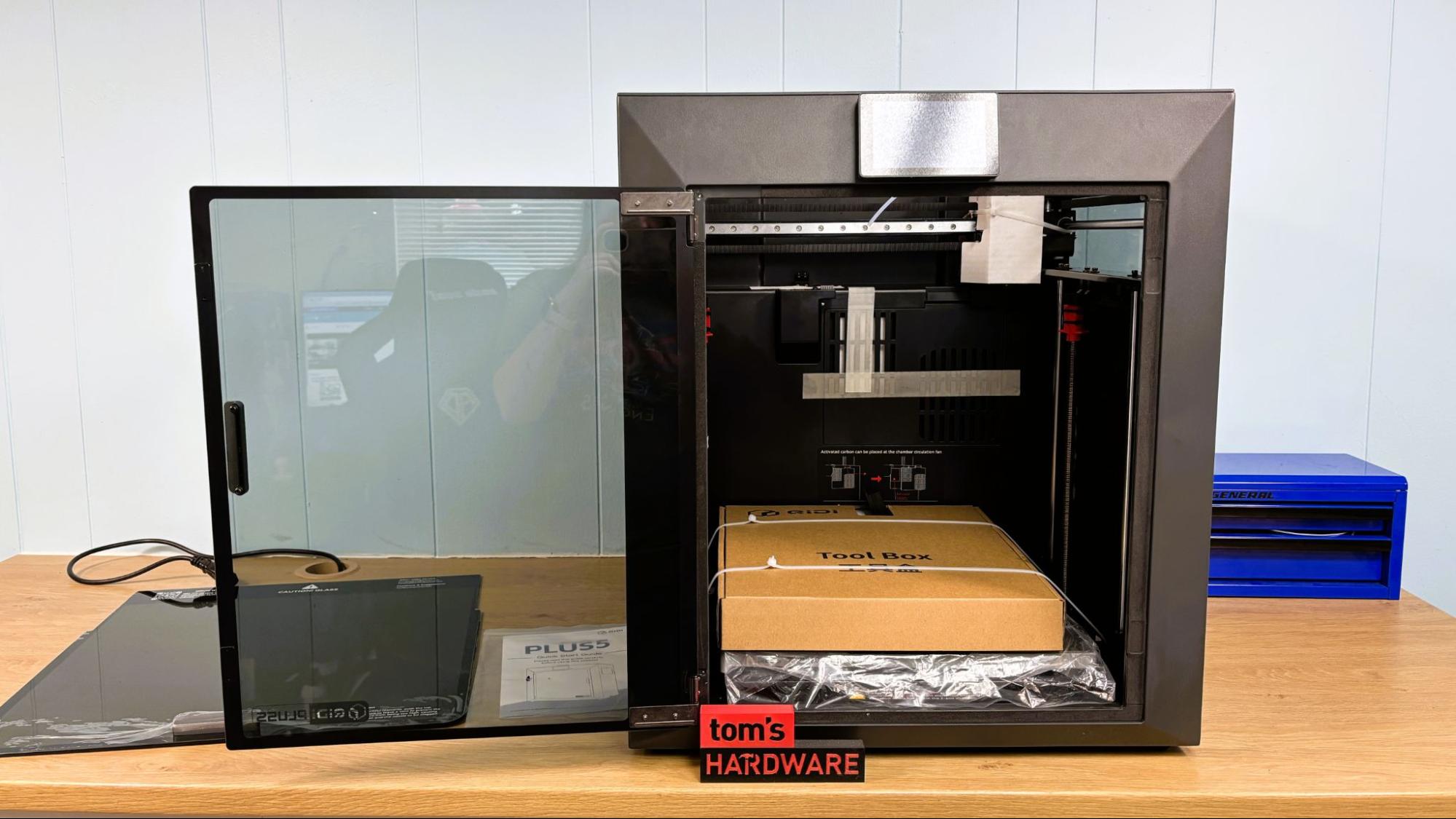
The QIDI Plus5 comes with everything you need to get started. Included is a tool kit for assembly, a scraper, a glue stick, and a USB stick with a copy of QIDI Studio and a PDF copy of the quick start guide. A paper copy of the manual is also included.
Design of the QIDI Plus5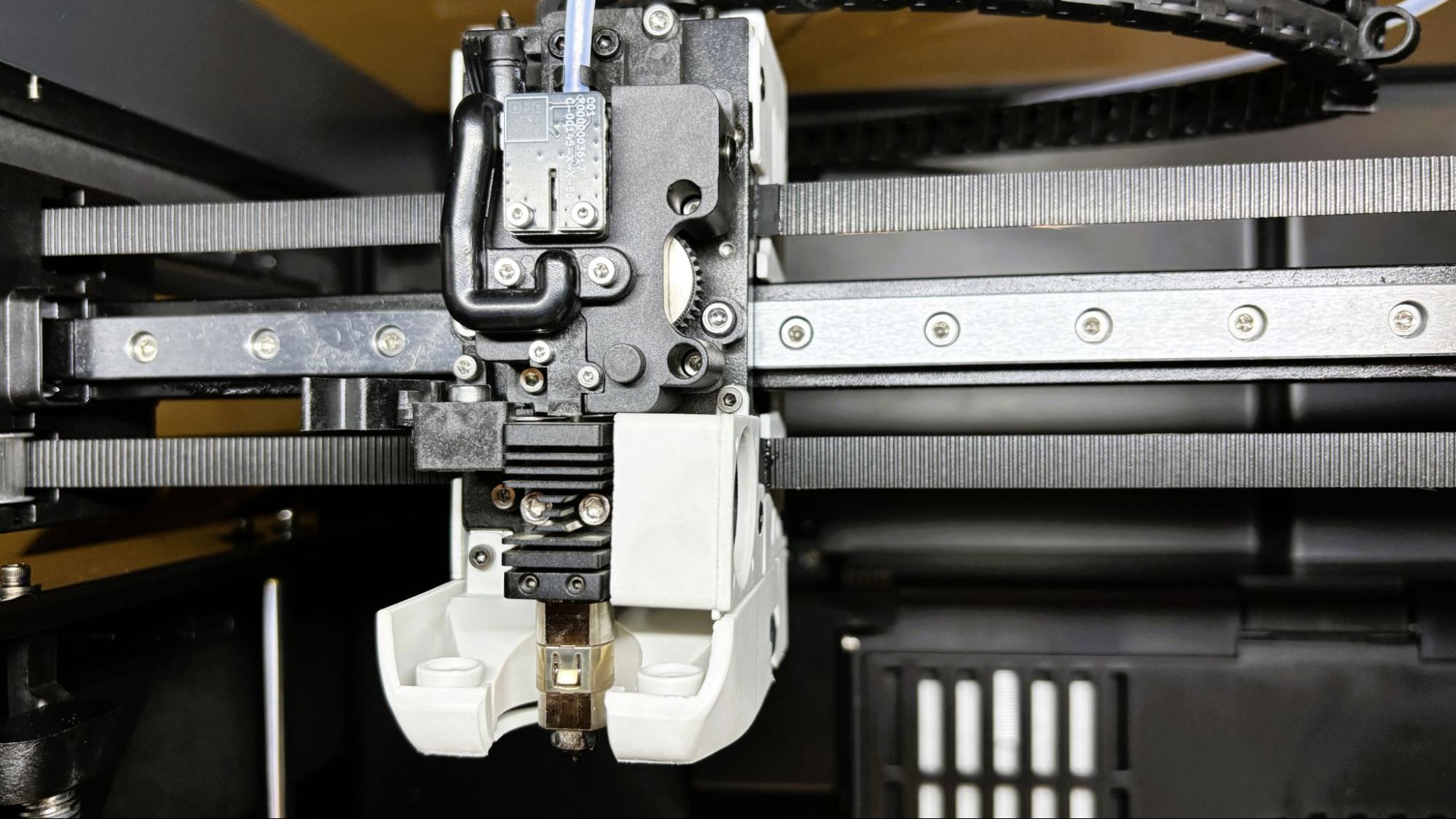
The QIDI Plus5 is a nice upgrade to the QIDI Plus4 with an extra 20mm of print area in all dimensions, with nearly the same footprint. The Plus5 is a hefty 64lbs, so you may need some help to get it in the door.
The Plus5 has a Core XY motion system, driven by a beefy 9mm 1.5GT belt, riding on a linear rail for the x-axis and linear rods for the y-axis. The z-axis runs on 4 linear rods and is driven by stepper motors turning two independent lead screws. The Plus5's tool head is compact with an all-metal nozzle, which is shared by the QIDI Q2.
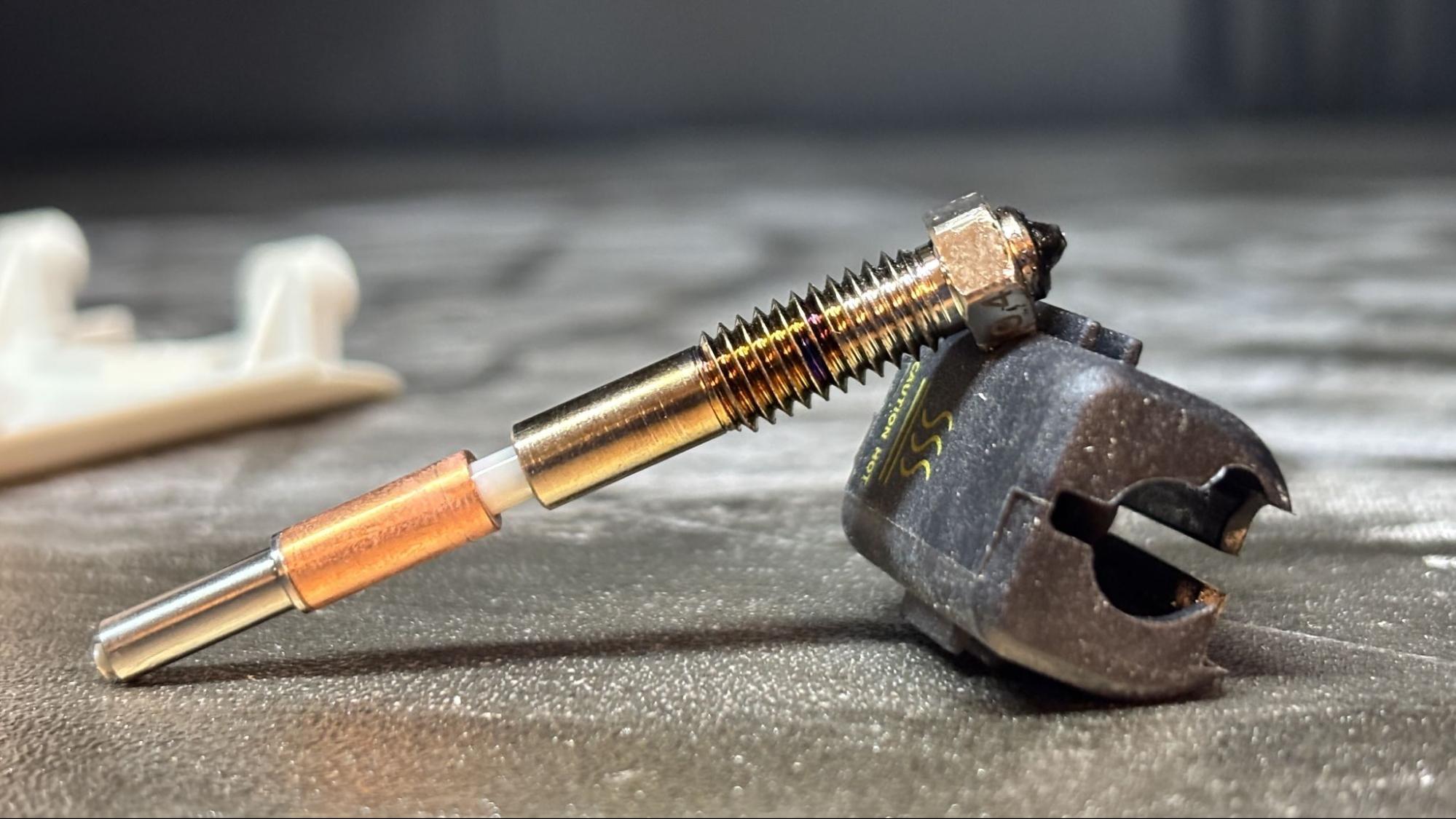
The nozzle includes the heat throat and features a hardened steel insert. The filament path is accessible in multiple locations, which should make clearing jams easy. The toolhead includes a cutter with a nearby waste chute and nozzle wiper, in case you want to try your luck with a QIDI Box for multimaterial printing. We were not provided one for this review, but we did test it out on the QIDI Q2 and found it lacking.
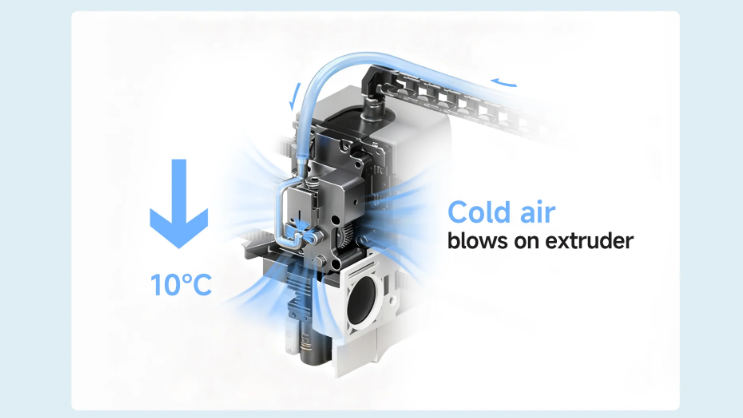
A black plastic tube is attached to the toolhead for an optional active cooling system dubbed the QIDI Polar Cooler. This is a little AC box which can be strapped to the side of the printer and pump cooler than room temperature air directly on the extruder. This is meant to prevent heat creep when you need to keep the rest of the chamber toasty. We didn't get to test this add-on, but it sounds intriguing.
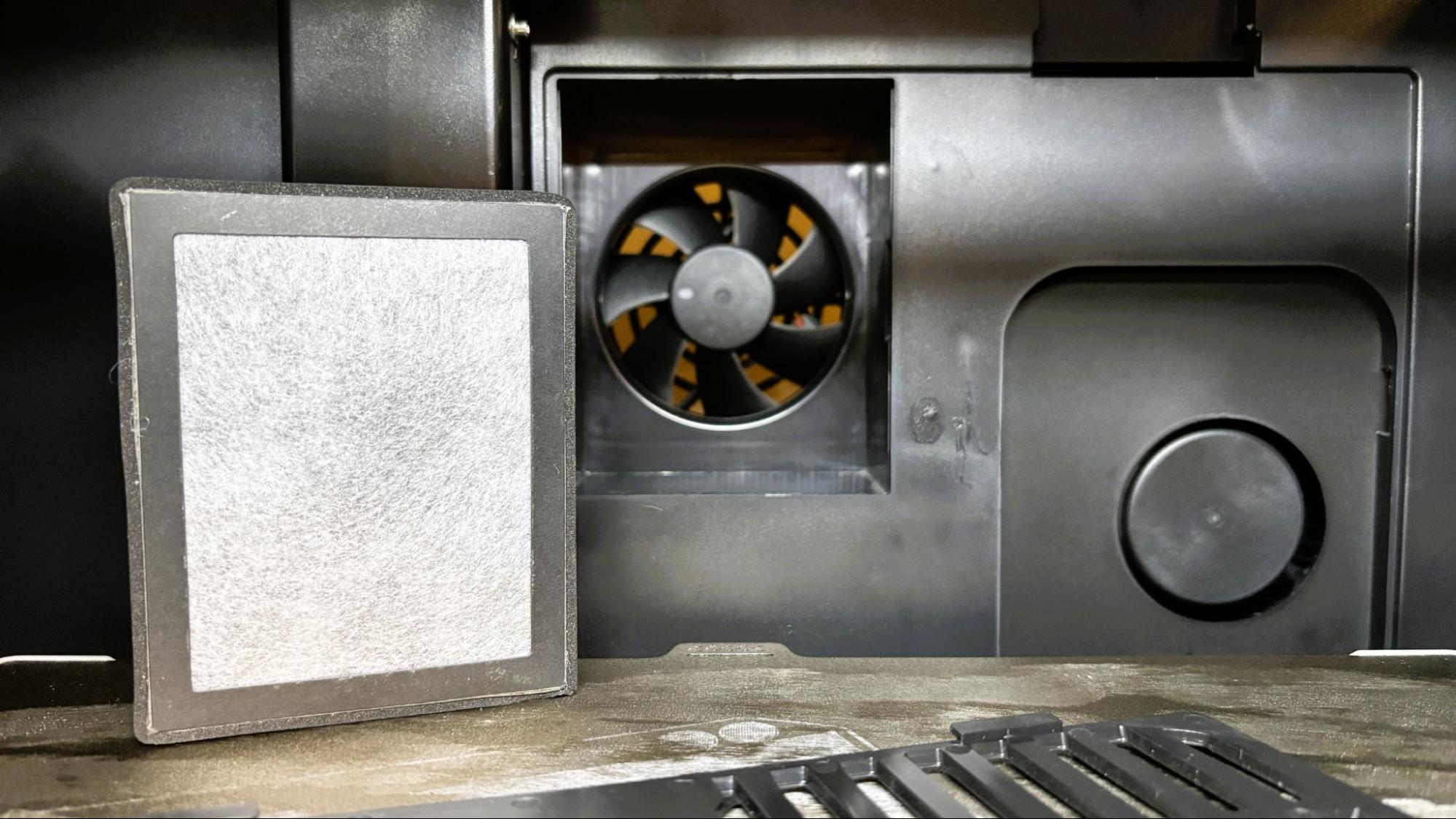
The chamber heater and the air circulation fan, with an activated carbon and HEPA filter, are located at the rear of the printer. The HEPA filter keeps the fumes from ABS and ASA trapped inside the machine. A large parts cooling fan on the left side augments the fan on the toolhead.
The QIDI Plus5 has an excellent 1080p chamber camera, which is accessible for monitoring the printer from the device page in QIDI Studio and from the QIDI Maker app. It can be used to make time-lapse videos and is for AI anomaly detection (aka the dreaded spaghetti monster).
The printer has a glass top that is designed to slide back for ventilation while printing lower temperature filaments like PLA and PETG, and the glass front door opens a full 180 degrees. This is a simple feature that I wish more companies would adopt.
Running lower temperature filaments in the PLUS5 seems like taking a race car on a shopping trip. With a bed that heats to 120 C, an active chamber heating to 65C and a hotend capable of 370 C, the PLUS5 was made for PPS, PA, and PC.
Assembling the QIDI Plus5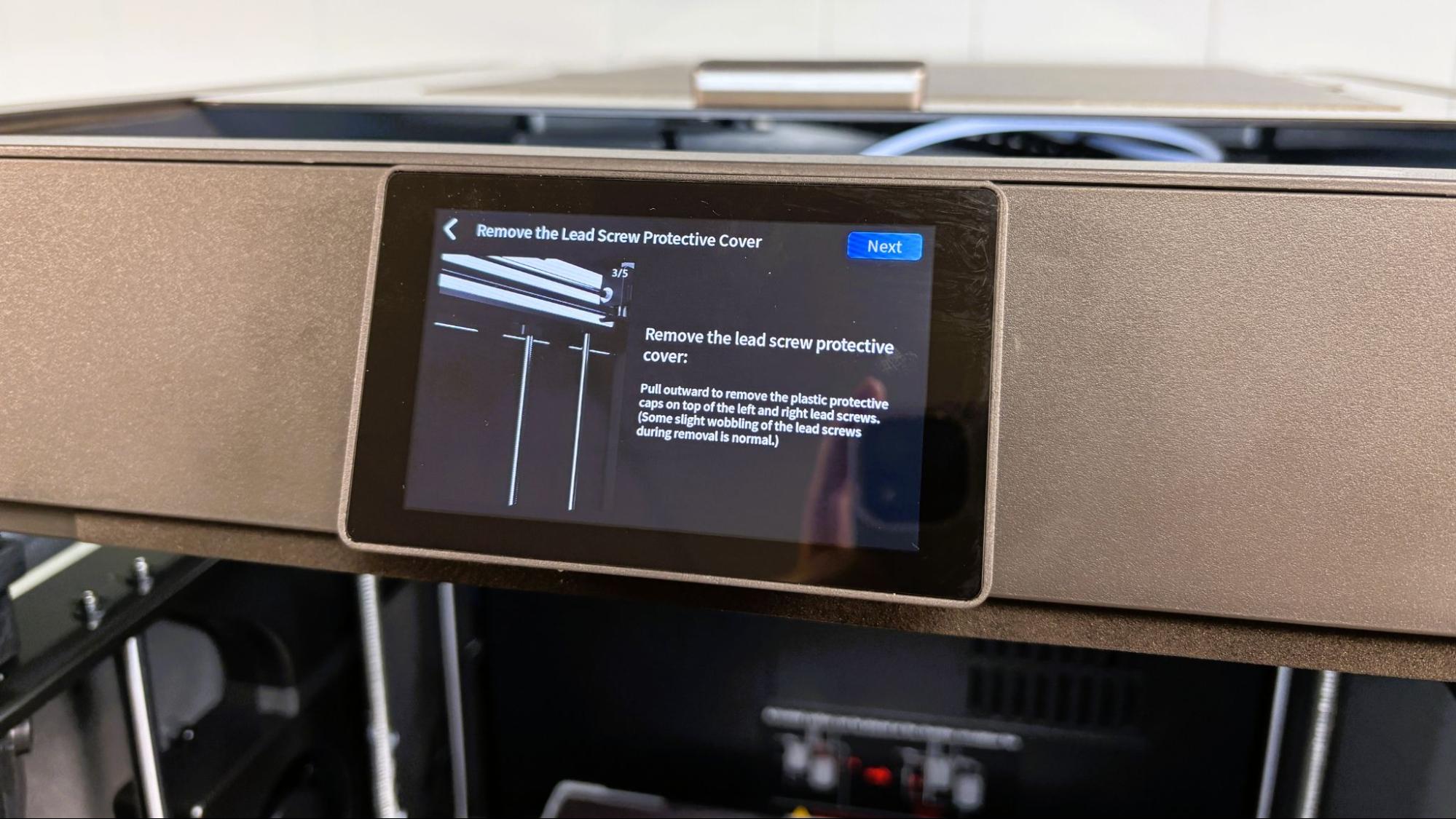
The QIDI Plus5 is almost completely assembled. The only thing you need to do is attach the spool holder to the rear, then attach the bowden tubes to the spool holder and tool head. If you are assembling the printer in low light conditions, take care to avoid attaching the filament line to the inlet for the optional cooling system - they're the same size.
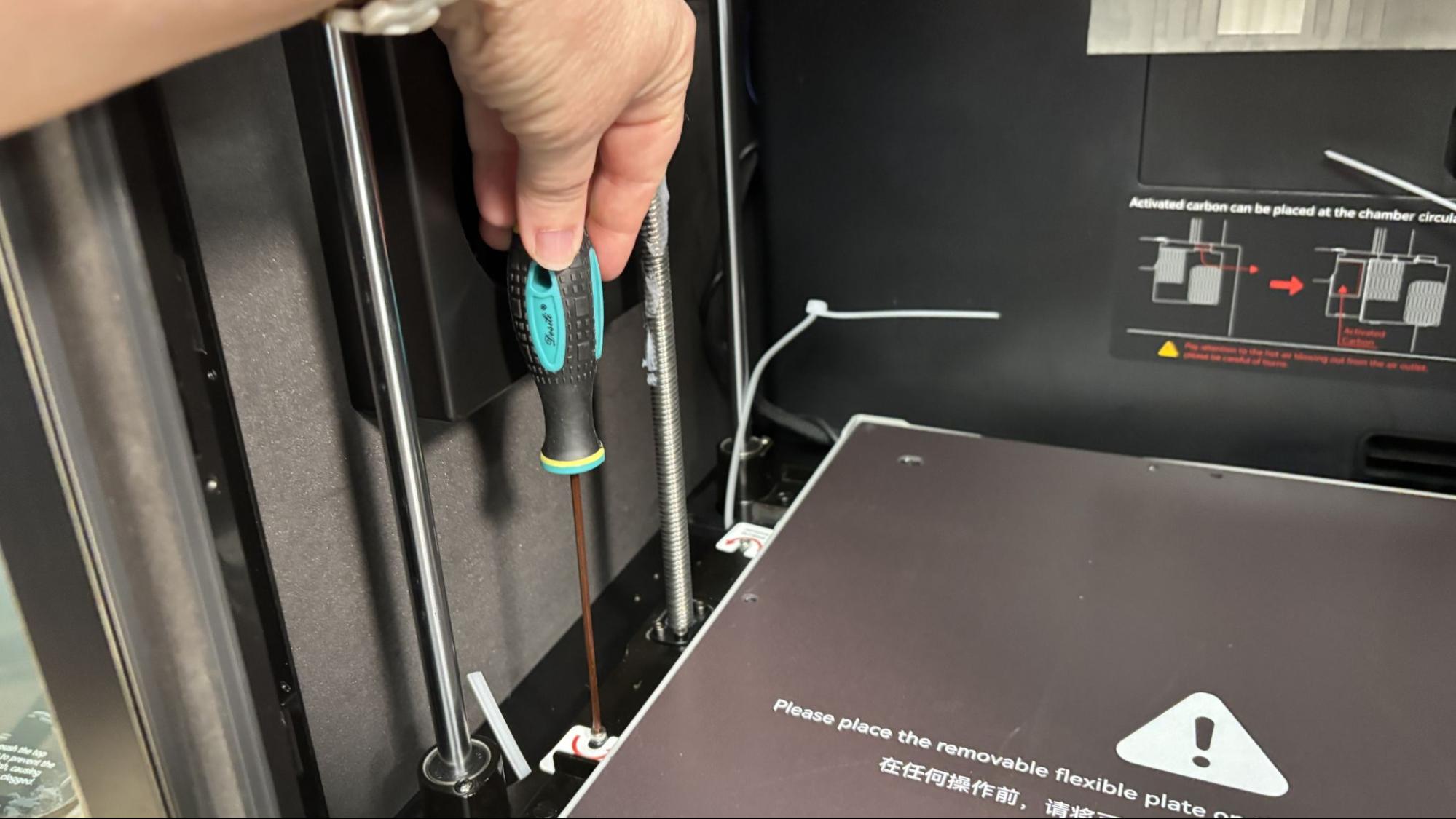
The UI on the QIDI Plus5 does a great job of walking you through the removal of the packing screws and the shipping material, so you don't forget anything.
Leveling the QIDI Plus5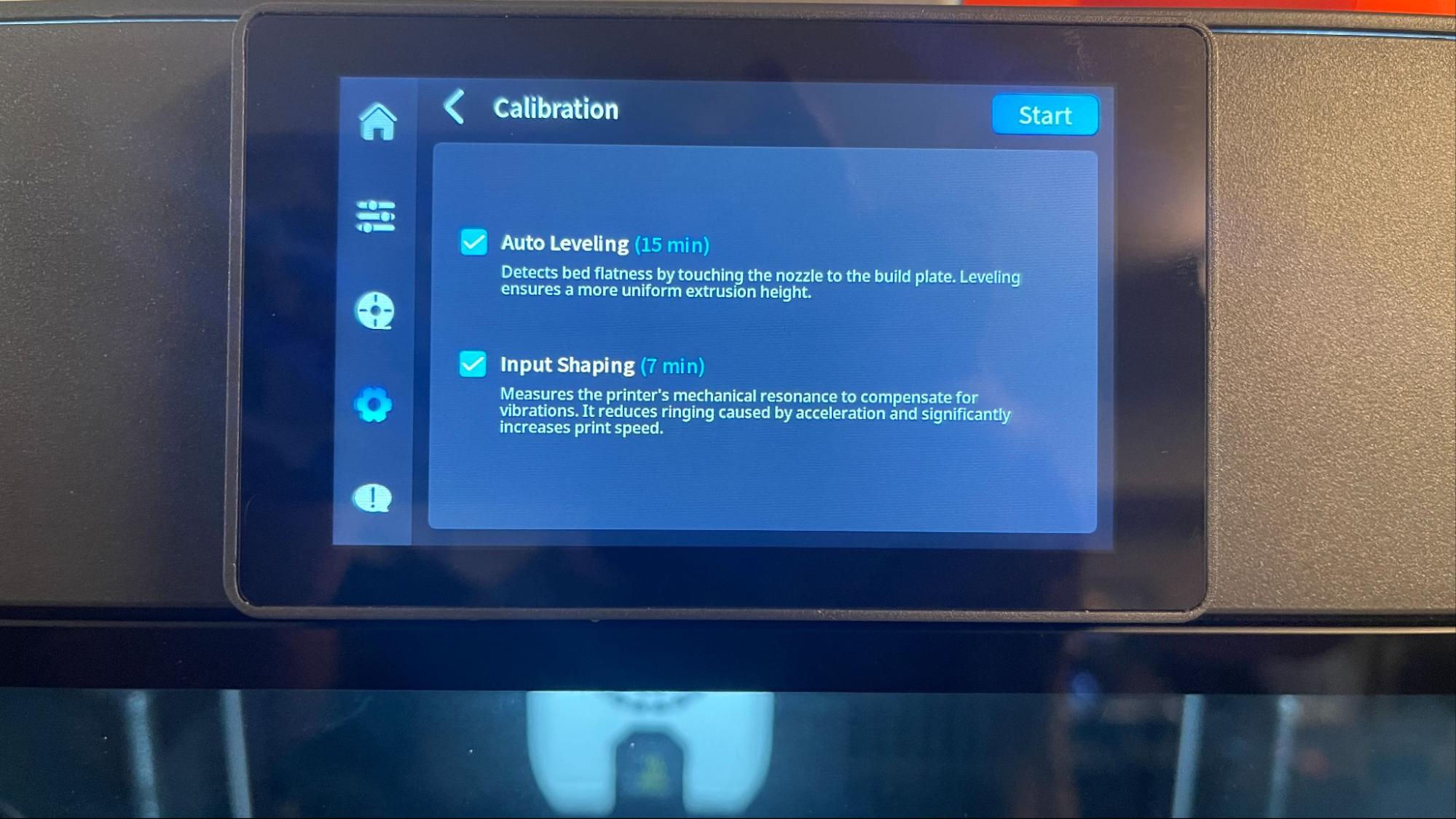
The QIDI Plus5 auto levels as part of the initial calibration and offers to relevel at the start of every print. The system worked perfectly.
Loading Filament on the QIDI Plus5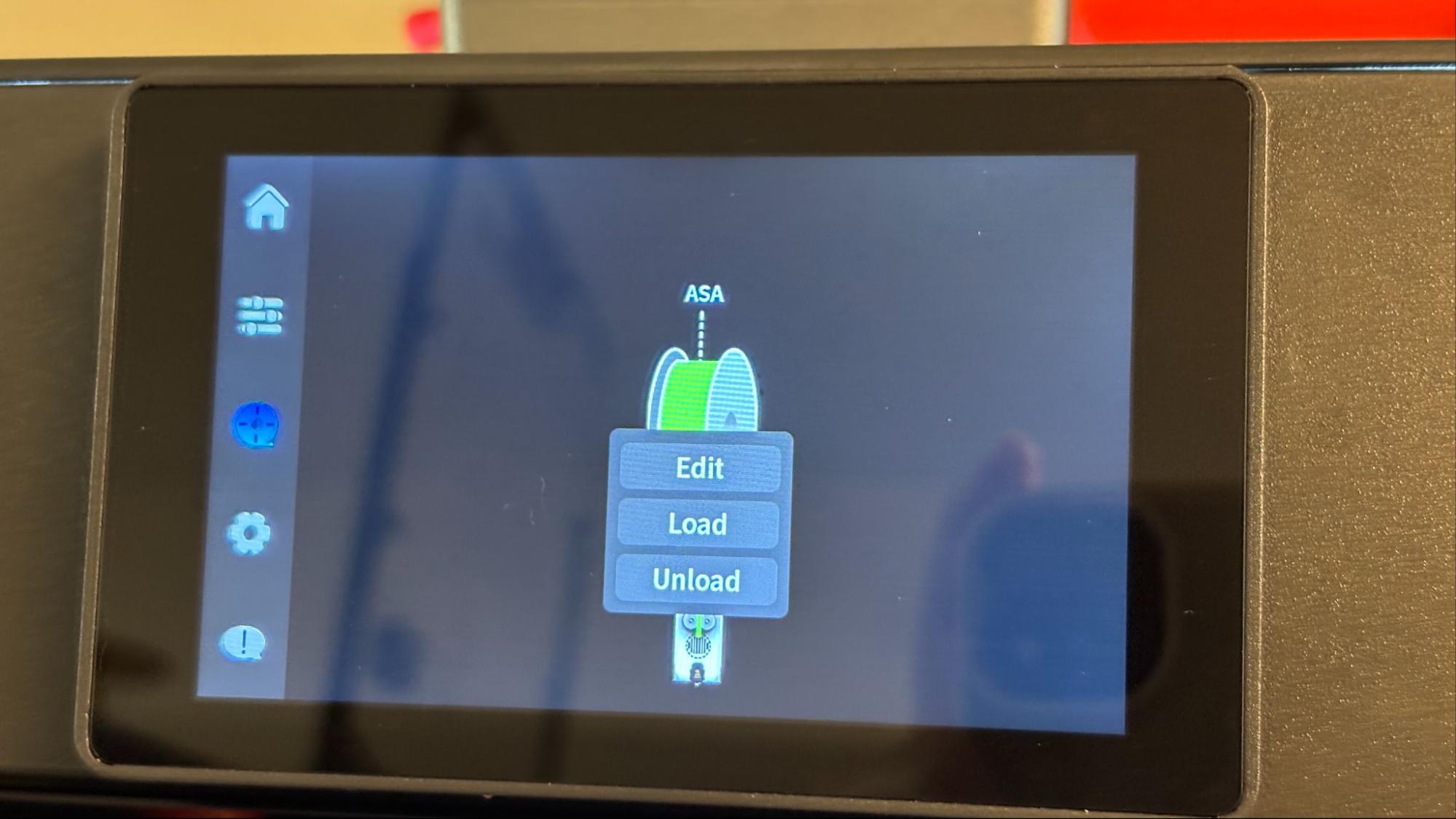
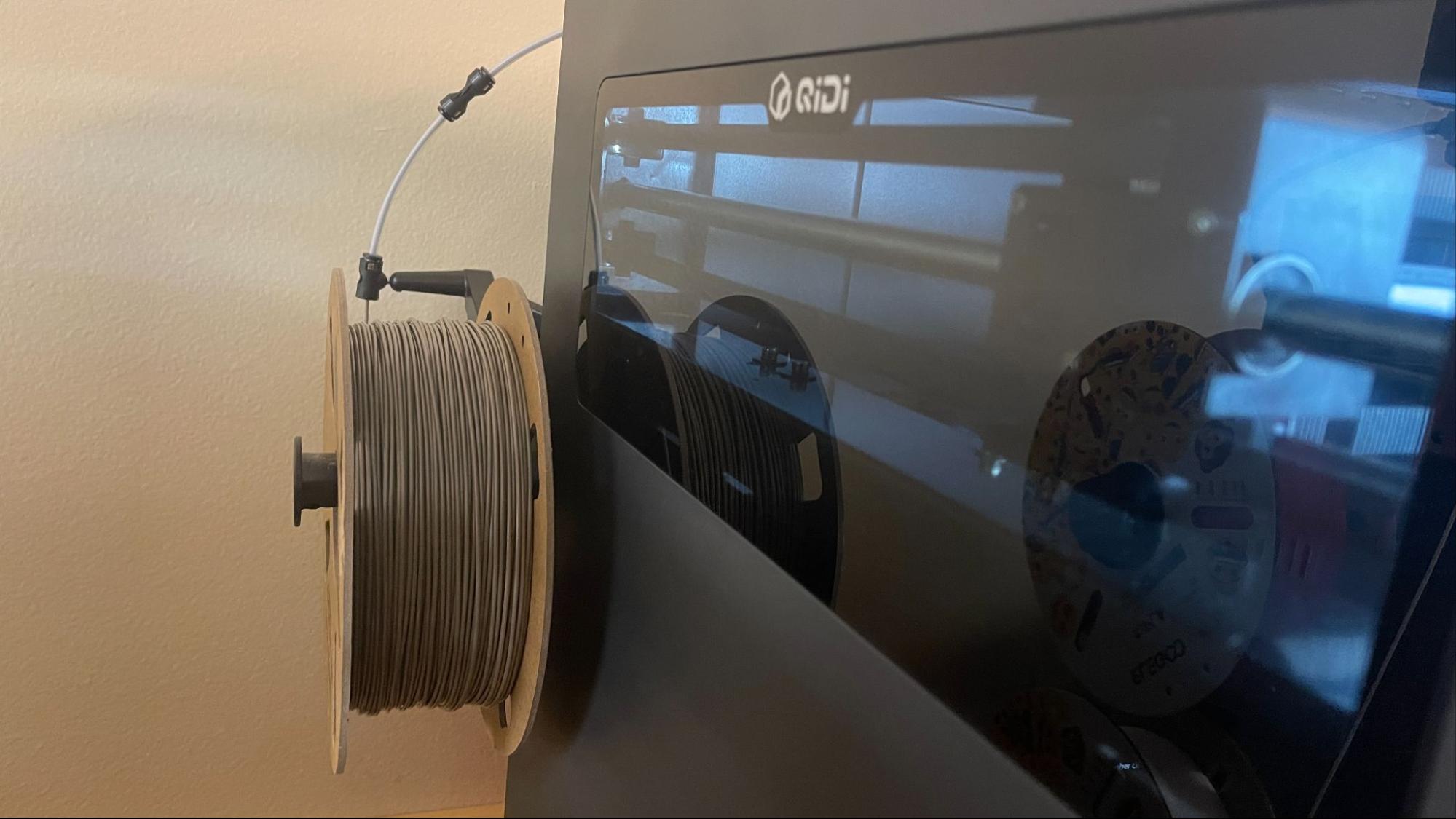
Loading filament on the QIDI Plus5 is both simple and frustrating. QIDI really took pains to make the UI on the PLUS5 intuitive and simple. Two clicks from the touch screen, and loading is right there. The annoying part is reaching around this behemoth to load filament into the Bowden tube located at the back. The filament will almost always catch on the coupler, which needs to be uncoupled to allow the filament to pass through it. Then if you are using a full spool, it's super awkward to push a few centimeters of filament at a time toward the tool head.
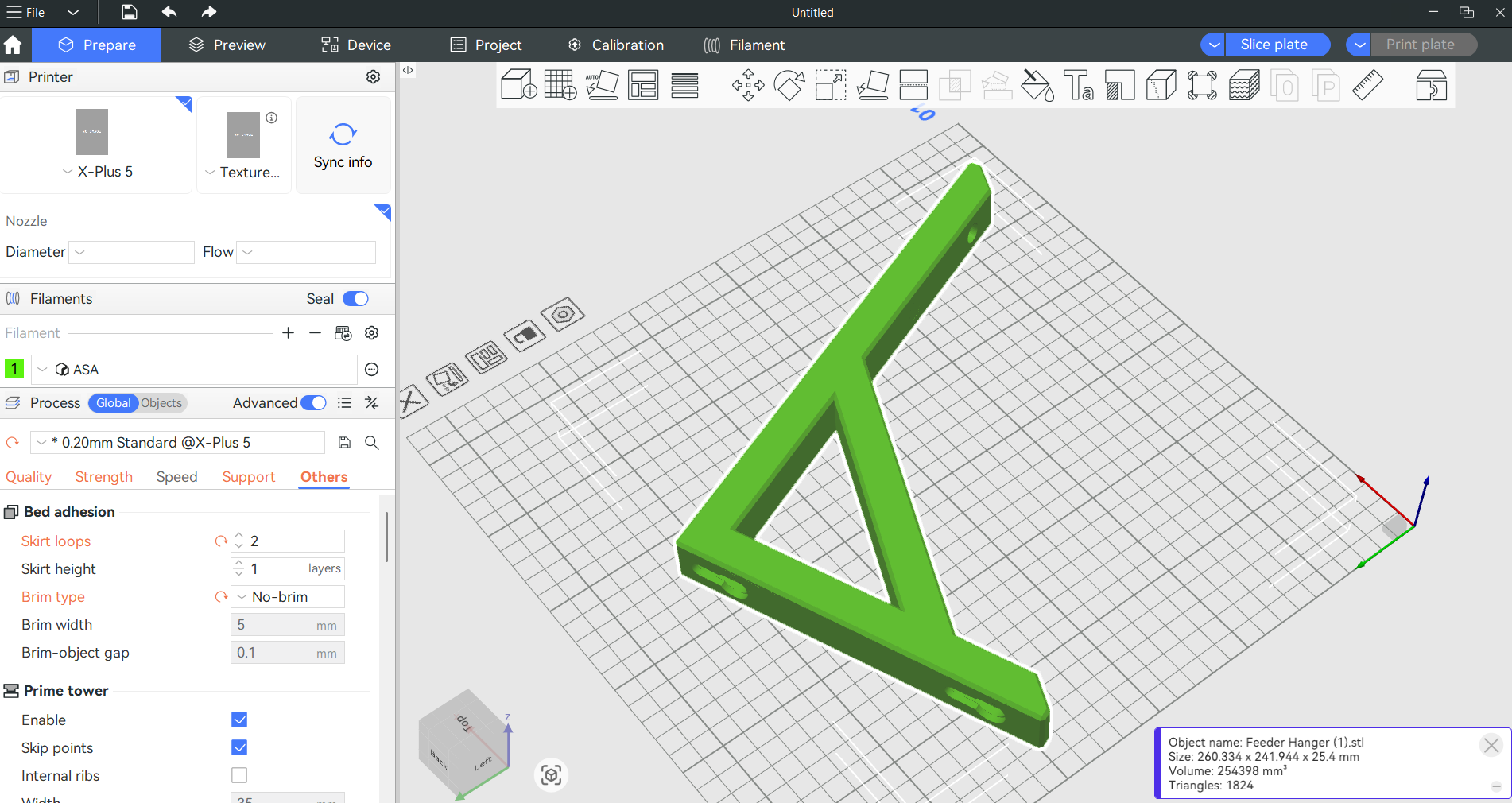
QIDI included a copy of QIDIStudio, which is based on BambuStudio, which is based on PrusaSlicer. If you are familiar with Bambu Studio or ORCA Slicer, you will feel right at home.
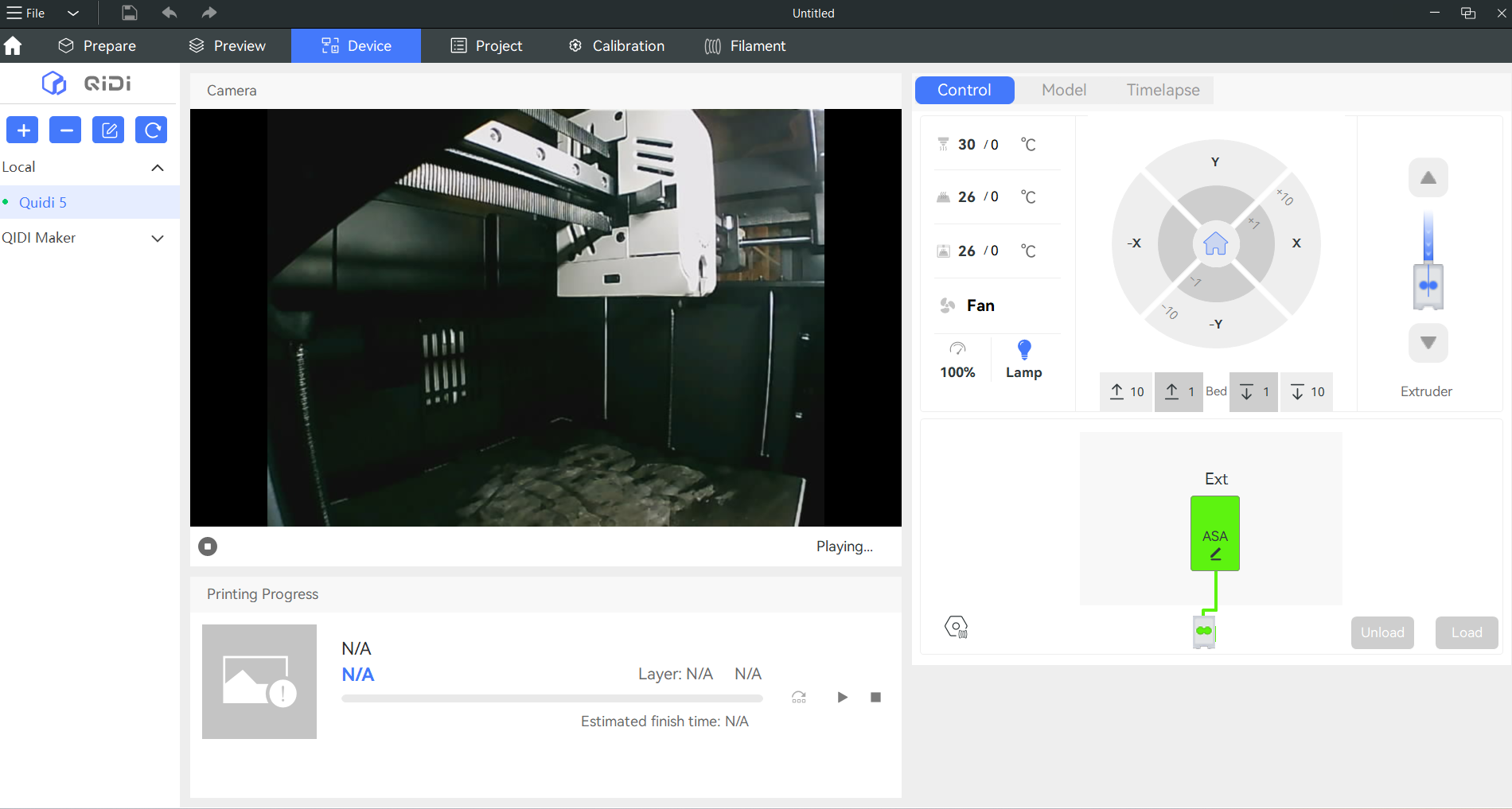
The device tab in QIDI Studio allows you to control the printer and monitor printing through the camera. It also allows you to skip parts of your print that might have failed. The QIDI Maker App offers the same functionality on your mobile device.
Printing on the QIDI Plus5The QIDI Plus5 does not come with a sample coil of filament, which is just as well. You'll want to pick out a spool of filament from our guide to the best filaments for 3D printing for suggestions.
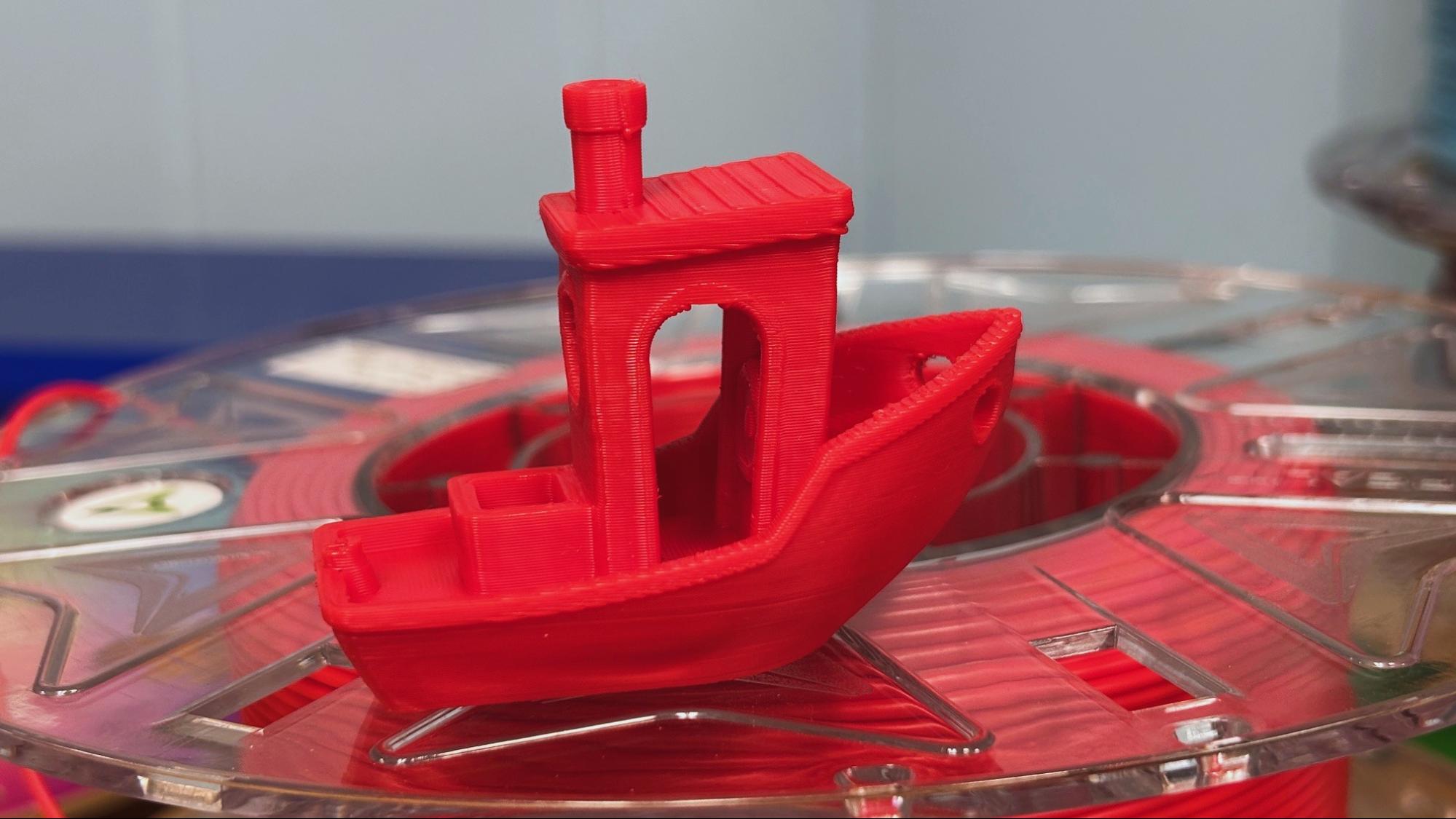
To get warmed up, I printed the pre-sliced Benchy provided by QIDI using red Creality Hyper PLA. The print completed in 32 minutes and was technically flawless, with just a little stringing.
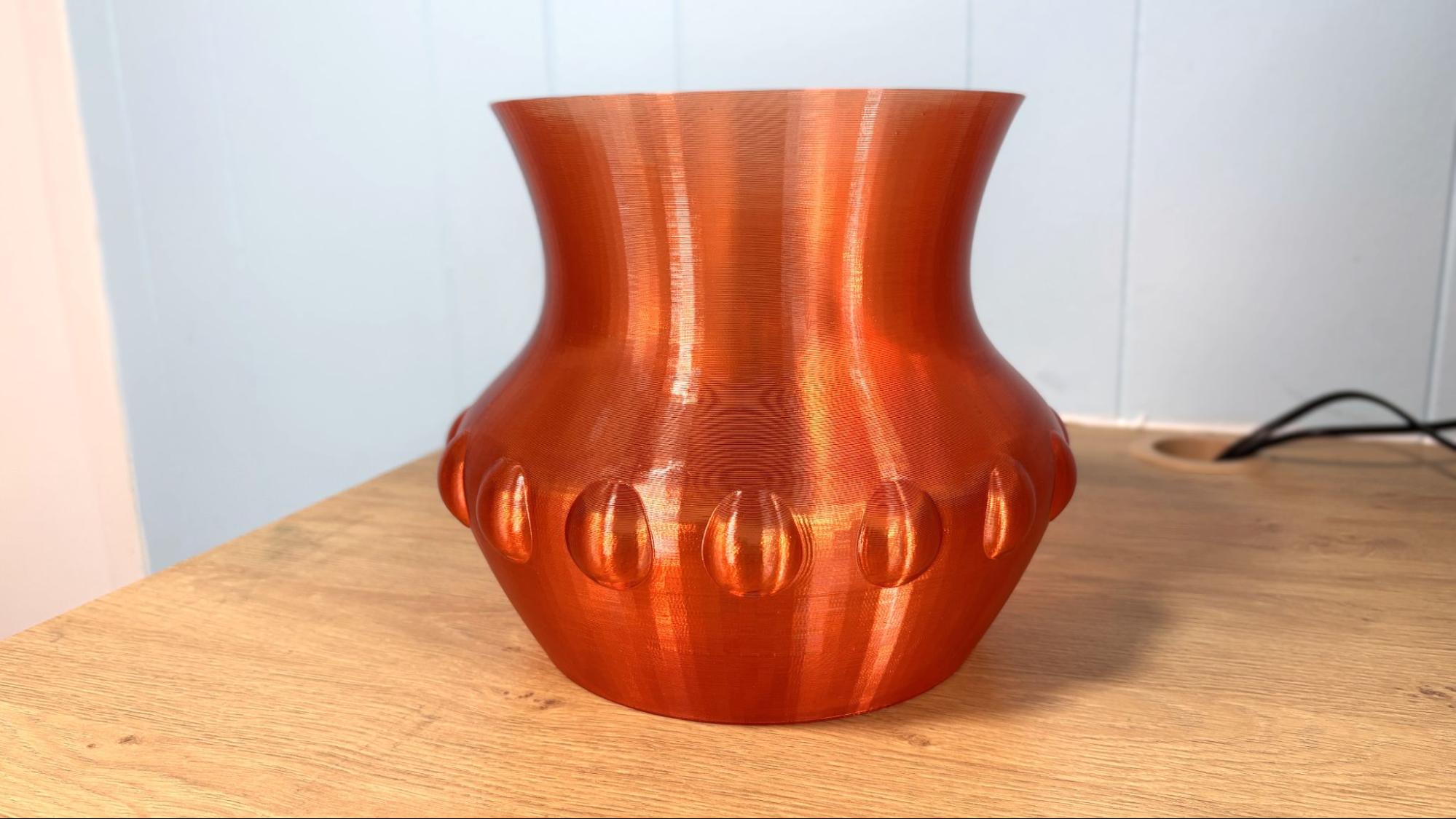
Next, I printed a vase I whipped up in Tinkercad, using a mystery spool of Fusion Filament PCTG. If you like the color, too bad, Fusion mystery spools are created when they change colors on their filament lines and thus are unique. It's worth the gamble because these spools are also about $10 off, dropping the price from $26.99 to $16.99. This is printed in vase mode, with a .28 layer height and a chunky .65 line width. At an average speed of 65 mm/s, the print completed in 3 hours and 11 minutes. The quality of the print is excellent, and the PCTG makes it flexible enough to withstand use.
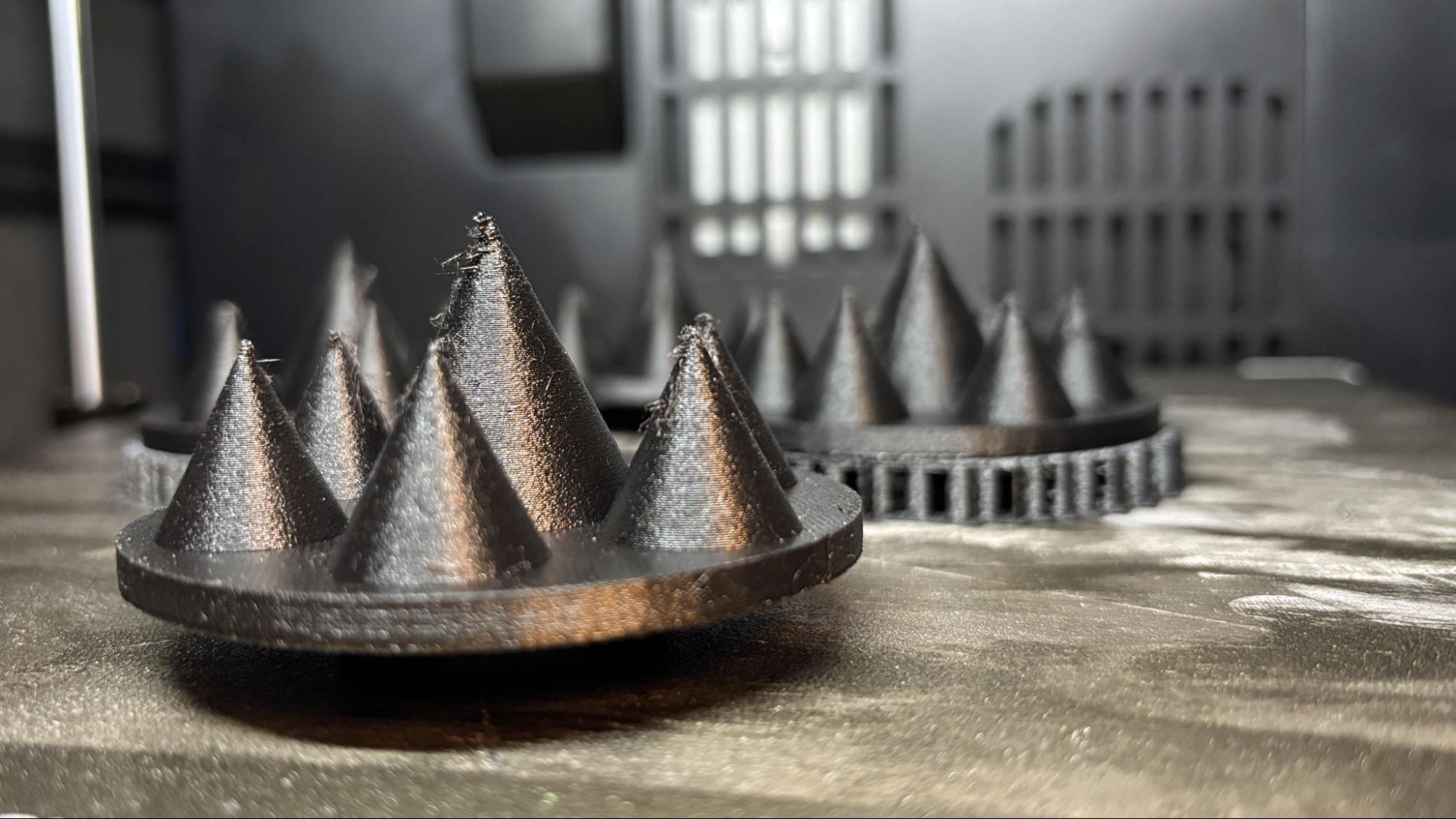
QIDI sent us a spool of their TPU GF 67D for the review, and I used it to print a plate of parts for my RC Death Racer. Using a .2 layer height and running at an average speed of 50 mm/s, the parts took 4 hours and 25 minutes to print. Using only 2 walls, the parts are light, yet very hard and darn near indestructible. These parts are, by their nature, a stringing test, and despite this, the quality is really good. I was pleasantly surprised when the supports popped right off, a blessing from the glass fiber.
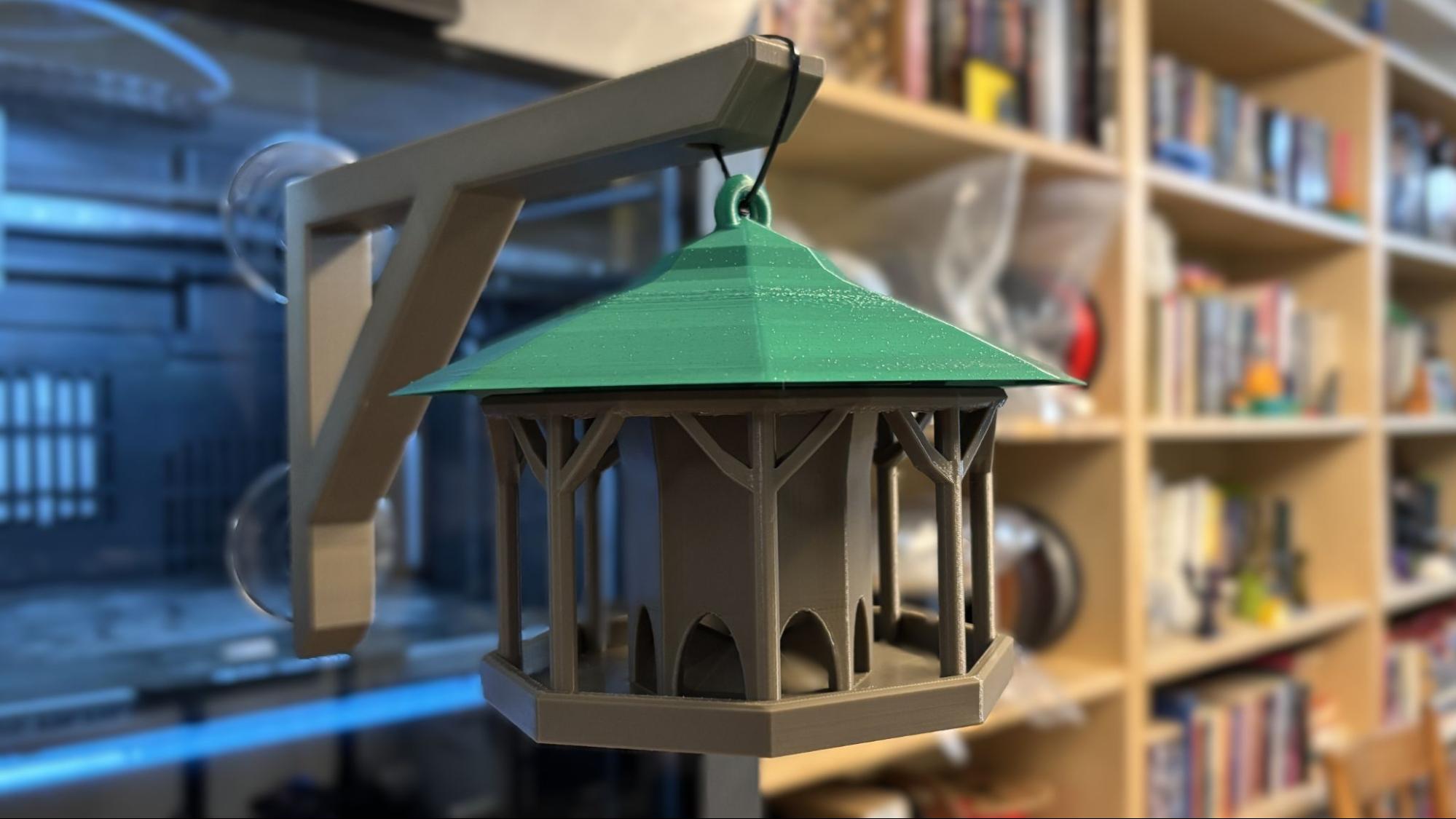
I printed this bird feeder I found on Printables using faded desert brown and armored turtle green ASA from Ambrosia. I whipped up the hanger in Tinkercad. Using a .2 layer height and running at an average of 120 mm/s, the base of the bird feeder was completed in a little over 7 hours. The top took 5 hours 30 minutes running at an average of 100 mm/s. The hanger took only 2 hours running at an average speed of 180 mm/s. The print quality is really good, with just a little rough patch on the top where better supports could have helped. It's currently hanging outside my office window, so I can see how well ASA holds up to the sun...and squirrels.
Jumping into the deep end of the pool, I printed this sanding block I found on Printables using QIDI's PPS-CF filament. The Plus5 takes a while to heat up to 350 C on the nozzle, 100 C on the bed, and 65 C on the chamber. I got out an infrared thermometer to read the temp on the printer's top glass and decided not to store PLA there while the machine ran. It read 56C. I should point out that I did not get good results with the QIDI Plus4 when I tried to run this filament. The Plus5 printed this just perfectly, with a glorious surface finish and without a hint of a warp. The texture is from the carbon fiber, which also helps the PPS stay flat on the bed.
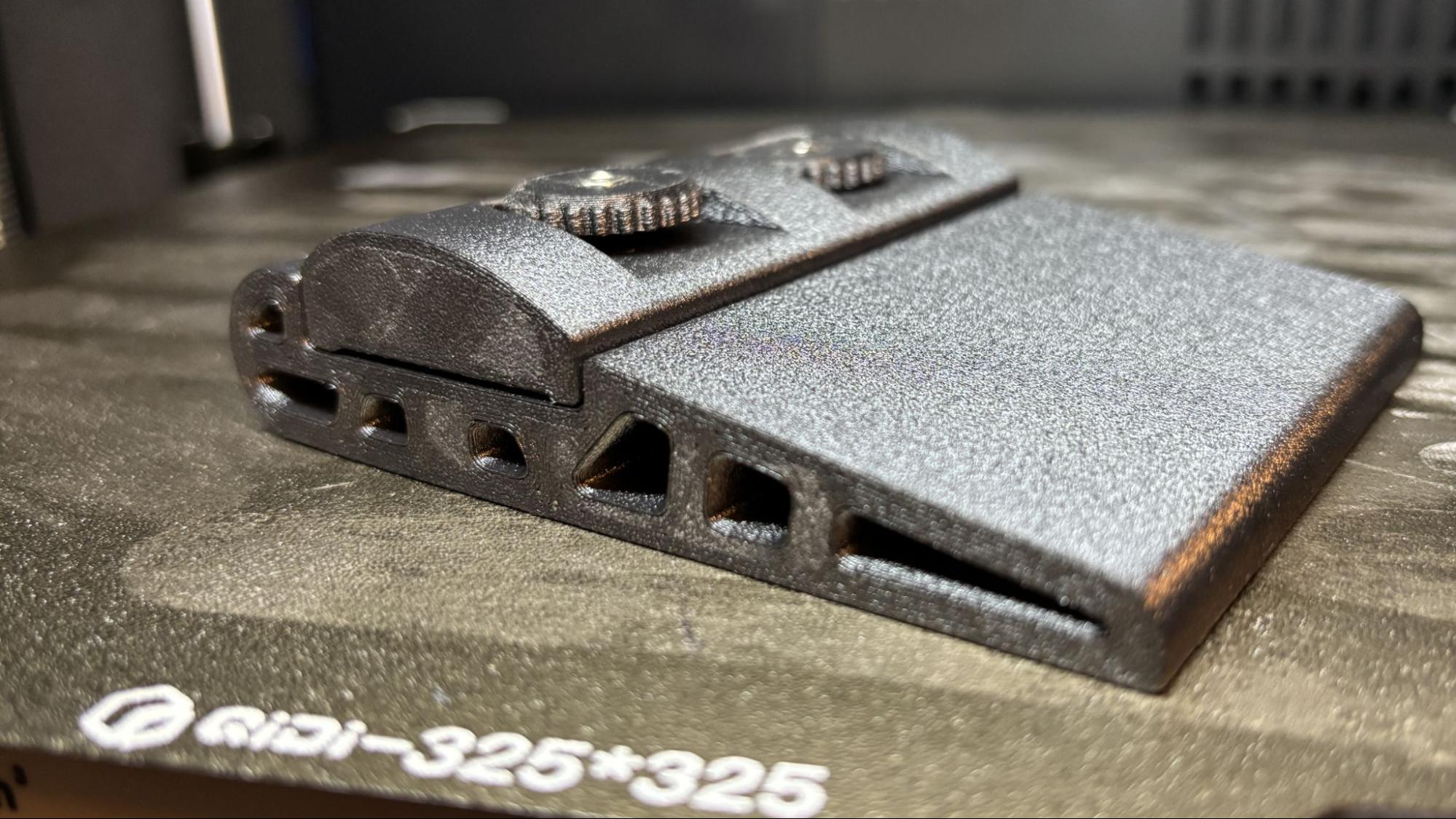
The QIDI Plus5 printed everything we threw at it and is the best 3D printer we've seen from QIDI. This hits the sweet spot for makers and engineers who need a serious high-temp 3D printer without breaking the bank. The lack of color capability won't disappoint you when all your filament only comes in black anyway.
At its current price of $749, it's an attractive addition to the large-format printer market. Filament loading could be better, but it's a trade-off we're willing to deal with for a machine that's otherwise very pleasant to use.
If you like what you see in the QIDI Plus5 and you want to compare notes, then check out the Bambu Lab H2S, which is pretty similar but with a more robust ecosystem and a functional AMS system. It's $1,399 for a Combo and $1199 as a standalone printer. If you need a printer that's just plain big, theSovol SV08 Max with an enclosure can handle practical prints the size of a hubcap (500x500mm) for $1,298. And if you just want a bit of elbow room at an affordable price, then you should check out the Bambu Lab A2L, which can do four colors on a 330 x 320 build plate for $569.