4 reasons why you should buy a Galaxy Z Fold 8, and 4 reasons why you should skip it
Samsung did a thing this year, making its foldables exciting again with the launch of the smaller, wider Galaxy Z Fold 8. It's basically the little brother of the Galaxy Z Fold 8 Ultra, a larger foldable that follows the taller and more square design of its predecessors.
Apparently, the smaller Galaxy Z Fold 8 is very popular, as Samsung has highlighted a dramatic increase in preorders and has reportedly ramped up production. But should you buy the Galaxy Z Fold 8? Here are my thoughts after spending a few weeks with the phone and extensively testing its camera.
Why you should buy the Galaxy Z Fold 8It really is the perfect size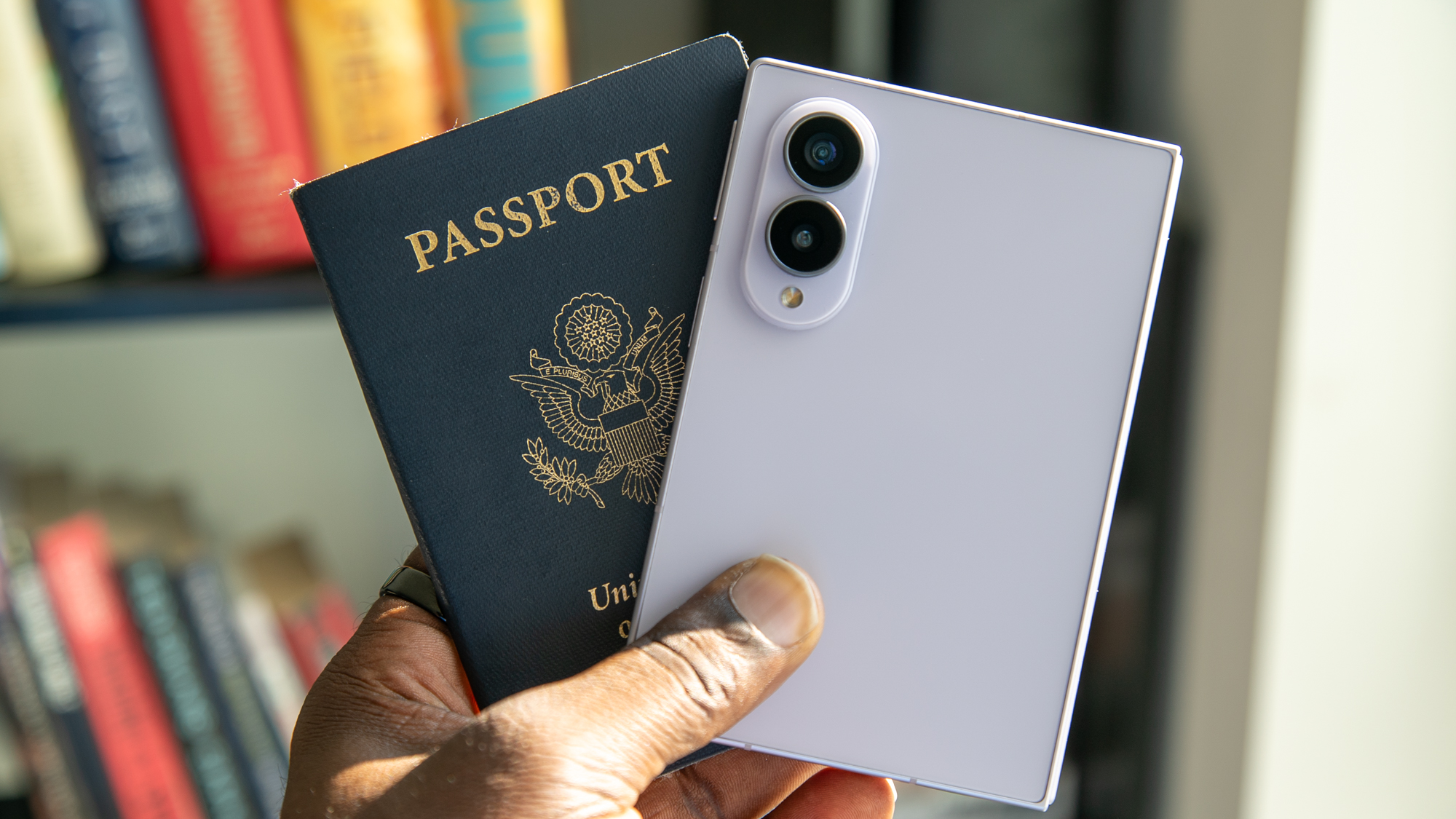
I have an affinity for flip phones and have used one as my go-to. I like that they're small and pocketable, though they tend to be quite thick when folded. On the flip side, I tend not to care for larger book-style foldables, as they are quite tall and only open to a larger, square-ish display.
The Galaxy Z Fold 8 feels like a Goldilocks foldable, adopting the smaller size of a flip phone while offering the utility of a book-style foldable when open. It's actually the size of my passport when closed, and it's incredibly lightweight and easy to slip in my pocket. I honestly didn't think I would like the Fold 8 until I held it in my hand and something just clicked.
Open it, and it feels more like a tablet than traditional foldables, which I think adds to its appeal.
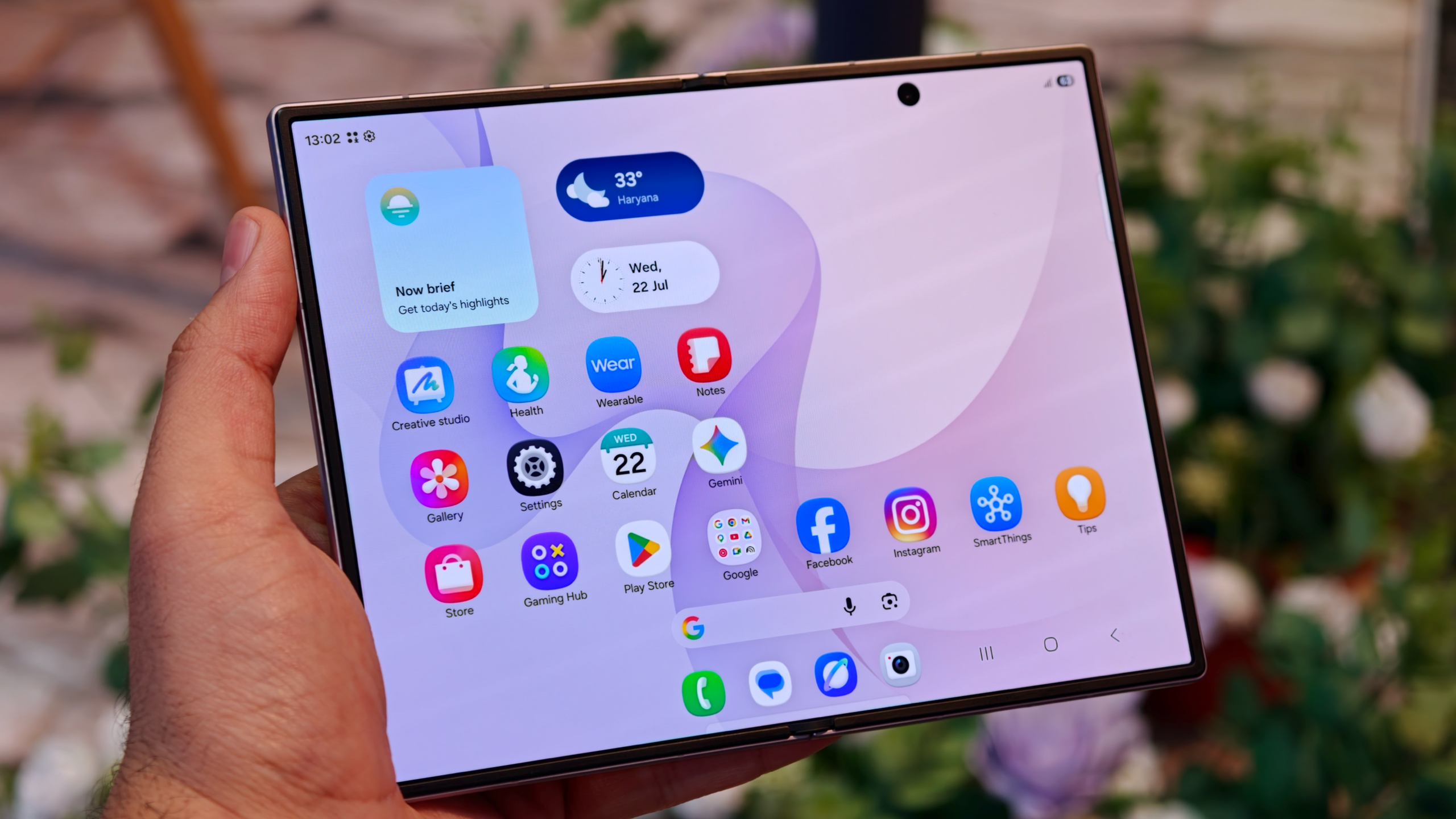
Additionally, both displays are gorgeous, vibrant, and easy to see outdoors. It also helps that the inner display is basically creaseless. Sure, you can see the crease from certain angles and depending on how the light hits it, but if you run your finger across it, it's pretty much not there.
If Apple really is working towards releasing a foldable, this should be the blueprint.
Multitasking and media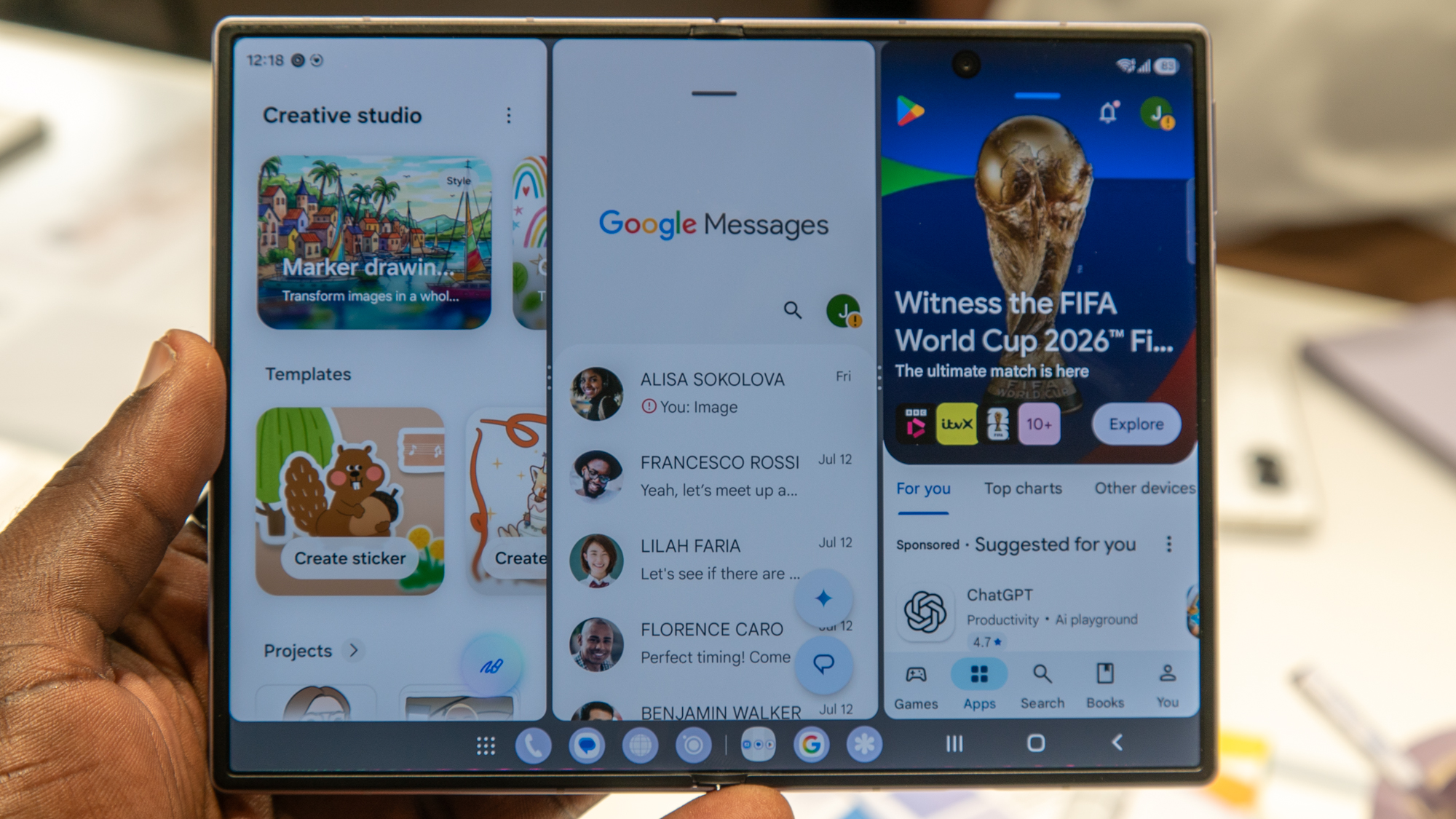
One of the most awkward things about multitasking on larger book-style foldables like the Galaxy Z Fold 8 Ultra is that they don't always handle multitasking as well as they should. Samsung's One UI can open three apps at the same time in a split-screen view, but due to the square-ish aspect ratio, only one app is open in full view on one side of the display, while the other two are split in half on the other side.
However, what I love about the Galaxy Z Fold 8 is that you can run three full apps side by side or in a row, which makes it feel more like a tablet than its larger sibling.
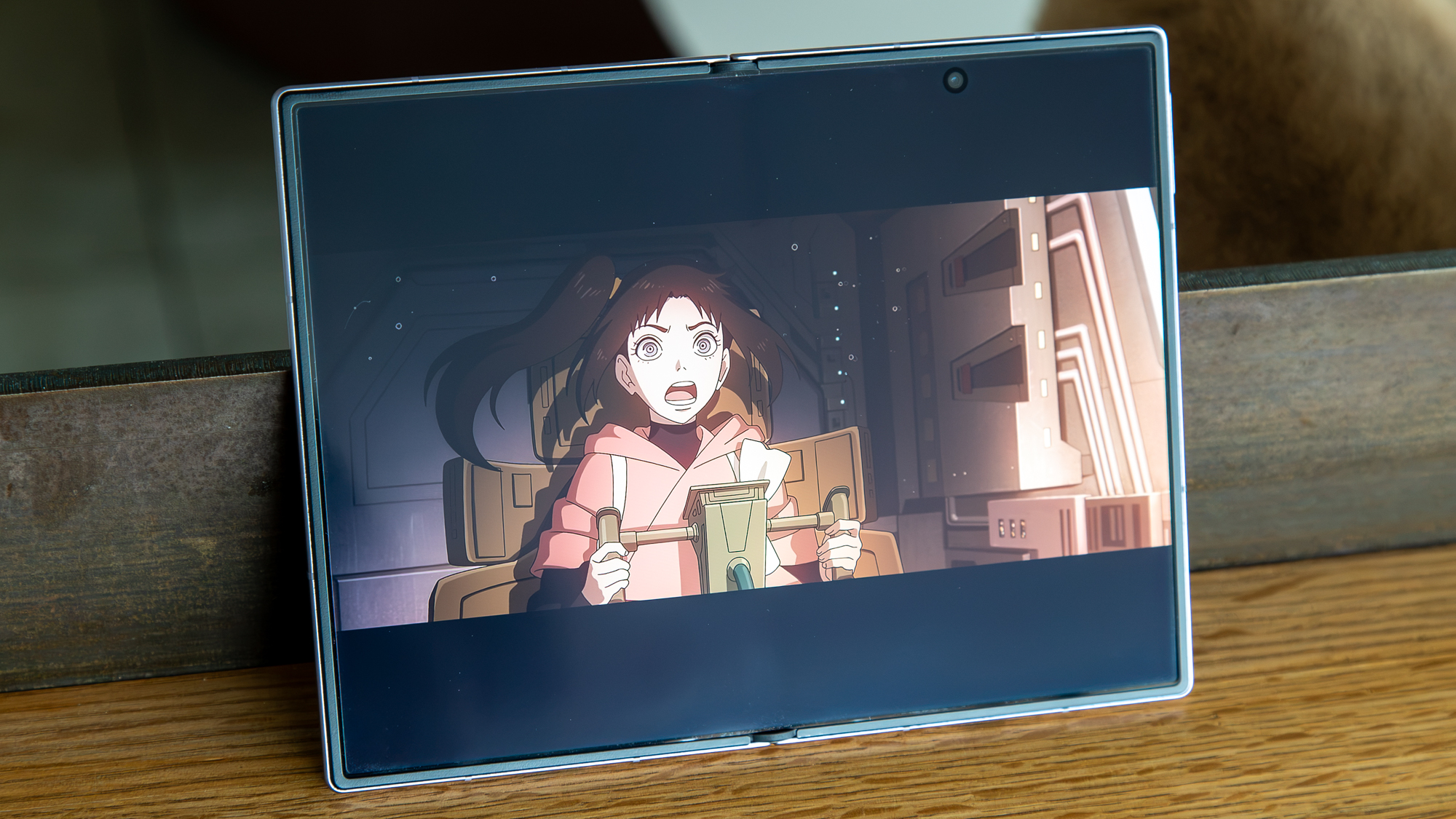
What also helps is how the Galaxy Z Fold 8 handles media and content. Ebooks look great on the inner display, whether you read them in landscape or portrait orientation. Videos also look much better on the inner display than they do on the larger Ultra. They aren't any bigger when open full screen, but the black bars on the top and bottom are smaller.
It also handles vertical videos from TikTok and Instagram better, since you can rotate the phone in a portrait orientation. And you can always watch horizontal videos or videos on the external display, which also look great in either orientation and better fill the 16:10 aspect ratio.
Performance and cool AI features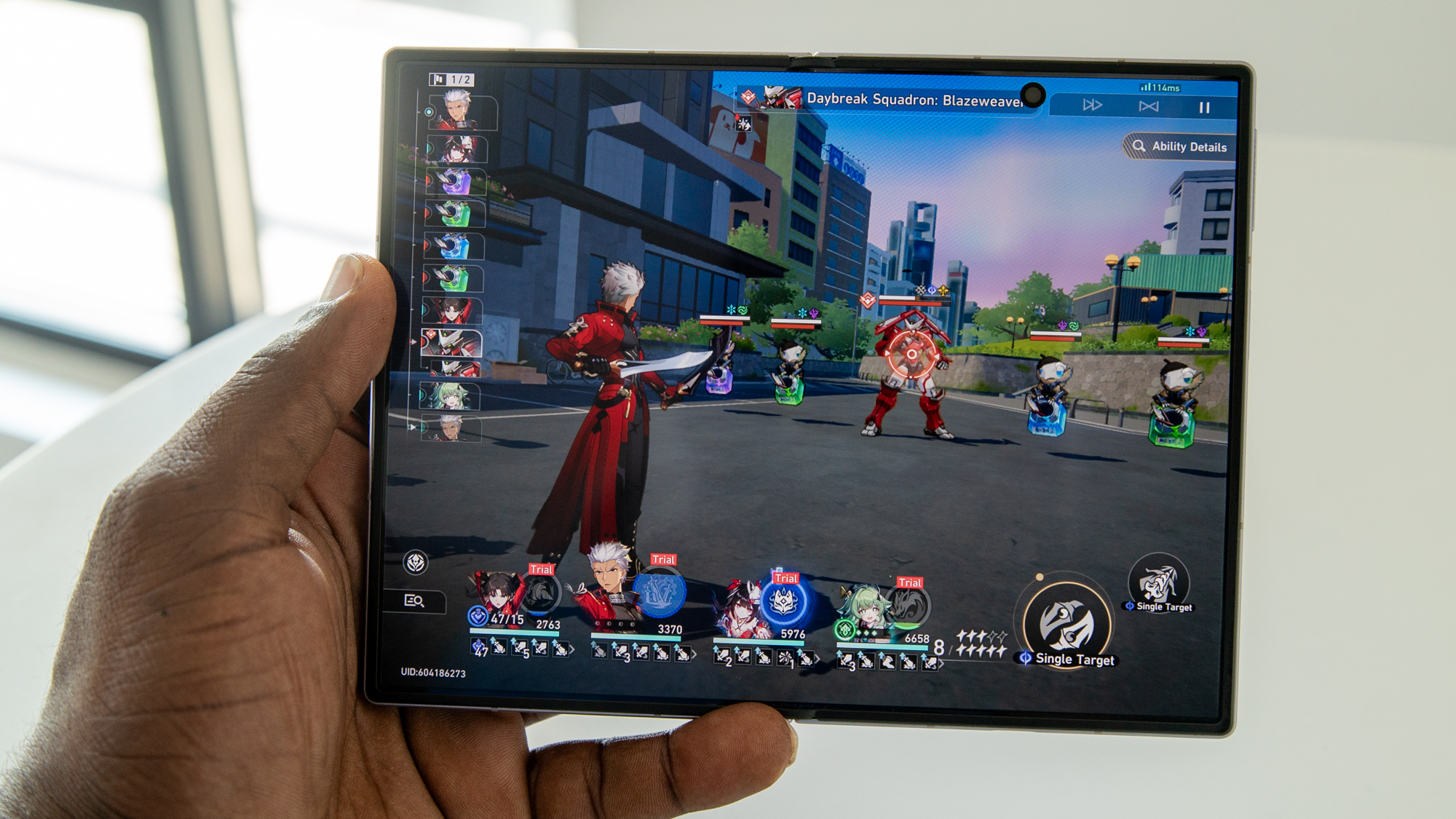
The Galaxy Z Fold 8 is powered by the Snapdragon 8 Elite Gen 5 for Galaxy, which is currently the most powerful mobile processor on the market. It's paired with 12 or 16GB of RAM, depending on your storage configuration, so there's little issue with performance. It is a flagship, after all, and it handles graphics-intensive games like Honkai: Star Rail quite well.
You'll also get plenty of cool AI features like My FanCam, which lets you reframe a video by focusing on a subject, making it the perfect way to share memories with friends or on social media. You also get plenty of Gemini Intelligence features, such as the ability to let the AI order food or book rideshares and hotels for you, and many of the Galaxy AI features can be processed on-device to keep your data as private as possible.
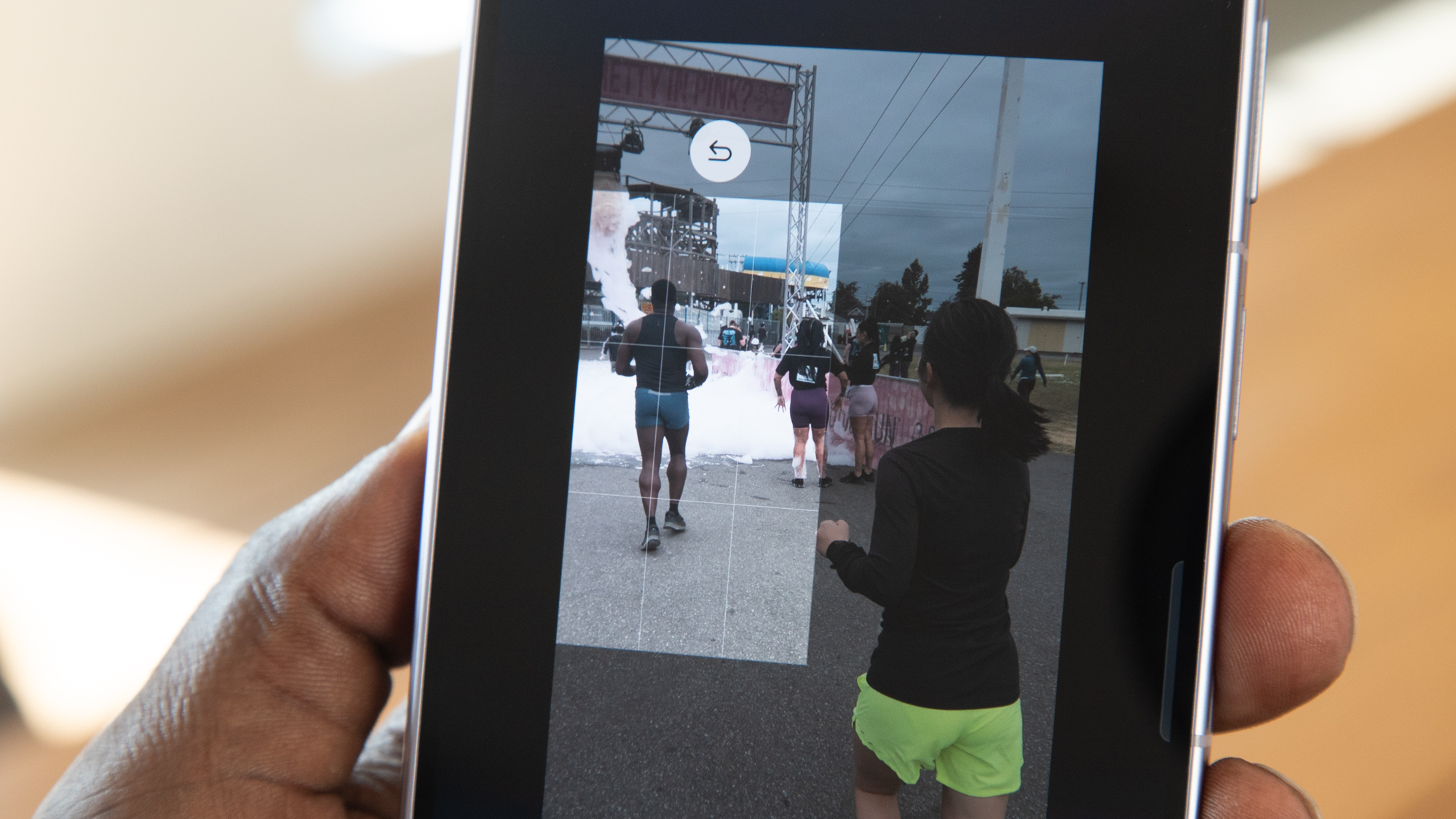
And the AI gets even more proactive by suggesting actions for you based on the context of your conversations, such as surfacing relevant photos for you to share, scheduling information, or your location.
The only downside I've noticed is that it can get a bit warm if you're gaming for an extended period, but this is lessened if you're using a Galaxy Z Fold 8 case.
Price (it's cheaper than the Ultra)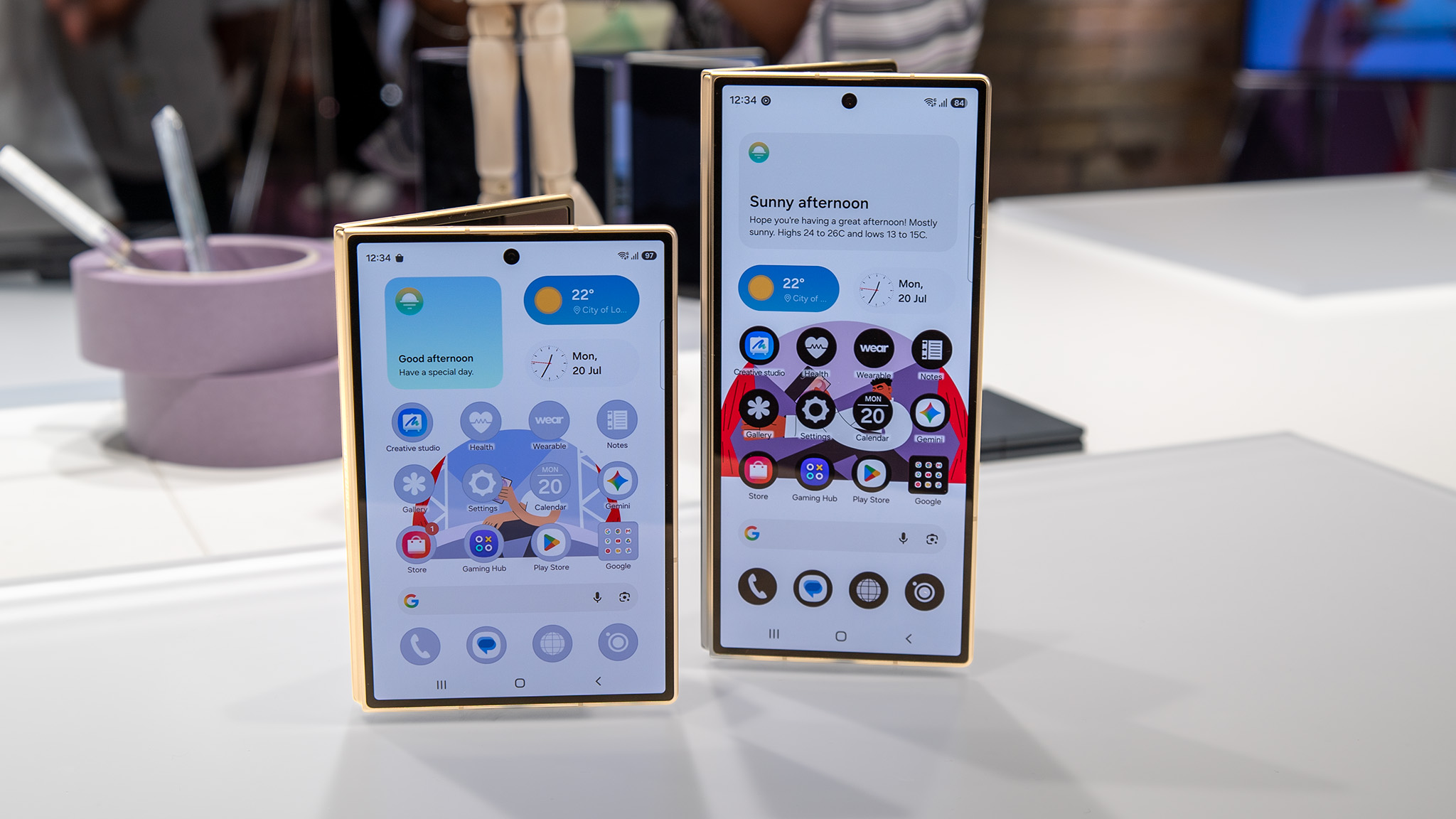
Foldables aren't cheap, but the Galaxy Z Fold 8 is a couple of hundred dollars cheaper than the Galaxy Z Fold Ultra. If you're trying to choose between the two, price is definitely something to consider, especially since you get roughly the same performance, storage and RAM options, seven-year software promise, and mostly the same feature set. And for the extra couple hundred that you save, you can get yourself some extras, like Qi2 charging accessories.
Why you shouldn't buy the Galaxy Z Fold 8Price (it's still expensive)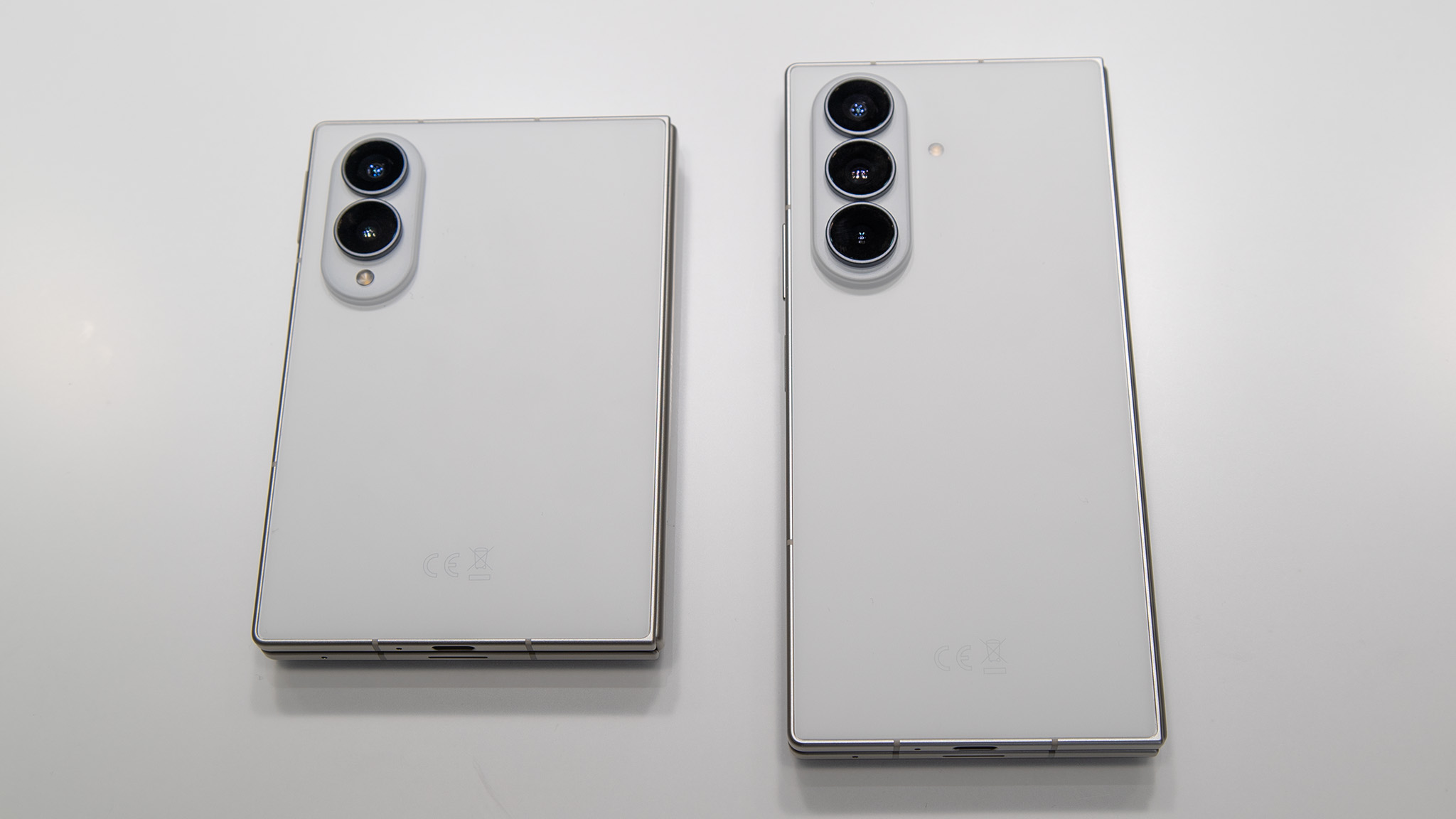
That said, $1,900 isn't cheap, and the Galaxy Z Fold 8 is still a very expensive phone. Yes, I do love this phone, but I'm not sure if I would spend that kind of money on any smartphone (that's more than what I pay for rent in Seattle, WA).
If you're willing, you can always trade in an older phone or try to take advantage of Galaxy Z Fold 8 deals. Buying from carriers also makes it easy to spread the cost over time, but the fact of the matter is that you're paying nearly $2,000 for a smartphone.
The Galaxy Z Fold 8 Ultra is still better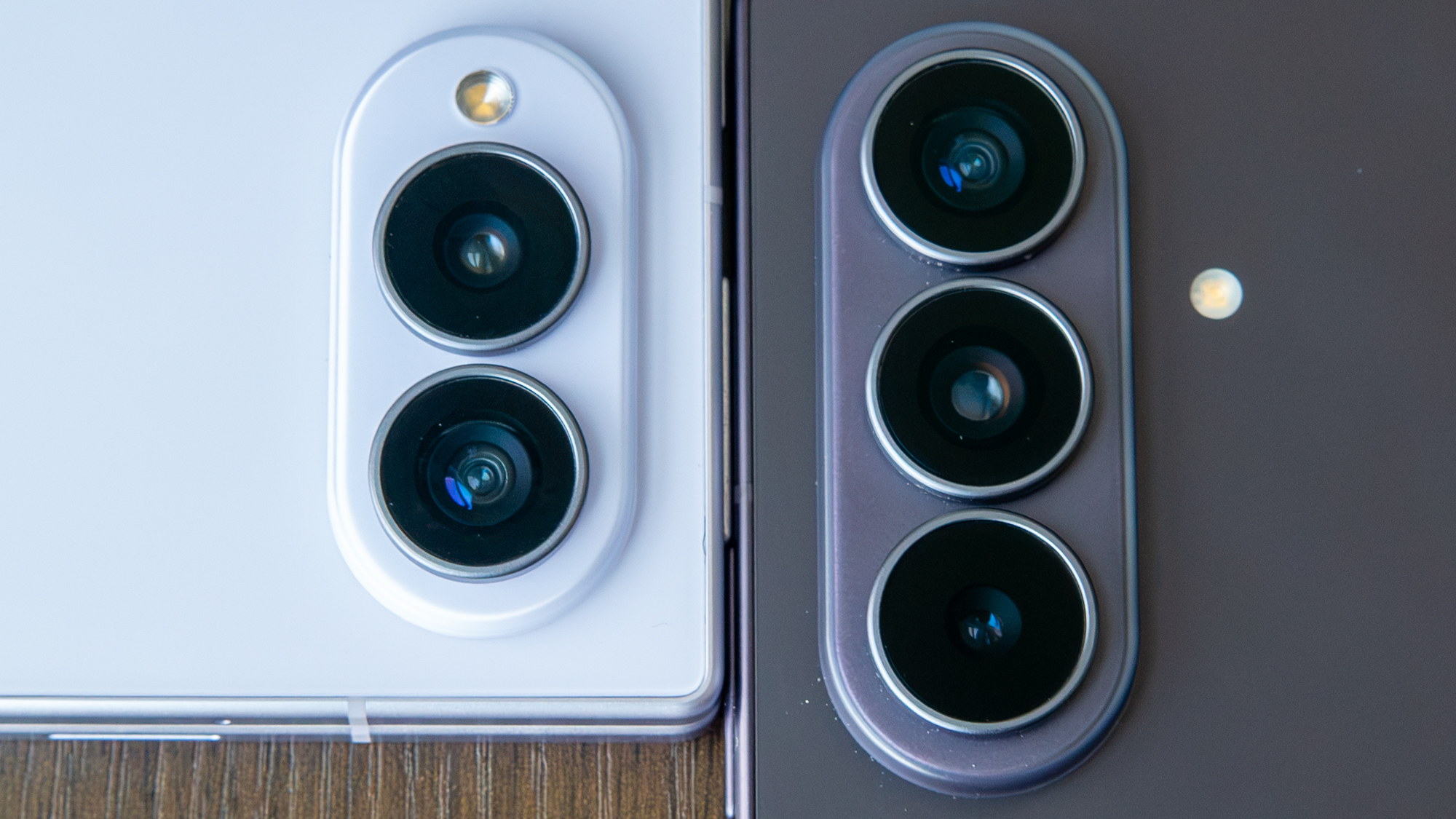
For just $200 more, you can get a technically better phone. The Galaxy Z Fold 8 Ultra offers larger displays, a bigger battery, and a better camera system that incorporates a 200MP wide and 10MP telephoto sensor.
The Galaxy Z Fold 8 Ultra also supports the Flex Panel, a handy One UI feature that turns the bottom half of the display into a keyboard or shows various controls when the phone is folded at an angle, depending on the context of what's on the upper half of the display.
So, it's up to you to decide if the $200 upgrade is worth it.
Cameras are meh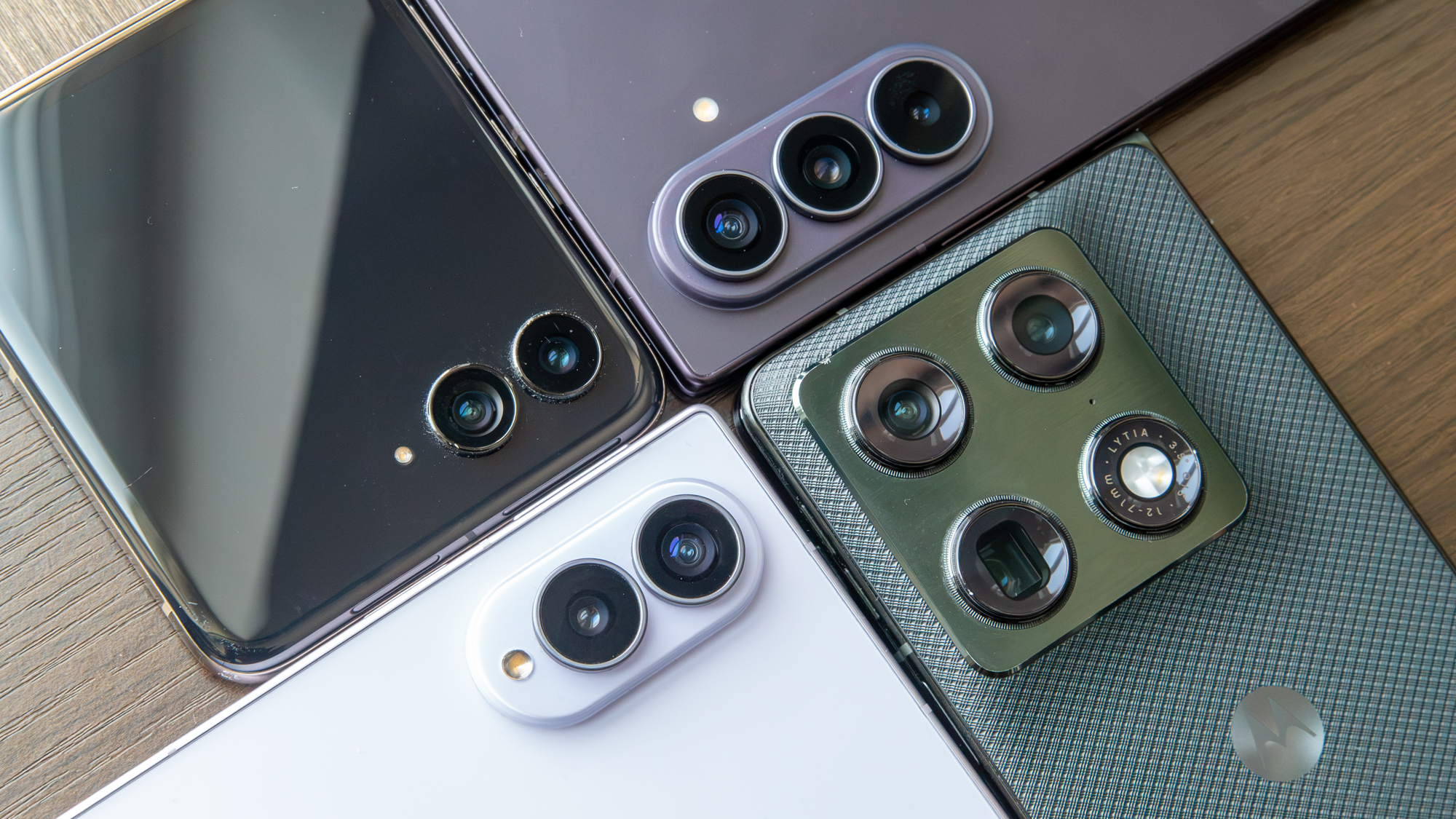
I really wanted to like the cameras on the Galaxy Z Fold 8, but they're just okay. You get two 50MP sensors that produce decent images, but they tend to lack vibrancy and detail compared to other similar camera systems. I tested the Galaxy Z Fold 8 camera against the Razr Ultra 2026 and Galaxy Z Fold 8 Ultra, and the latter two phones produced more pleasing images of the same scenes.
It also doesn't do particularly well in low light, can be a little noisy, and zoom images lack detail compared to other cameras. Given the lack of a telephoto camera, that's understandable, but that adds to why you might wanna splurge for the Galaxy Z Fold 8 Ultra.
No S Pen support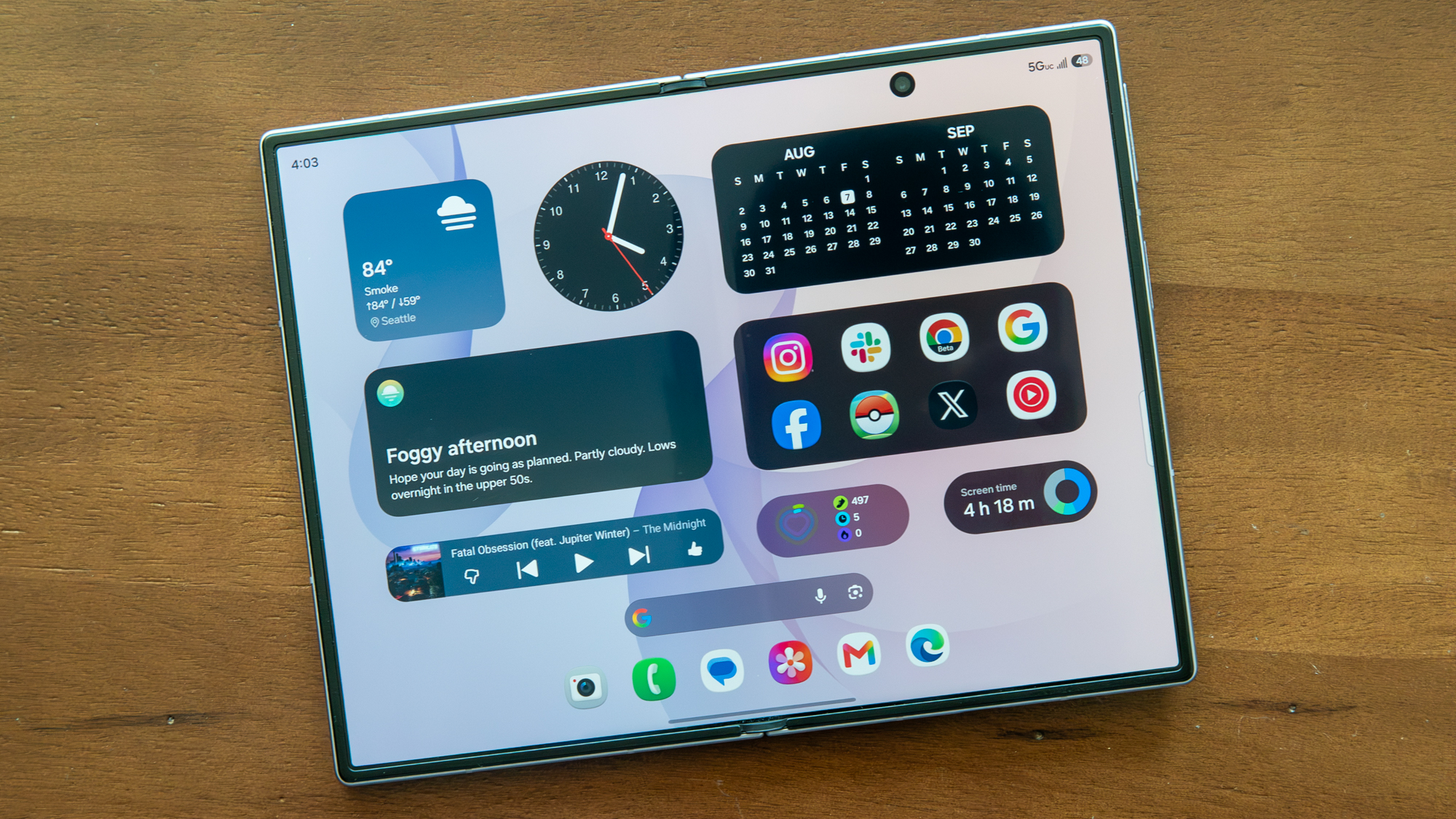
If you're hoping for a return of the S Pen to foldable phones, you'll be disappointed with the Galaxy Z Fold 8. Unfortunately, the S Pen remains elusive on Samsung's foldables once again. It's a strange omission, especially given that Motorola now supports an active stylus on the Razr Fold and Samsung continues to include an S Pen with the Galaxy S Ultra models.
It kinda feels like a waste of all that screen real estate, even though it would make for a great canvas and note-taking device, especially with the minimal crease.