I wasn't sure about Googlebooks, but after playing with two Snapdragon-powered laptops, I'm actually considering switching
Qualcomm provided travel and lodging to Snapdragon Summit. There was no additional compensation, and Qualcomm did not have any input on this article prior to publication.
Earlier this year, Google introduced what had long been rumored: Android on your laptop. Googlebooks seem like a natural evolution of Chromebooks, and I got to spend some time with some of the first models at Qualcomm's Snapdragon Summit.
I expected it wouldn't be very different from Chromebooks, and that's... kind of true. Googlebooks aim to take the best parts of ChromeOS and Android and merge them into a very capable computing OS that can take advantage of AI and better connect to your smartphone.
I never quite liked Chromebooks, but I find myself quite compelled by the prospect of Googlebooks, even if the barrier to entry feels a bit high right now.
Not the Chromebook you remember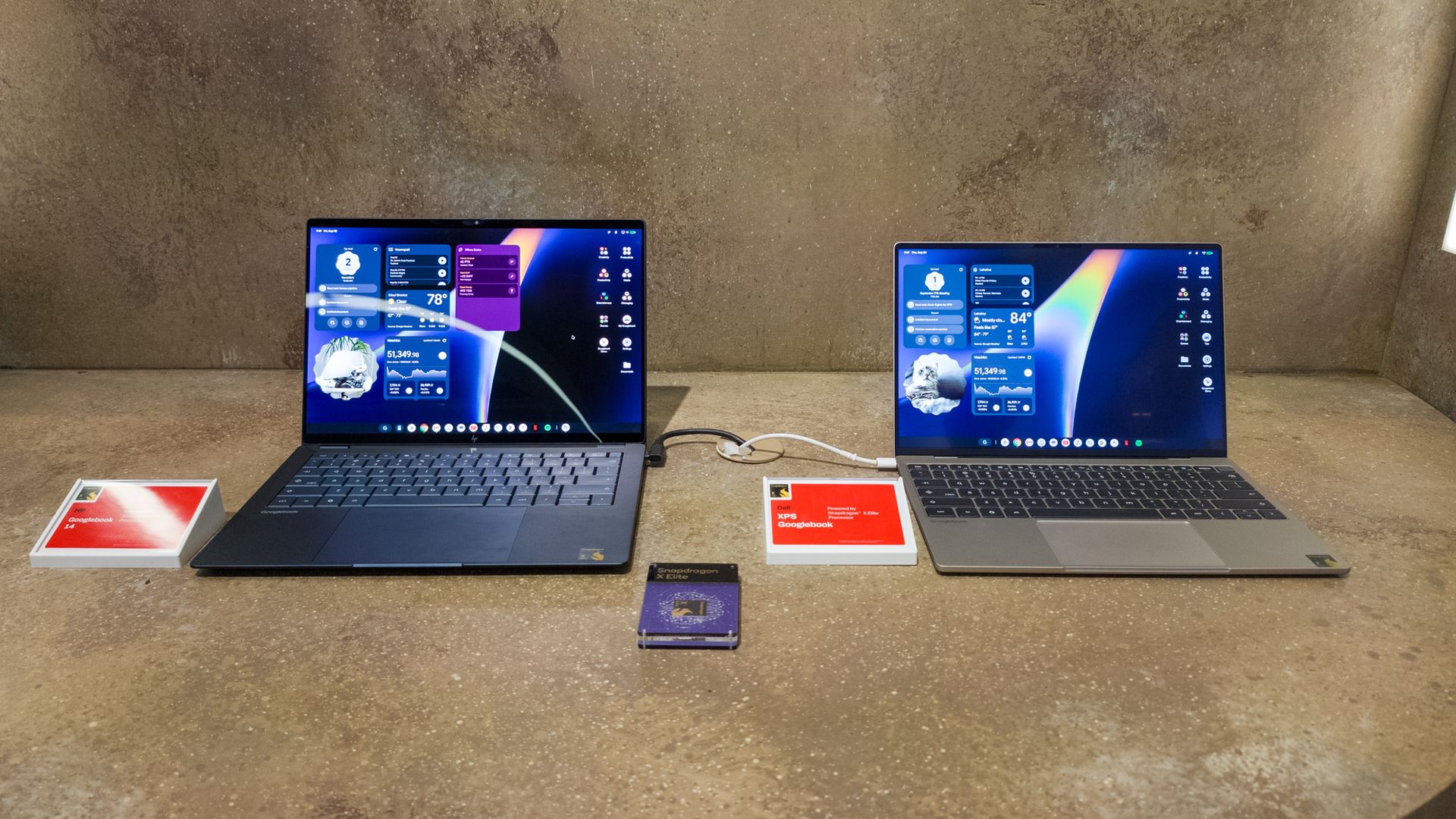
One major way the new Googlebooks differ from Chromebooks is their price. Chromebooks are compelling because they are available at very low price points, which benefits schools and other institutions with limited budgets. However, Chromebooks in their current form are pushing for a more premium experience, with the cheapest laptop costing $899.
That's still cheaper than most lower-end MacBooks, but prices can easily hit over $1,000, depending on the model and configuration. I was told this is because it's much easier to start at the higher end and work your way down than to start low and work your way up.
It's clear that Google wants to ensure that Googlebooks are seen as a premium computing experience before bringing cheaper options that will eventually supplant Chromebooks.
 Derrek Lee / Android Central
 Derrek Lee / Android Central
 Derrek Lee / Android Central
 Derrek Lee / Android Central
 Derrek Lee / Android Central
 Derrek Lee / Android Central
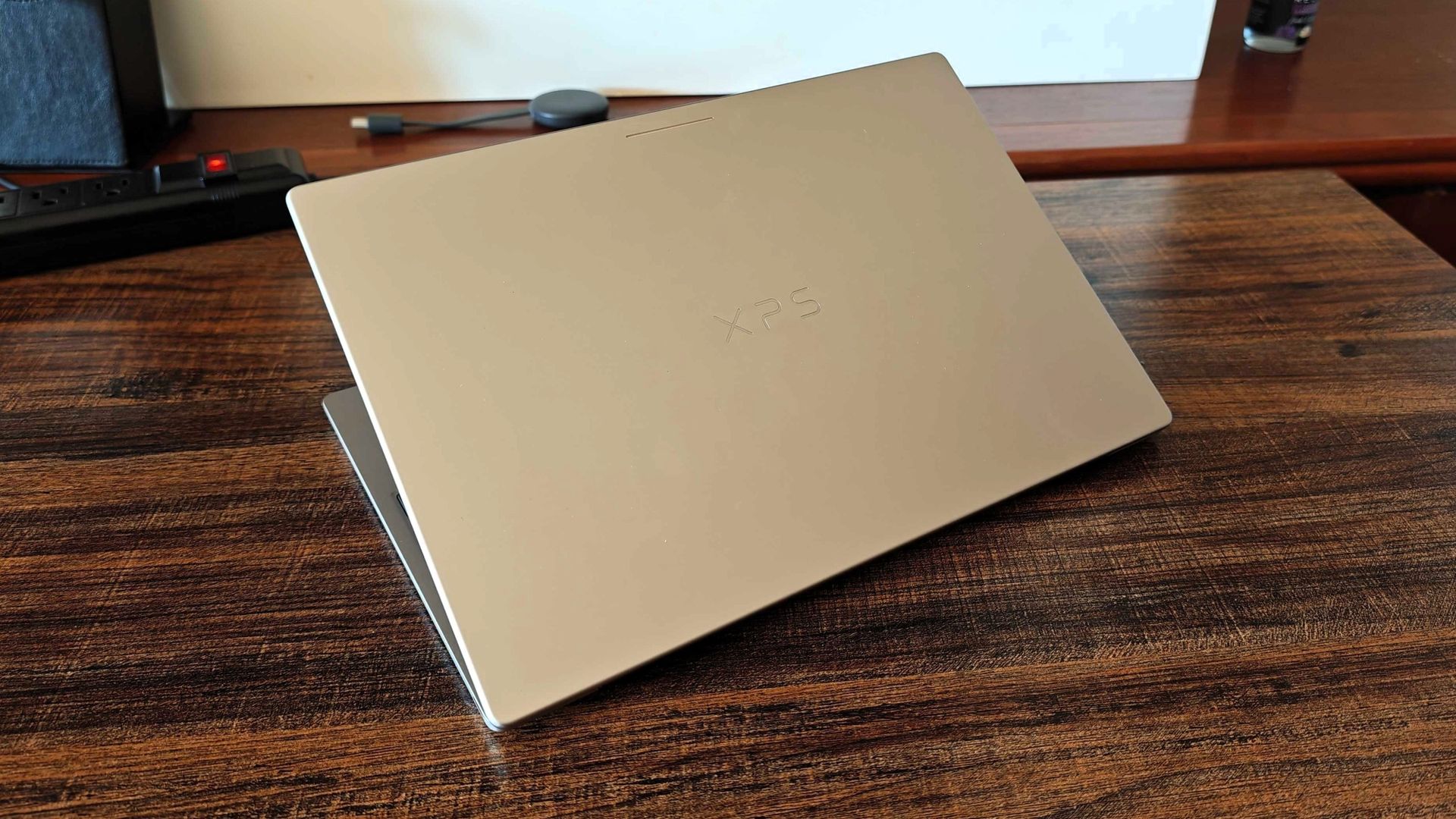
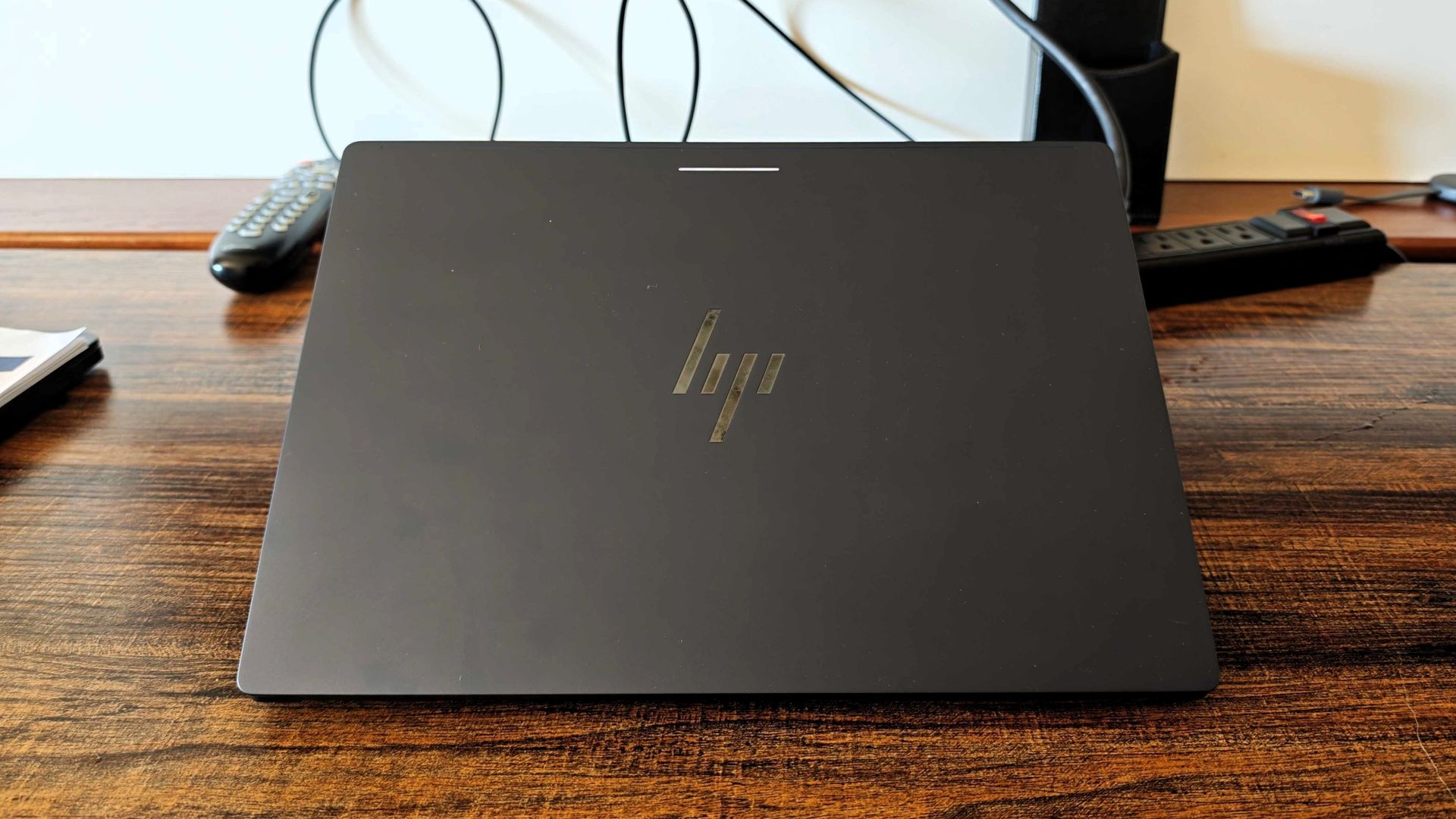
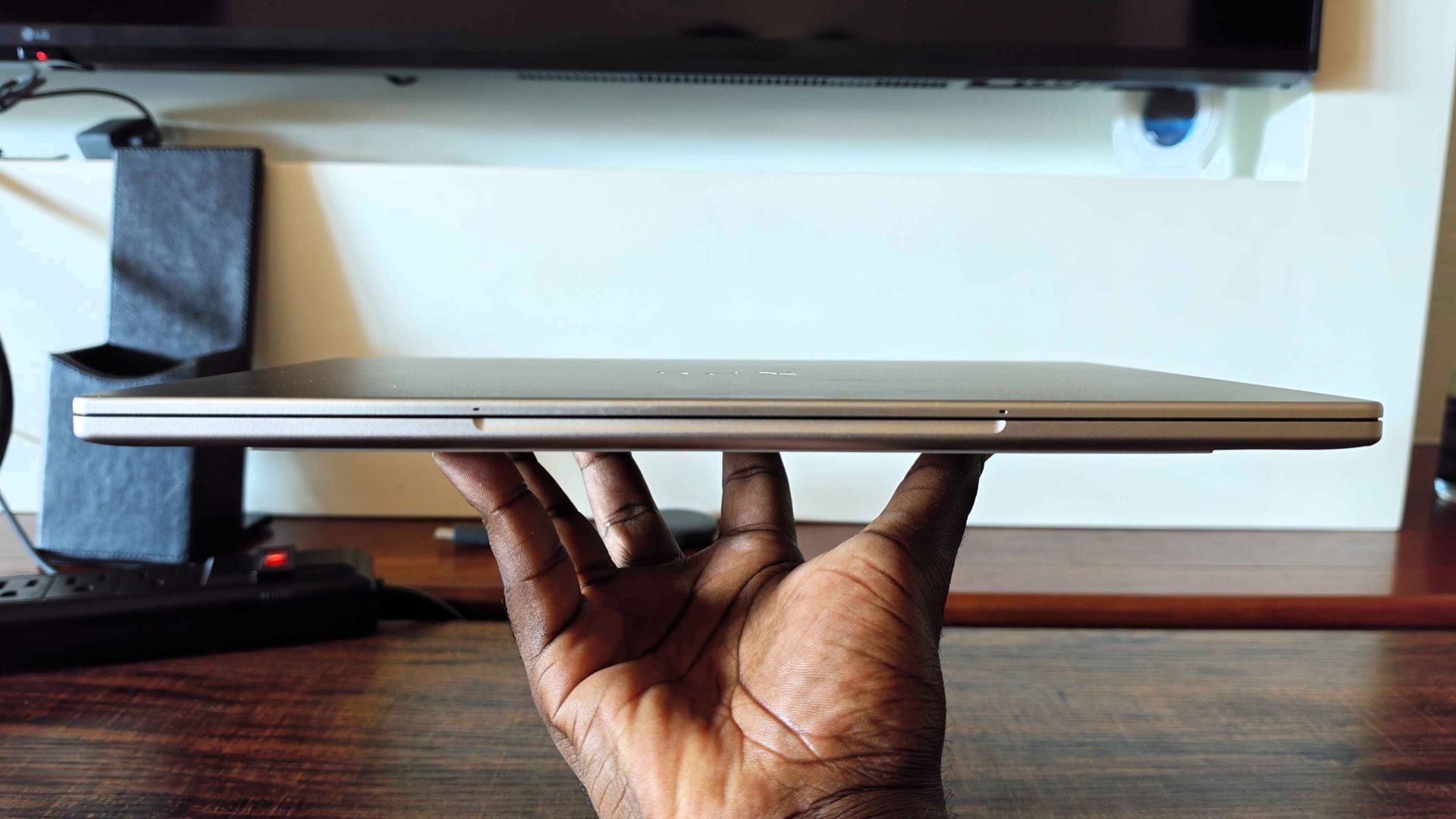
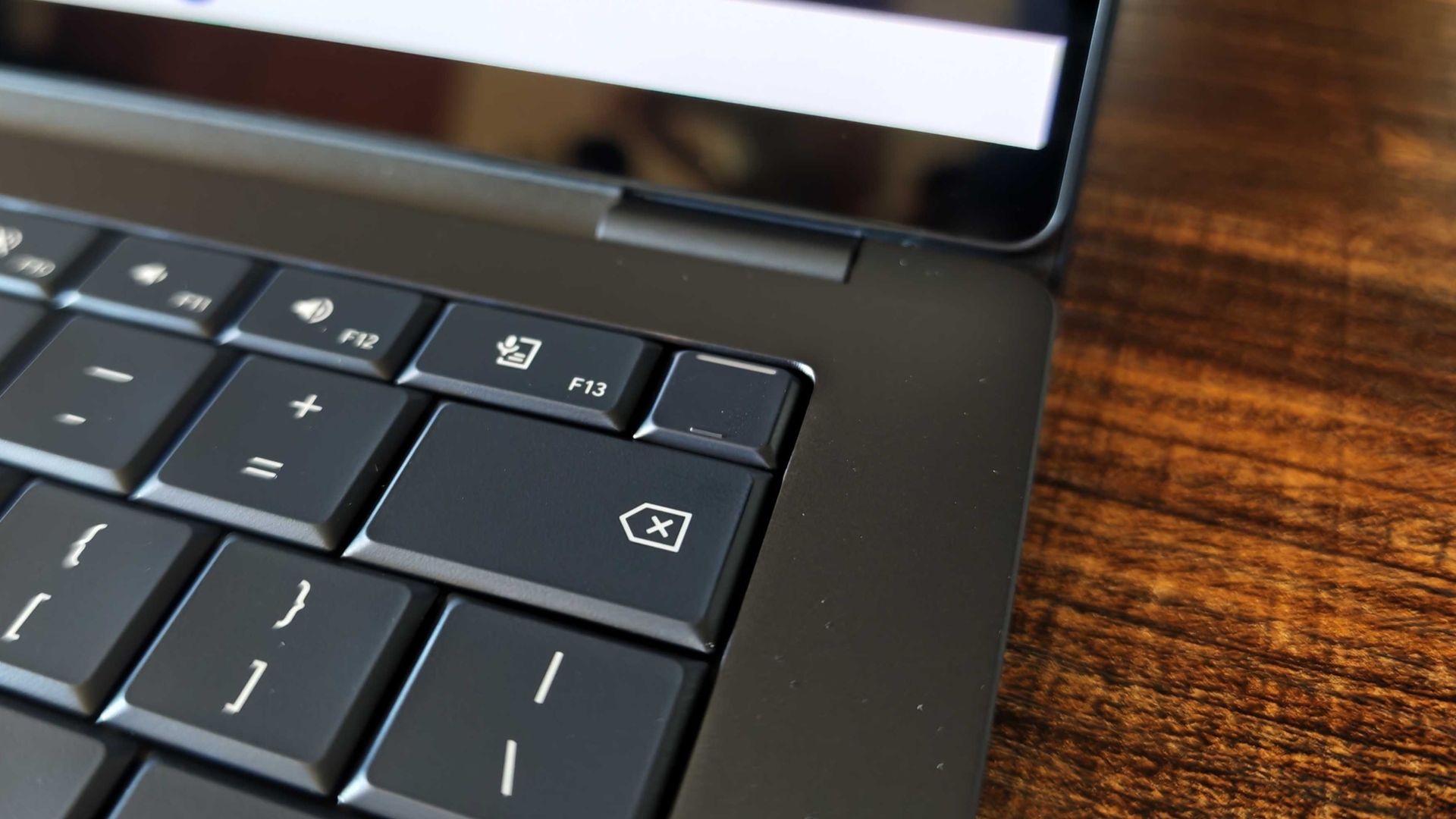
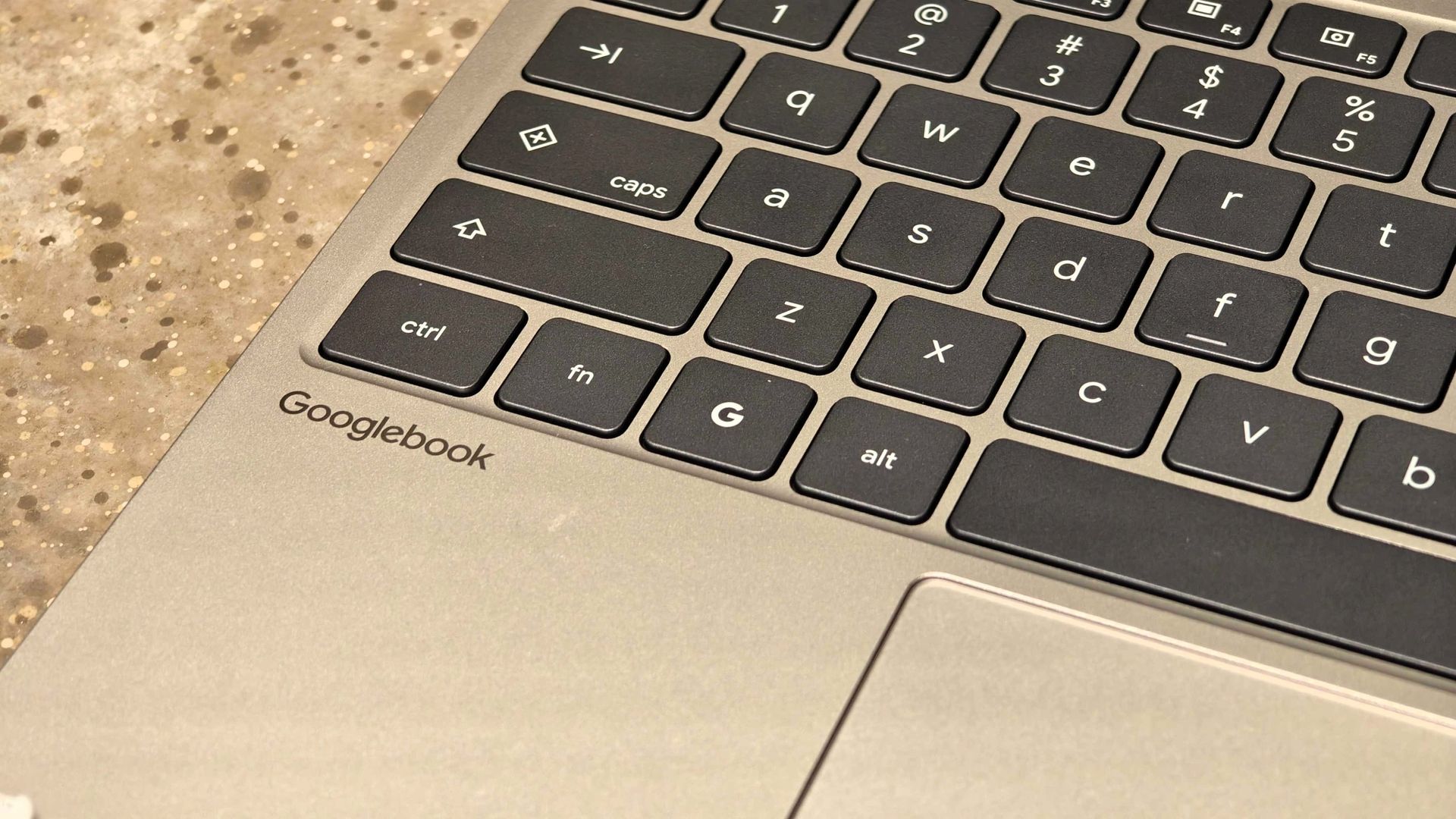
It's easy to see this in the hardware available. At Snapdragon Summit, I got to play with two Snapdragon X Elite-powered Googlebooks, the HP Googlebook 14 ($1,299) and Dell XPS Googlebook ($999). They feature exceptional hardware that looks and feels premium, something I never quite got from the Chromebooks I've used (though I know higher-end models exist).
The HP has a larger 14-inch OLED display that looks phenomenal, with a sharp resolution and deep blacks for more vibrant images. It also has comfortable keys and a large trackpad. Meanwhile, the Dell XPS has a smaller LCD panel with thin bezels and a matte finish to reduce reflections. Its aluminum build reminds me a bit of a MacBook, which speaks to how light and premium it feels in hand.
 Derrek Lee / Android Central
 Derrek Lee / Android Central
 Derrek Lee / Android Central
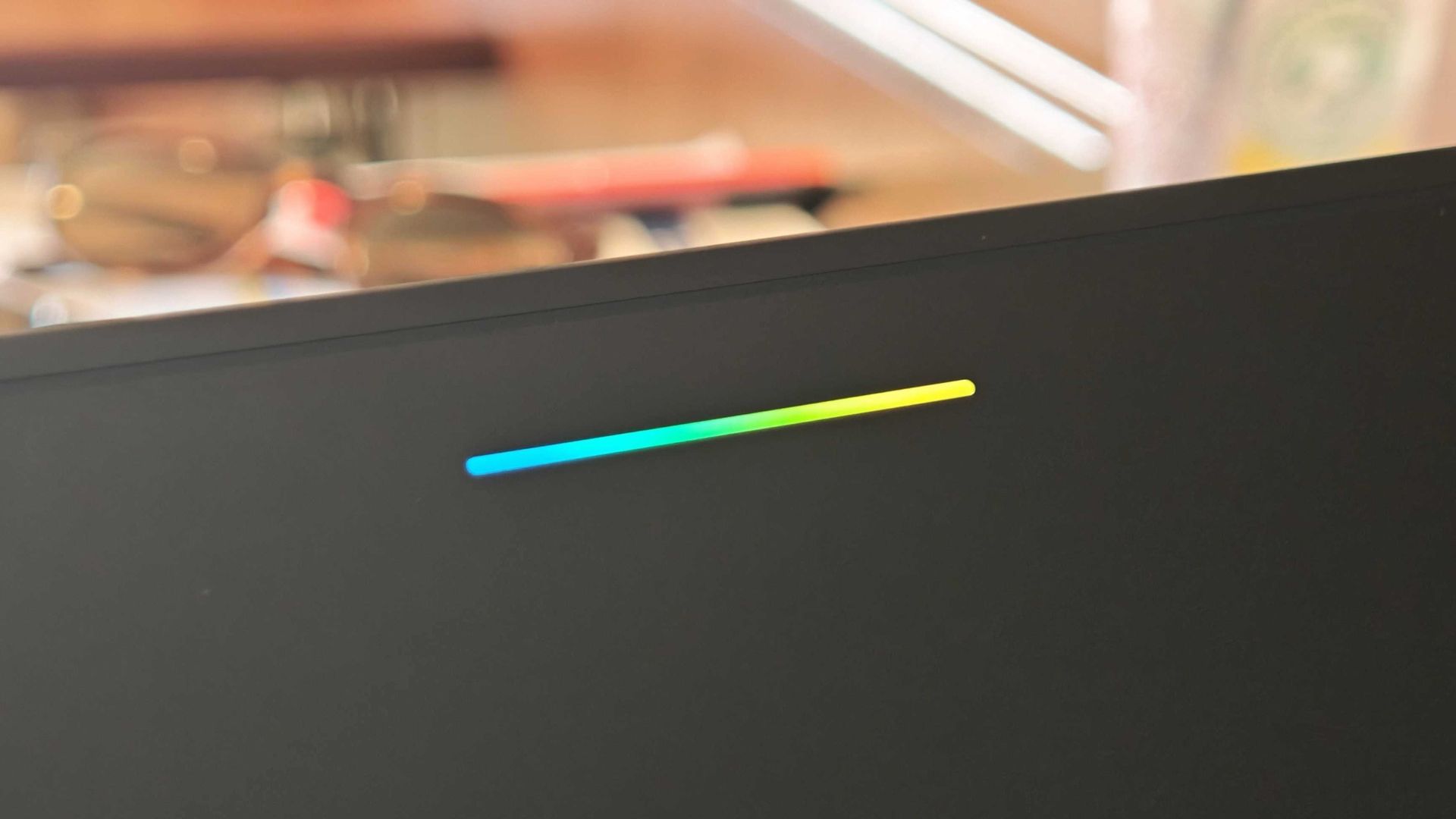
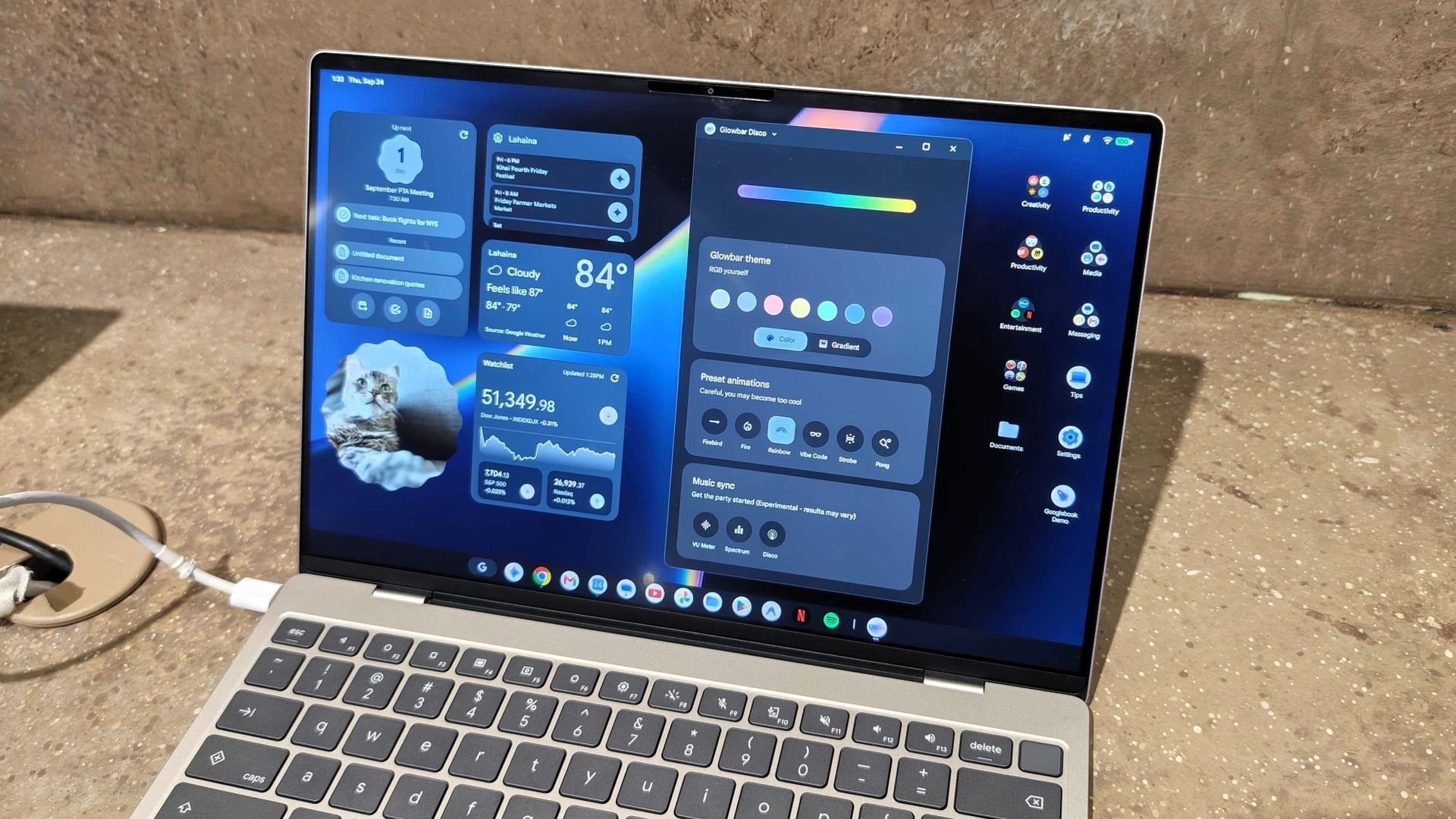
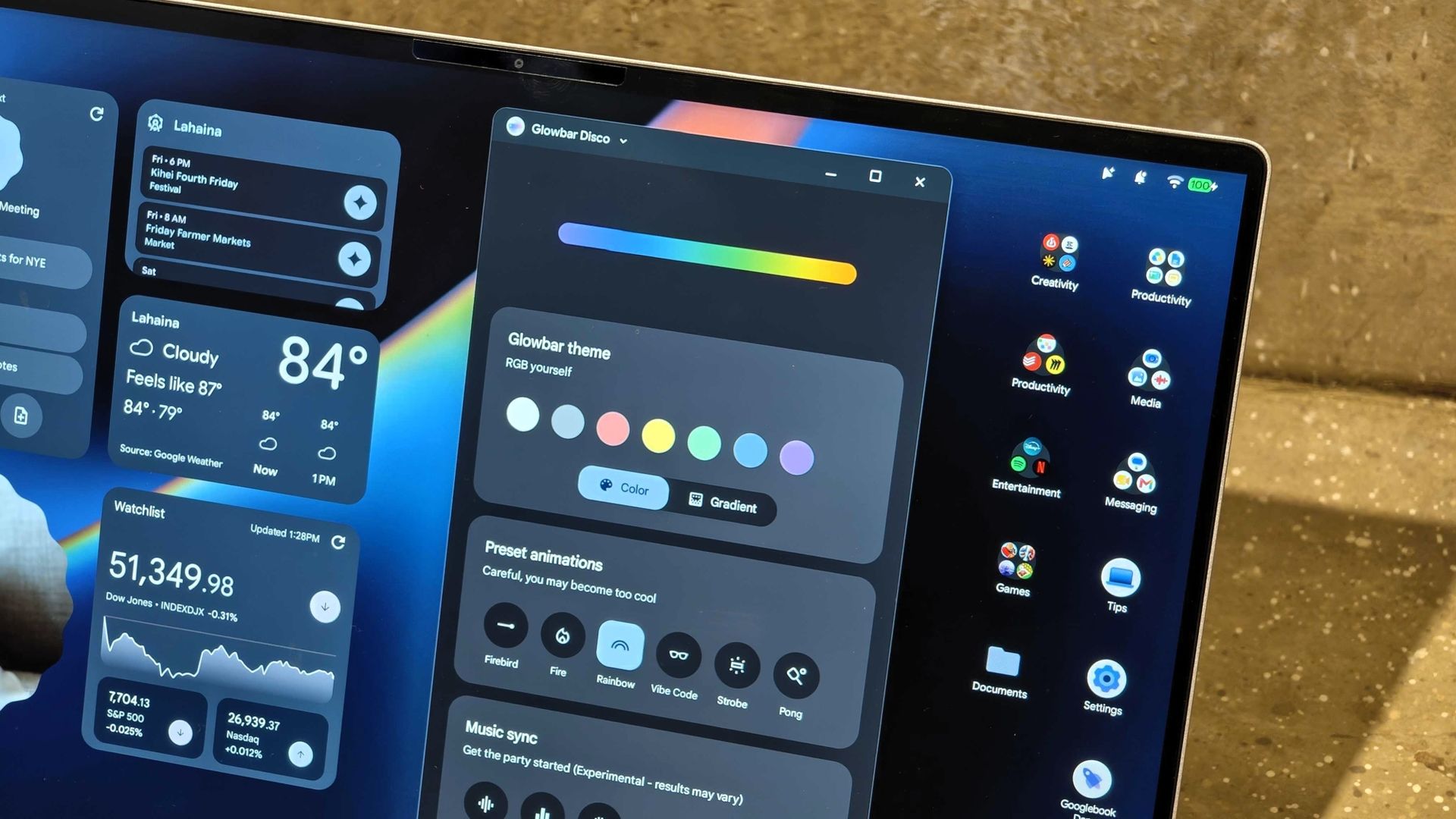
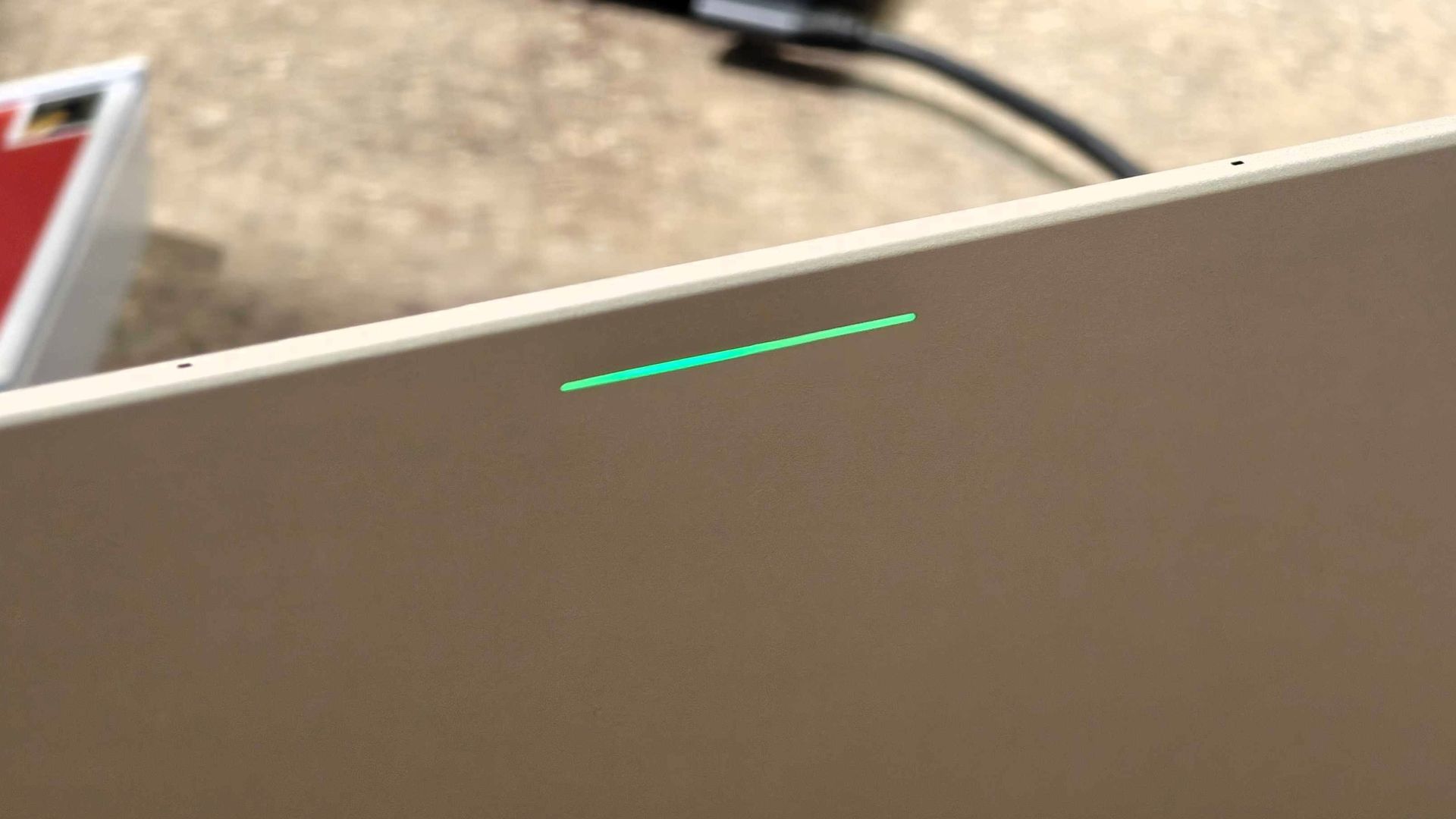
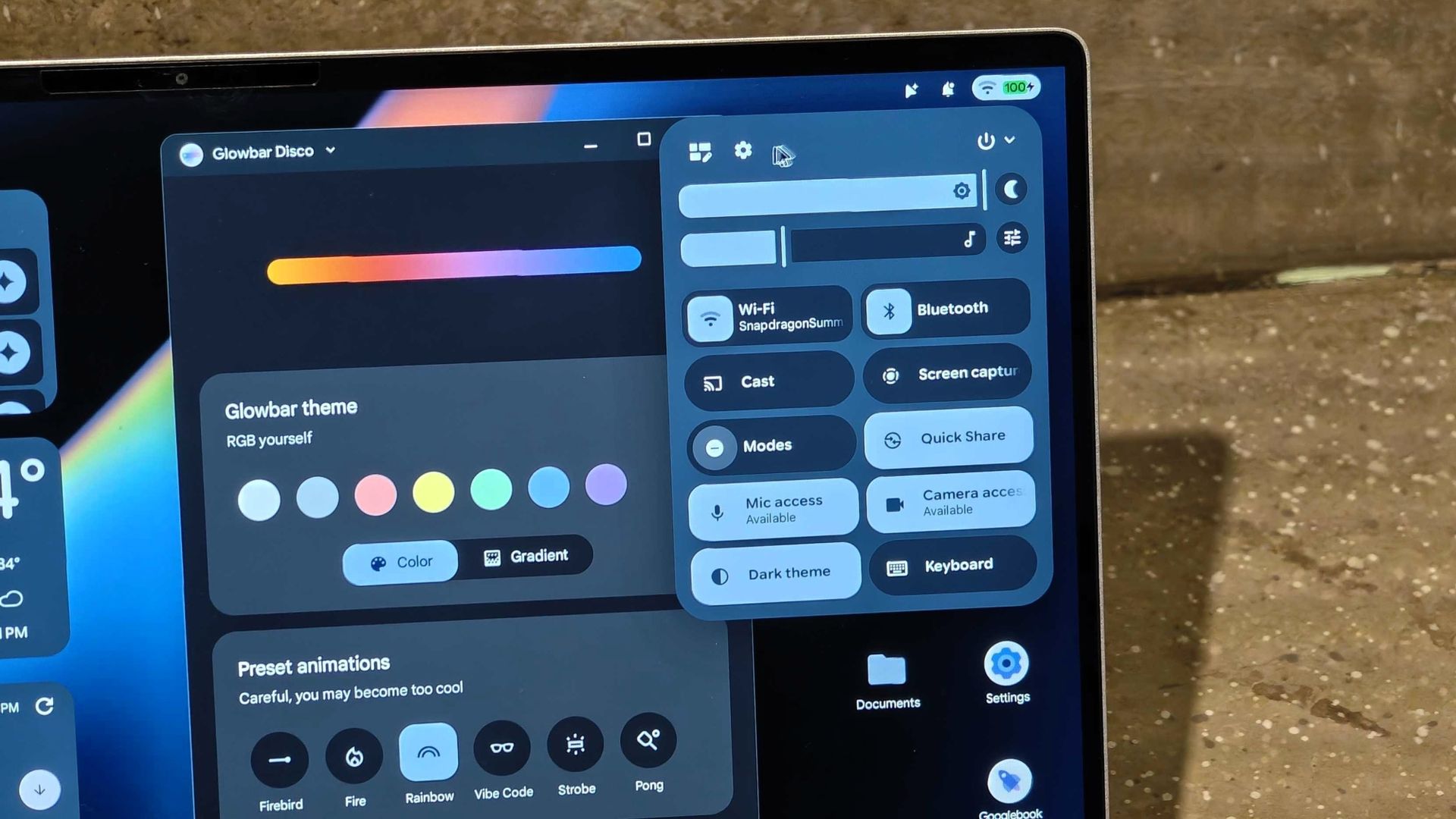
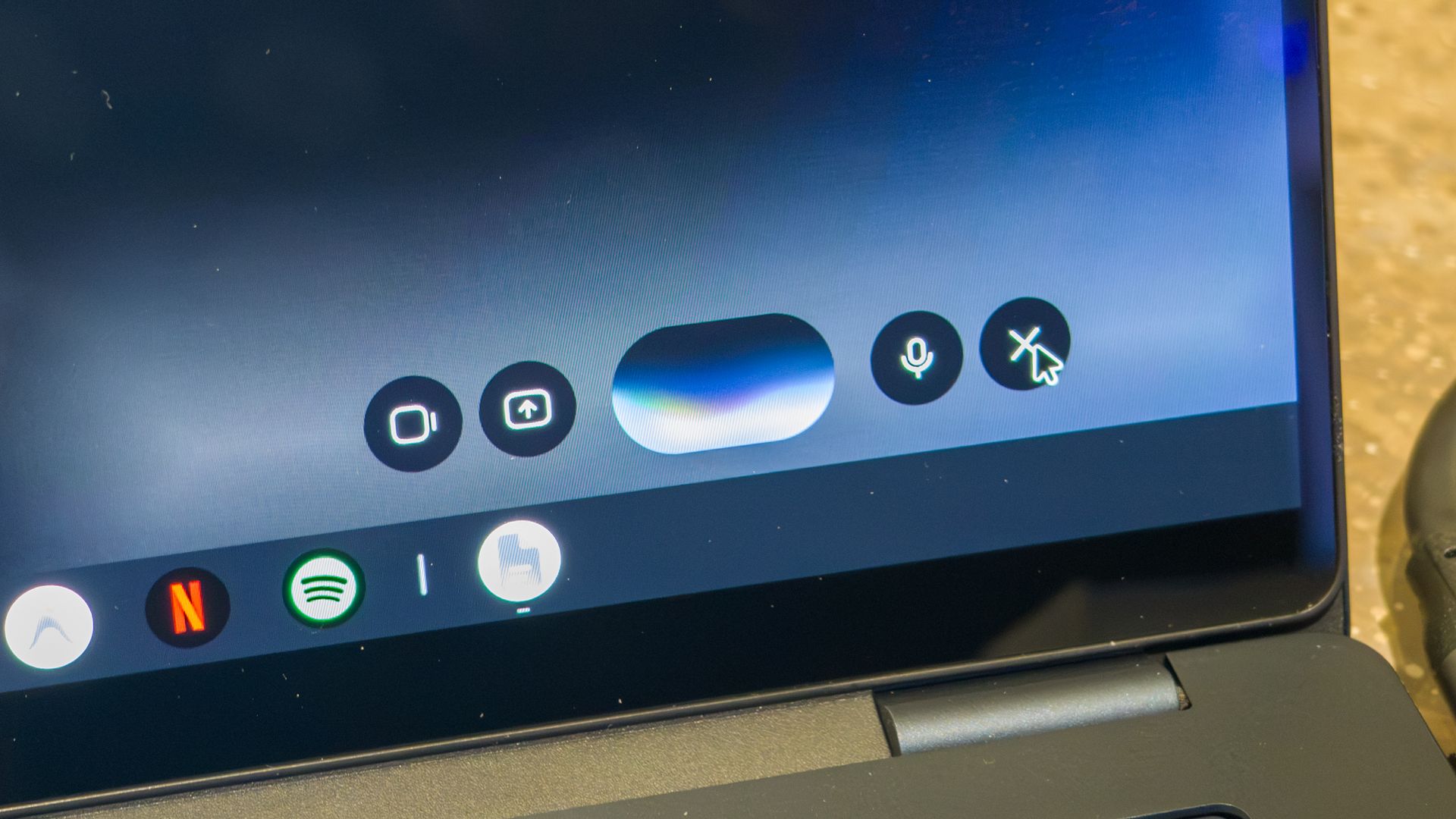
Both laptops share similar specs, including 16GB of RAM and 512GB of internal storage. They also feature built-in fingerprint sensors and the distinctive Glowbar, which offers functions like displaying battery life, Gemini interactions, and more. There's also a hidden easter egg that unlocks more controls, but I was told users have to find it themselves.
I'm not sure why Google is hiding this Glowbar control panel, since it feels like an essential or even fun part of the experience. Fortunately, Google plans to expand Glow Bar functionality, but for now it's a bit limited, just like HiLight on the Pixel 11 Pro.
 Derrek Lee / Android Central
 Derrek Lee / Android Central
 Derrek Lee / Android Central
 Derrek Lee / Android Central
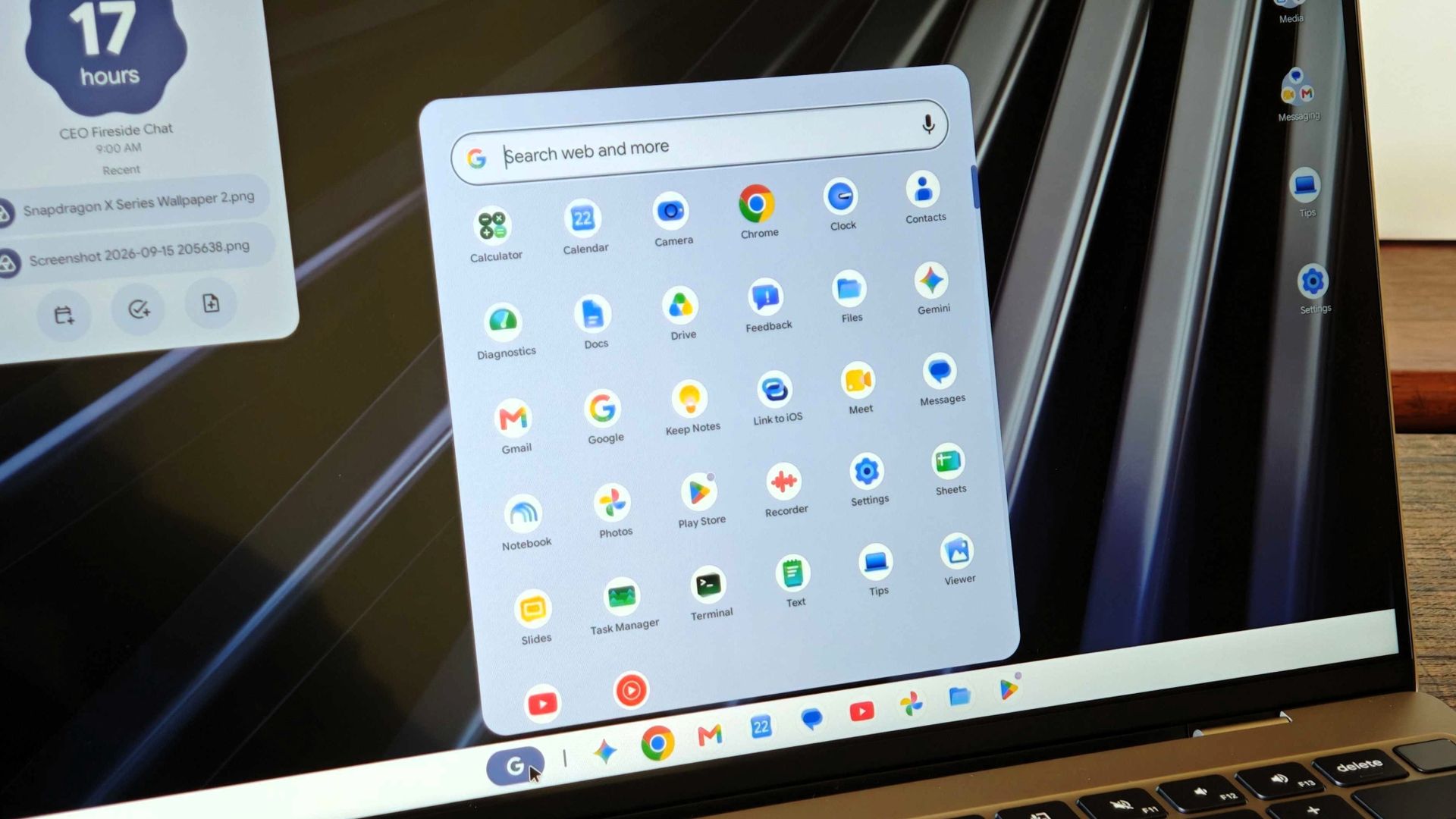
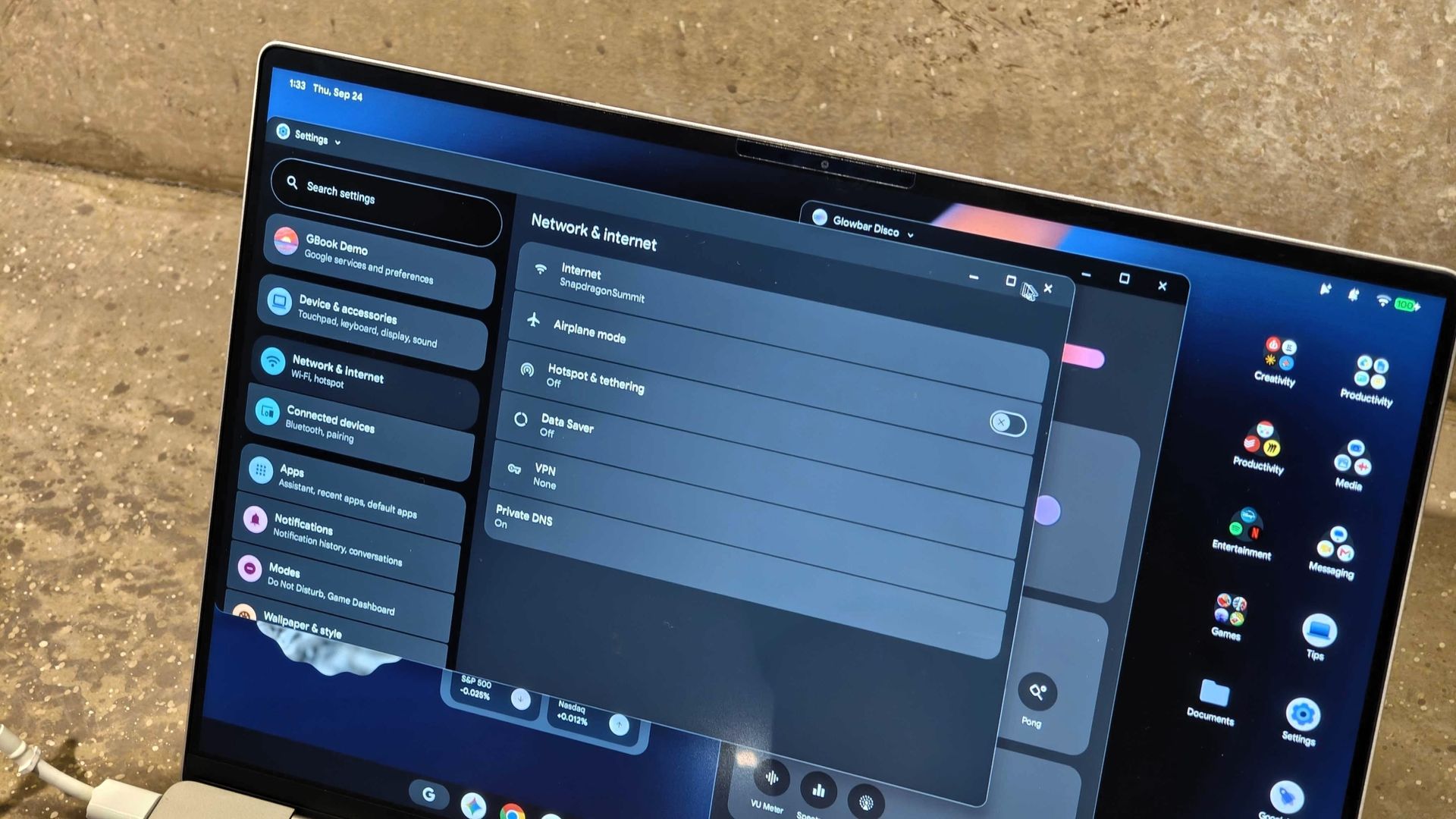
Many UI elements also just feel very familiar. The quick settings panel feels very Pixel and sits in the top-right corner. The Settings app also looks like it came straight out of a Pixel Tablet, so anyone coming from an Android phone should feel at home.
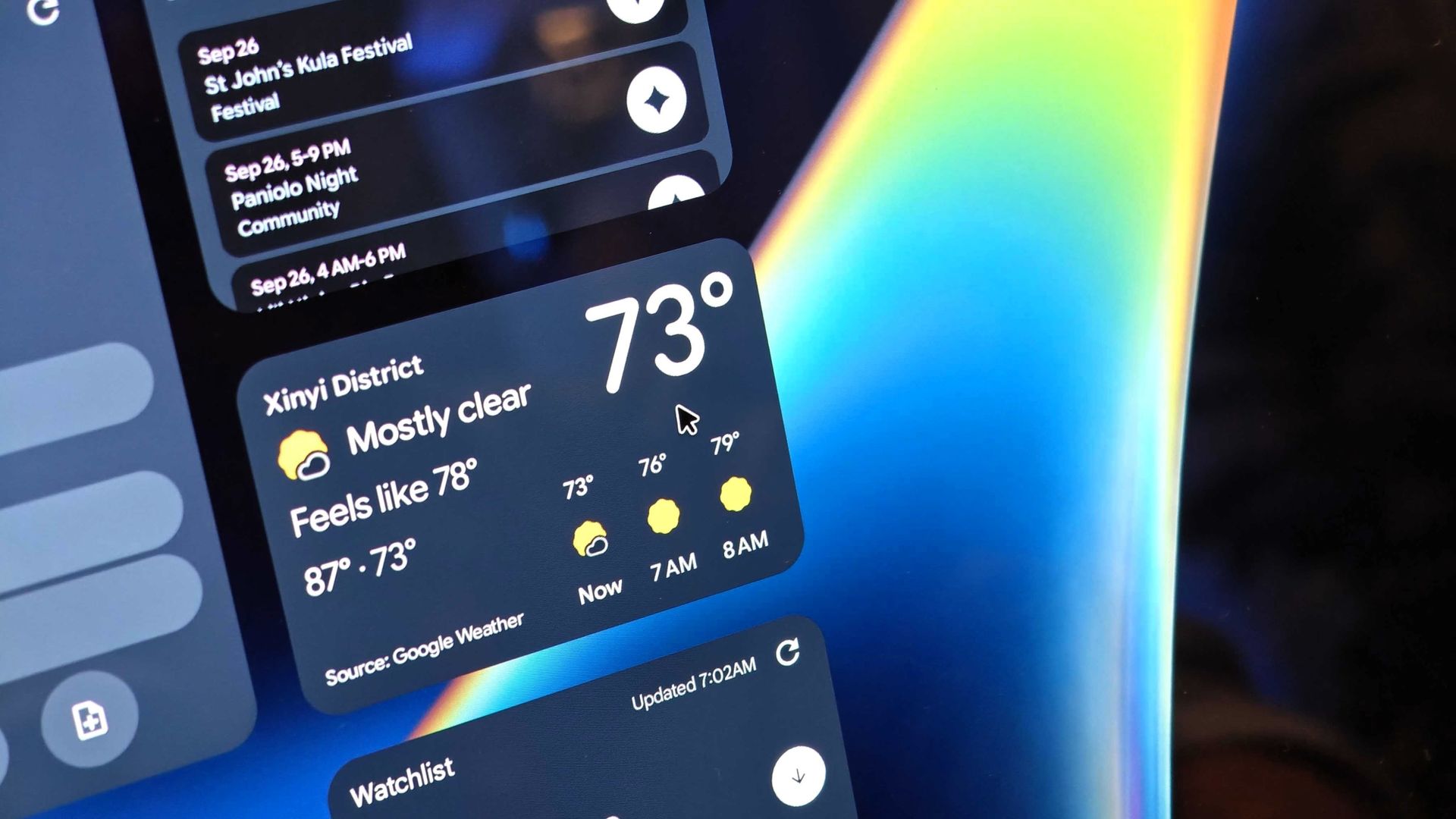
You can also pin widgets to the home screen for glanceable info and create app folders, just like on an Android phone.
All about AI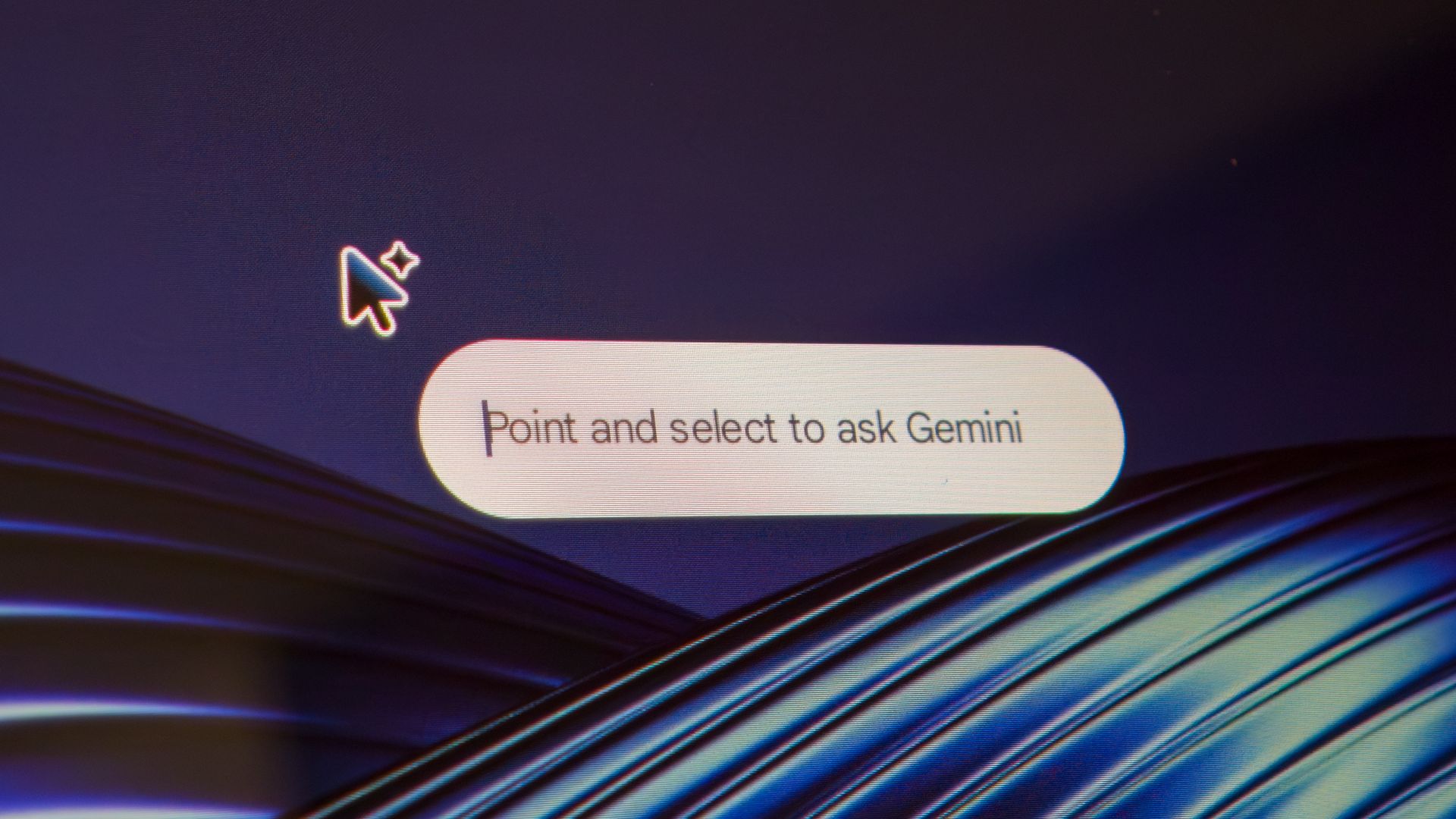
What will further help Googlebooks shake the Chromebook perception is its capabilities. Thanks to more powerful chipsets like the Snapdragon X Elite, as well as Android being the foundation for the Googlebook OS, these devices are more capable than Chromebooks in a few areas, and much of that has to do with AI capabilities.
 Derrek Lee / Android Central
 Derrek Lee / Android Central
 Derrek Lee / Android Central
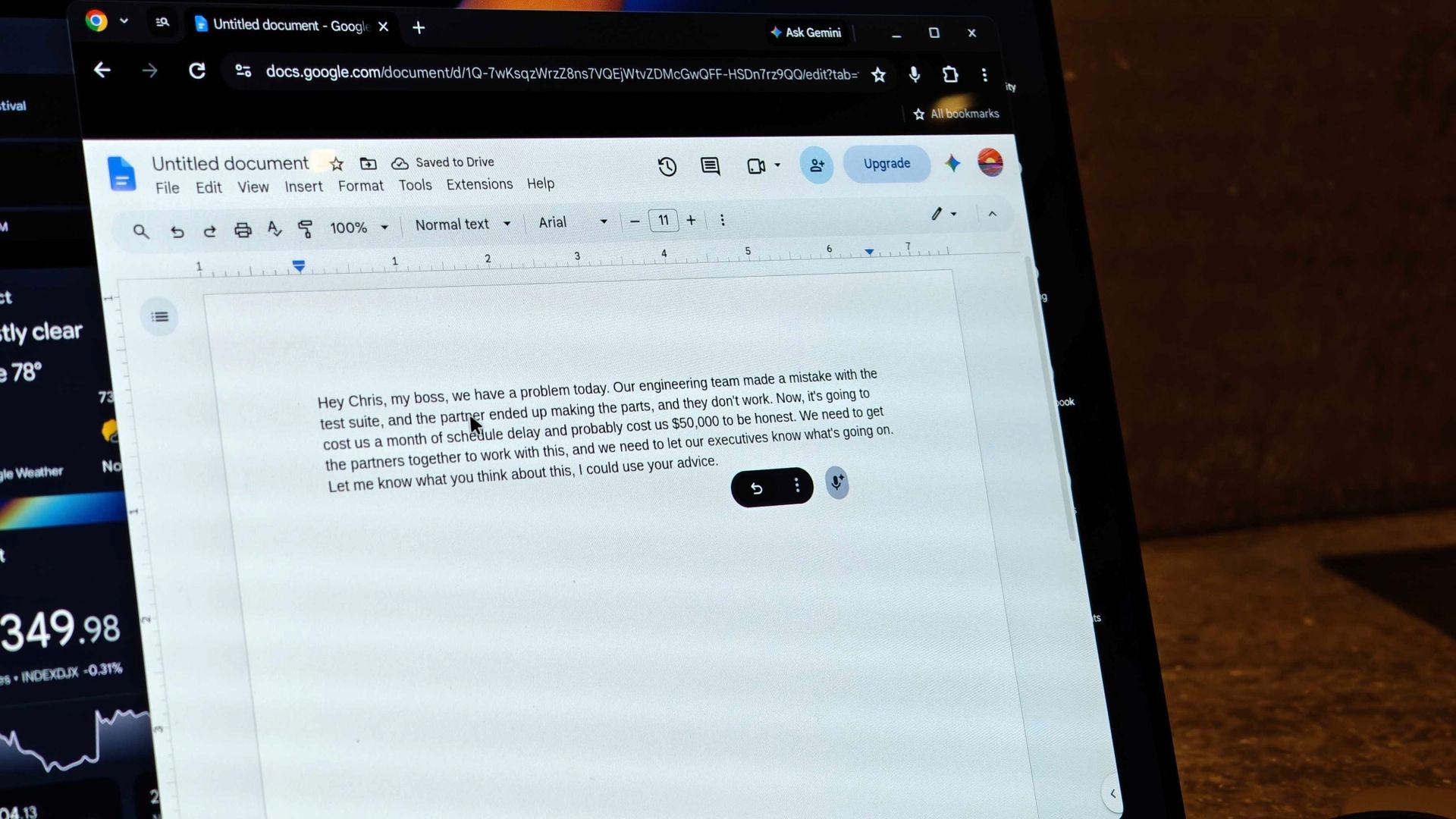
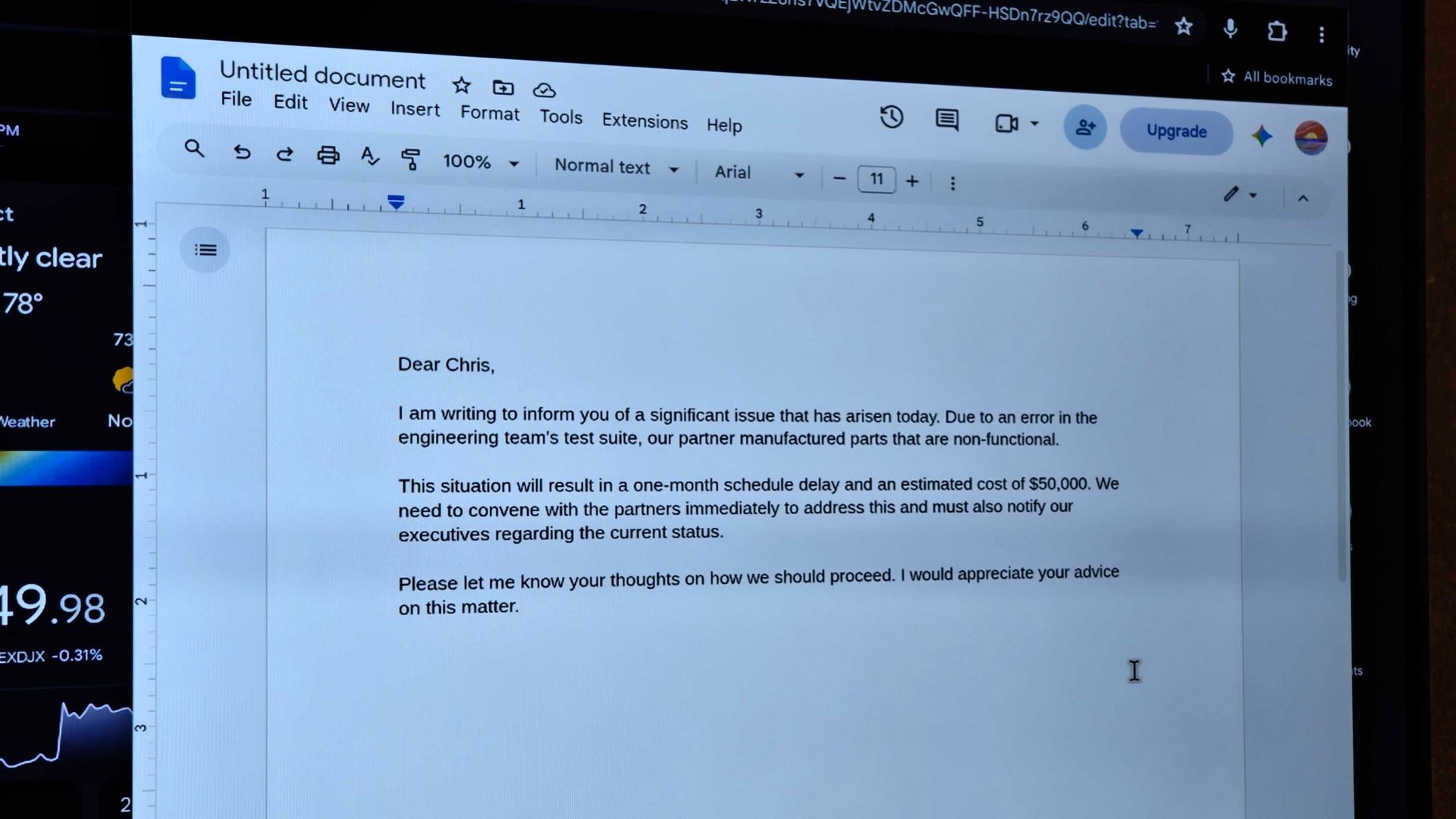
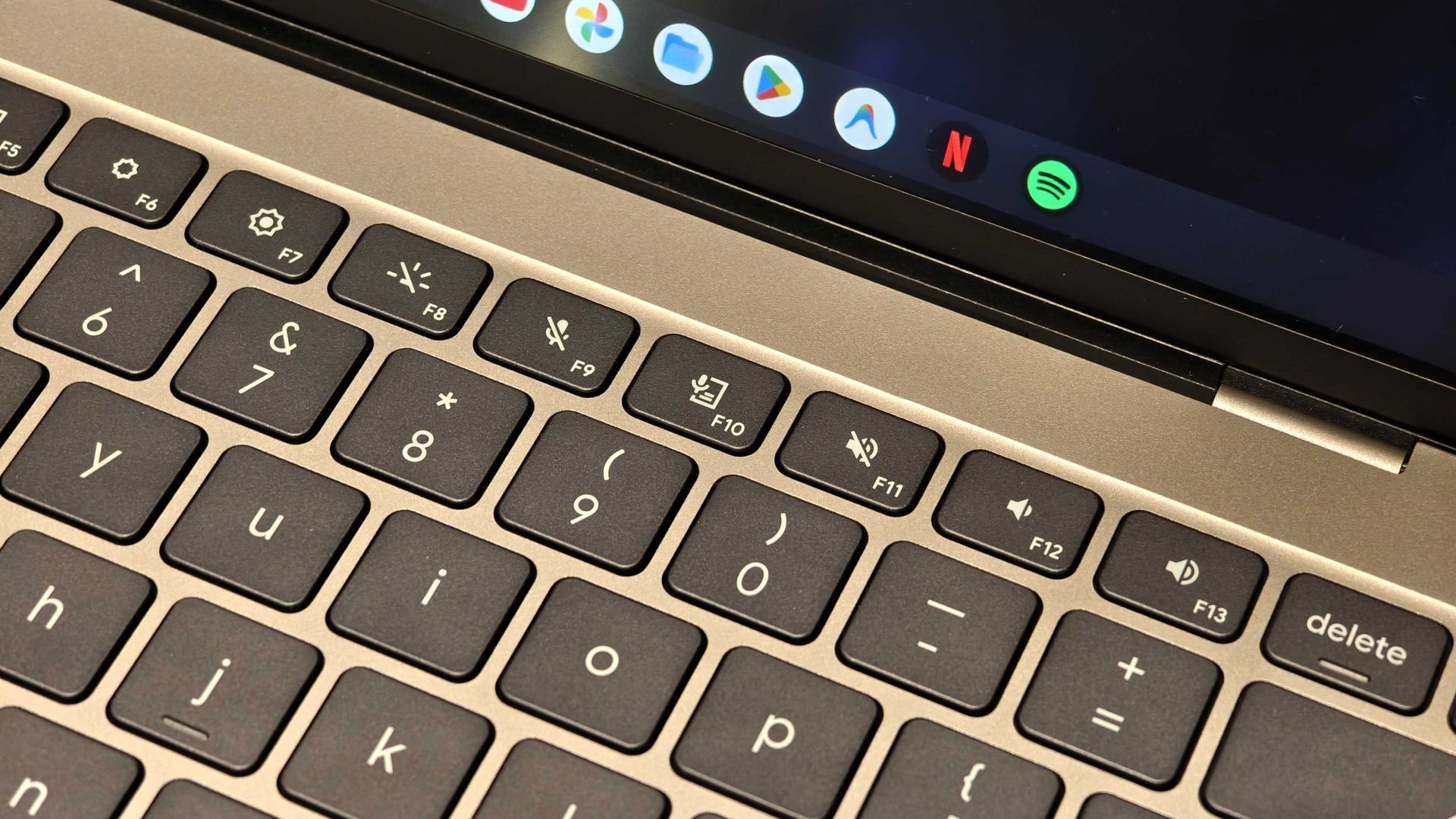
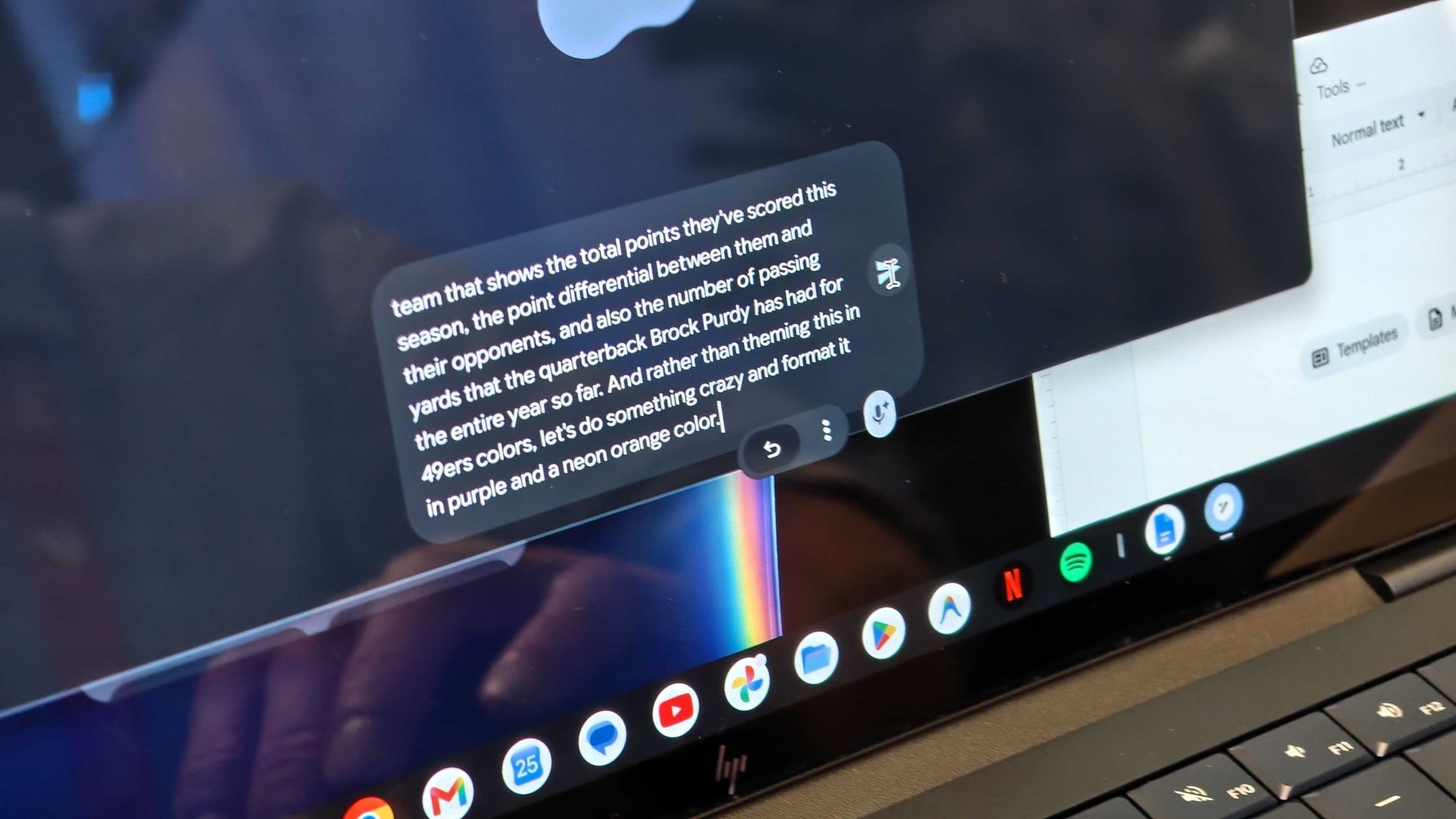
Googlebook really shines in its ability to perform more AI functions you'd normally find on an Android smartphone. One example I saw during my hands-on was Rambler, which lets users dictate notes, emails, and documents using natural language. The AI automatically filters out "ums" and even accounts for moments when you seem to change your mind about something you said.
What's neat is that Googlebooks come with a dedicated Rambler key, so you can easily access this with a tap.
 Derrek Lee / Android Central
 Derrek Lee / Android Central
 Derrek Lee / Android Central
 Derrek Lee / Android Central
 Derrek Lee / Android Central
 Derrek Lee / Android Central
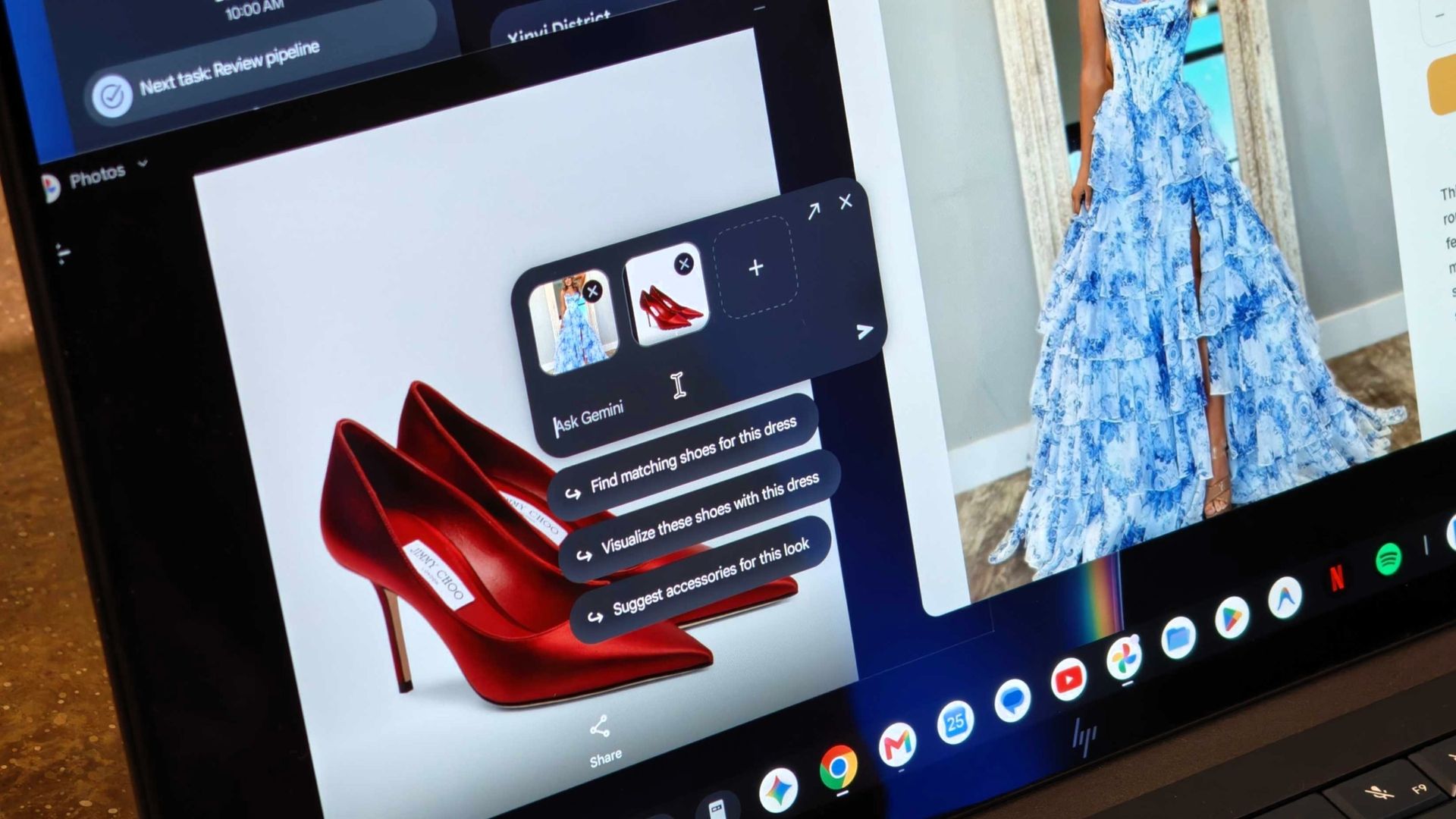
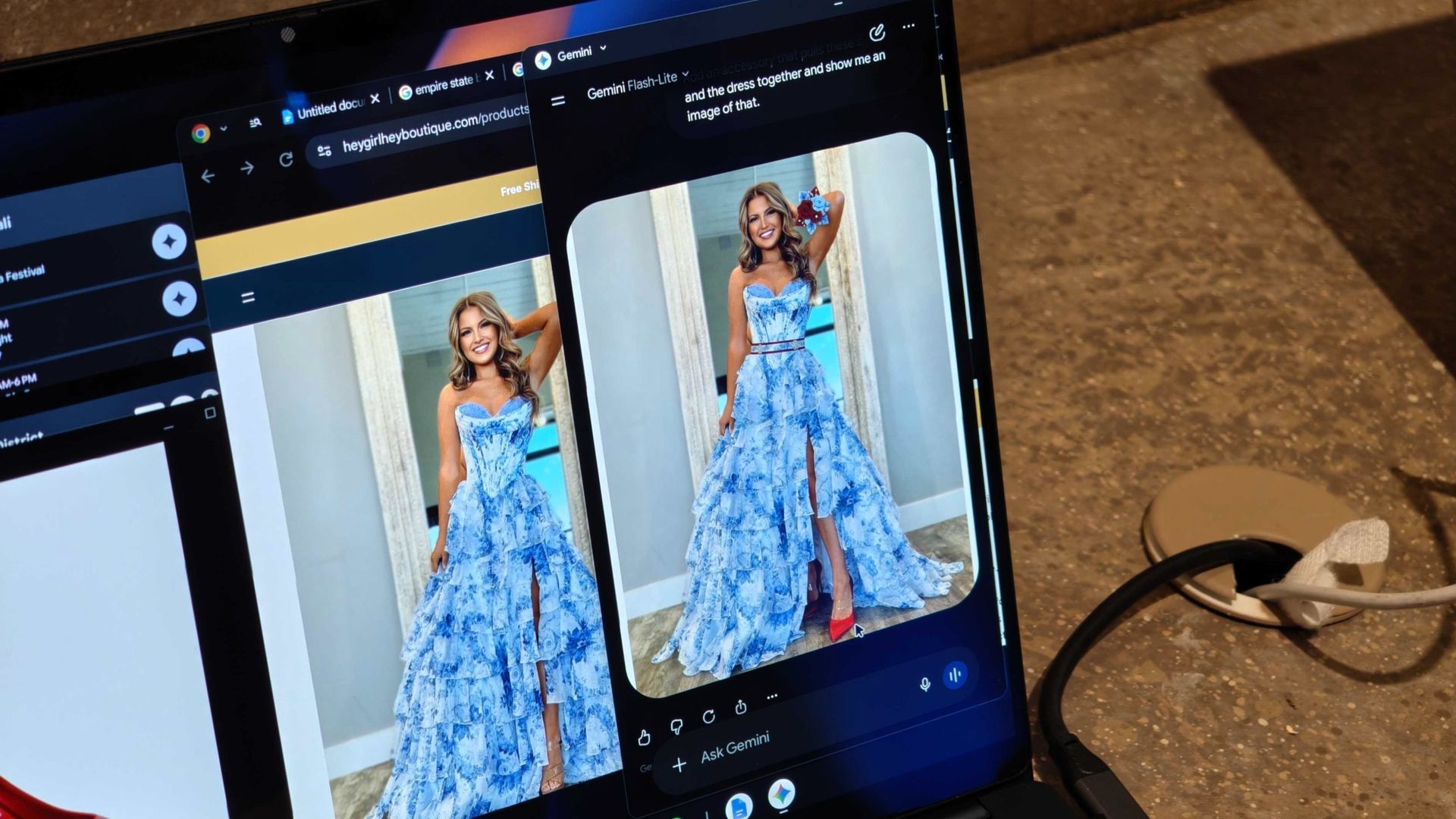
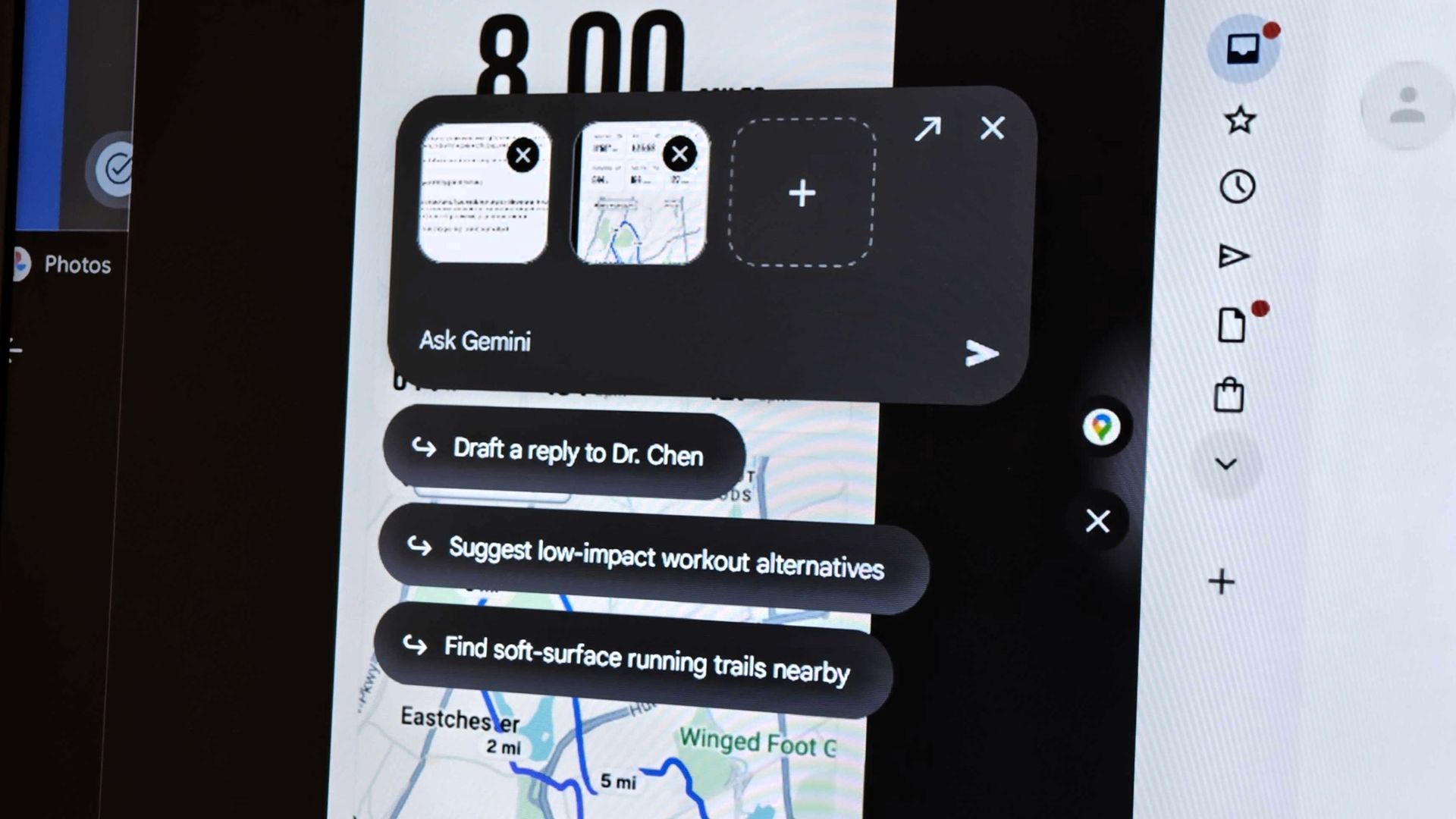
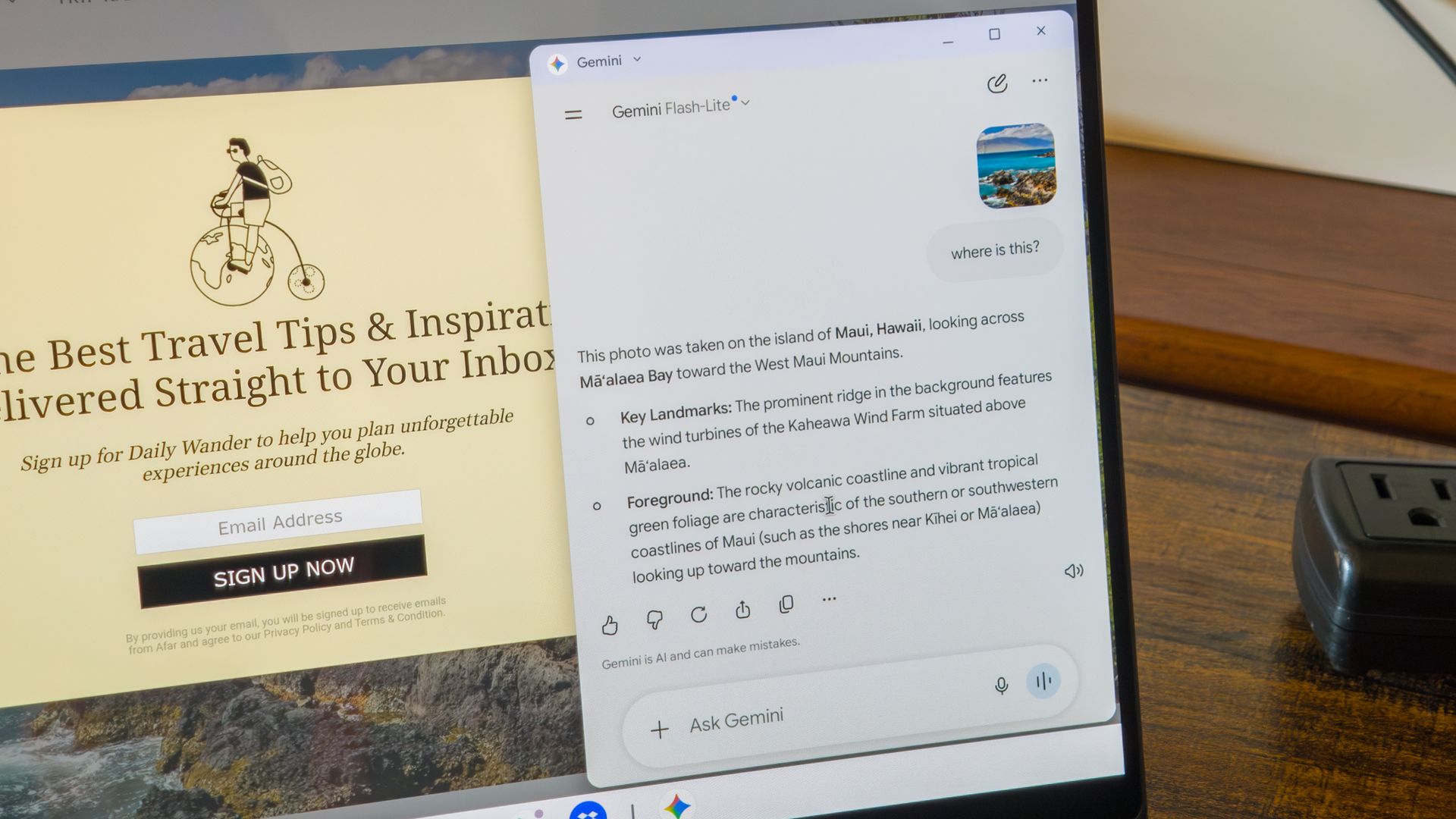
One feature I think I'll get plenty of mileage out of is the Magic Pointer. It almost feels like a desktop Circle to Search: you can activate it by wiggling the pointer a bit, and it will prompt you to click an item on your screen you want to know more about. You can ask about one thing or add multiple items, and a Gemini dialogue opens in a side panel.
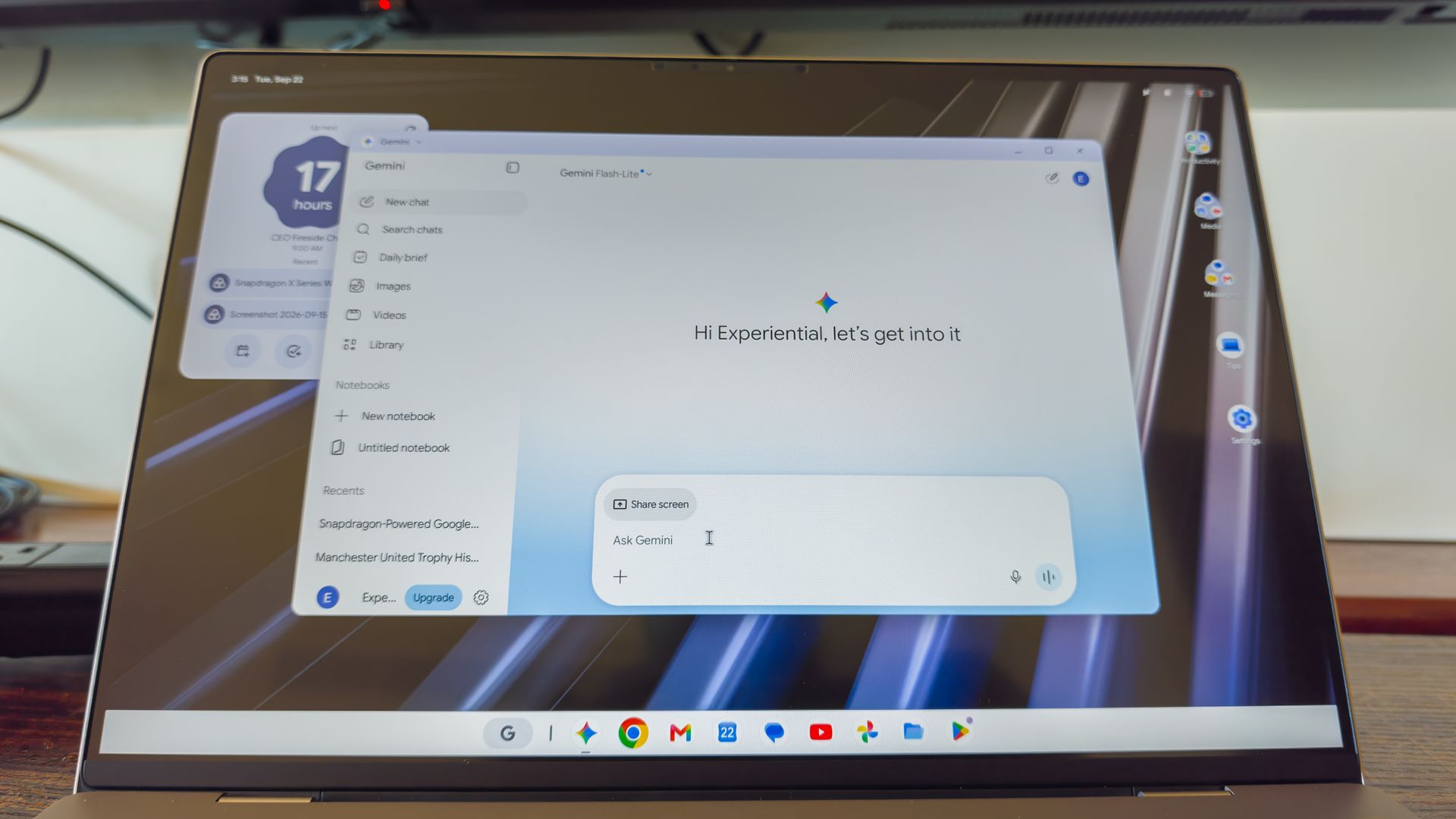
It feels like a natural evolution of the cursor, giving you easy access to Gemini when you need it. And speaking of Gemini, there's also Gemini Live, with a neat little circular UI similar to what you find on an Android phone, plus proactive intelligence and automation features, so you can have your computer complete tasks for you, just like on your phone.
 Derrek Lee / Android Central
 Derrek Lee / Android Central
 Derrek Lee / Android Central
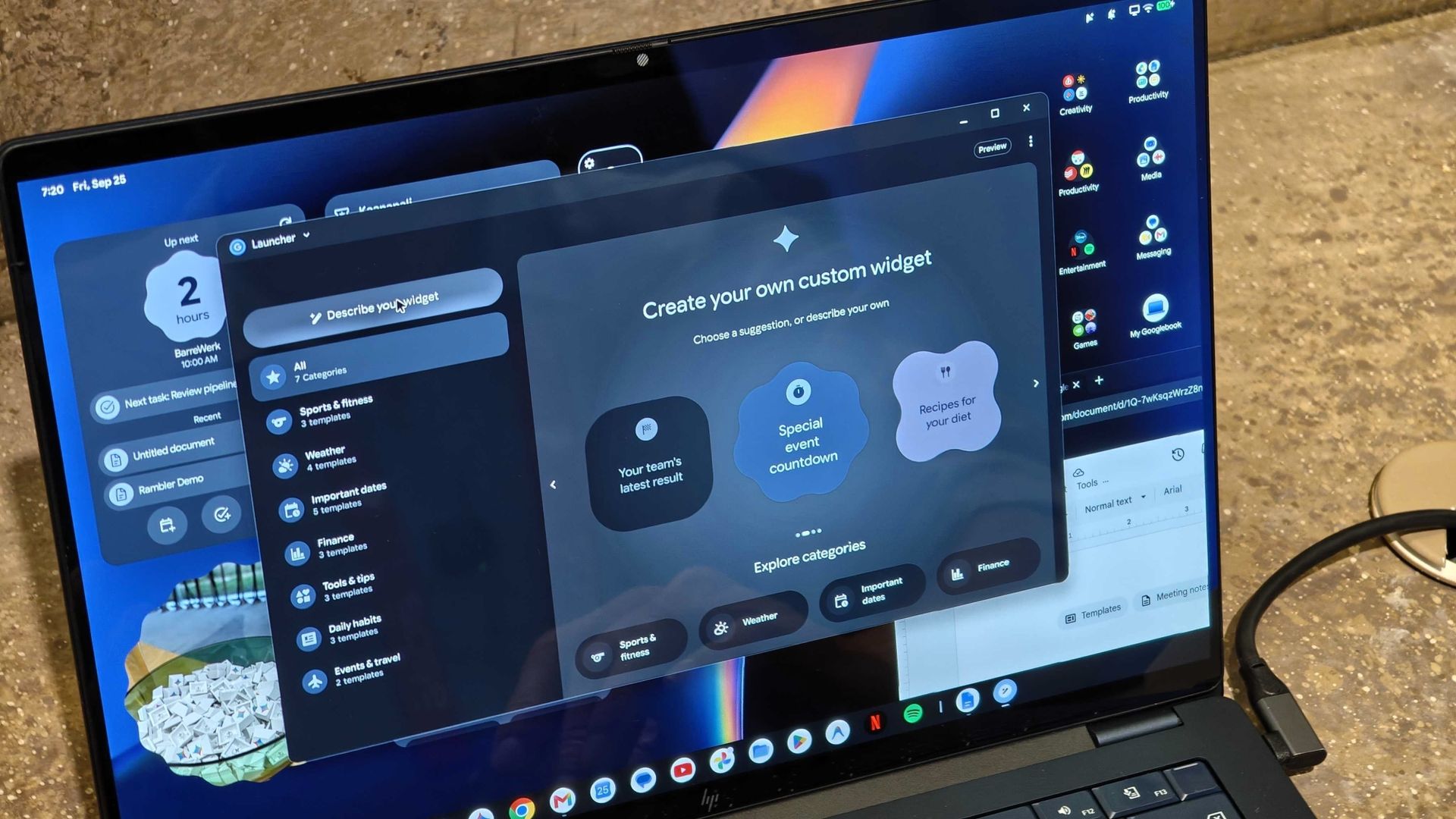
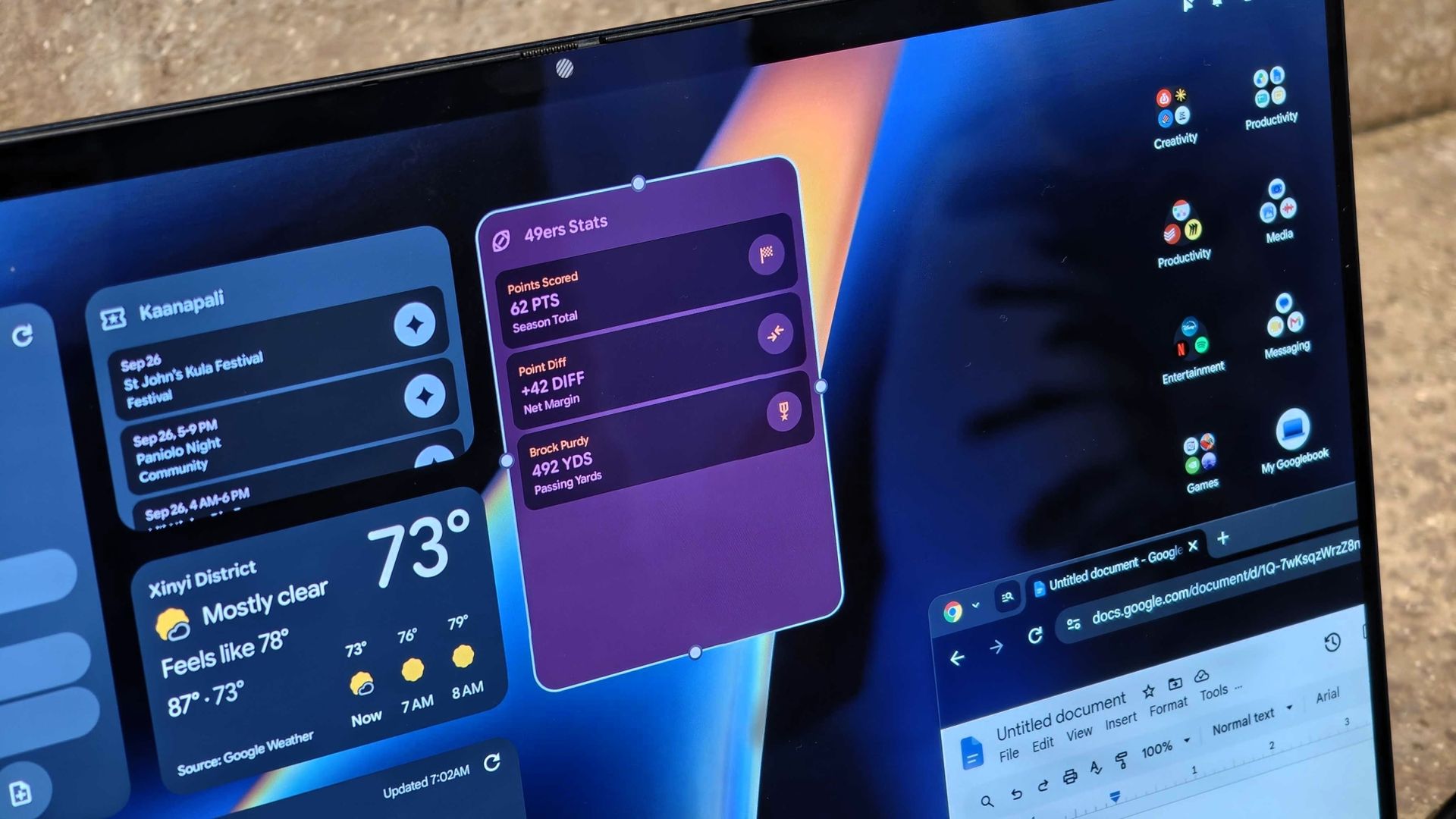
And remember when I mentioned widgets? Well, you can use AI to create your own widget, and you can be as specific as you want. When demoing this feature, the widget creator was given a very specific, long-winded instruction to create a widget that would display the 49ers' points scored, comparisons with rival teams, and Brock Purdy's passing yards, all in a purple and neon-colored widget. And within less than a minute, it appeared on the desktop.
I can see this being a very useful feature for people who like to use their desktops like notepads. I also can't help but think of Windows 8 and its Tile interface, which were essentially dynamic "widgets" that filled your screen, although this feels more functional and a bit less jarring.
Finally, because Googlebooks run on the Android foundation, it's easy to download pretty much any app or game from the Play Store. You can also easily connect your phone to your Googlebook, search through your phone's app drawer, and cast apps directly to your desktop.
I didn't get to see this in action, but this sounds like an evolution of Phone Hub on Chromebooks. It also reminds me of Motorola's Smart Connect, which can do the same, though a native experience should be more useful.
For example, Continue On is a Handoff-like feature that lets you start one task on your phone and continue it on your laptop. And by connecting your phone to a Googlebook, you can easily swap files between devices without needing Quick Share or a physical connection.
A promising start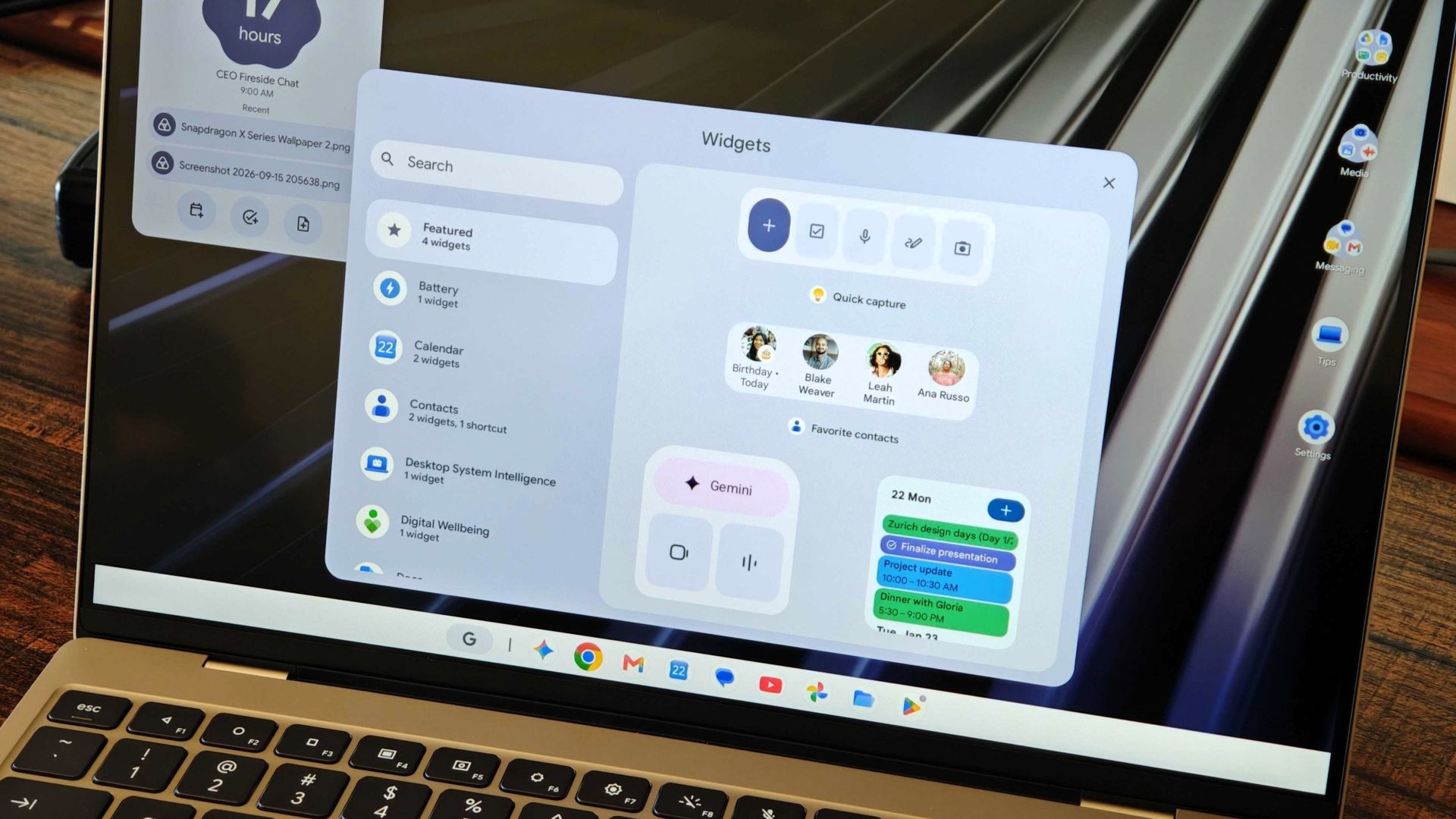
I didn't get to spend much time with the Googlebooks, and this is only a small selection of devices, with other options powered by Intel and even MediaTek chips. Still, it's a promising start for Google's computing ambitions, and I can't wait to see where the company takes it, especially as it moves down in price point.
We'll still have Chromebooks for a while, and some may even be able to update to Googlebook OS at some point in the future. While Google is working with developers to better optimize games for these larger screens, you shouldn't expect native PC-like AAA games on Googlebook, though you can still use GeForce NOW to stream games to your device.
So, Googlebook may not be for everyone, but it feels like a viable option for Android users who need to stay productive on the go when a tablet won't suffice, and it could also be a go-to option for students.
I was never a fan of Chromebooks, but I will admit that even I'm intrigued by Googlebooks, and I'm seriously considering switching from Windows.