MOZA AY210 Force Feedback Base and MFY Yoke review: Taking flight sim immersion to the next level
Over the past several years, MOZA Racing has become one of the most recognizable names in sim racing, earning a reputation for producing high-quality racing wheels and peripherals. Founded in 2012 by a group of automotive engineers and sim racing enthusiasts, the company initially focused on manufacturing and selling videography equipment before entering the sim-racing market.
More recently, MOZA has expanded into the world of flight simulation, bringing the same focus on build quality and performance that has made its racing products so popular. Today, we're taking a look at the MOZA AY210 Force Feedback Base and MFY Yoke. We'll be putting both products through their paces in Microsoft Flight Simulator 2024, testing them across a variety of challenging flight scenarios to see how they perform in the cockpit.
Inside the Box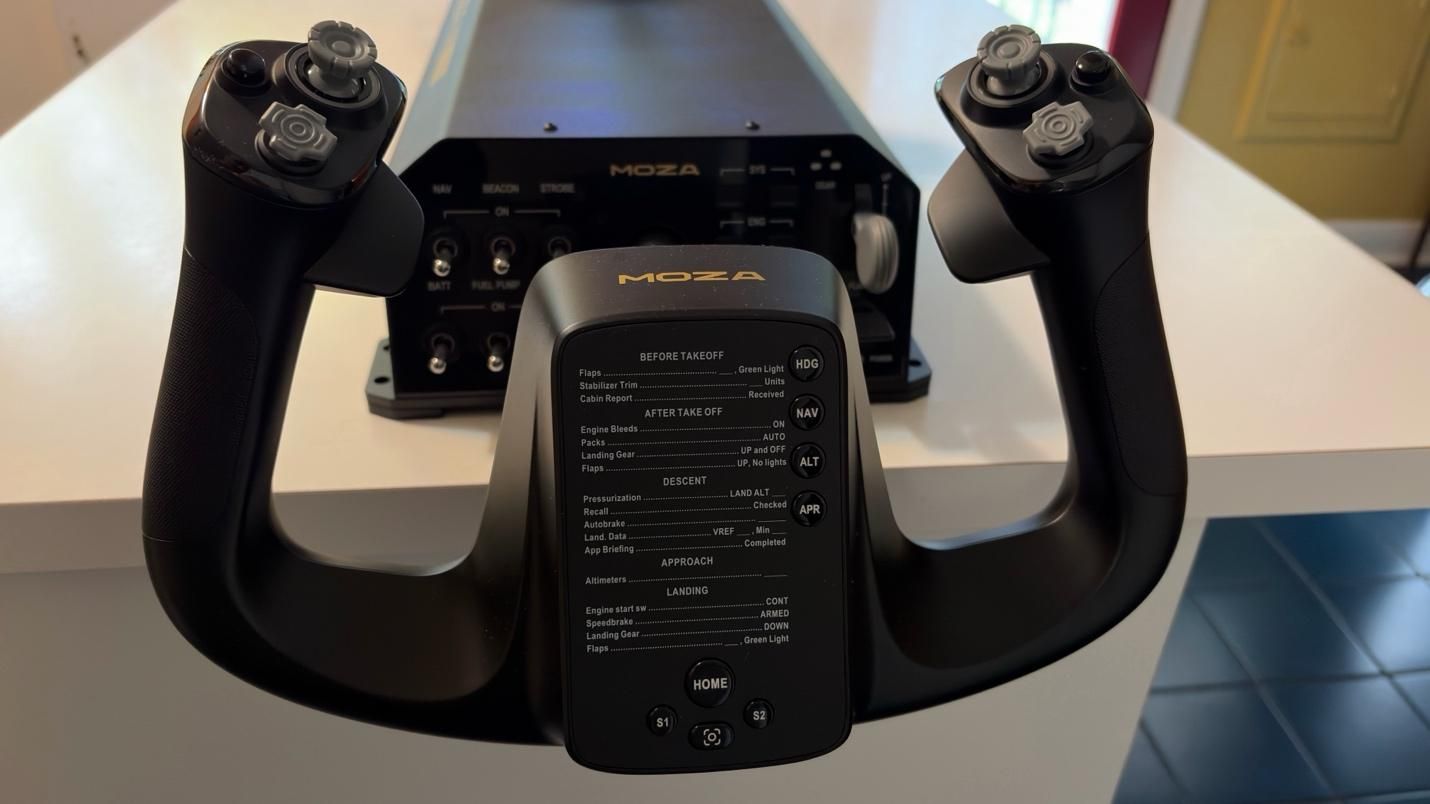 Tom's Hardware
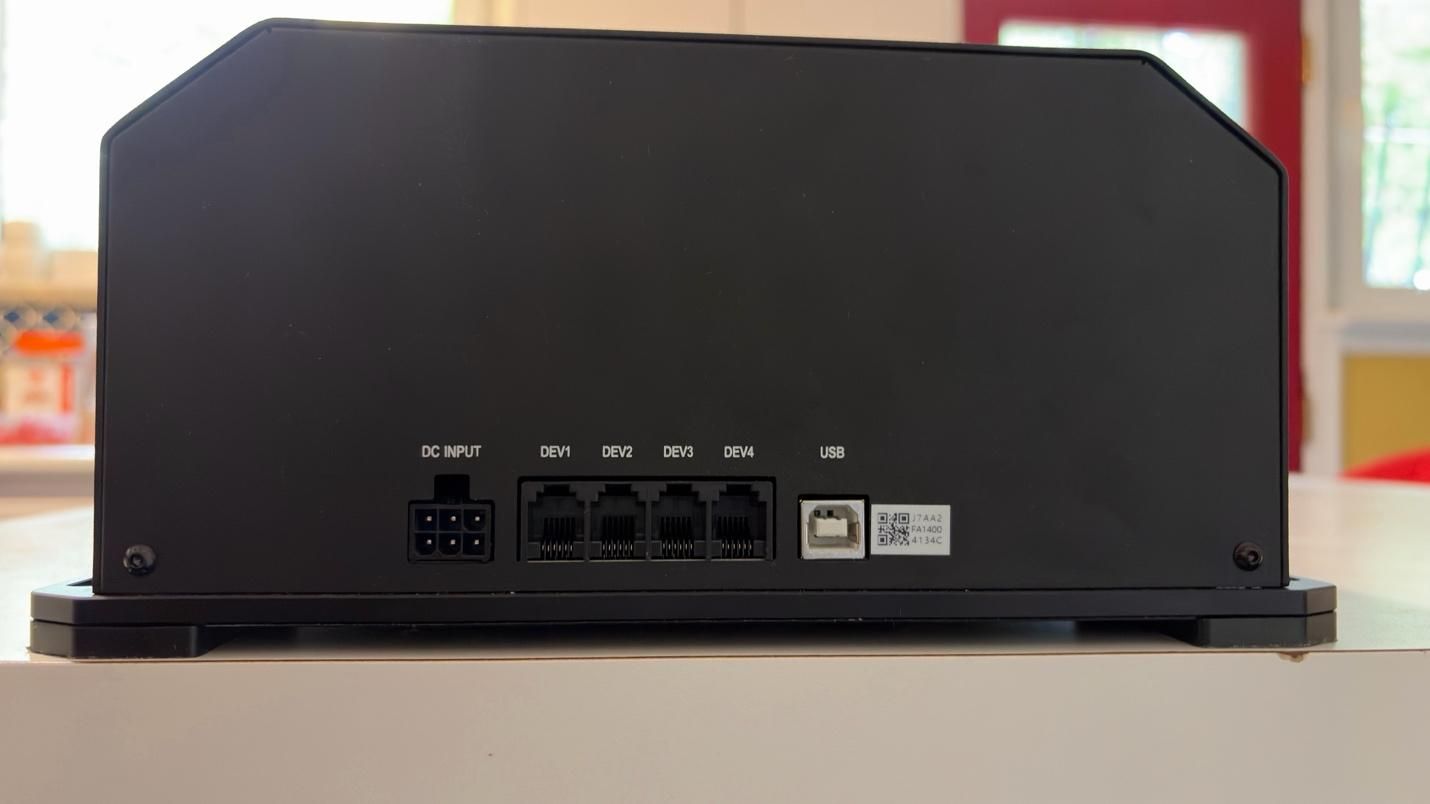 Tom's Hardware
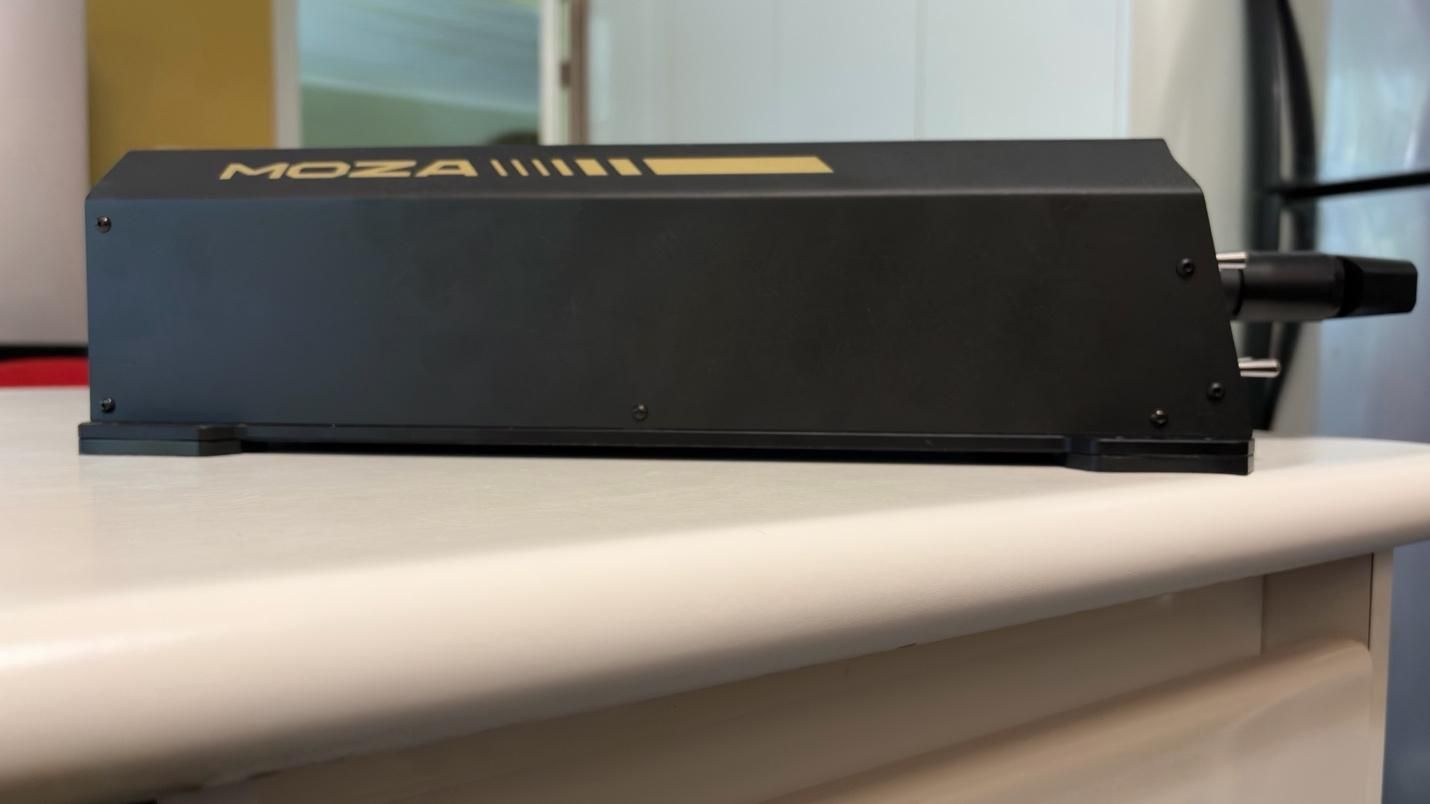 Tom's Hardware
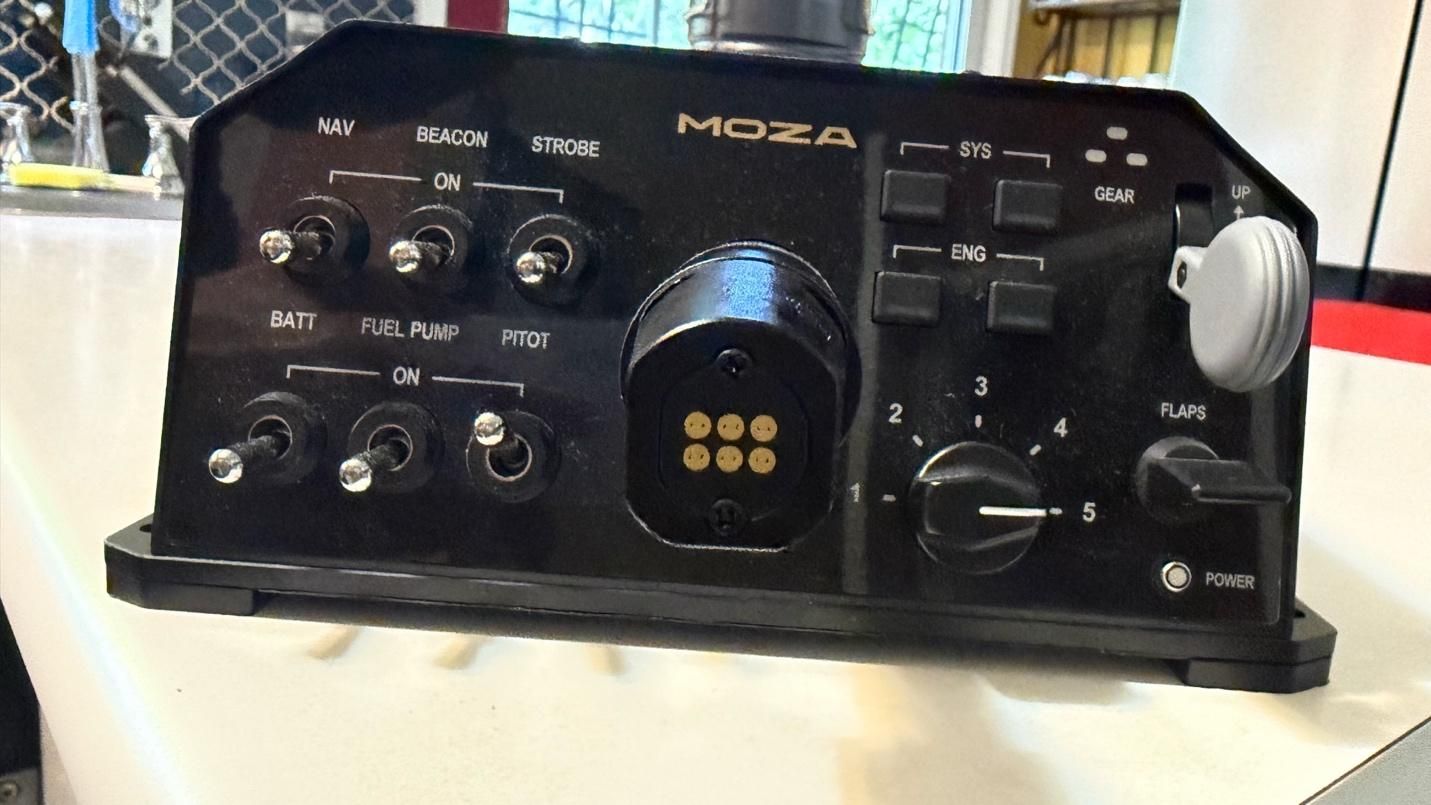 Tom's Hardware
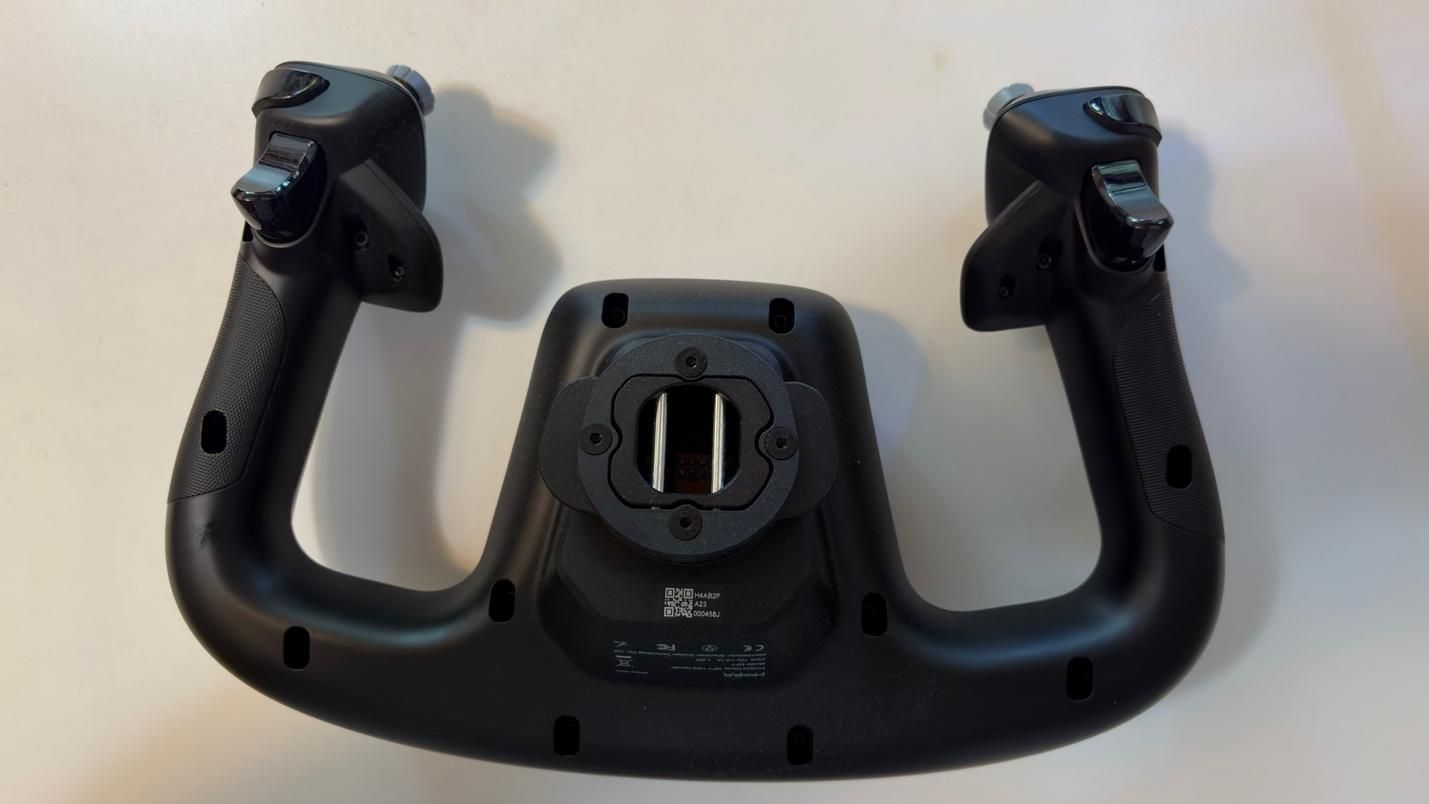 Tom's Hardware
While you can purchase the base and the yoke separately, they also come in a bundle. With the bundle, you get both the yoke and the base in the box, along with a toolkit and user manual. The base comes with a power cable and a USB Type A to Type B cable.
MOZA also sent us a couple of table clamps for the yoke to secure it to our test setup. The clamps are sold separately.
Case Material | Composite |
|---|---|
Quick Release Material | Aluminum Alloy |
Button Cap Material | ABS Plastic |
Platform Compatibility | Windows 10/11 - MSFS, X-Plane |
8-Way Switches | 2 |
Hall Effect Joysticks | 2 |
LB/RB Buttons | 2 |
Triggers | 2 |
Total configurable inputs | 34 |
Software | MOZA Cockpit |
Dimensions (LxWxH) | 5.6 x 8 x 12.3 inches / 142.5 x 202 x 313 mm |
Weight | 2.9lbs / 1.3kg |
MSRP | $129.99 |
Release Date | March 2025 |
Connectivity | Wired connection via detachable USB-B to USB-A cable |
|---|---|
Platform Compatibility | Windows 10/11 - MSFS, X-Plane |
Housing Material | Aluminum alloy |
Motors | Dual servo motors |
Sustained Roll Torque | 9 Nm |
Travel Distance | 150mm |
Power | 216W |
Voltage | 110~220V AC -> 36V DC |
Chip Precision | 15-bit magnetic encoder |
USB Refresh Rate | 1000Hz |
Native Force Feedback | Supported |
Intelligent Telemetry Force Feedback | Supported |
Software | MOZA Cockpit |
Dimensions (LxWxH) | 9.6 x 15.9 x 4.4 inches / 243 x 403 x 112 mm |
Weight | 17.6lbs / 8kg |
MSRP | $699.99 |
Release Date | March 2025 |
The base and yoke feature several programmable buttons and switches, but the real depth of customization comes from MOZA Cockpit Software. The software provides an impressive range of options for fine-tuning the yoke to your preferences. You can adjust individual settings to create your ideal feel, or choose from one of MOZA's presets or community-created profiles.
Build Quality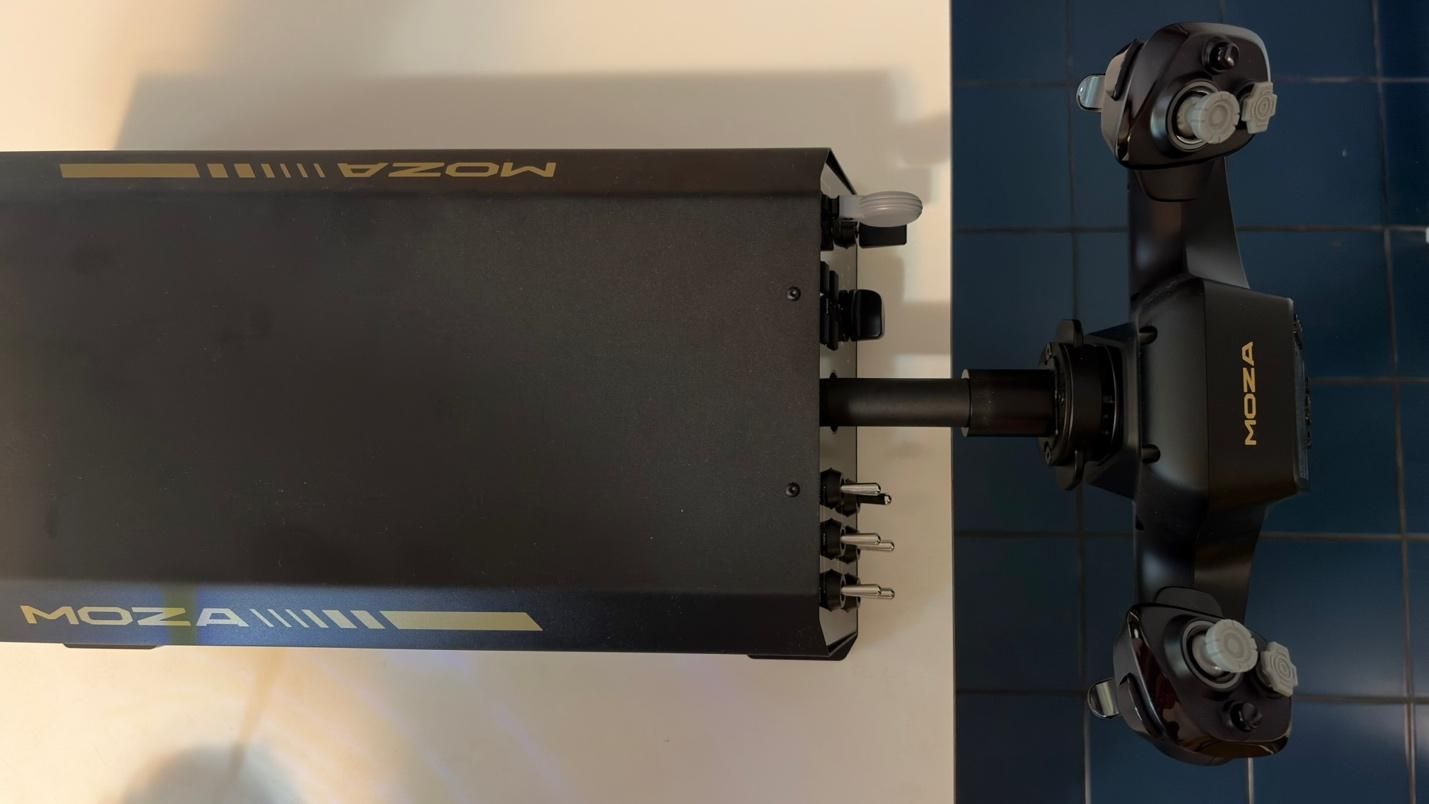 Tom's Hardware
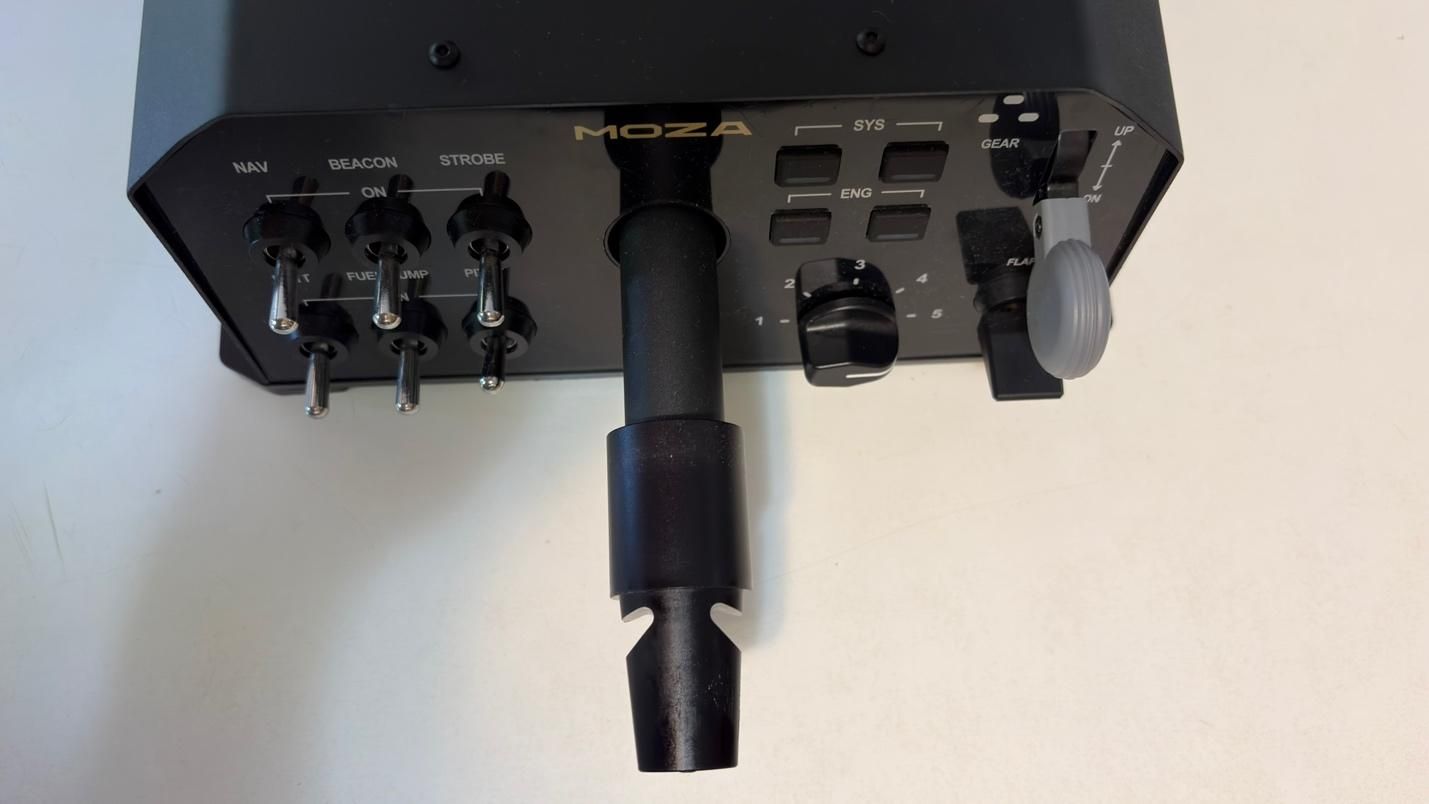 Tom's Hardware
The base is constructed from aluminum alloy, giving it a sturdy, durable, and premium feel. An aluminum quick-release mechanism allows you to swap yokes quickly while keeping them securely attached.
Under the hood, the AY210 is powered by a 280 MHz processor and features a 15-bit high-resolution magnetic encoder. This is designed to provide precise and responsive inputs across the full range of motion, whether you're making small, delicate adjustments or larger, more aggressive inputs. Combined with MOZA's proprietary active force-feedback system, the AY210 is designed to deliver a high level of control while adding another layer of immersion to the flight experience.
The MFY Yoke features a premium build made from high-quality synthetic engineering thermoplastic and ergonomic design that closely replicates the feel of a yoke found in a real commercial aircraft.
How Does it Feel?The star of the show is undoubtedly the force feedback. With up to 9 Nm of torque and 210 N of push force, the system adds a level of immersion that simply isn't possible with conventional yokes that lack force feedback.
When flying the PMDG 737, the yoke gives the aircraft a noticeably heavier feel through the control column, closely mimicking what we experienced in a 737 simulator. As airspeed increases, the yoke becomes progressively harder to deflect in both pitch and roll, accurately reflecting the aerodynamic forces acting on the aircraft.
But the force feedback goes far beyond simply simulating control forces. You can feel the vibrations from the engines, as well as the movement of the flaps and spoilers. After takeoff, the yoke conveys the increasing resistance of the airflow as the aircraft accelerates. Approaching a stall during a climb produces a noticeable buffet through the controls, while landing provides feedback as the wheels make contact with the runway.
The AY210 also replicates the movement of the aircraft's controls when the autopilot is engaged, with the yoke moving under the control of the autopilot servos.
All of these effects work together to create a remarkably convincing connection between the aircraft and the controls. It's a level of immersion that most other yokes simply cannot replicate.
Microsoft Flight Simulator 2024 TestingWe tested the AY210 Force Feedback Base and MFY Yoke in Microsoft Flight Simulator 2024 primarily using the PMDG 737-800. While the iFly 737 MAX is a great addon with a superb flight model, especially in Microsoft Flight Simulator 2020, it is not yet natively built for MSFS 2024. As such, it does not handle wind and turbulence effects entirely well in MSFS 2024. We wanted to stick with MSFS 2024 because of its more realistic flight dynamics. We also tested the yoke with the PMDG 777. For our tests, we used the latest 737 NG and 777 profiles from Tonyaviation on Flightsim.to. Tony is a real-life pilot with experience in the 737 and 787. The 787 and 777 share many of the same flight characteristics.
We tested the base and yoke in three different scenarios:
- Basic maneuvering. Flying at 5,000 feet, we performed gentle turns and pitch changes to evaluate the precision of the base during small, accurate control inputs.
- Turbulent approach. We performed an approach into Las Vegas under hot, windy conditions with strong updrafts and downdrafts. This scenario required larger, more frequent control inputs to assess how the base handles turbulence and rapid corrections.
- Curved approach. Finally, we flew the RNAV Visual approach to Runway 1R at San Francisco International Airport. This approach is available in MSFS 2024 if you use the Navigraph database, but it is missing the RF leg between the waypoints KLAUS and SQIRL, so we added it to the navigation database of the PMDG 737 and 777 ourselves. The procedure features a sweeping right-hand arc that continues until roughly one mile from the runway threshold, requiring the aircraft to remain in a turn at very low altitude. The approach demands precise tracking of the flight path while also requiring a smooth, accurate transition to the runway centerline after the final waypoint. This scenario tested both the precision and responsiveness of the AY210 Base.
Basic maneuvering feels precise and smooth with the right settings. That last part is important, however, because the AY210 does not necessarily deliver this experience out of the box. Based on our previous experience with a 737 simulator, even with significant pitch input, the control column should maintain a smooth and consistent feel throughout its movement. With the AY210, we found that the motion could feel less natural and sticky" unless Pitch Friction Correction was enabled in the MOZA Cockpit Software. Fortunately, this setting significantly improves the feel, giving the control column a response that is much closer to what we experienced in a 737 simulator.The 280 MHz processor and 15-bit high-resolution magnetic encoder also contribute to the AY210's precise and responsive inputs. We were able to make accurate turns and precisely set our desired descent rate, with even small control inputs translating smoothly and predictably into the simulator.
Turbulent ApproachHere, we perform our usual turbulent approach, landing in Las Vegas during the summer. The combination of extreme heat, strong winds, and thermals along the approach path can create significant turbulence, making for a much less stable approach. Microsoft Flight Simulator 2024 is able to replicate these conditions through its Live Weather system, providing a challenging environment for testing the AY210.
The level of immersion provided by the AY210 is simply incredible. Through the force feedback system, you can feel the effects of wind and turbulence directly through the yoke, rather than relying solely on visual cues or the aircraft's instruments. This provides useful feedback that helps you anticipate and make the necessary control corrections. The AY210 handled these conditions exceptionally well, accurately conveying the changing forces throughout the approach and giving us a much better sense of how the aircraft was responding.
Curved ApproachThe RNAV Visual approach to Runway 1R at San Francisco International Airport contains an RF leg between the final two waypoints - KLAUS and SQIRL - which is a sweeping right-hand arc. The AY210 was responsive and precise throughout, allowing us to follow the arc all the way to SQIRL, at which point we were able to accurately align with runway 1R and perform a smooth landing.
By comparison, the Thrustmaster TCA Boeing Yoke felt noticeably jerkier throughout the approach. The two products are also in completely different price tiers, so this is not necessarily a direct or entirely fair comparison. However, the TCA Boeing Yoke is a popular choice among simmers flying Boeing aircraft in Microsoft Flight Simulator, making it a useful reference point. The difference was immediately noticeable, and the AY210's ability to provide smoother, more natural control while conveying the effects of turbulence is a clear example of what you gain from its more premium design and force feedback system.
Bottom LineThe MOZA AY210 Force Feedback Yoke Base delivers one of the most immersive experiences available in desktop flight simulation. It comes at a premium price, but after spending time with the AY210, it is genuinely difficult to go back to a yoke without force feedback. The combination of realistic feedback, precise control, and the level of detail conveyed through the yoke adds an entirely new dimension to the flying experience.
It is not without its flaws. Some of the force feedback effects could be stronger, while the control column can feel slightly unnatural and sticky" out of the box. Fortunately, both issues can be addressed to some extent through the extensive customization options in MOZA Cockpit Software.
Overall, the AY210 is an impressive piece of hardware. For those willing to pay the premium, its force feedback and overall level of immersion make it a compelling upgrade for any serious home cockpit.