You can now modify the vBIOS on Nvidia gaming GPUs without flashing thanks to a solo developer’s project
Panchovix on GitHub recently released a VBIOS configurator for RTX 30-to 50-series cards that doesn't require flashing. The loader provides a UI for easy configuration and lowers the risk of bricking your GPU by avoiding a risky flash process, and it's available for Linux, too.
Go deeper with TH Premium: GPUs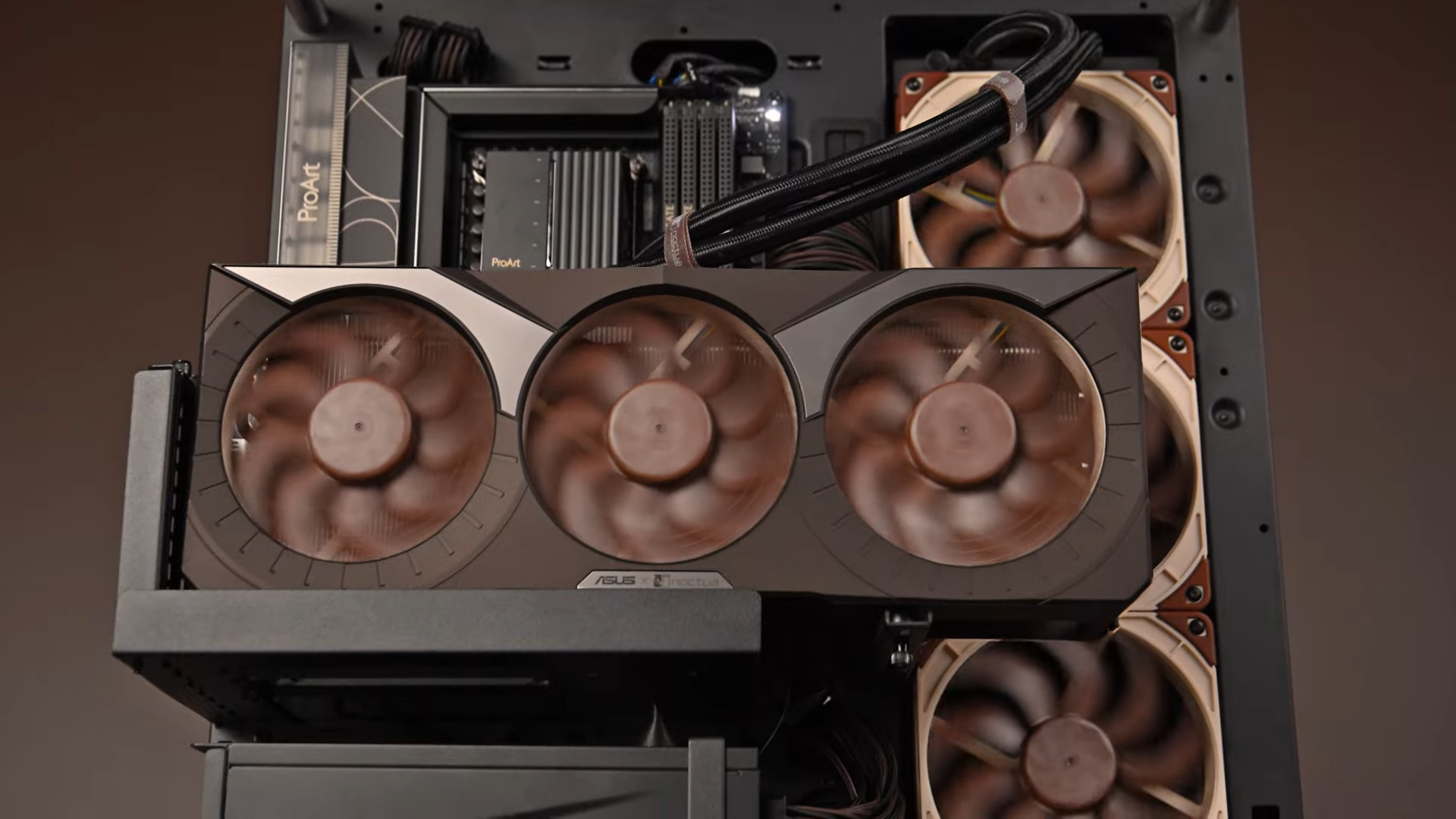
- Desktop GPU Roadmap
- Nvidia's Enterprise GPU Roadmap
- Testing DirectStorage with GPU decompression
- The GeForce RTX 30-series upgrade matrix - does your Ampere GPU need an upgrade in 2026?
- Rubin in-depth
- The Stout Owl: The ultimate Noctua G2 PC
Software like MSI Afterburner or ASUS GPU Tweak is often the go-to tool for quickly changing your graphics card's settings; however, those tools have hard limits to how much you can push the graphics card. If you want to tweak your GPU beyond the firmware's set limits, you can change it by tweaking the parameters in the VBIOS. Configuring VBIOS is similar to changing BIOS settings in the BOOT menu. With the VBIOS loader, you can change settings beyond the firmware's hard limits.
The way it works is by storing the modified VBIOS image in the GPU's register key; as the Nvidia driver looks for a VBIOS override on startup, it finds the VBIOS image and restarts, applying the override settings. The flash chip on the graphics card is not overwritten, reducing the risk of bricking your GPU. However, this does not protect the card from any extreme settings that could destroy electrical components; it merely provides a safer and more convenient way to adjust and apply VBIOS settings, including a way to roll back to the default VBIOS settings should you face any instability.
Bricking a flash chip isn't as catastrophic as it seems, however. As long as you have a backed-up version of the VBIOS, you can easily buy an SPI flash chip programmer or even build your own using a cheap Raspberry Pi Pico and its many clones; sometimes programming the flash chip may not even require desoldering. Programming a flash chip is very tedious and inconvenient, though, which is why avoiding the risk of a botched flash process altogether is so appealing.
Unless you're familiar with power delivery, voltage tables, and the patience required to test for hours, we wouldn't recommend jumping into this unless you're prepared to risk your GPU. However, you can still safely take advantage of this software by tweaking the fan curves and other settings you've applied and tested in software like MSI Afterburner if, for some reason, the startup settings don't stick. This software will give your GPU new default settings that override at every startup, so long as Nvidia doesn't remove the registry key that allows the VBIOS override.