Five expert tips for getting the best Android phone deals this Black Friday
Black Friday 2027 is almost here, and Android phone deals are already coming in fast. If you're trying to upgrade your mobile, then the year's biggest sales event is the perfect chance to secure a bargain - but it's not without its risks.
You want to make sure that you're getting the very best value for your money, picking the right device for your needs, and securing a genuine discount that's actually better than the kind of price cuts you might see at other times of the year.
QUICK LINKS TO THE BIG BLACK FRIDAY SALES- Amazon: Big savings on tech essentials
- Best Buy: Half price TVs, laptops, gadgets and more
- Walmart: Members get early access to giant savings
- Target: Great for pre-Christmas gifting prep
- T-Mobile: Free premium handsets - including Samsung Galaxy - with select plans
- Samsung: Up to $1,000 off 2026 flagship devices
- Mint Mobile: Half price unlimited data with top Google Pixel devices
I've been covering Black Friday annually for almost half a decade now, so I know how to navigate the deal landscape like the back of my hand and identify what separates a bad deal from an absolute bargain. To that end, here are my five expert tips for buying an Android phone this Black Friday.
1. Aim for more than 4GB of RAM, but swerve RAM Turbo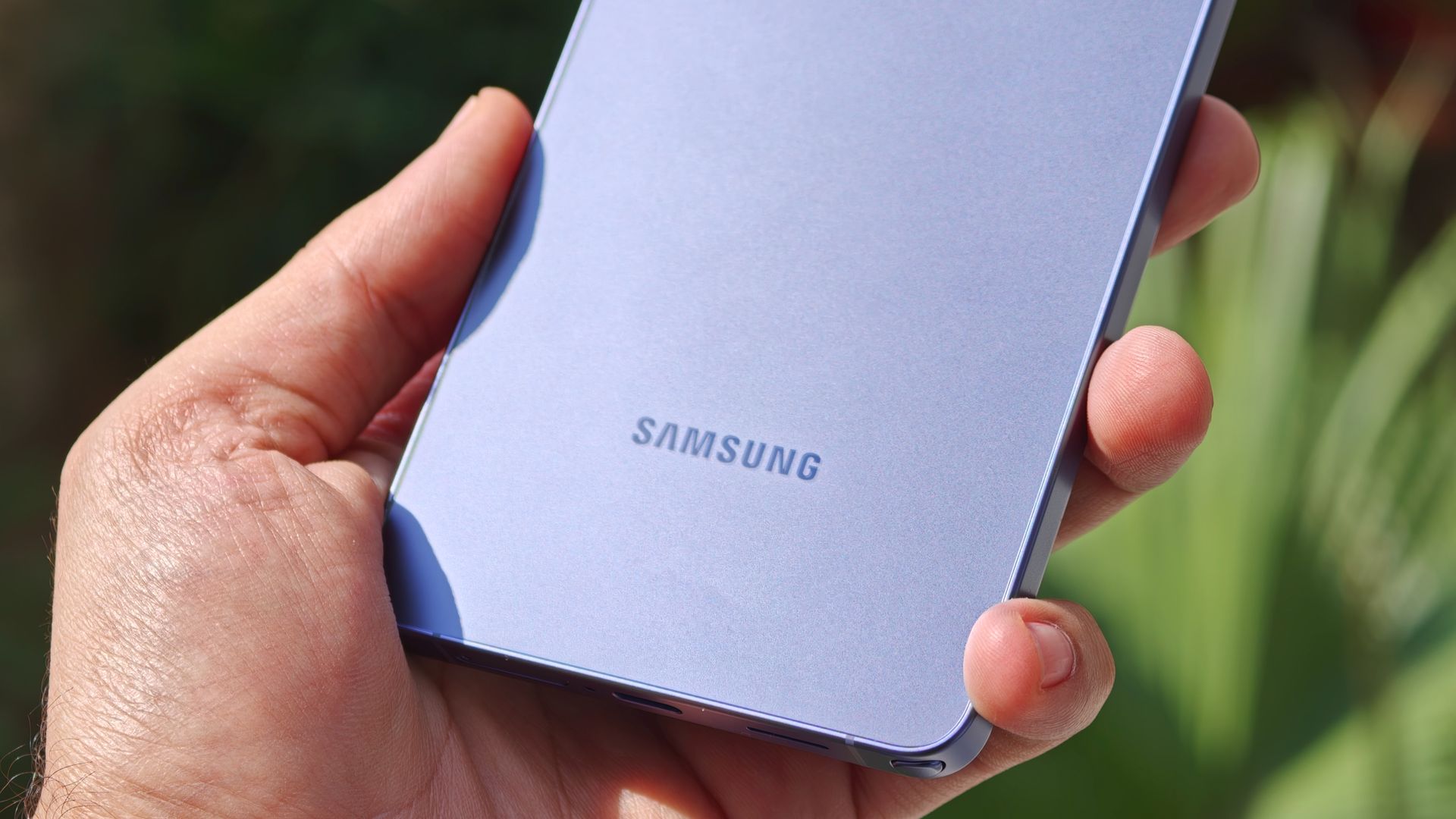
You might be tempted to fire up Amazon and beeline straight for the most heavily discounted handsets, but there are some key specs to watch that are genuinely worth paying a little more for if you have the budget.
For most users, the phone's chipset isn't going to make a huge difference, as mid-range and even budget models now pack modern enough chips to handle everyday tasks like browsing the web, sending emails, or checking social media smoothly.
I would pay attention to the RAM and storage capacity of the phone above all else. Adequate RAM helps ensure the phone can handle multiple apps, as well as important background tasks, without any slowdown or annoying refreshes.
Consider 4GB the absolute bare minimum for any phone that you're buying in 2026, though more is always better. 6GB is the perfect sweet spot and should help future-proof the device, while 8GB and above can accommodate more complex multitasking and gaming. This will generally come at a premium, though.
Some brands advertise a feature called RAM Plus, Memory Extension, RAM Turbo, or similar, which uses some of the phone's internal storage as additional RAM, rather than a dedicated chip. An easy way to spot this is when a spec sheet lists something like "4GB RAM + 4GB RAM Plus". The extra RAM might look like a nice bonus, but you should be wary of it, as it will take up valuable storage space and, as a rule, does not perform as well as the real deal.
2. You need 128GB of storage at least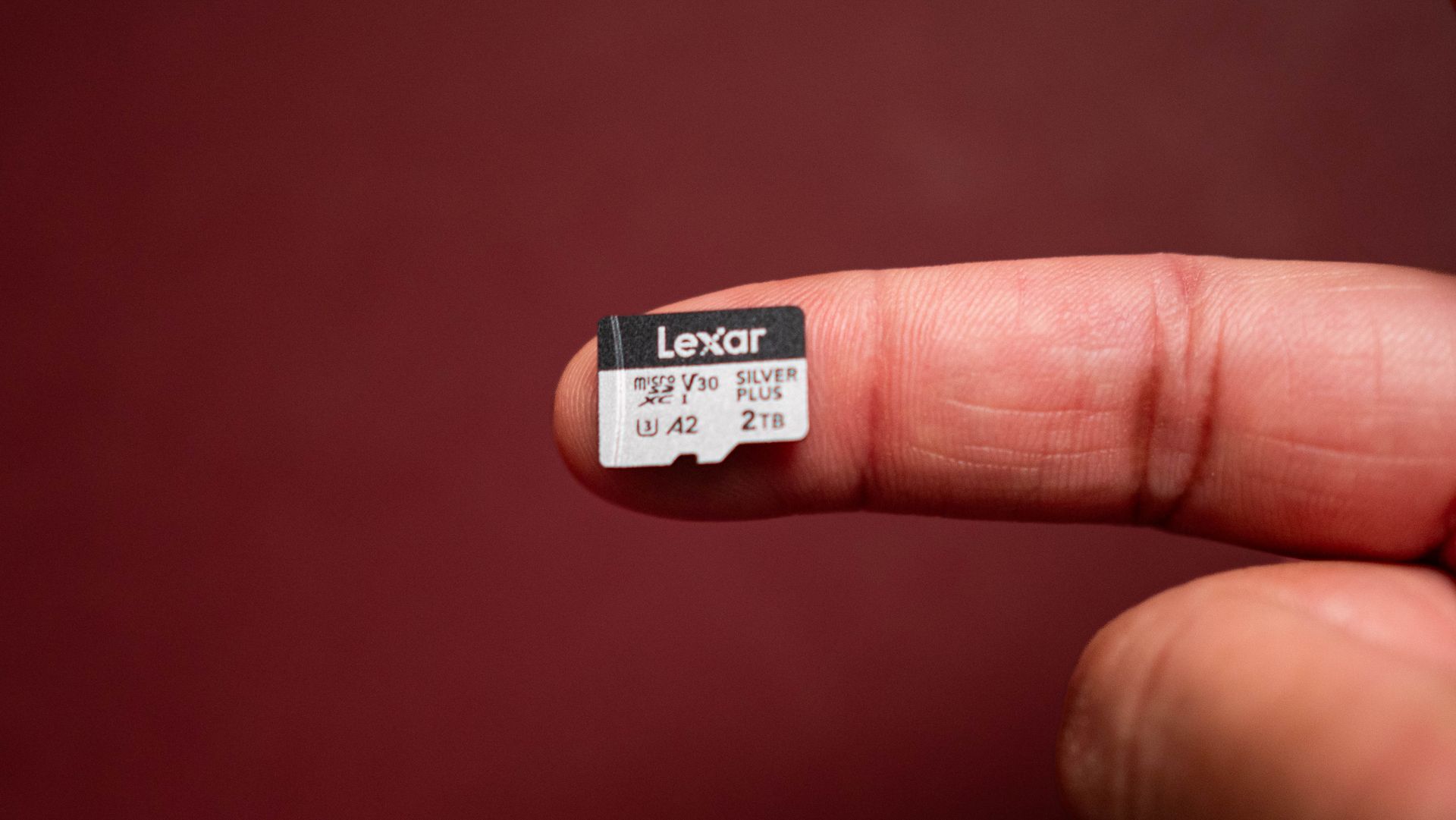
Speaking of storage, some manufacturers are still selling phones with just 64GB (or, in extreme cases, even less) of storage space built in. Certain Android skins (like Samsung's OneUI) can take up to 40GB of space out of the box, so you will almost immediately find yourself without enough space for apps, photos, music, movies, and so on.
Even if it's not an issue straight away, low storage space can severely limit the practicality of a phone in the long term too, as it makes it much more difficult to keep the operating system and your apps up to date. Go for at least 128GB to give yourself enough room for everything that you need, as well as any updates.
If you're a hardcore mobile gamer, then 256GB is a more realistic starting point, as modern titles like Neverness to Everness take up almost 30GB of space alone.
Also be on the lookout for phones that support microSD storage expansion. It's become quite a rare feature these days as companies ditch it in favor of thinner chassis designs, but the option to add a microSD card for extra space to store your files can come in handy if you're struggling to free up space down the line.
3. Ask if you really need those flagship features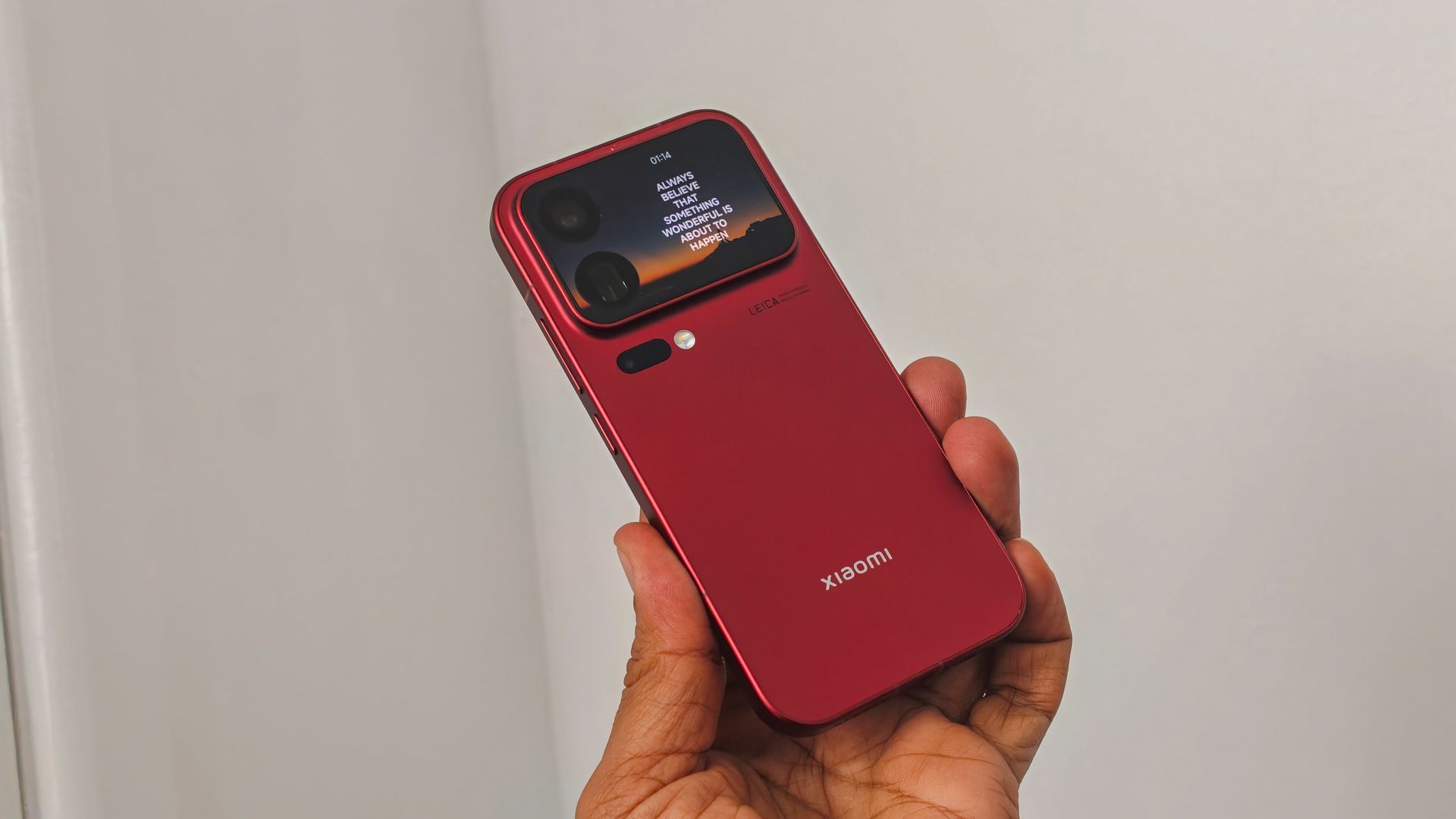
You can broadly separate the smartphone market into three segments: budget, mid-range, and flagship.
Flagship models are the most expensive options in a brand's lineup, designed for top-of-the-line performance and the most advanced features, while budget options have more modest spec sheets but come at a much more affordable price.
The mid-range sits, well, in the middle of those two, giving you some of the qualities of a flagship without the high asking price.
A good way to save money is to always ask yourself whether you really need to splash out for the flagship offering, or can make do with the mid-range or budget alternatives.
Take the current Samsung Galaxy line as an example. The flagship $1,299+ Samsung Galaxy S26 Ultra packs the lightning-fast Snapdragon 8 Elite Gen 5 SoC, boasts a 200MP rear camera, and comes with a built-in stylus as well as an innovative privacy display that stops passersby from being able to snoop on your screen.
This sounds fantastic, but is that really worth almost double the cost of the mid-range Galaxy S26 FE? The S26 FE has a weaker, but still capable, Exynos 2500 chip, a more modest 50MP rear camera, and lacks both the built-in stylus and privacy display.
If you're not a hardcore gamer, the chip isn't going to make much of a difference in day-to-day use, and while the lesser camera might sting the one time a year you're taking holiday snaps, the privacy display and stylus are likely not worth the upgrade unless you're dead set on using both features a lot.
4. Check update support carefully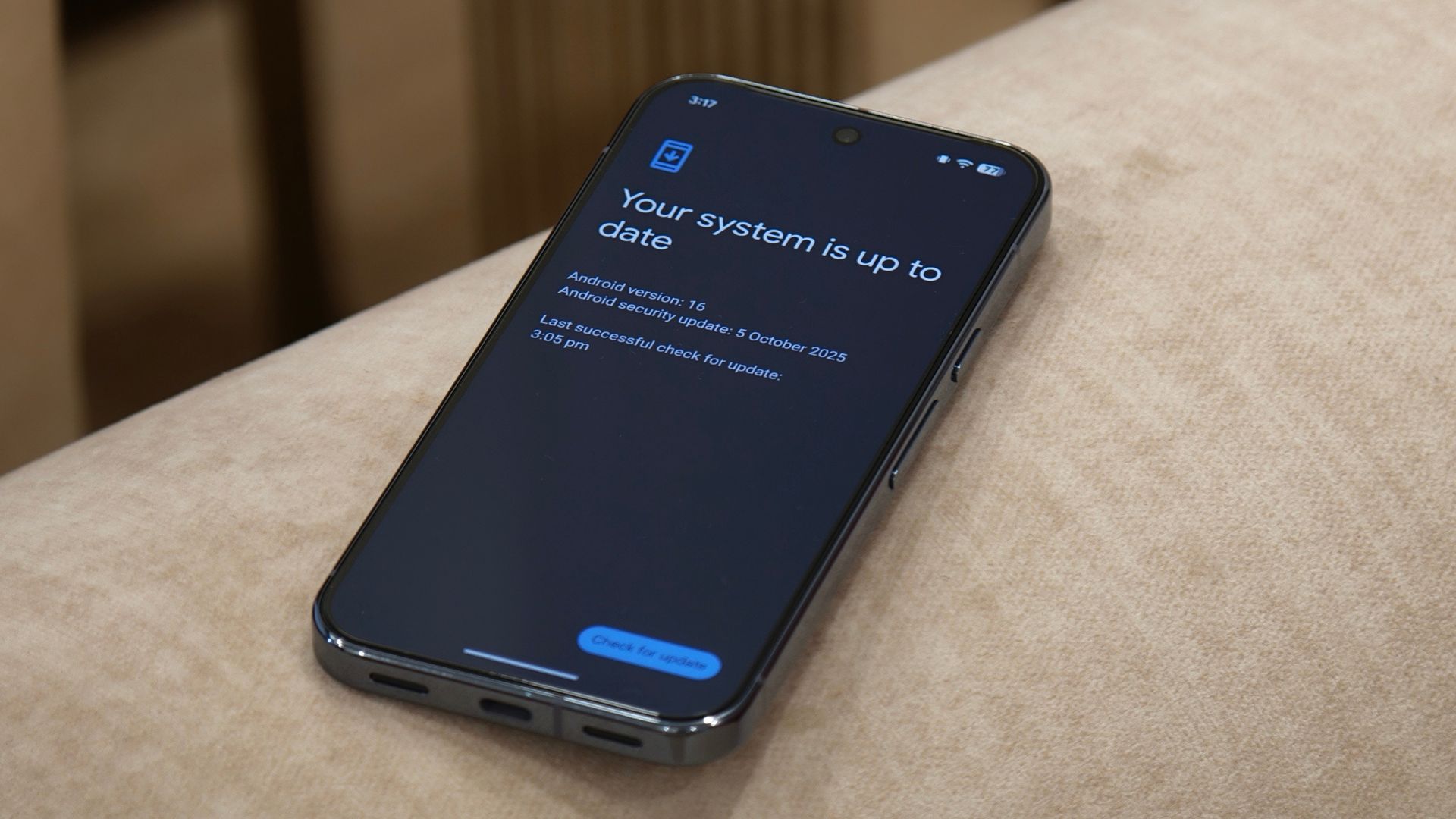
You wouldn't buy milk that's one day away from its expiration date, and, believe it or not, the same principle applies to phones.
Every phone manufacturer releases documentation detailing how many updates it will provide for a certain model, and finding out that number is imperative before you hit buy.
Be aware that update policies can vary by region. Check local support pages to make sure that the promised number of updates actually applies to you in order to avoid any nasty surprises.
Generally, phone brands will offer two separate figures. One tells you how many Android OS updates a phone will get (introducing new features, etc.), and the other concerns the number of years of security updates. The latter is by far the most important: using a phone without security updates leaves you at increasing risk of falling victim to unpatched security vulnerabilities, so it should be avoided whenever possible.
Try to get as many years of security update support as you can. 1 to 2 years should be avoided unless the phone is very cheap and you're prepared to replace it when it runs out, while 3 to 4 years is common but not ideal. 5, 6, or even 7 years of security updates is perfect and will ensure you remain protected until it's time for your next upgrade.
Always take into account the fact that these figures begin when the phone was released, rather than when you're buying it. If you're purchasing a model that came out three years ago that only has four years of security updates planned, you're getting just one year by the time it's in your hands.
I like to divide the sale price of a phone by the number of years of support remaining to work out just how much it's costing me per year of use, as I find that figure much more helpful than a flat price when it comes to working out how good value it is.
Don't spend hundreds on a phone that's going to be out of date and vulnerable to security exploits in six months!
5. Always check refurbished options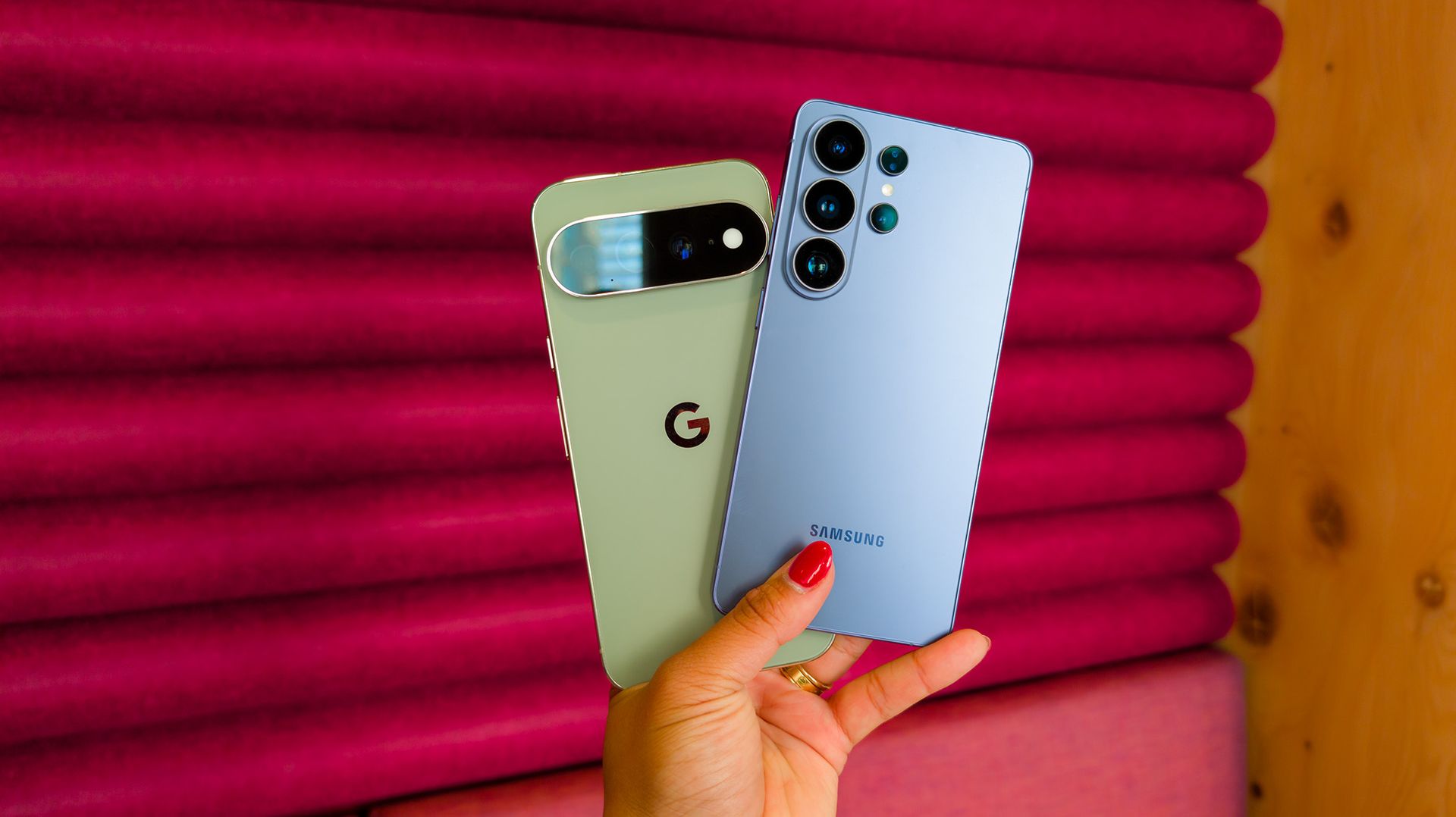
It may sound obvious, but you should weigh up second-hand or refurbished options as well. Sometimes you can save a fortune by picking up a used model that's practically indistinguishable from a new one.
Some manufacturers like Samsung have certified renewed models available directly from their official websites, which come with the added peace of mind that you're getting a phone that not only contains genuine parts but will also ship with a decent-quality battery and a good warranty.
You can also browse pre-owned options on Amazon. They appear near the buy button when available, and I've had some fantastic experiences getting basically untouched products with full original packaging when selecting the 'like new' option.
Just make sure you read the details of the condition carefully before you commit.