Up your camera game with these apps for Android
Shooting with your Android camera is usually great, but third-party apps can pack a punch in places you didn't even know you needed! From manual controls to real-time filters, to creative extras and so much more, you can achieve a lot more than you think you can with your phone photography by shooting with a third-party camera app.
Best overallMoment Pro CameraStaff pick

Moment is best known for its cases and attachable lenses, but it also makes an excellent camera app. With Moment Pro, you get a bevvy of manual controls for both photos and video, including specialized video features like focus peaking and zebra stripes. If you have a Pixel, you even get HDR+ optimized for the Pixel Visual Core!
Shoot the pastCamera MX
You won't get as many manual controls with Camera MX, but in exchange, you get all kinds of creative options. Camera MX features live shots that you can turn into GIFs, along with live filters, fun effects, and a built-in photo editor. You can even grab photos from before you pressed the shutter button.
Free (with in-app purchases) at Google Play
Full-featuredOpen Camera
Open Camera is an excellent app that gives you complete control over your cameras, with different photo modes, exposure compensation and lock, optional grids and stabilization, and more. You can toggle noise reduction and night mode, and shoot in RAW if you want extra-flexible photos.
For selfie loversCandy Camera
If you're a selfie fanatic, Candy Camera is full of flattering filters that you can lay overtop your photos in real time. There are also quick and easy tools for adding makeup, with many of the beauty tools that come pre-loaded on some phones. There are also plenty of fun stickers you can lay over your shots.
Built-in intervalometerProCam X
ProCam X has a fantastic layout that switches from a clean simple auto mode to a manual mode that's full of controls like focus modes and exposure compensation. You can shoot slow-mo and time lapse video, and there's a built-in intervalometer for shooting stop motion and long exposures.
Manual video settingsHedgeCam 2
HedgeCam 2 gives you plenty of manual video controls, right down to advanced features like adjustable frame rates and bitrates. The interface isn't quite as refined as some of the other options listed, but the long list of features is well worth the slightly clumsy UI.
Free (with in-app purchases) at Google Play
The default camera app isn't your only option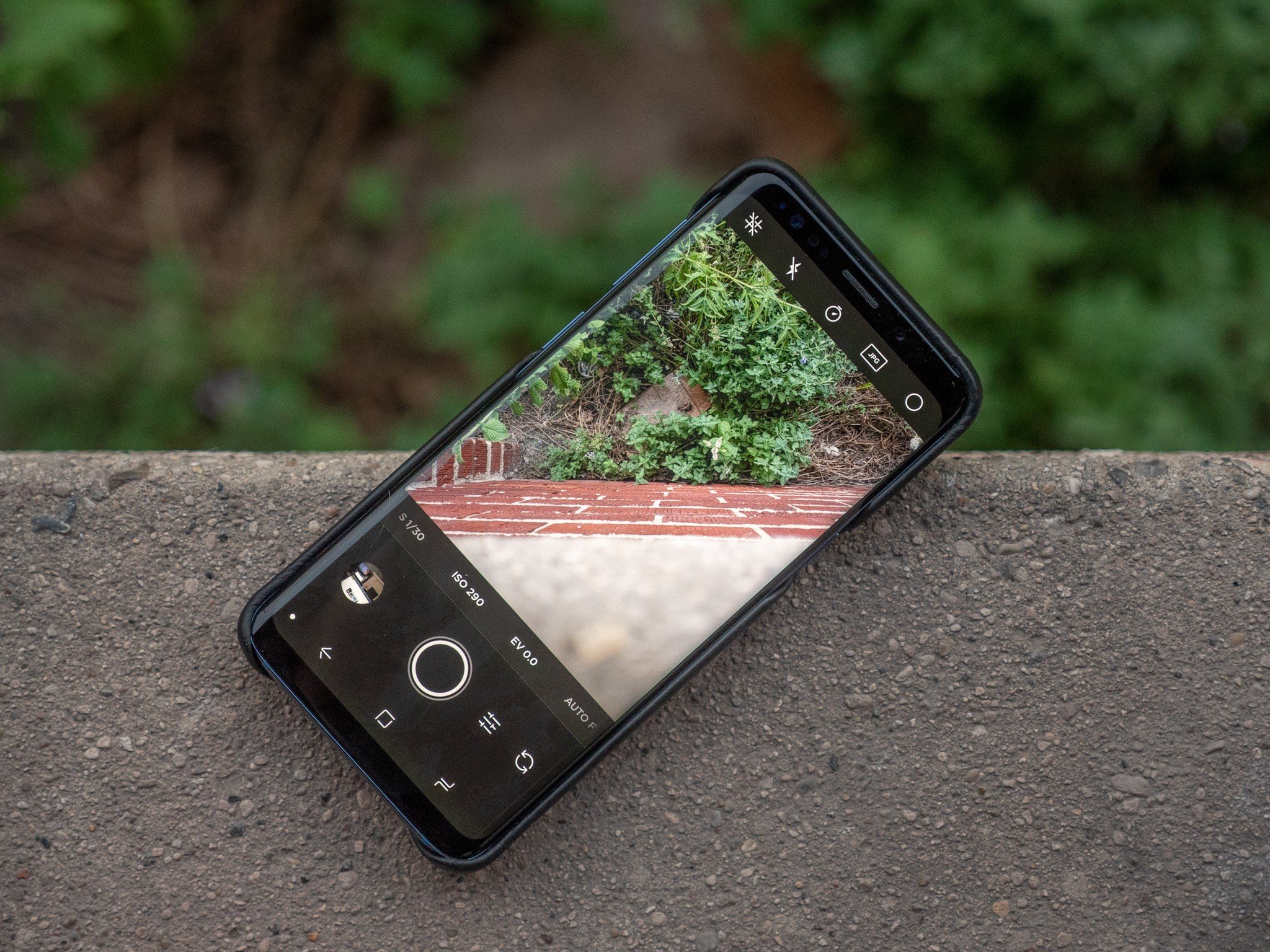
The stock camera app on your phone is great in a lot of ways; you can generally trust it to have the best optimizations for your hardware since, well, it was specifically made for it. However, too often, that default app is made to be easy to use in auto mode without paying much mind to manual controls or more advanced features. That's where a third-party camera app comes in, with specialized tools that let you be more creative and turn your phone into a much more powerful photography tool.
If you have a few dollars to spend, the Moment Pro Camera app is incredibly well-rounded, looks beautiful, and offers great manual controls for both photography and videography. It ties in nicely with the Pixel Visual Core if you have a Pixel 3 or 4, and of course, there's built-in support for Moment's mountable lenses.
ProCam X is another great camera app with a ton of manual controls and even a built-in intervalometer that makes it easy to shoot stop motion video, time lapses, and even astrophotography. If you're looking for something more fun, though, Candy Camera offers a wide variety of stickers and filters that liven up selfies and portraits of your friends.