Google’s Messages app gains new ‘Verified SMS’ feature
The features compares authenticity codes to verify the sender.

- Google has added a new 'Verified SMS' feature to its Messages app.
- When enabled, the feature will check if incoming messages are from a verified business or not.
- For now, the feature is only available for users in the United States.
Google is adding a new 'Verified SMS' feature to its Messages app, aimed at protecting users from phishing attempts. The feature is available (via Android Police) in the latest Messages beta v5.3.075 and will likely soon be enabled on the stable version too. However, the Verified SMS feature is currently available only in the U.S. Whether or not the feature will be expanded to other countries in the near future, remains to be seen.
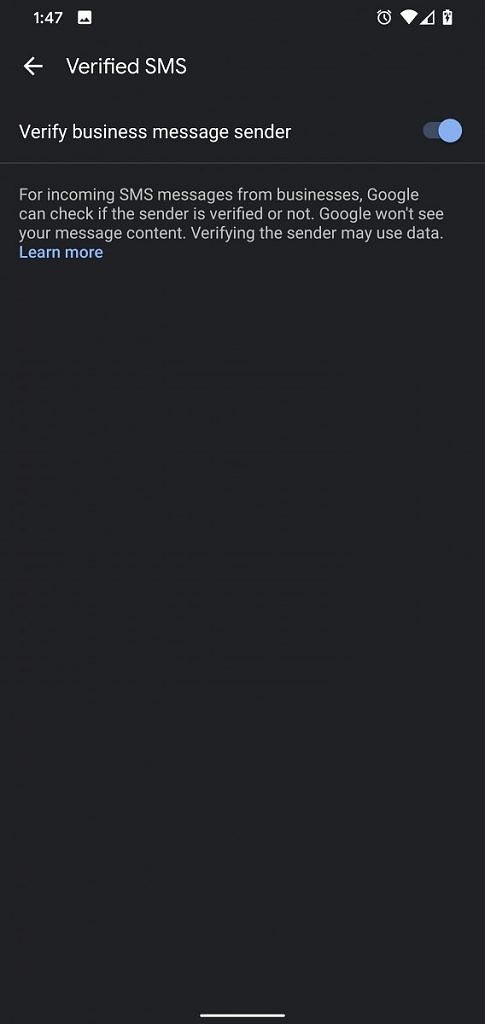
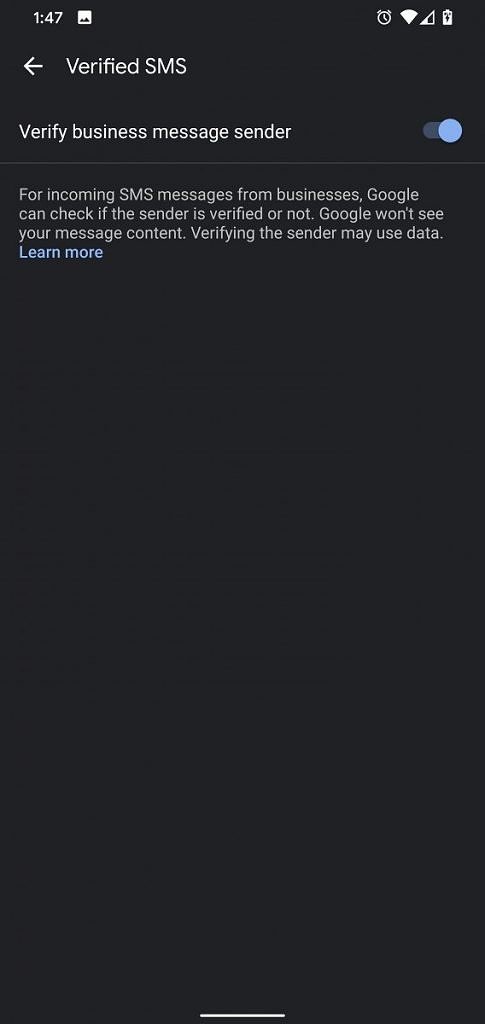
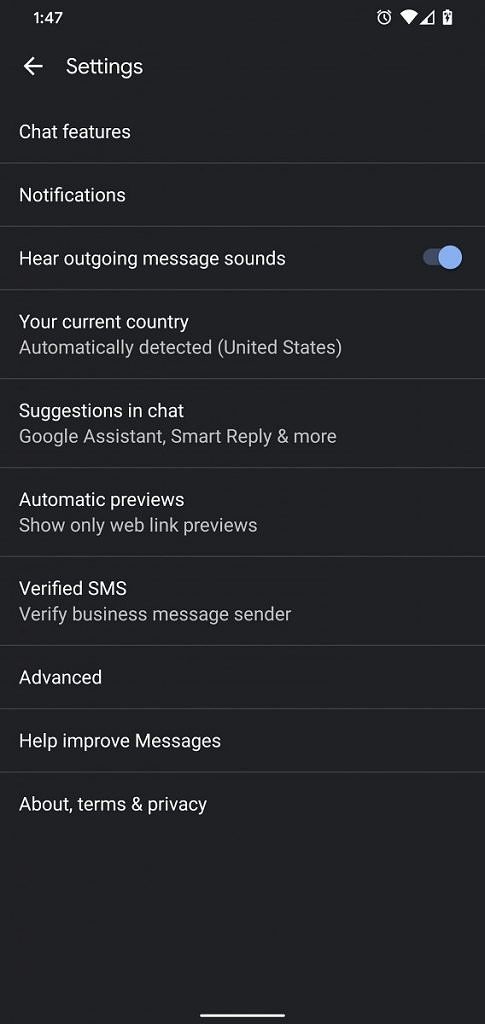
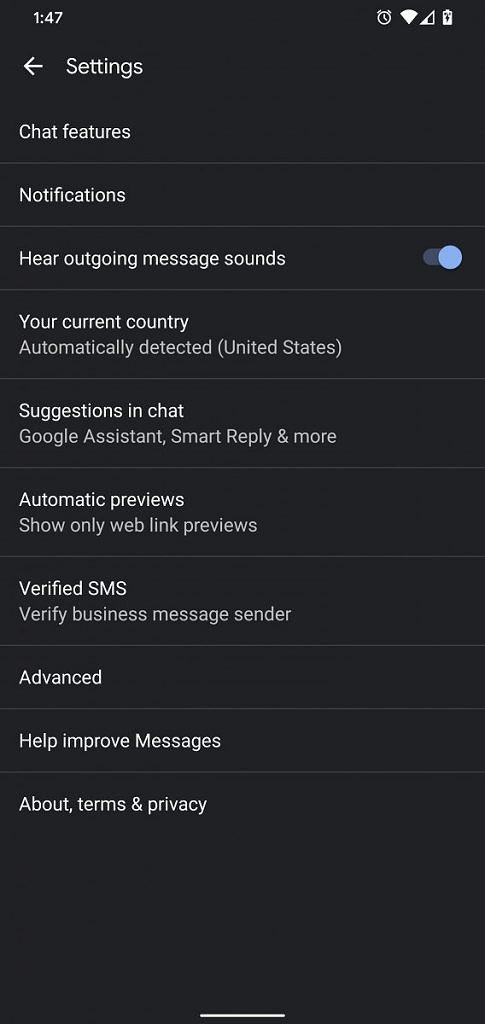
While the feature is enabled by default, you can turn it off by heading over to Settings in the Messages app. When enabled, Google will verify the identity of a business sending you SMS messages. This is done by translating the received message into an "unreadable authenticity code" on your device. Google then compares the code with unreadable authenticity codes sent to Google by the business. In case the codes match, you will be shown information about the business, along with a "verified" icon.
On the other hand, if the authenticity codes don't match, the Messages app will say "Message could not be verified." However, Messages will not be able to verify the sender of a message when you have no data connection. Google says it uses the device's phone number to create authenticity codes but does not see the content of the messages.
Since the feature can help protect you from phishing attempts, it is recommended that you do not reply to a message with sensitive info or open links before the sender is verified.
How to enable RCS Chat features on any Android device