Turn your Galaxy into a desktop with these DeX accessories
Samsung DeX is a wonderful system that is tragically overlooked by most users today. That's a shame because, in 2019, DeX has never been easier to use, especially because you don't have to shell out $50-$130 for one of Samsung's branded DeX stations. There are third-party USB-C hubs that work perfectly fine with DeX, and then, of course, there are tons of affordable, high-quality peripherals for adding a keyboard, mouse, and more!
Third-party DeX hubAUKEY Link PD Pro USB-C Hub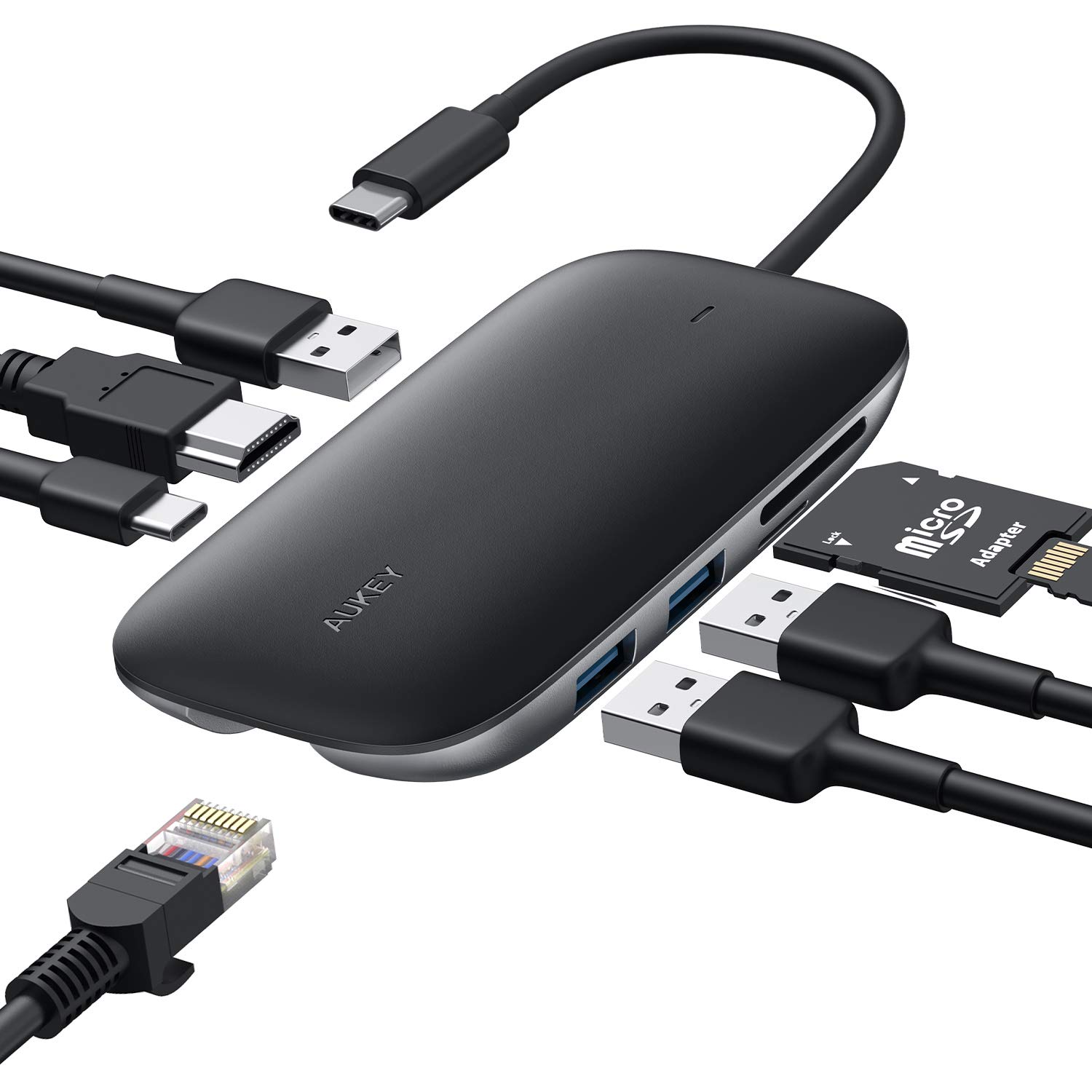
Staff pick
Our favorite USB-C hub for Chromebooks is also our favorite USB-C hub for DeX, and includes an HDMI port, three USB-A ports, USB-C passthrough charging, and even Ethernet, should you want to really turn your phone into a PC for a while.
Go minimalAnker 6ft 4K 60Hz USB-C to HDMI Cable
Want to use DeX to play a video on your hotel room's big screen? Users have been able to activate DeX mode with this Anker USB-C to HDMI cable. Remember that this won't let you charge your phone while you watch.
Get your mouse onLogitech M535 Compact Bluetooth Mouse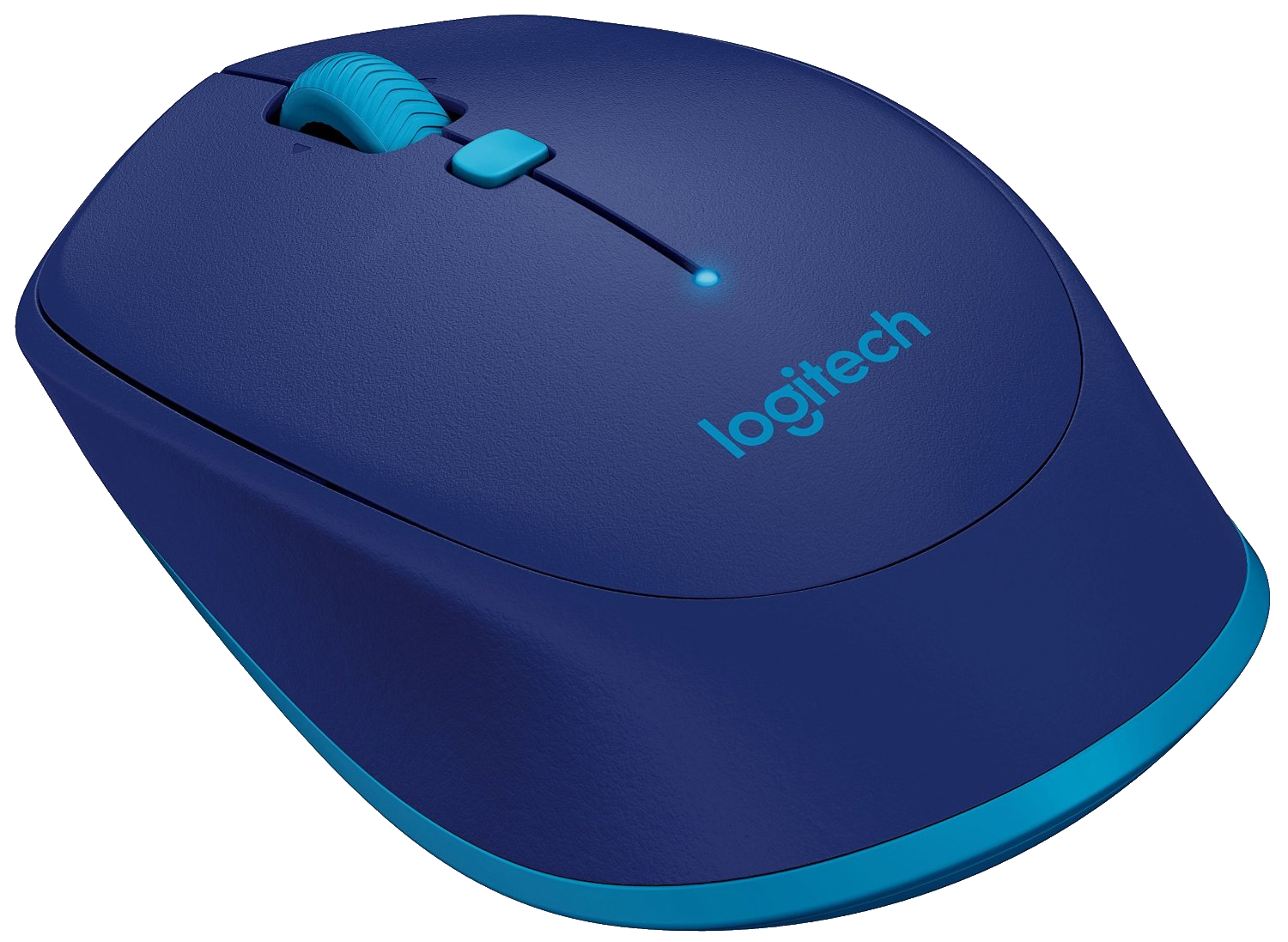
While DeX can let you use your phone as a touchpad, DeX is a desktop environment and works way better with a mouse. This compact, travel-friendly Bluetooth mouse is super comfortable thanks to the ergonomic design and rubber grips.
Quick-switching keyboardLogitech K380 Multi-Device Bluetooth Keyboard
A keyboard is essential for desktop productivity, and the Logitech K380 is our favorite Chrome OS and tablet keyboard. It has long battery life, near universal compatibility, and the ability to switch back and forth between three devices at the press of a button.
Pocket-friendlyiClever Wireless Folding Keyboard with 3-Color Backlight
iClever's folding keyboard doesn't leave clunky gaps or awkwardly aligned, shrunken keys. The colored backlighting is a nice touch, but being a regular-sized keyboard that can fold up compactly, packs well, and works hard more than justifies its price.
Perfect pocket power plugAUKEY USB-C Charger with 18W Power Delivery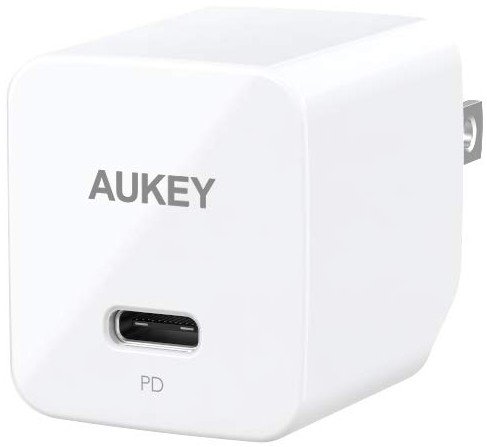
The maximum charging speed the Samsung DeX pad supports is 9V 2A, and what do you know, this little cube's max charging output is 9V 2A! It's like they were made for each other. You're going to be hard-pressed to find a smaller 18W charger than this.
BYOH - Bring your own hubOnce upon a time, you really needed to rely on official Samsung accessories for DeX, but these days the more recent Samsung flagships will kick on DeX mode far more readily with third-party accessories. This is great news for most of us because that means that if you have a good USB-C hub for your laptop like the AUKEY Link PD Pro, chances are you can use it with your Note or Galaxy phone for DeX mode when you leave your laptop behind.
Other than a USB-C hub, the other real essential for DeX mode is a mouse, as using your phone as a touchpad while navigating on your monitor or TV can be a pain. The Logitech M535 Bluetooth Mouse pairs well with DeX for scrolling through Reddit AMAs and hundreds of emails in pursuit of details for your business meeting, and who doesn't love that cerulean color?