Google Stadia vs. Xbox One X resolution and frame rate comparison

Xbox One X comes out on top.
Google Stadia is a cloud game streaming service that promises a 10.7 teraflops (tflops) gaming console you can access on your 4K display or your smartphone. Ever since the service launched, many users have compared the visuals Stadia offers with those of the Xbox One X. Unlike the upcoming Xbox Series X which is rumored to feature 12 tflops of performance, the Xbox One X only has 6 tflops. On paper, Stadia games should look much better than what Xbox One X offers, but that doesn't appear to be the case.
We compared a number of Xbox One X Enhanced games with those available on Stadia to see what the differences were. When there were doubts about image quality or frame rate (FPS), we referenced Digital Foundry's analyses. You can take a look at the chart below that breaks down the resolution and frame rate of games available on both platforms.
| Game | Xbox One X resolution | Xbox One X frame rate | Stadia resolution | Stadia frame rate | Notes |
|---|---|---|---|---|---|
| Assassin's Creed Odyssey | Dynamic 4K | 30 FPS | 4K | 30 FPS | Stadia may employ dynamic resolution |
| Attack on Titan 2 | 4K | 30 FPS | 4K | 30 FPS | - |
| Borderlands 3 | 1080p or 1800p | 60 FPS or 30 FPS | 4K | 30 FPS | Stadia may render at 1800p |
| Destiny 2 | 4K | 30 FPS | 1080p | 60 FPS | - |
| Final Fantasy XV | 1080p or Dynamic 4K | 60 FPS or 30 FPS | 1080p | 30 FPS | - |
| Ghost Recon Breakpoint | 1152p or 1800p | 30 FPS | 4K | 30 FPS | Stadia may employ dynamic resolution |
| Kine | 4K | 60 FPS | 4K | 60 FPS | - |
| Metro Exodus | 4K | 30 FPS | 4K | 30 FPS | - |
| Mortal Kombat 11 | 1800p | 60 FPS | 4K | 60 FPS | Stadia may render at 1800p |
| Rage 2 | 1080p | 60 FPS | 1080p | 60 FPS | - |
| Red Dead Redemption 2 | 4K | 30 FPS | 1440p | 30 FPS | - |
| Rise of the Tomb Raider | 1080p or 4K | 60 FPS or 30 FPS | 1080p or 4K | 60 FPS or 30 FPS | - |
| Shadow of the Tomb Raider | 1080p or Dynamic 4K | 60 FPS or 30 FPS | 1080p or 4K | 60 FPS or 30 FPS | - |
| Thumper | 4K | 60 FPS | 4K | 60 FPS | - |
| Trials Rising | 4K | 60 FPS | 4K | 60 FPS | - |
| Wolfenstein: Youngblood | Dynamic 4K or 4K | 60 FPS or 30 FPS | 4K | 60 FPS | Stadia may employ dynamic resolution |
The Xbox One X and Stadia were connected to the same Sony 4K TV and used the exact same Game Mode settings. Stadia was played on a 330 Mbps connection with an ethernet cable attached to the Chromecast Ultra. Some games like Red Dead Redemption 2 render at 60 FPS when played on a laptop or smartphone at 720p or 1080p.
Overall, I would say that Stadia and Xbox One X offer similar picture quality. However, Stadia, in general, appears a little softer because it's a compressed video stream being beamed to your 4K display. This is why it was difficult to determine the exact resolution Stadia was rendering select games like Mortal Kombat 11 or Wolfenstein: Youngblood at.
Some of the biggest surprises were Destiny 2, Final Fantasy XV, and Red Dead Redemption 2. All of these games look decidedly blurry when compared to the Xbox One X versions. However, Destiny 2 renders at 60 FPS, so which platform you want to play on is your decision. Do you want better picture quality or frame rate? Final Fantasy XV and Red Dead Redemption 2 seem to be suffering from a lack of optimization for Stadia.
Everything you needStadia Premiere Edition
A good way to start
This bundle includes everything you need to get started with Stadia. It includes the controller, Chromecast Ultra, Destiny 2, Samurai Shodown, and three months of the Stadia Pro subscription for you and a friend. It's a great way to begin your game streaming journey.
Pick up the partsChromecast Ultra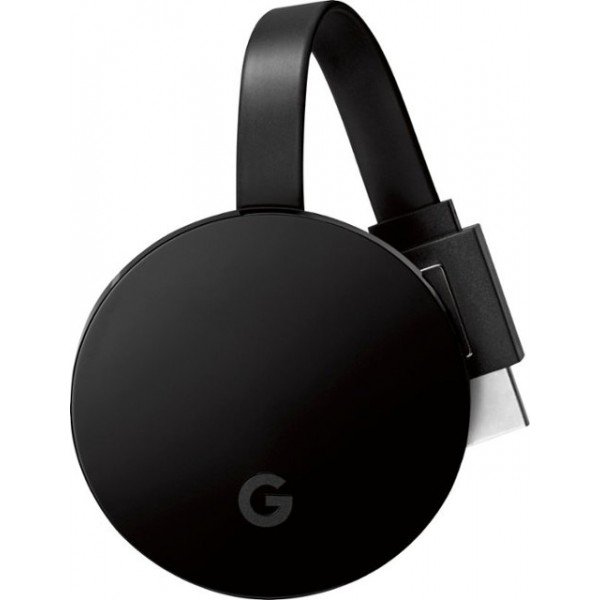
UHD streaming
You can buy everything together or you can get just the basics for Stadia. The Chromecast Ultra is available to purchase now and lets you stream 4K TV as well as play games.
All you needStadia Controller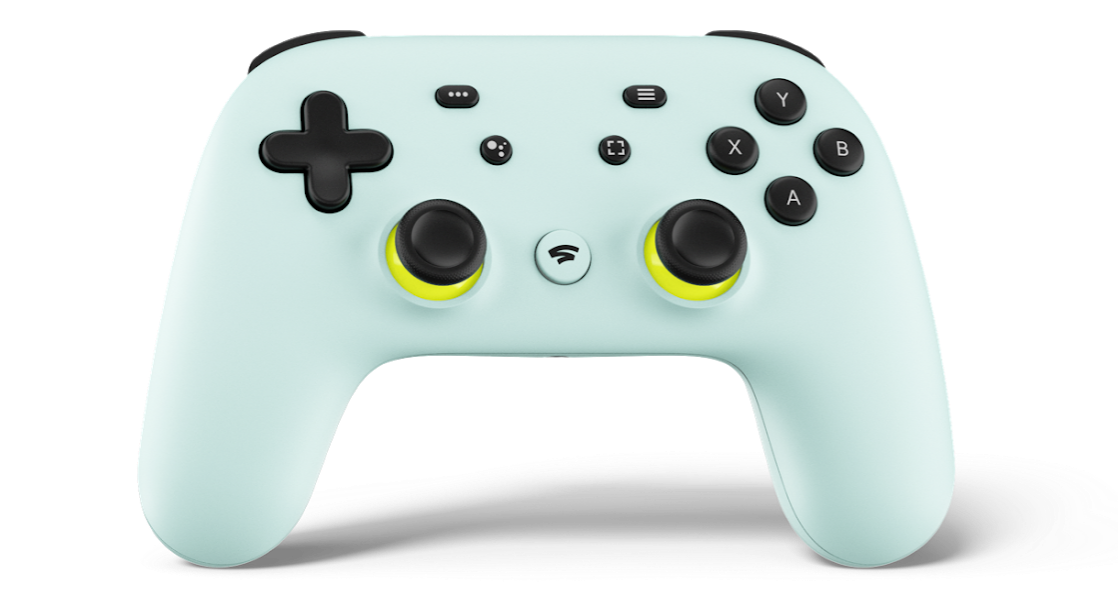
A firm grip on what's needed
The Stadia Controller is all you need to use Stadia if you already have the Chromecast Ultra. You can also use it on your other devices. Get the Wasabi colored one, it's gorgeous.