YouTube now lets you filter your subscriptions for easier content discovery
First on iOS, then Android later.
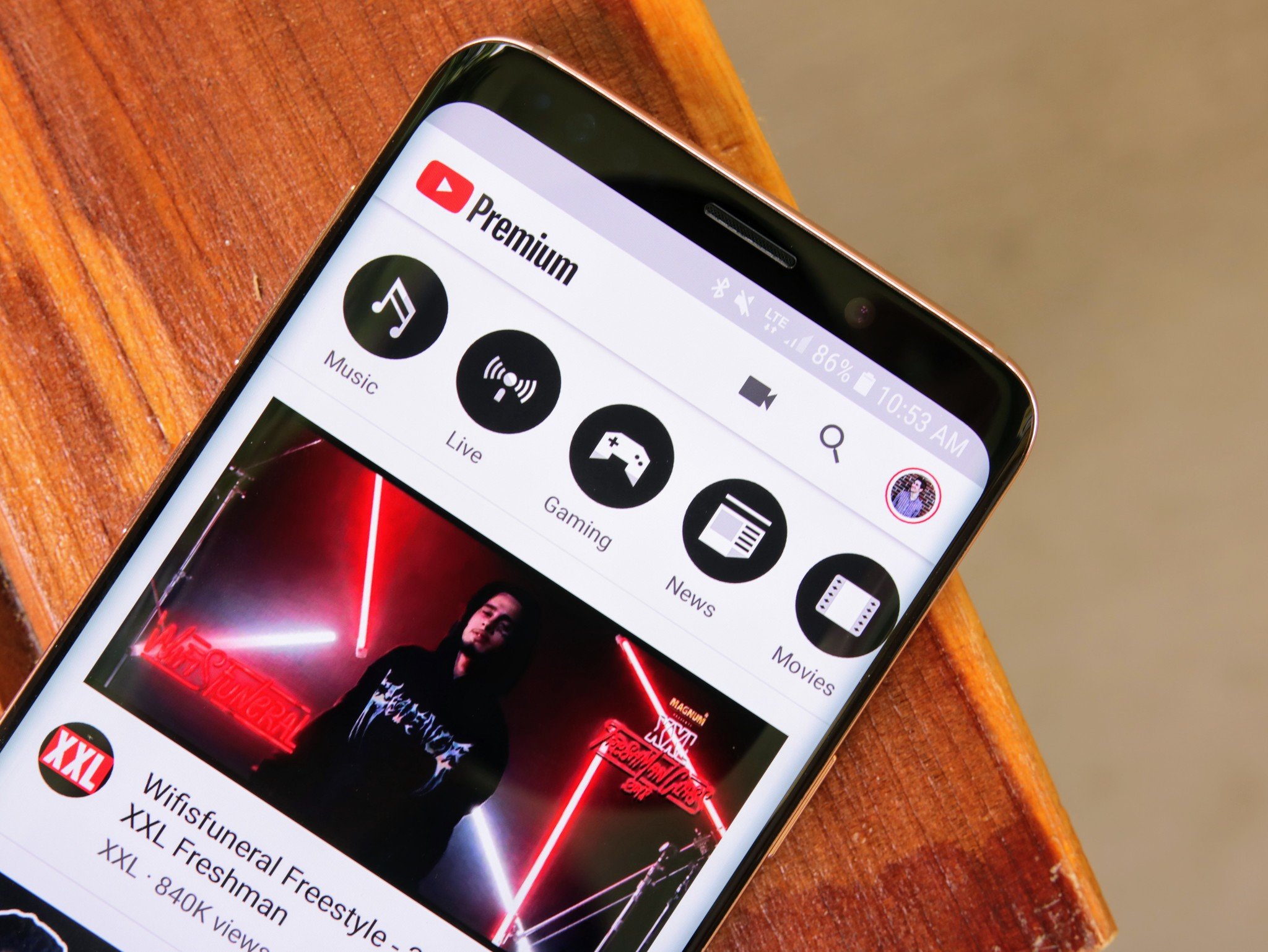
- Google will add filters to its YouTube app, letting users now tab between select categories on its subscription page.
- These new filters are coming to iOS first, and then Android soon after.
- Google first introduced content filters on the homepage.
If you're anything like me, your YouTube subscription tab is chockfull of half-watched videos sandwiched between a torrent of new content pushed by YouTubers. It can be overwhelming, and YouTube's design on mobile doesn't really help with that. The company is now making some changes to the YouTube mobile app to make that content glut easier to handle.
Spotted by XDA Developers, Google is now rolling out a new set of filters to the Subscription tab on iOS first, with an Android update to come later.
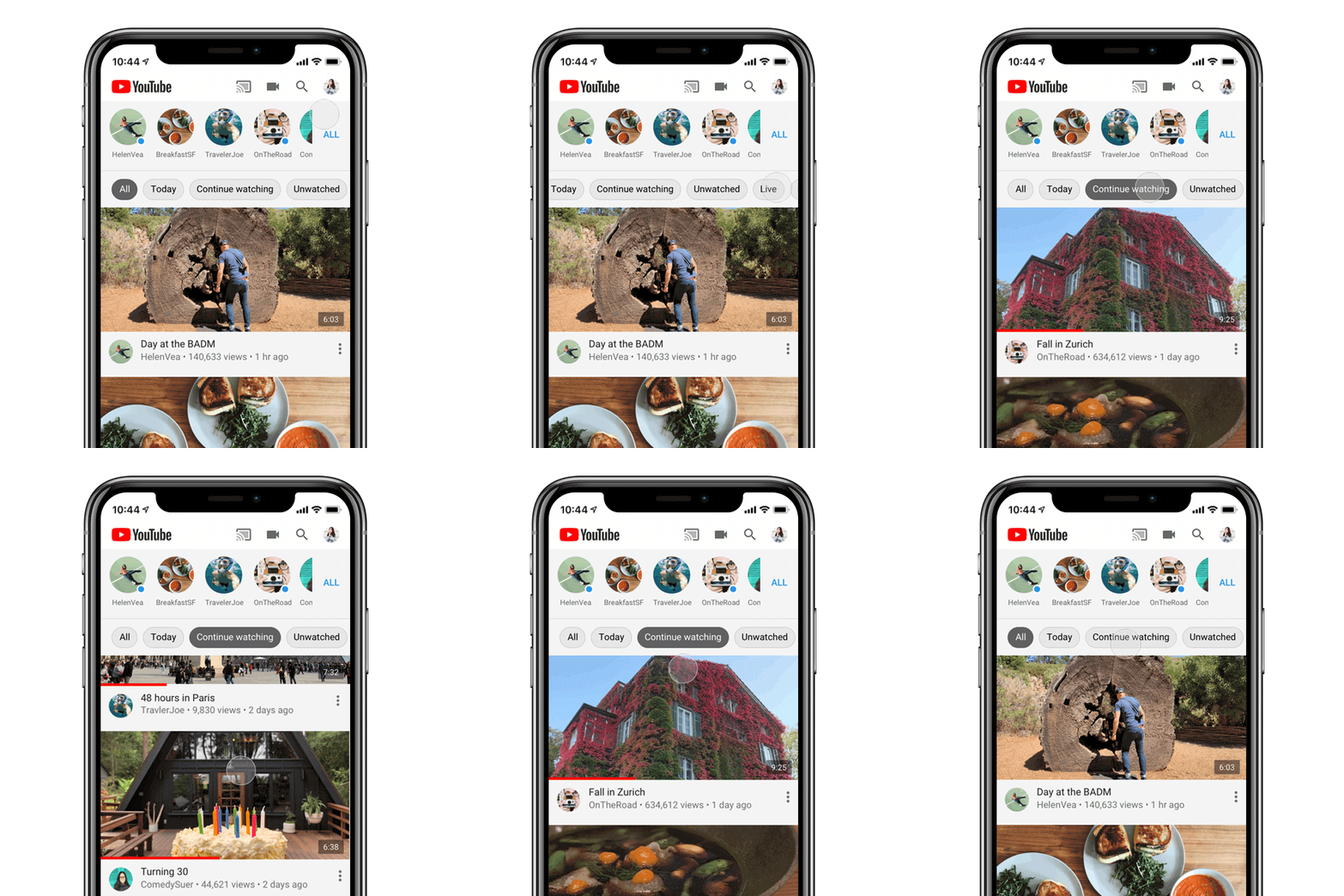
As per Google, here are the filters you'll be seeing:
- All lists all videos from channels you're subscribed to (like it does today) from latest to oldest. This will continue to be your default setting.
- Today shows you videos that were published within the past 24 hours.
- Continue Watching only shows you videos that you previously started watching but haven't finished yet.
- Unwatched only shows you videos you haven't yet watched.
- Live only shows you livestream videos and YouTube Premieres.
- Posts show you Community posts from channels you're subscribed to - you won't see any videos in this view.
YouTube already introduced filtering on its homepage, allowing you to switch between the most popular topics on your feed. Bringing this to your subscription page is only a natural extension to this feature, and the only real surprise is that Google hadn't done it sooner.
YouTube: Everything you need to know