How to enable dark mode in WhatsApp for Android
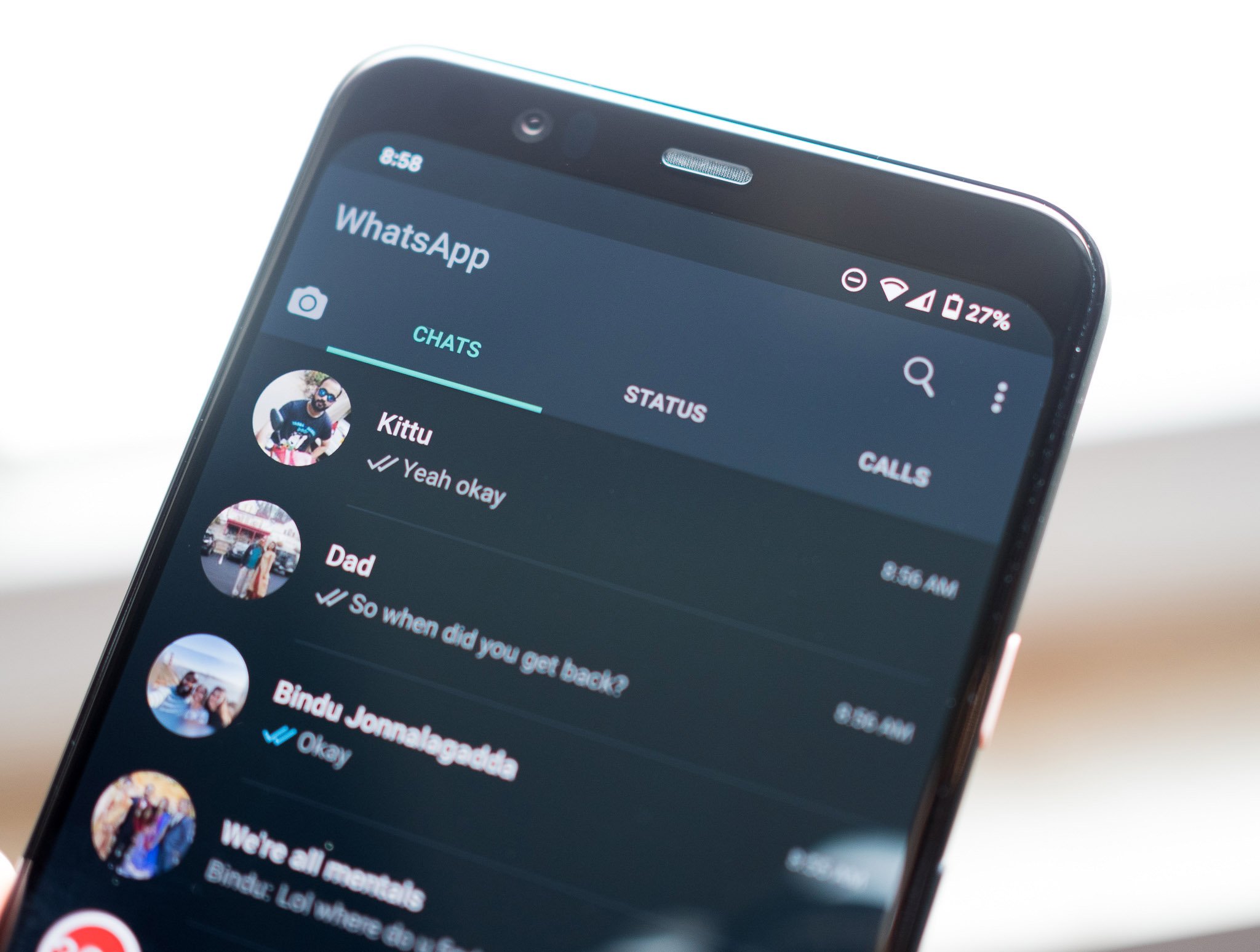
One of the most requested features in WhatsApp over the last couple of years has been dark mode. It is finally available on Android - you can now manually set dark mode for WhatsApp, or have the app match the system theme automatically. Here's how you can get started with dark mode on WhatsApp for Android.
Products used in this guide- Take great photos: Google Pixel 3a XL ($429 at Amazon)
- Open WhatsApp from the app drawer or home screen.
- Tap the action overflow menu (three vertical dots in the top right corner).
Hit Settings.

- Select Chats.
- Choose Themes.
- In the Choose Theme dialog box, select Dark.
You should see the interface switch to a dark theme.

That's it! You should now have dark mode set up for the messaging service. Dark mode looks particularly good on WhatsApp because of the green accents that are present throughout the interface, and they bring a bit of visual flair to the app.
Do note that this setting is only available in the beta version for now, and it may take a few weeks to roll out to the public channel. I'm running version 2.20.14 of the app, so if you don't see the option for dark theme just yet, hang tight. It's coming.
I've had dark mode enabled for a few days now, and it does make a huge difference in how you use the service. It's easier on the eyes, and if you have an Android 10 phone and set dark mode system-wide, there's better visual consistency.
Take great photosGoogle Pixel 3a XL
A great mid-ranger that does it all.
The Pixel 3a XL is a standout offering in the mid-range segment. The phone still has the camera to beat in this category, and you get robust hardware combined with quick updates. There really isn't anything missing here, and the fact that you're getting such a great camera for under $500 makes it a fantastic phone in 2020.