Here's how to create a stereo pairing with your Amazon Echo speakers

One of the best perks of owning multiple smart speakers in your home is the ability to link them all together. The Alexa app makes it easy to cast the same music across multiple rooms in your home, but you're also able to pair two of the same Amazon Echo speakers together to create a stereo pair.
What you need to knowStereo pairing is available for the 2nd generation Echo, the 3rd generation Echo, the 3rd generation Echo Dot, the Echo Studio, and both the first gen and 2nd gen Echo Plus.
However, note that you can only pair two of the same speakers together. That means your available configurations are two standard Echo speakers, two Echo Dots, etc. Note that both speakers need to be in the same room and within a meter or so of each other for setup and pairing. If you already own a compatible speaker, you just need to buy a second one to complete the pair.
Stereo pairing follows the same setup steps as the Amazon Echo Sub, which needs to be paired with one or more standard Echo speakers and can be included in a stereo pairing for enhanced bass.
How to stereo pair your Amazon Echo speakersYou'll need to have all your Echo speakers plugged in and setup on the same Amazon account before you go about pairing them. We'll show you how the process for pairing two like speakers together works. Luckily, it's as easy as adding a new Echo product to your network.
- Tap the Devices tab in the Alexa app.
- Tap the Add (+) icon in the top corner.
- Tap Set Up Audio System.
Tap Stereo Pair.

- You'll see your list of available Echo speakers. Pick two of the same type of speaker that you want to stereo pair together.
You'll be asked to set a channel for each speaker. This will depend on each speaker's placement in your room.

Once you've gone through this process, your new stereo pairing will appear as a speaker group in the Alexa app. Amazon Echo stereo pairing only officially supports music streaming through the app, and Amazon does not recommend using an AUX-in connection for a stereo pair.
Not seeing one of your speakers show up in your list of available devices? You're only able to pair together speakers that are not already paired with another group, so you'll need to make sure to unpair any speakers before you go about adding the stereo pair. Also, if you find yourself unpairing a group of speakers that includes an Echo Sub, the Echo Sub will need to be reactivated by grouping it with another Echo speaker before you can use it again
Our top equipment picksIf you're buying your first Amazon Echo speakers, the Echo Studio offers the best sound quality at a higher price, but the Echo Sub bundle that comes with two third-generation Echo speakers is the best value.
Best valueAmazon Echo Dot (3rd gen)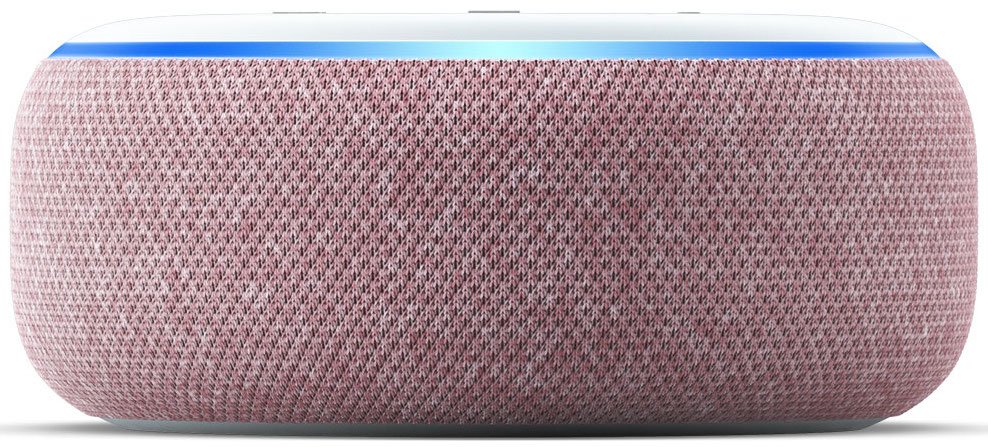
Affordable way to add stereo paired smart speakers
Amazon's redesigned Dot speakers offer slightly better audio quality than previous editions while still maintaining a great entry-level price. You can buy two for under the price of one Echo (3rd Gen).
The best sound in a single EchoAmazon Echo Studio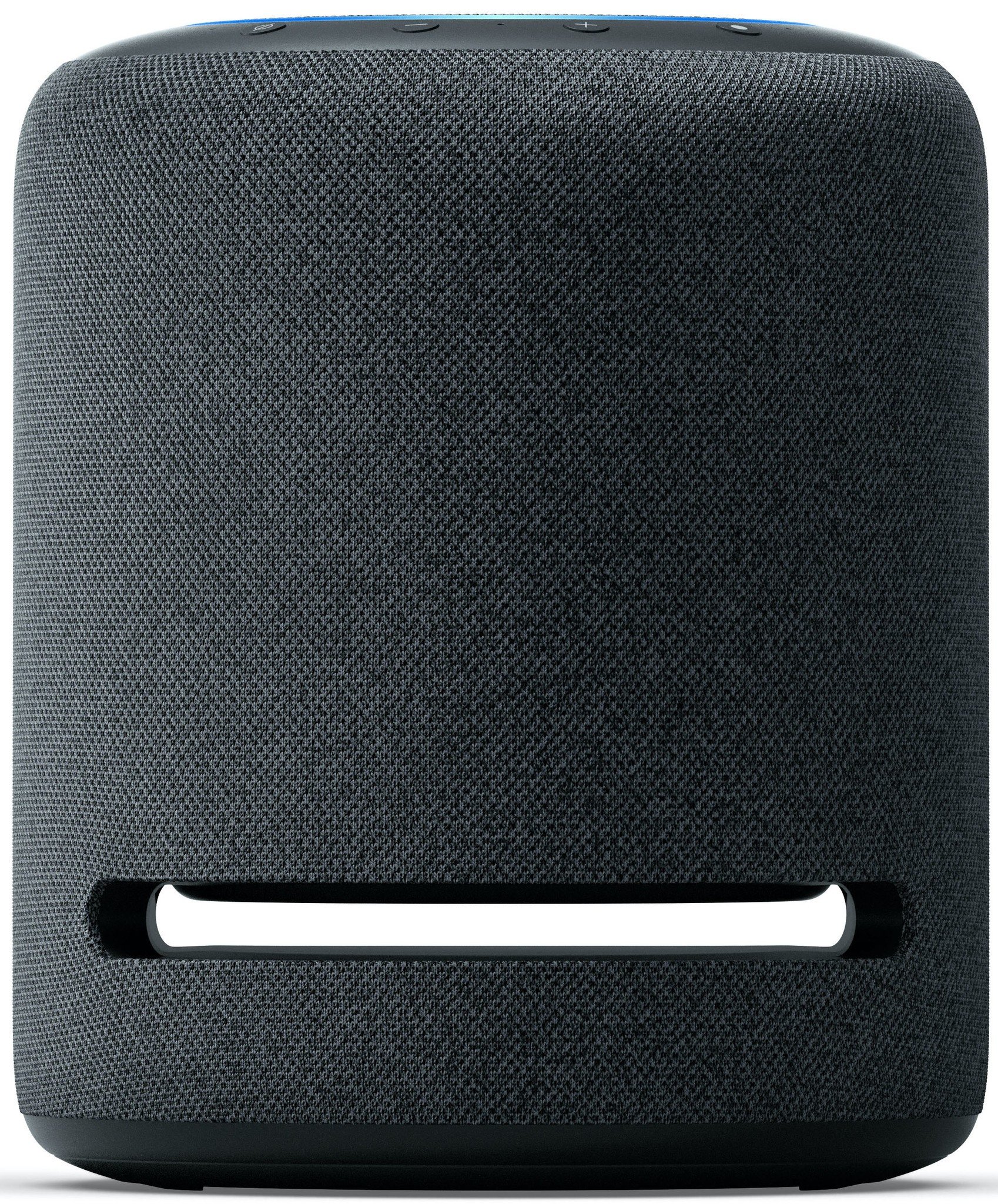
Great alone or with friends
The Echo Studio is about providing the best sound possible. It can do so on its own - or you can pair it with another Echo Studio, Echo Sub, and/or with your Fire TV for surround-sound experience.
Amazon's 2.1 stereo solutionEcho Stereo Pair with Echo Sub
Worth the money if you're a newcomer
Amazon would really like people to buy their new Echo Sub subwoofer, so it's paired the $130 speaker with two $100 Amazon Echo speakers for just $280. Doing the math, that means you'll save $50 with this bundle versus buying them separately.