Here's how to add friends in Pokémon HOME

One of the essential parts of Poki(C)mon games is being able to trade with other people to complete your Poki(C)dex or to get shiny versions of your favorite creatures. So, in order to get the most out of Poki(C)mon HOME you're going to want to add friends so you can trade with them. Trading can only be done within the mobile version of Poki(C)mon HOME, so be sure to download the app on your phone before you get started.
Products used in this guide- Swap that Poki(C)mon!: Poki(C)mon HOME for Android (Free at Google Play)
- Open Poki(C)mon HOME on your smartphone.
Tap the screen to get past the start menu.


- Select Friends.
Select Add Friend.


- Your own code will appear at the top of the screen. Tap the QR code button if your friend is physically near you.
Tap Share Code if you want to post your friend code somewhere.


- You can also select Copy Code if you'd prefer to paste the code the old fashioned way.
Now, it's your friend's turn. Have them continue with the next set of steps.


- Open Poki(C)mon HOME on your smartphone.
Tap the screen to get past the start menu.
- Select Friends.
Select Add Friend.
- If your friend has given you their QR code, select Scan Code Pattern and then line up your camera so that the code shows up within the brackets on your screen.
If you freidn has given you a numeric code, select Tap here and enter a Friend Code.


- Add the code in.
Press Confirm.


Now that you're connected on Poki(C)mon HOME you can trade with each other. Have fun collecting even more Poki(C)mon. I hope you receive all the shinies and all the Poki(C)mon with the best IVs while trading with others in Poki(C)mon HOME.
Additional EquipmentI personally use these Switch accessories. What makes them so great is that they work on both the original Switch and the Switch Lite. They are a great way to round out your gaming experience.
SanDisk 128GB micoSD Card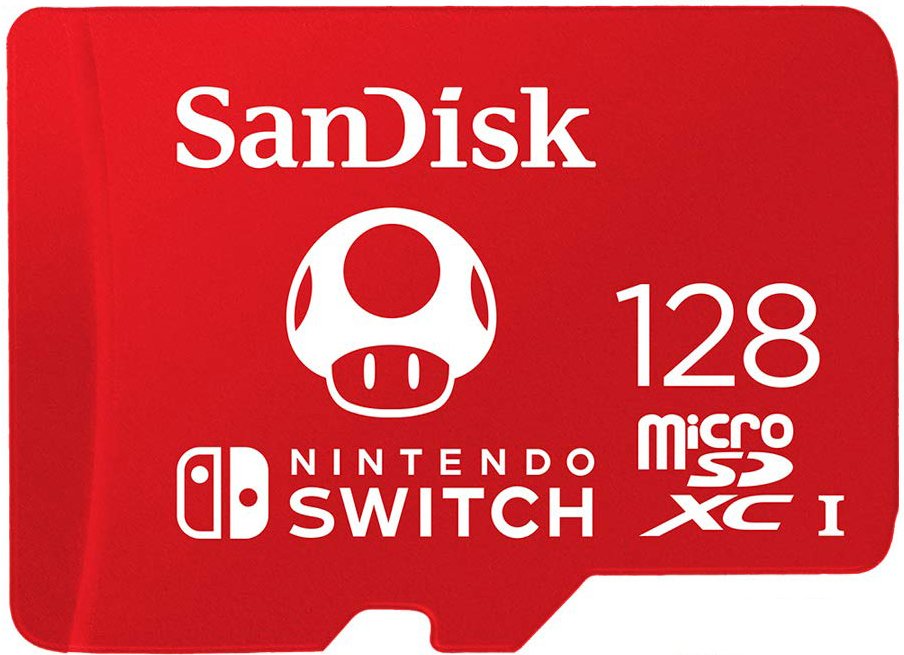
Give your Switch or Switch Lite additional storage space with this nifty, Mario-themed, 128GB microSD card. That's plenty of space for your downloads, screenshots, and game data.
Hori Compact Playstand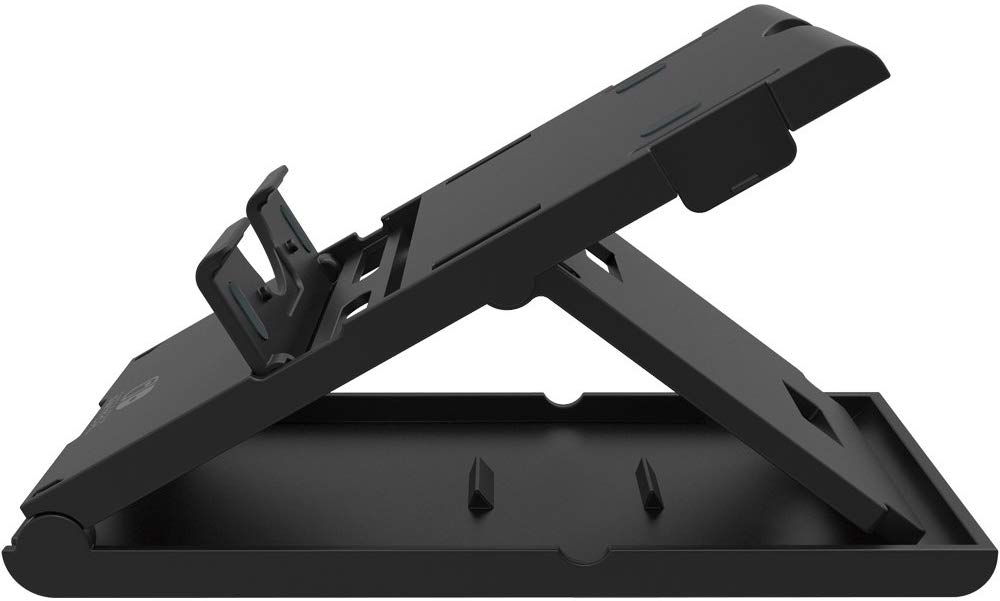
This stand is perfect for when you're playing in tabletop mode or when you want to watch Hulu or YouTube on your Switch. It offers three different positions and is sturdier than the Switch's kickstand.
PowerA Enhanced Wireless Controller - Pikachu vs. Mewtwo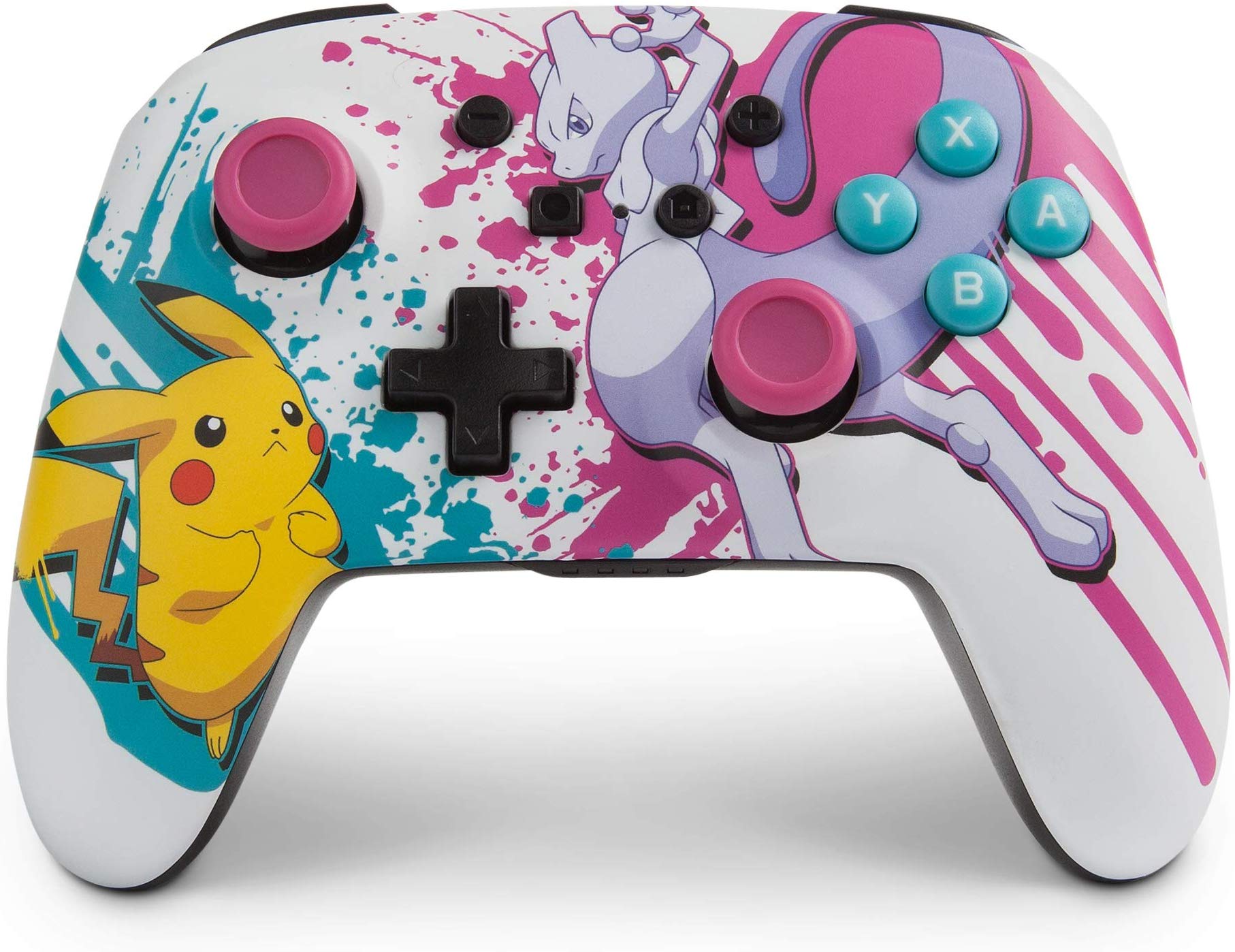
This Poki(C)mon-themed controller is not only wireless but features an awesome spraypaint-splatter design complete with a battling Pikachu and Mewtwo.