Not getting enough out of Pokémon HOME premium? Cancel it

Poki(C)mon HOME offers a lot of awesome features to help you trade into the service from a host of Poki(C)mon games or to help you trade Poki(C)mon with other users. Anyone who signs up for a premium subscription plan will be automatically enrolled in subscription renewal. If you've tested out the premium subscription and have decided it's not for you, then you're definitely going to want to cancel it. here's how to do that.
How to cancel the premium Poki(C)mon HOME subscriptionYou will need to cancel the subscription from the version you purchased it from. For instance, if you purchased Poki(C)mon HOME premium from your Nintendo Switch, you won't be able to cancel from the Poki(C)mon HOME smartphone app. In this case, you can only cancel it from your Nintendo Switch.
Cancel on your phone- Open the mobile app.
Tap the screen to get past the start menu.


- Select the hamburger button at the bottom of the screen.
Select Options.


- The next screen will land you on the Account tab. Select Check Plan.
Select Manage Plan Renewal.


- You'll be taken to the Google Play Store to manage your subscription. Select Cancel subscription.
Select the reason why you're cancelling the subscription and then select Continue.


- From the Switch's main menu, select Nintendo eShop.
If there are multiple accounts on your Switch, make sure to select the account that purchased the premium Poki(C)mon HOME subscription.
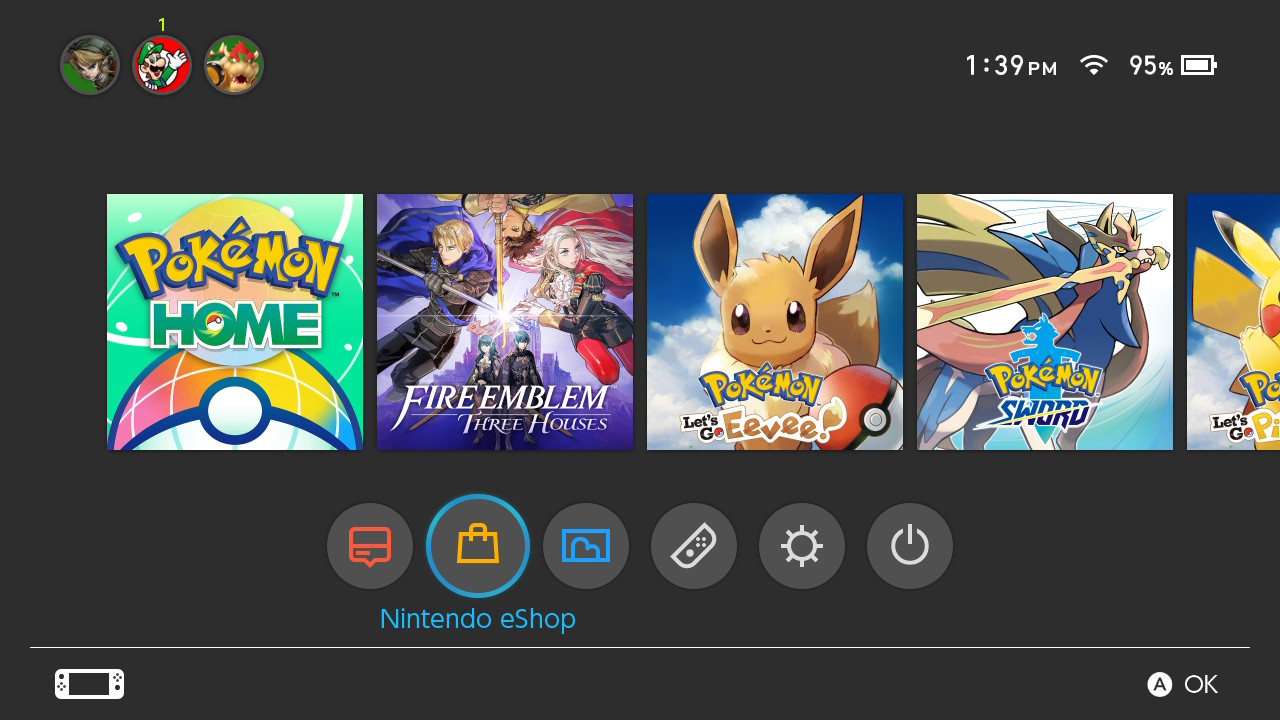
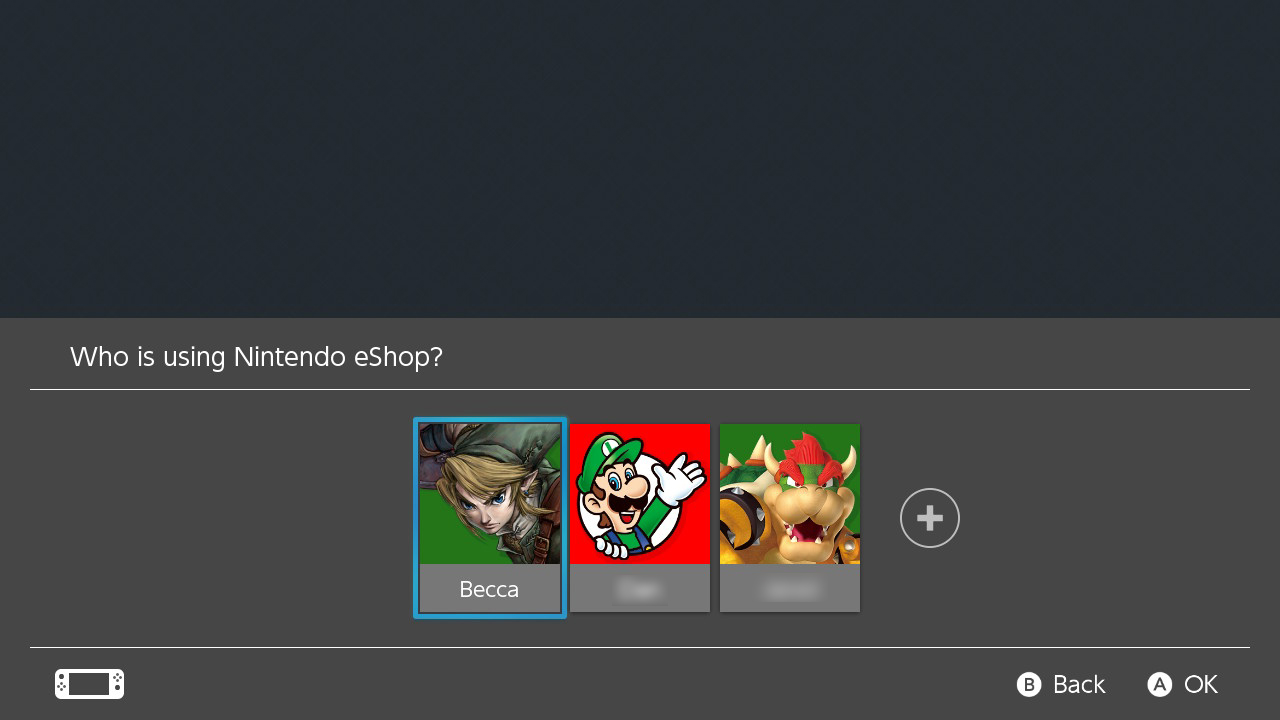
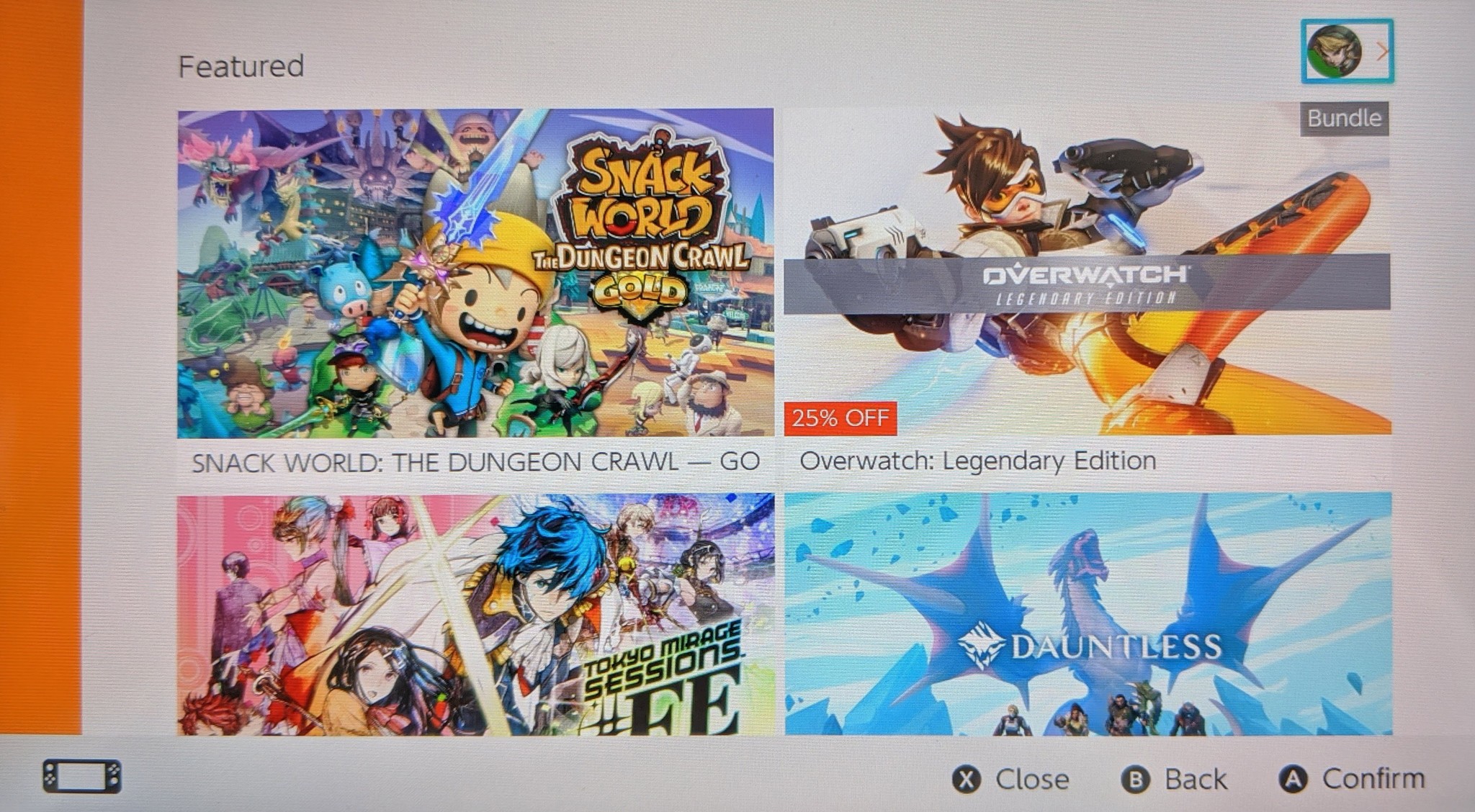
- Select your user icon in the upper right corner of the screen.
Scroll down to Your Subscriptions.
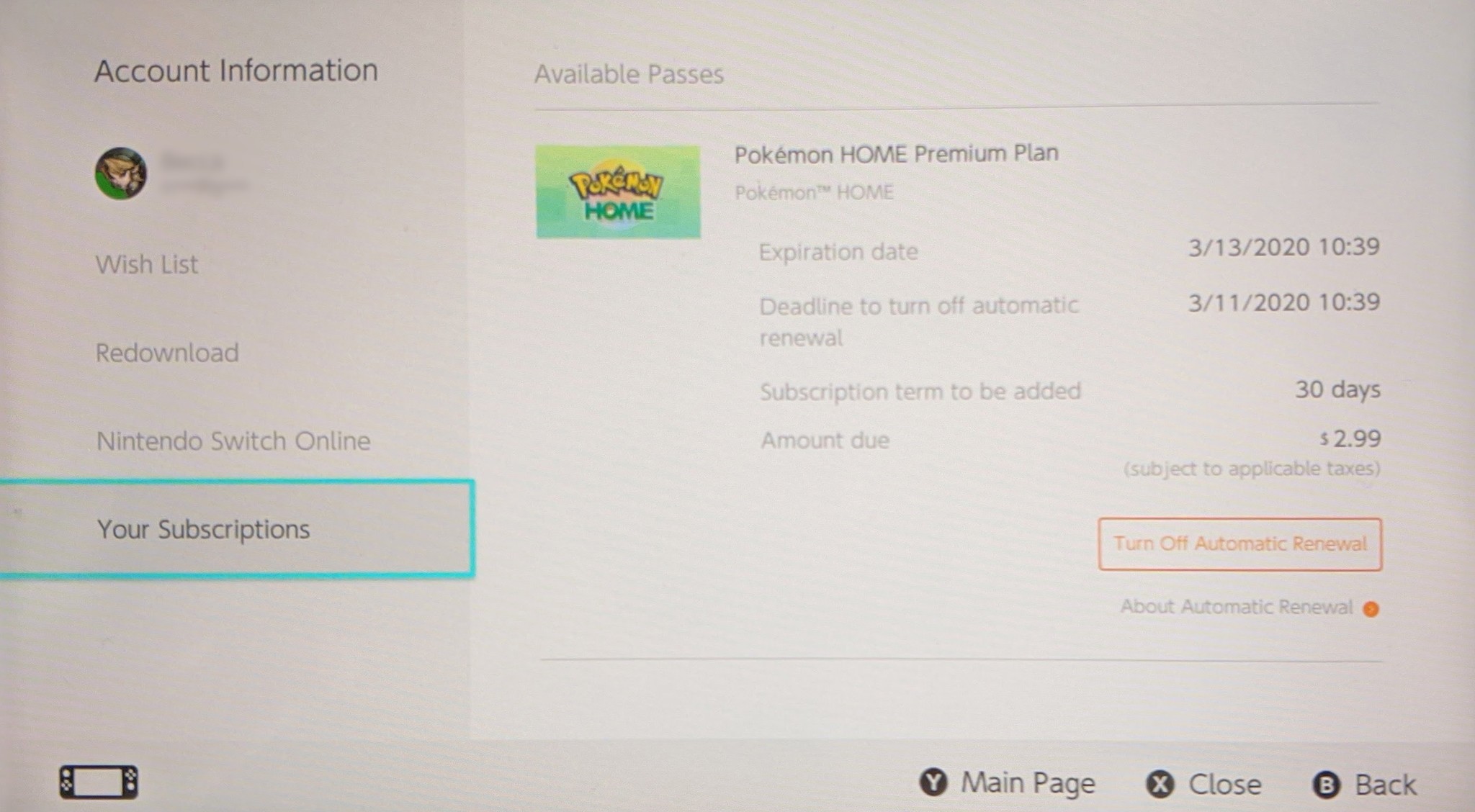
- Select Turn off Automatic Renewal on the right side of the screen. Note that if it doesn't say Turn off Automatic Renewal, that you either didn't sign up for automatic renewal, or that automatic renewal has already been turned off.
Select Turn Off. Note that the box will tell you how much longer you can currently use the service for.
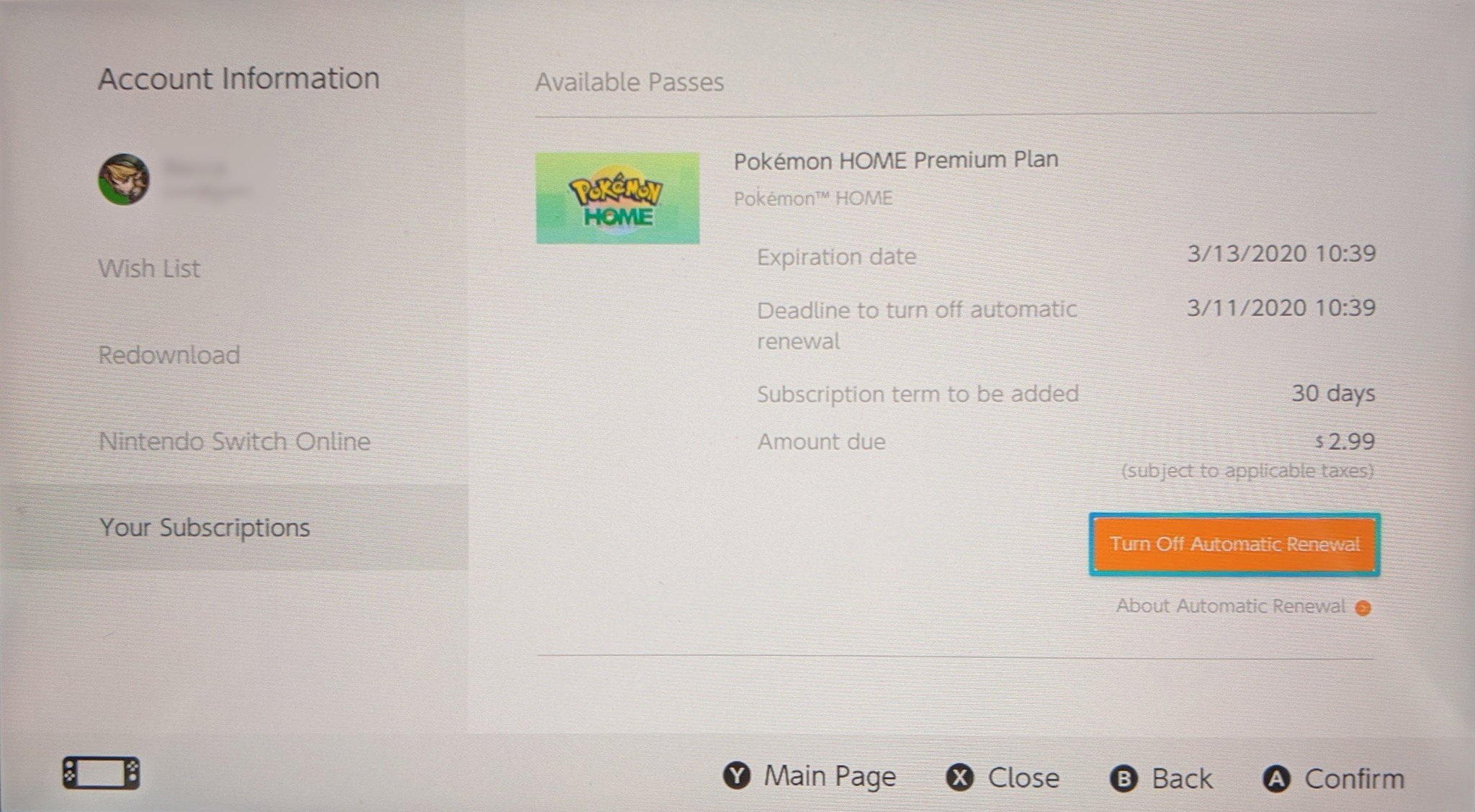
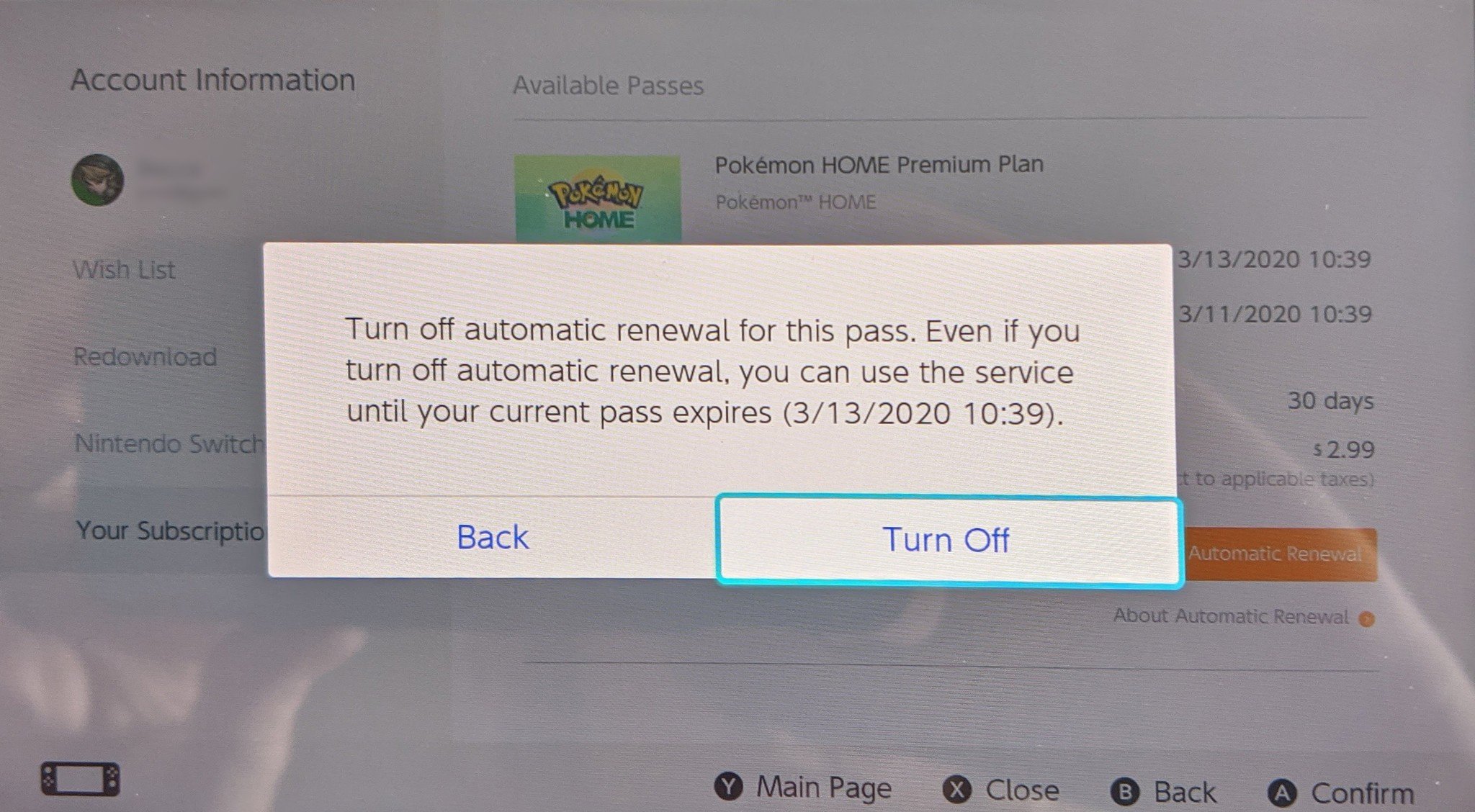
The premium subscription for Poki(C)mon HOME isn't for everyone. If you don't forsee yourself using this service all that frequently then you likely won't benefit much from the paid version. It's a little strange that you can only cancel your subscription based on which version of the service (mobile or Nintendo Switch) you purchased it from, but that's how it goes.
Additional EquipmentYour gaming sessions can be immensely improved by the proper gear. Here are some of my personal favorite accessories for the Nintendo Switch.
SanDisk 128GB micoSD Card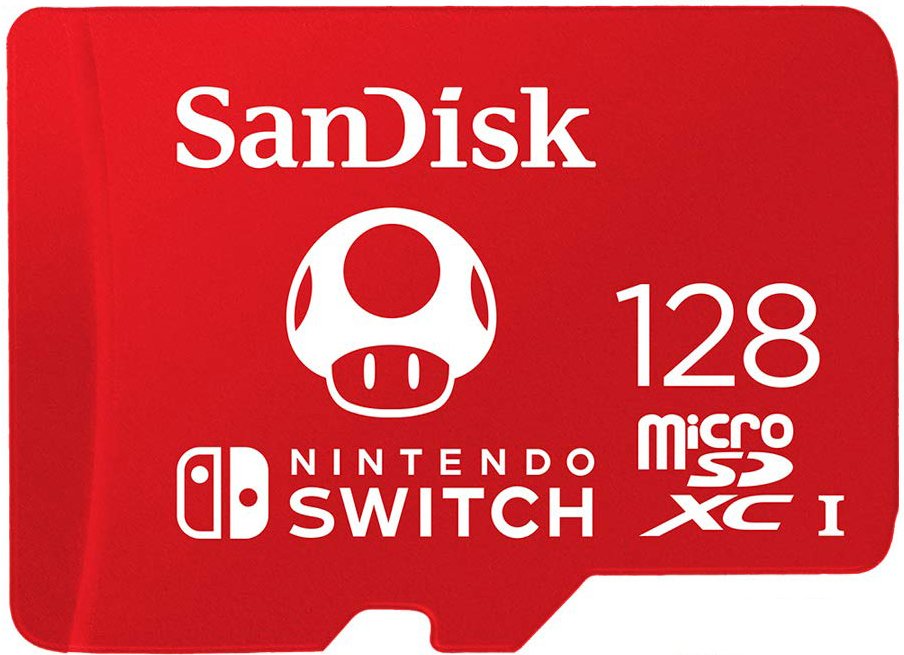
Give your Nintendo Switch more space by purchasing a micro SD card. This one gives you 128GB of storage and has an awesome Mario-theme.
Hori Compact Playstand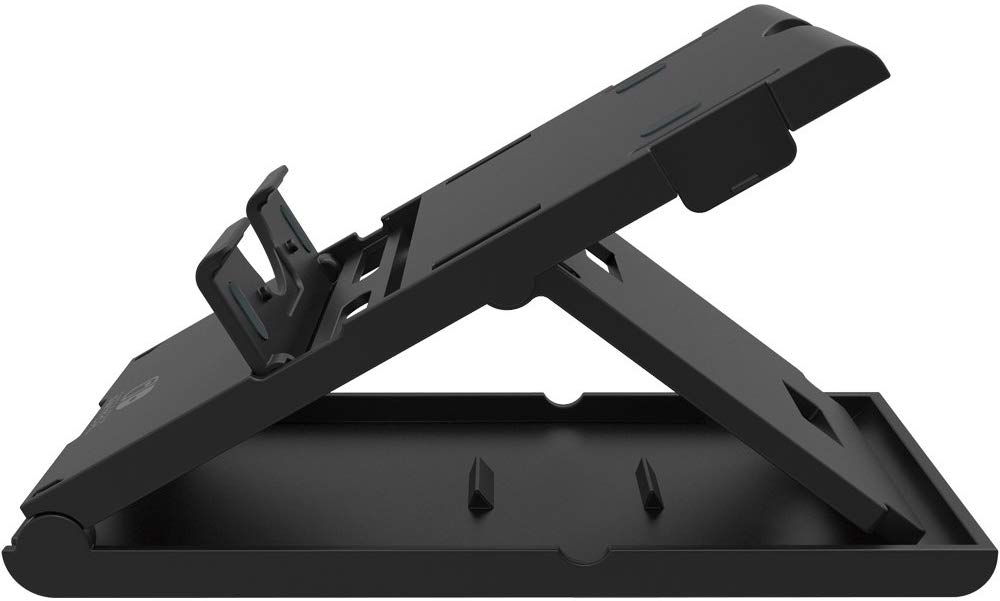
Use this stand to prop your Nintendo Switch up when you're playing in tabletop mode or simply when you need to give your hands a break.
PowerA Enhanced Wireless Controller - Pikachu vs. Mewtwo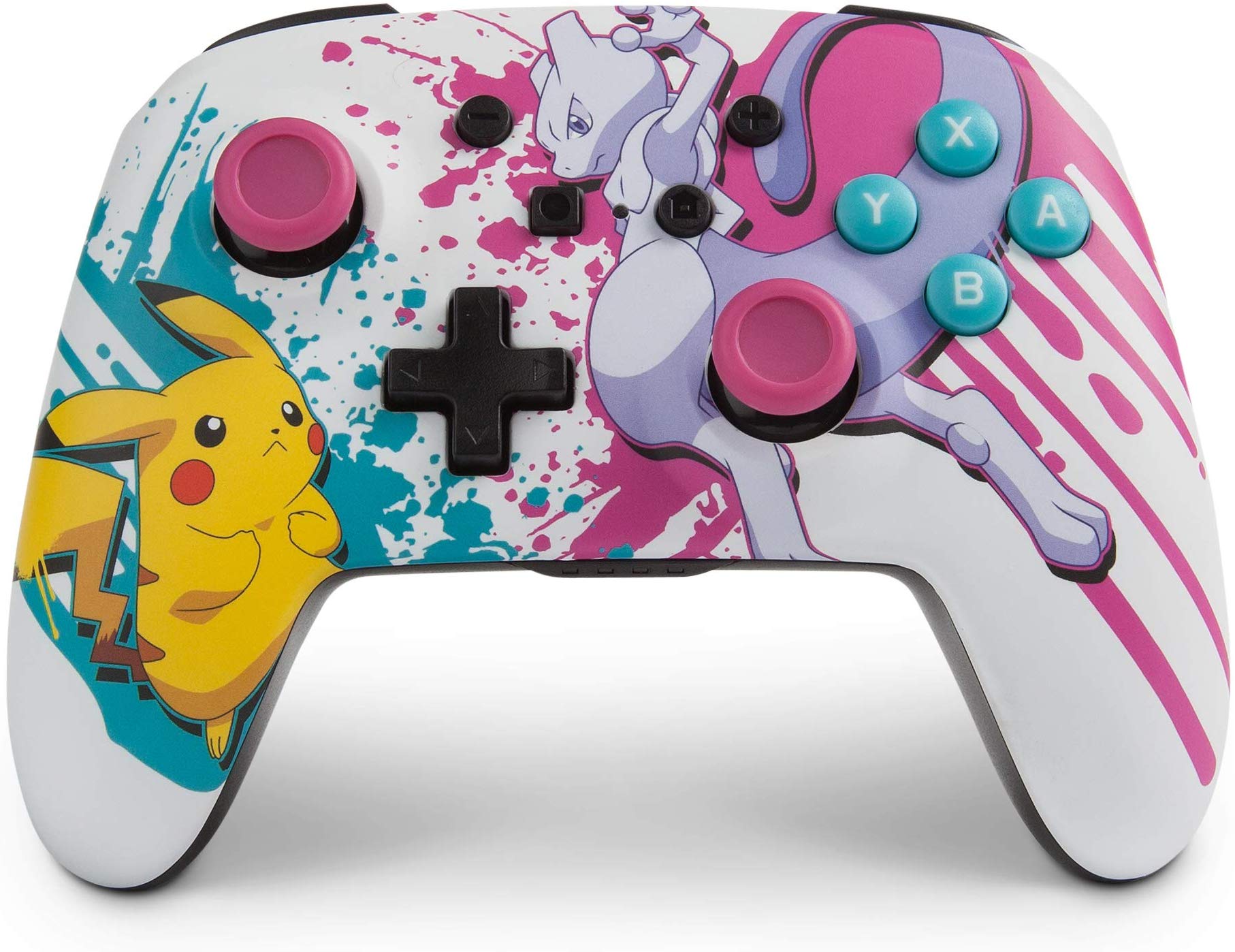
Wirelessly play your favorite Poki(C)mon games while using this fitting controller. It depicts Pikachu and Mewtwo in battle with awesome paintsplatters all around.