Pick the Amazon Echo speaker you want to use most
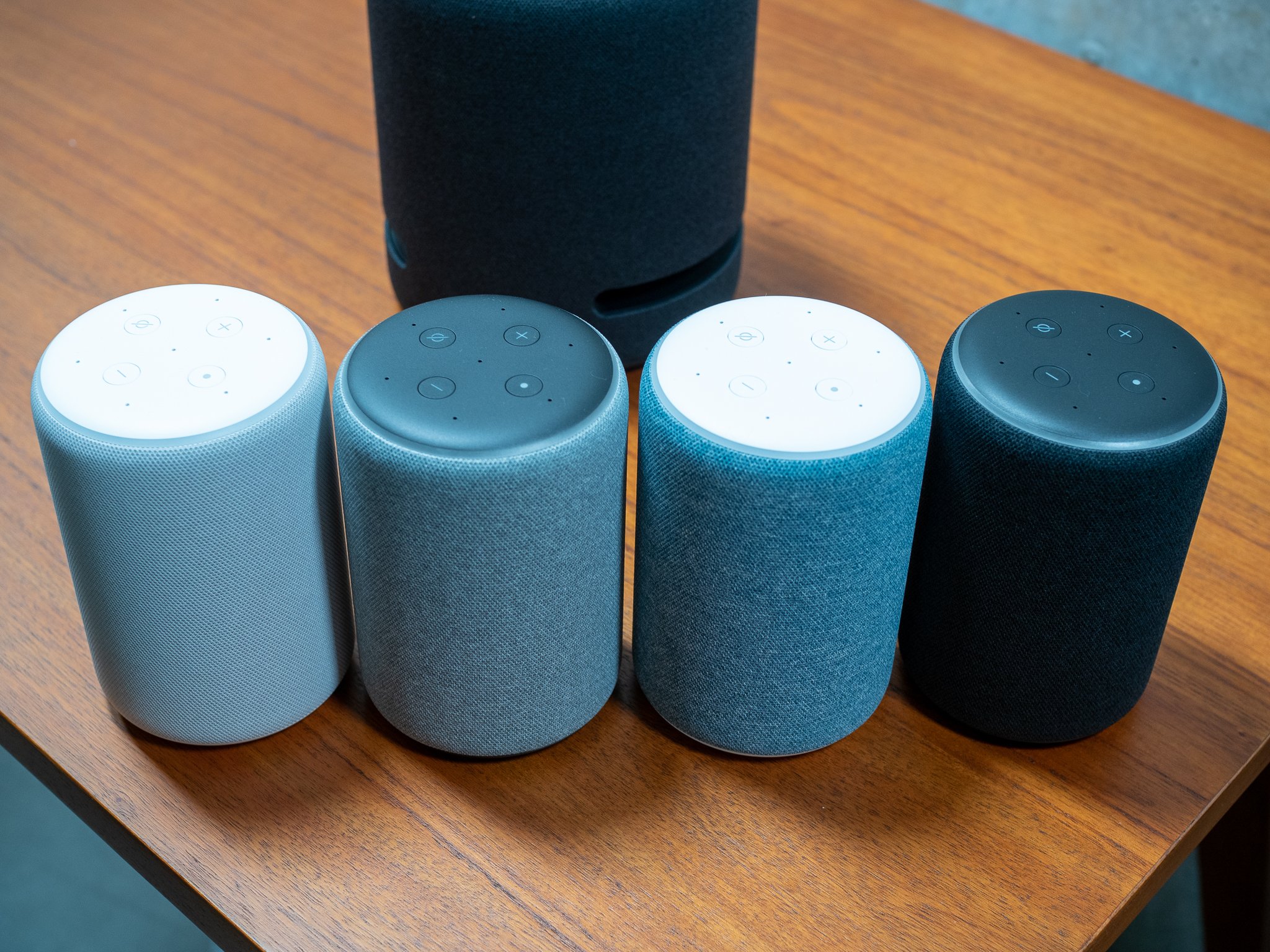
If you are like me and have multiple Amazon Echo smart speakers, sometimes when you call out to one, a different device responds. Or, when you ask Alexa to play music, she sends the stream to a different speaker. Here's how to make sure the output comes from where you expect it.
Products used in this guide- Most popular Echo: Amazon Echo Dot (3rd Gen) ($50 at Amazon)
- All-around champ: Amazon Echo 3rd Gen ($100 at Amazon)
- Newest smart screen: Amazon Echo Show 8 ($130 at Amazon)
To set a default speaker, you'll need to have multiple Echo speakers arranged into an existing group. If you don't have this setup, here's how.
- Open the Amazon Alexa app on your smartphone.
- Tap on Devices in the lower right corner.
Tap on the + icon in the top right corner.
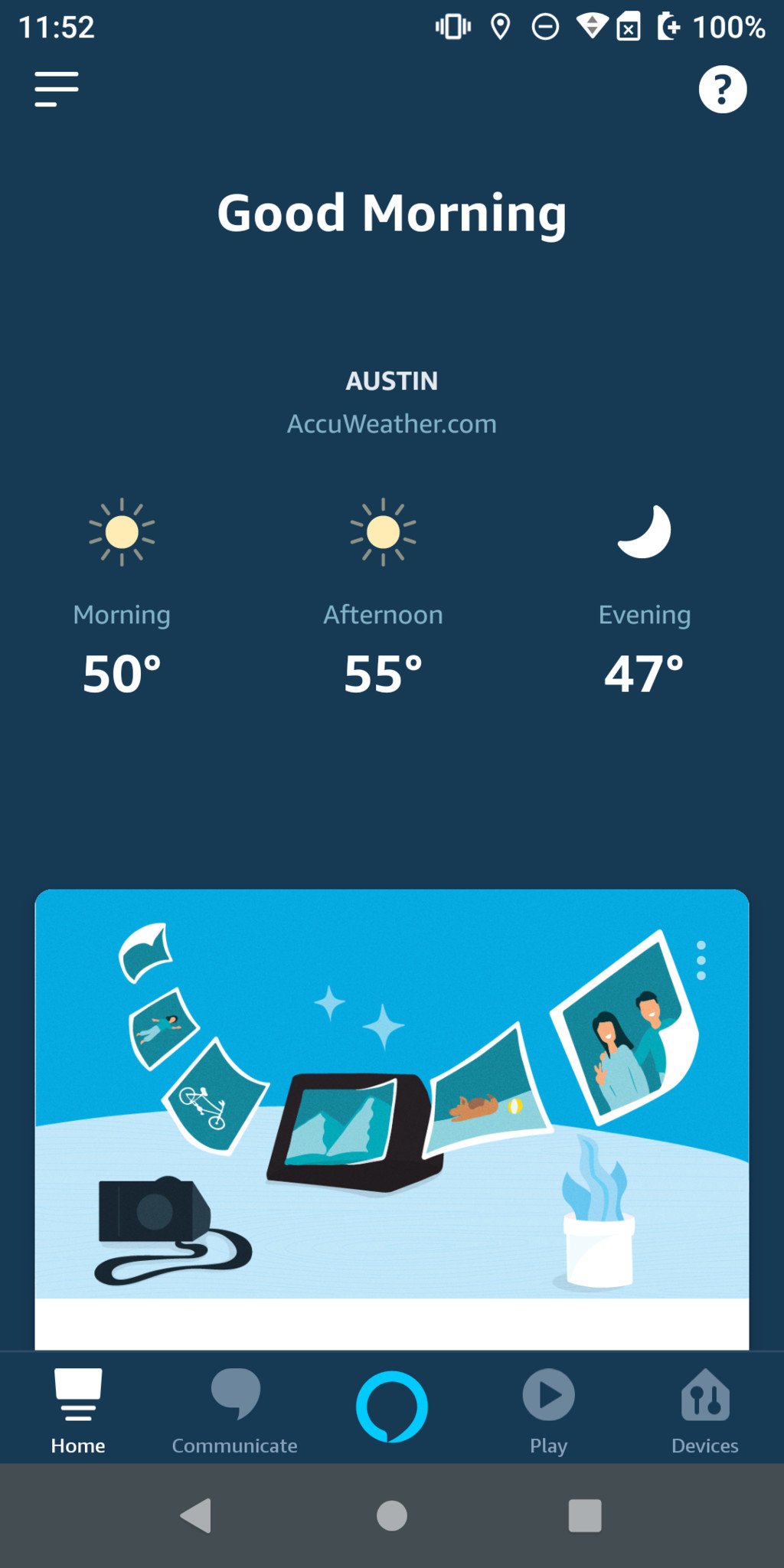

- Tap on Add Group.
- Select or create a group name.
Choose which Echo devices should be in the group, then tap Save.
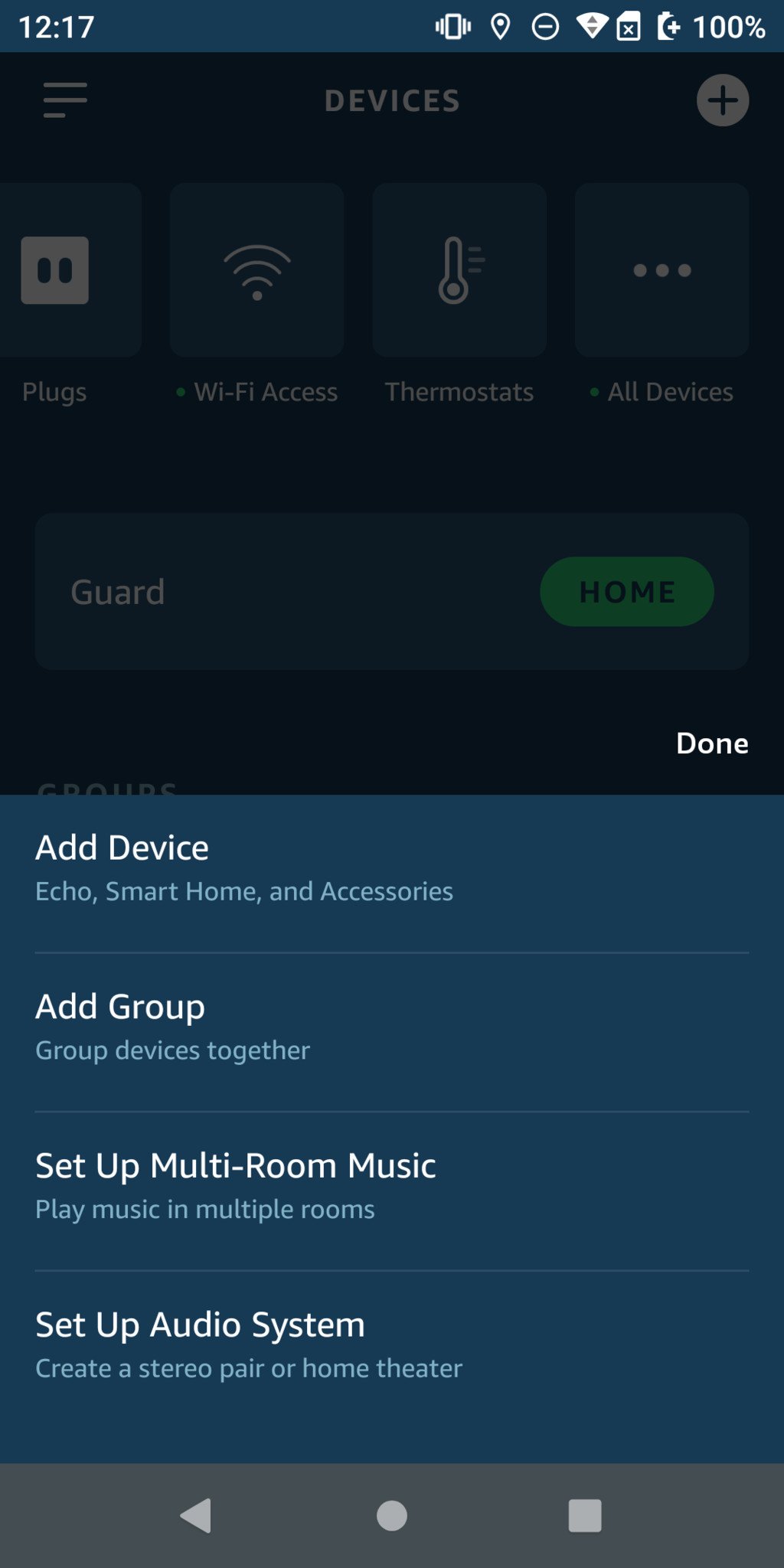


Now that you have a speaker group, you're ready to select your preferred or default speaker.
- Open the Amazon Alexa app on your smartphone.
- Tap on Devices in the lower right corner.
- Under the Groups section, tap on the device group from which you want to select your default speaker (in my case, I'll tap on "Downstairs").
Tap on Setup under the Preferred Speaker tab.

- Read the explainer from Amazon, and tap Continue.
Tap on your preferred speaker, and tap Save.
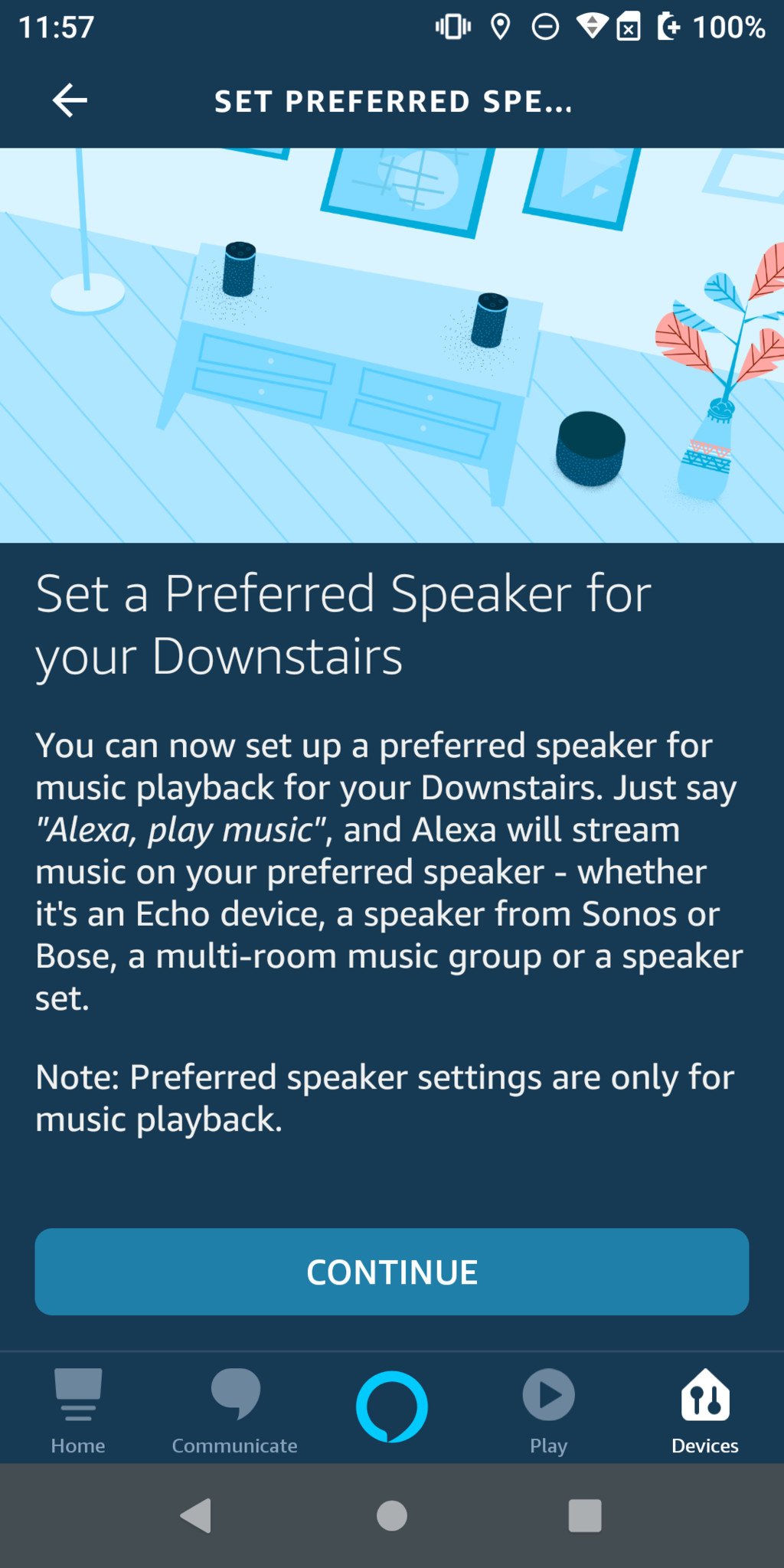

Now that you've chosen a preferred speaker, you can count on your music coming from that specific Echo every time. The exceptions are if you ask Alexa to play music through the entire group ("Alexa, play music Downstairs"), on a particular device ("Alexa, play music on the Kitchen Echo"), or on all devices ("Alexa, play music everywhere").
Our top equipment picksIf you don't have any Amazon Echo speakers, or if you want to add to your existing group, consider one of these devices.
The fan favoriteAmazon Echo Dot (3rd Gen)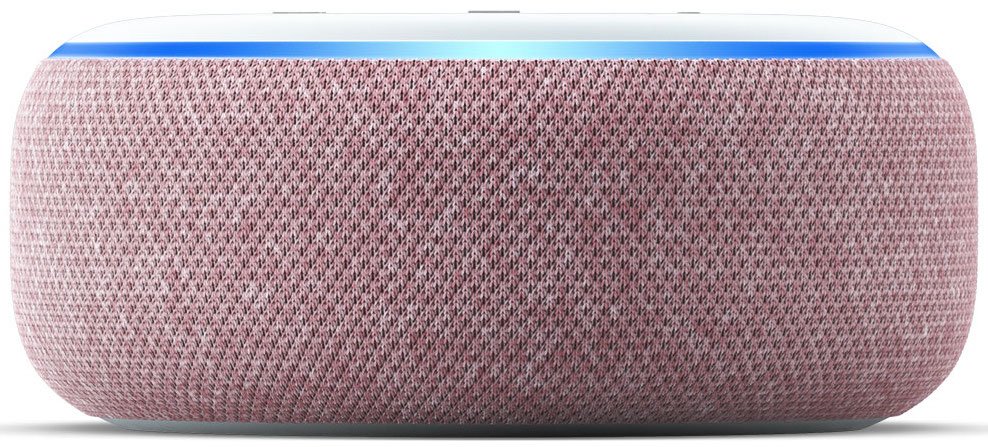
A great value
The Echo Dot (3rd Gen) has a familiar design and decent speakers for the size of the device and comes in at an extremely affordable price point.
Value smart speakerAmazon Echo (3rd Gen)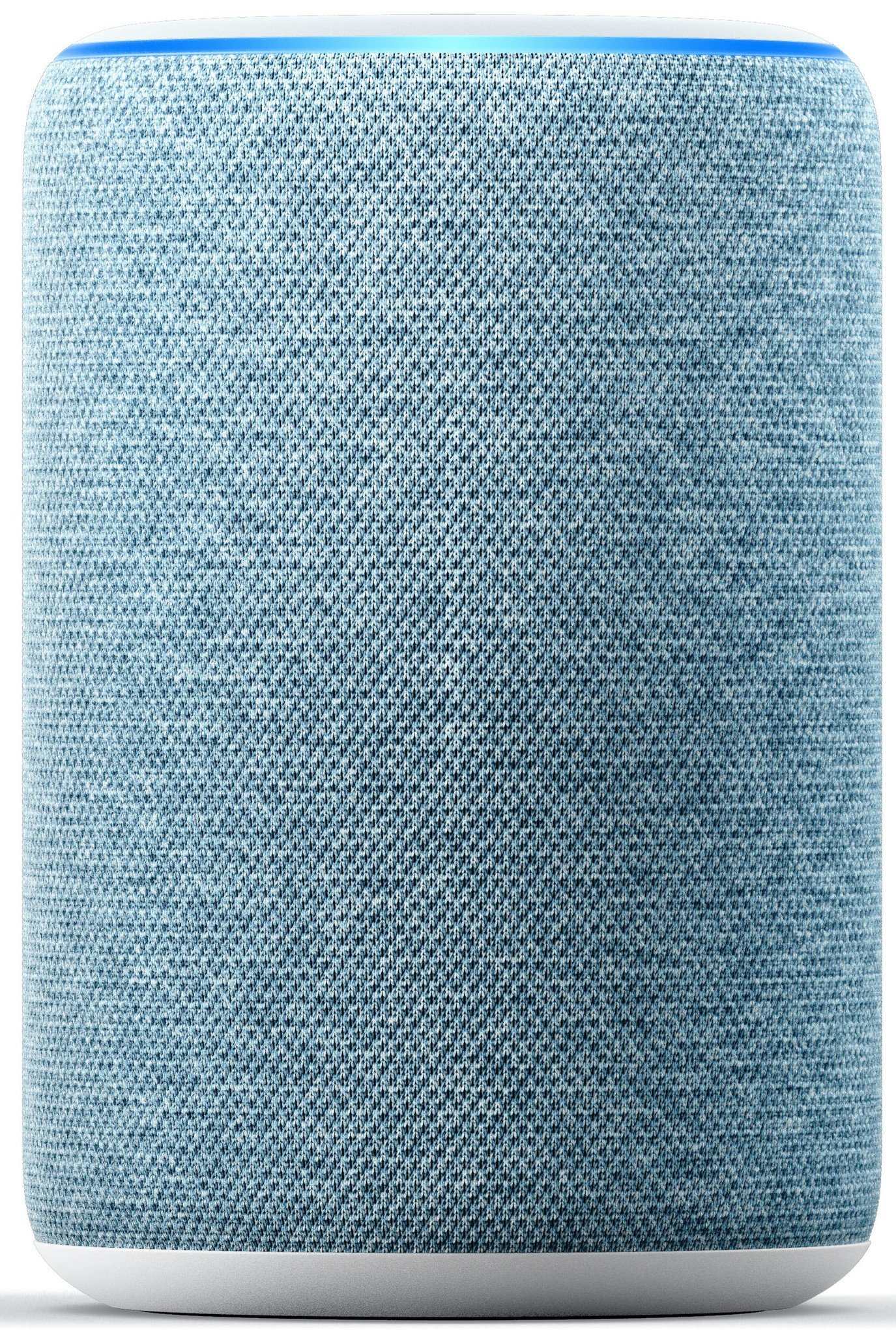
$100 at Amazon $100 at Best Buy
Better sound and cooler colors
The 3rd gen Echo is built for better sound with a softer, plusher look that comes in four colors, including the soft new twilight blue.
Best of showsAmazon Echo Show 8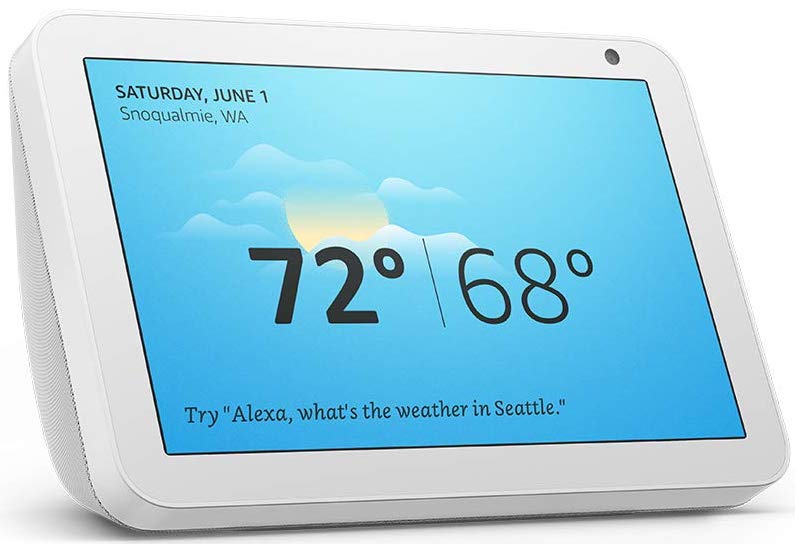
$130 at Amazon $130 at Best Buy
Not too big, not too little
The Echo Show 8 comes in a more natural size that's easier to place than the 10-inch Echo Show but still more comfortable to watch recipes and videos on than the Show 5.
These are some of the latest and greatest Amazon Echo smart speakers, so if you're looking to diversify or add to your collection, any one of these will make you happy. If you want to make a stereo pair, consider getting two of the same kind of smart speaker (this doesn't work with the Echo Show devices though).
Additional EquipmentNow that you singled out your favorite Echo speaker, ask Alexa to stream some of Amazon's excellent premium content like Amazon Music Unlimited or Audible audiobooks.
Amazon Music Unlimited
Amazon Music Unlimited offers over 40 million songs, special exclusives, and tailored playlists and stations. If you're a Prime member, you can get a few bucks per month off of your membership!
Audible
Listen to thousands of books in hundreds of categories. Audible also has lots of podcasts and great original content.