The best options to print from a Chromebook
Contrary to what you might hear, you can print from a Chromebook. But it isn't quite as easy as it might be with other computers. Fortunately, that doesn't mean you can't ever print from your Chromebook! The following printers can connect with a Chromebook for printing from the device and don't require a complex set-up.
Best for the officeCanon Office MAXIFY IB4120 Printer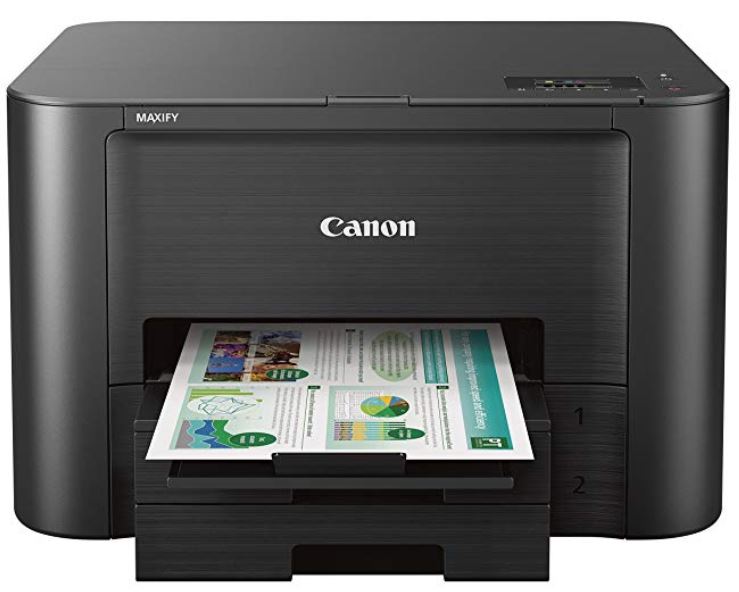
Staff pick
Designed specifically for the office with its 500-paper capacity, the Canon Office IB4120 printer works with multiple devices and is great at home, too.
Easy set-upBrother MFCJ491DW Multi-Function Wireless Printer
The Brother MFCJ491DW multi-function wireless printer is a versatile option that lets you print wirelessly and even lets you scan documents to cloud services like Google Drive.
Black and white benefitsBrother HLL2395DW Compact Monochrome Laser Printer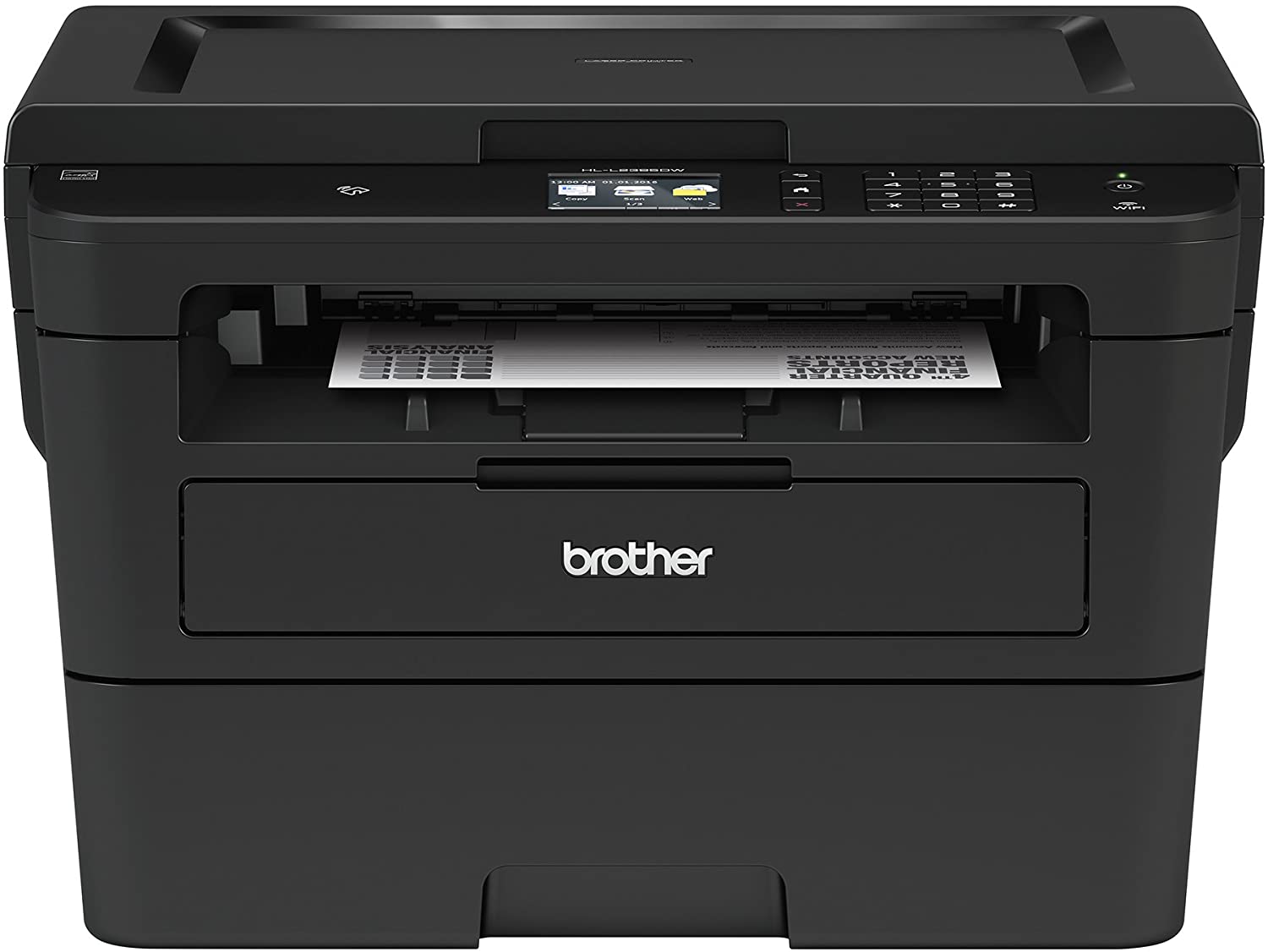
The Brother HLL2395DW will allow you to print no matter where you are, and with the printer's 36 pages per minute speed, you'll have prints in a jiffy.
$160 at Amazon$160 at Best Buy
Great for photosCanon TS9120 Wireless All-In-One Printer
You can easily set up this printer through the Canon app. Then you'll have access to great features like versatile photo printing, allowing you to print great looking borderless photos.
Works with multiple devicesHP OfficeJet Pro 8210 Wireless Printer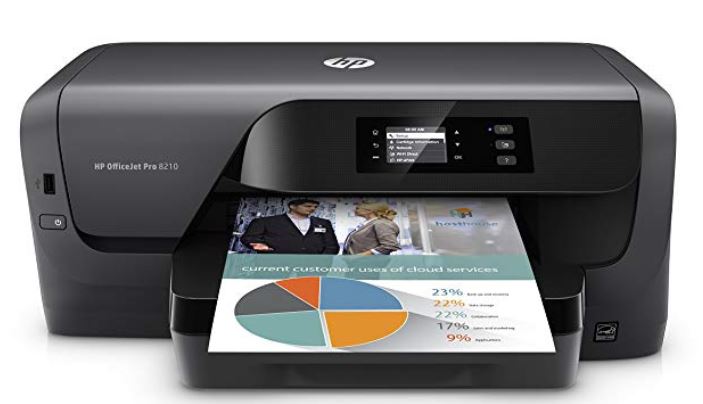
The HP OfficeJet is a capable printer for your Chromebook that also connects to your phone or camera via its USB port.
$100 at Amazon$100 at Best Buy
Speedy printerHP Envy 5055 Wireless AIO Printer
Print using the HP Smart app from cloud services like Google Drive, iCloud, DropBoxm and in a variety of page sizes, from No. 10 envelopes to legal.
SolutionsHaving a Chromebook can be amazing. But it can also be stressful when some things weren't made with your device or Google Cloud Print in mind. Fortunately, these printers are compatible not to mention speedy, secure, and use quality ink/toner. If we had to pick a favorite? We'd go for the Canon Office MAXIFY IB4120 Printer due to its personal features, as well as it being able to connect to multiple devices at once.
The HP Envy 5055 printer is also a great deal. It allows you to print from tons of different cloud services, including Google and more, and you can even automatically re-order ink using an HP Instant Ink subscription so you never run out.
Finally, if you take a lot of photos and want to print out a digital memory or two, the Canon TS9120 is perfect. We love both the quality and speediness when it comes to printing out our pictures and think you will, too.